

Forward Future Tools Library

Taskeract
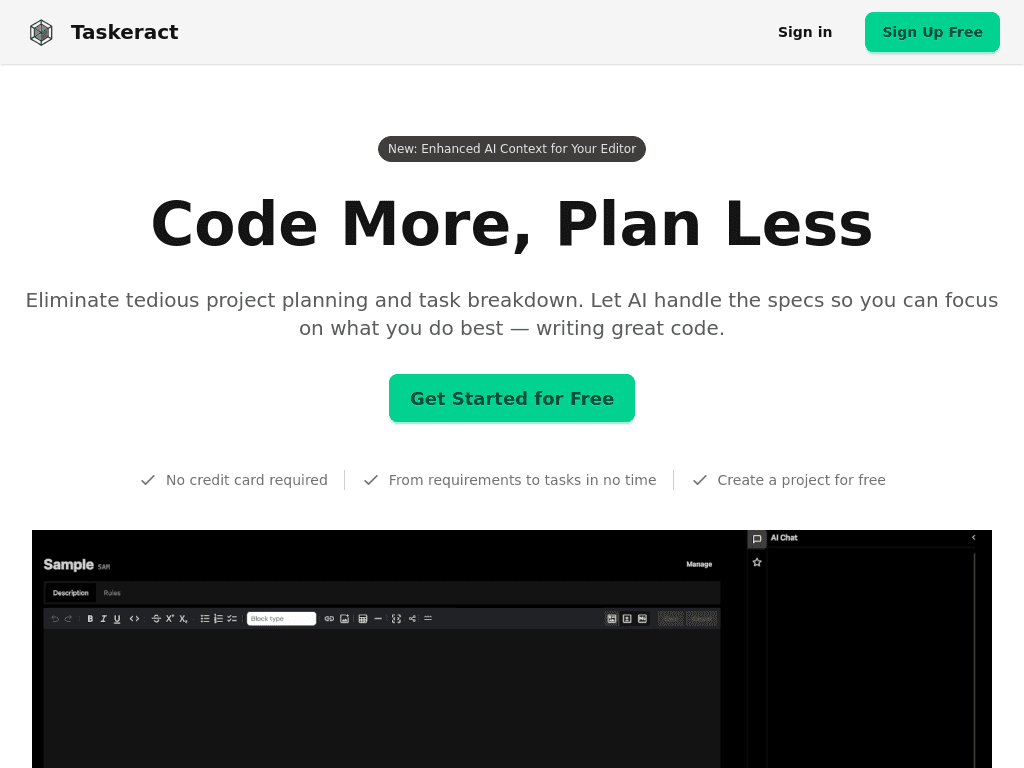
Taskeract gives solo developers and engineering teams isolated workspaces for running AI coding agents, reviewing Git changes, and moving code through pull requests.
taskeract.com·From $15 /seat/mo or $150/yr·Checked 2026-08-24
›What is Taskeract?
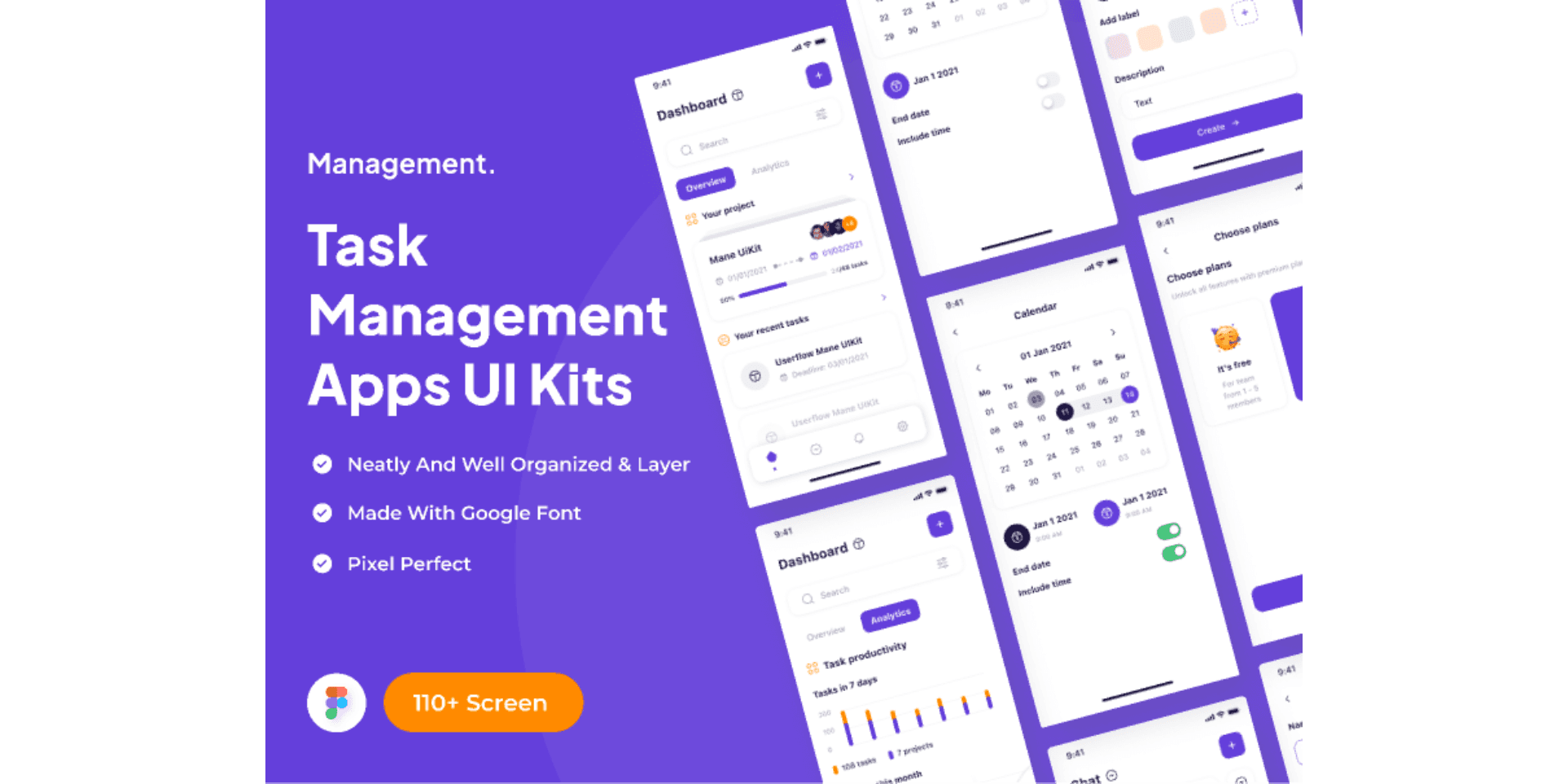
Taskeract is a desktop AI coding workspace for Linux, macOS, and Windows. It runs Claude Code, OpenAI Codex, and OpenCode in real terminals, with isolated Git workspaces for each session. Developers can create checkpoints, review semantic diffs, open pull requests, resolve conflicts, and monitor CI checks from the app.
›What are the pros and cons of Taskeract?
Strengths
Trade-offs
›What are Taskeract’s key features?
›What are the best use cases for Taskeract?
›What is the pricing for Taskeract?
| Plan | Price | Details |
|---|---|---|
| Individual | $20 /mo or $200/yr | For a single developer, with unlimited agent sessions, unlimited environments, Git workspace isolation, session restore, multi-agent support, and issue tracking and pull request review. |
| Team | $30 /seat/mo or $300/yr | Adds per-seat billing, project configuration sync, seat usage analytics, centralized billing, and flexible seat management. |
| Pro Add-on | $15 /seat/mo or $150/yr | Adds session sync, project configuration sync, session handoff, session sharing, sandboxed sessions, and session DVR on top of Individual or Team. |
The Individual plan includes a 14-day free trial with no credit card required. Annual pricing saves two months on Individual and Team plans. Custom plans are available for additional seats or terms.
Checked 2026-08-24 · source
›Who is Taskeract best for?
- Teams looking for a general-purpose task management or business workflow platform rather than an AI coding workspace.
- Users who want Taskeract to provide its own coding model or API proxy instead of running their existing agent CLI subscriptions.
- Buyers who need a non-desktop or mobile-first coding environment.
›What are the best Taskeract alternatives?
 DevinChoose this instead if you want a collaborative AI teammate for engineering work rather than a desktop workspace for orchestrating terminal agents.→
 CodeGPTChoose this instead if you want an AI-powered development platform focused more broadly on software development.→
 UnblockedChoose this instead if your main need is asking questions about a codebase and receiving answers grounded in its context.→
 Hatz.ai→