

Forward Future Tools Library

TrafficClaw
TrafficClaw combines GA4 and Search Console data for marketers who need one view of multiple sites, trend changes, and suggested SEO fixes.
Try TrafficClaw →
trafficclaw.com·Free + paid plans·Checked 2026-11-03
›What is TrafficClaw?
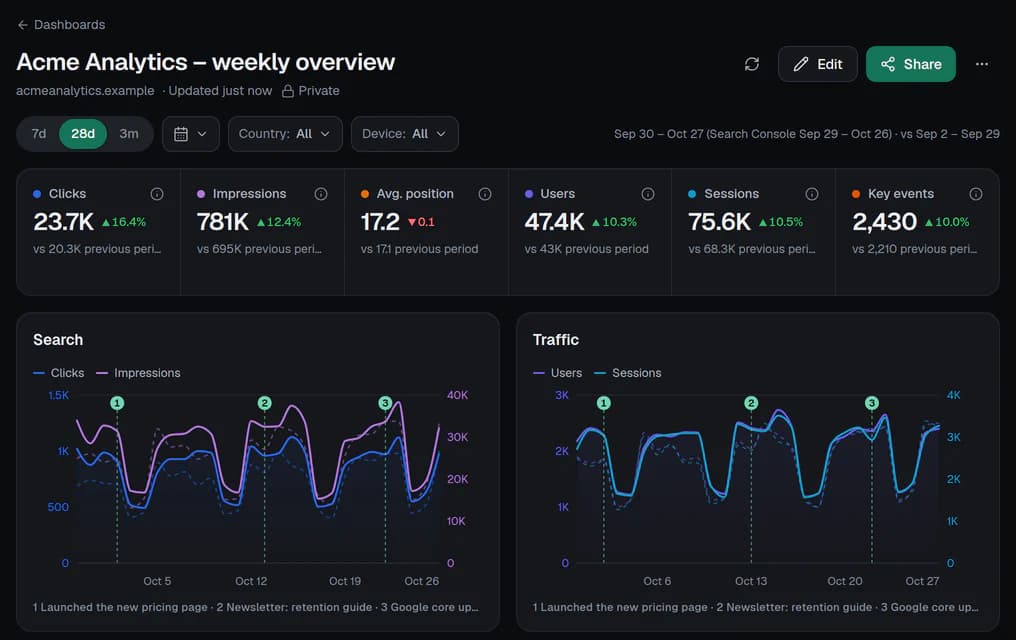
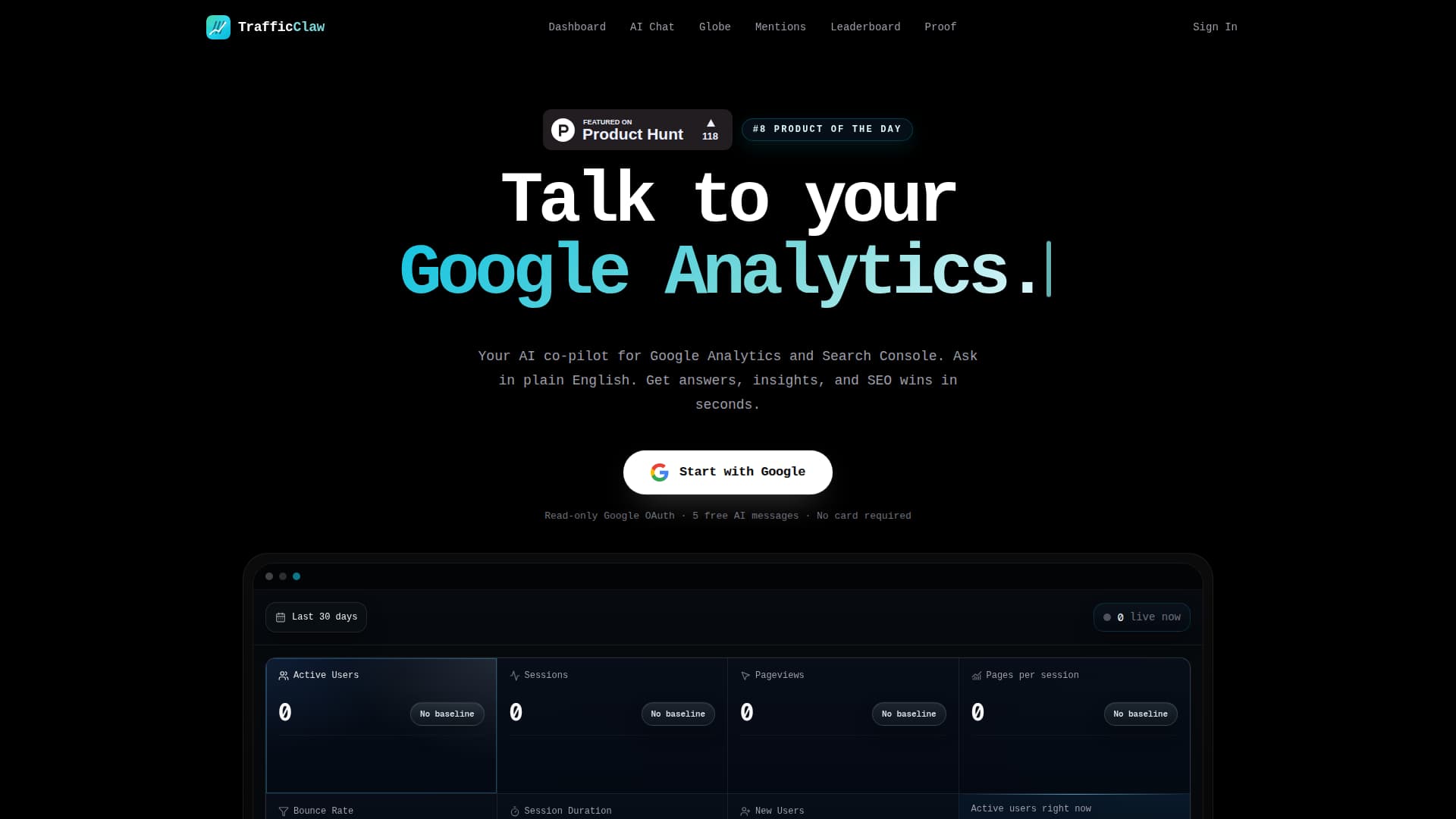
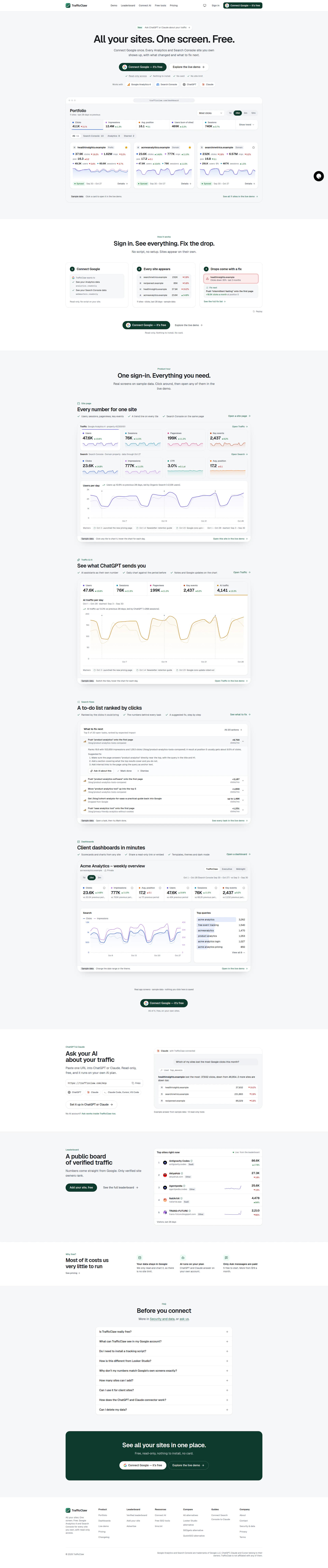
TrafficClaw connects to Google Analytics 4 and Search Console with read-only access, then puts the sites you own into one portfolio. It shows traffic and search trends, highlights changes between periods, and provides a built-in chat for questions about the connected data. A ChatGPT and Claude connector is also available.
›What are the pros and cons of TrafficClaw?
Strengths
Connects Google Analytics 4 and Search Console sites in one portfolio
Read-only access requires no site script or installation
No site limit on the Free, Growth, or Pro plans
Free plan includes dashboards, public links and embeds, and the ChatGPT and Claude connector
Shows period comparisons and suggested fixes rather than only raw metrics
Trade-offs
Core data depends on Google Analytics 4 and Search Console connections
The built-in AI chat is limited to 5 Ask messages on the Free plan
Growth and Pro plans cap built-in AI chat at 50 and 100 Ask messages per month
Read-only access means the tool does not directly change site or analytics settings
›What are TrafficClaw’s key features?
Portfolio view for all connected Google Analytics and Search Console sites
Traffic and Search Console dashboards with period-over-period trend comparisons
What to fix next recommendations for search performance changes
Built-in AI chat for questions about Analytics and Search Console data
ChatGPT and Claude connector using the user's own account
Public dashboards, links, embeds, and leaderboard profile
›What are the best use cases for TrafficClaw?
Review traffic, clicks, impressions, CTR, rankings, users, and sessions across multiple sites
Investigate a traffic or search decline and identify the suggested next fix
Compare current performance with a previous 7-day, 28-day, 3-month, or 12-month period
Ask questions about connected GA4 and Search Console data without building reports
Share analytics dashboards or public links with clients and collaborators
›What is the pricing for TrafficClaw?
| Plan | Price | Details |
|---|---|---|
| Free | $0 forever | All features for every site you own, with 5 Ask messages to start. |
| Growth | $19/ month | Everything in Free plus 50 Ask messages each month. |
| Pro | $29/ month | Everything in Free plus 100 Ask messages each month. |
The ChatGPT and Claude connector is free on every plan and does not use Ask messages. Paid Ask allowances reset each billing cycle and do not roll over.
Checked 2026-11-03 · source
›Who is TrafficClaw best for?
marketersA fit for marketers who monitor search and traffic performance across several sites.
small teamSmall teams can use the shared dashboards, public links, and period comparisons without installing tracking code.
SEO professionalsSEO professionals get Search Console trends and suggested next actions alongside Analytics data.
enterpriseLarger site portfolios benefit from the no-site-limit structure, but teams with heavy built-in AI chat usage need to account for monthly Ask limits.
Not for
- Organizations that do not use Google Analytics 4 or Search Console for their core measurement data.
- Teams looking for a tool that can directly edit websites, analytics settings, or SEO configuration.
›What are the best TrafficClaw alternatives?
 Black & Gold SEOChoose this instead if you need broader SEO auditing, AI search optimization, content planning, and backlink workflows.→
 KeywordSpyChoose this instead if your main task is keyword research, competitor analysis, or tracking online advertising campaigns.→
 Good TrackingChoose this instead if you need brand mentions, competitor ranking comparisons, or sentiment-style reporting.→
 Askwords→