

Forward Future Tools Library

Vibe Coding Workbench
Vibe Coding Workbench turns rough product ideas into structured AI coding plans, review gates, and delivery receipts for solo developers and teams using tools such as Cursor, Claude, Codex, and GitHub.
vibe-coding.best·From $14.50/mo·Checked 2026-10-06

›What is Vibe Coding Workbench?
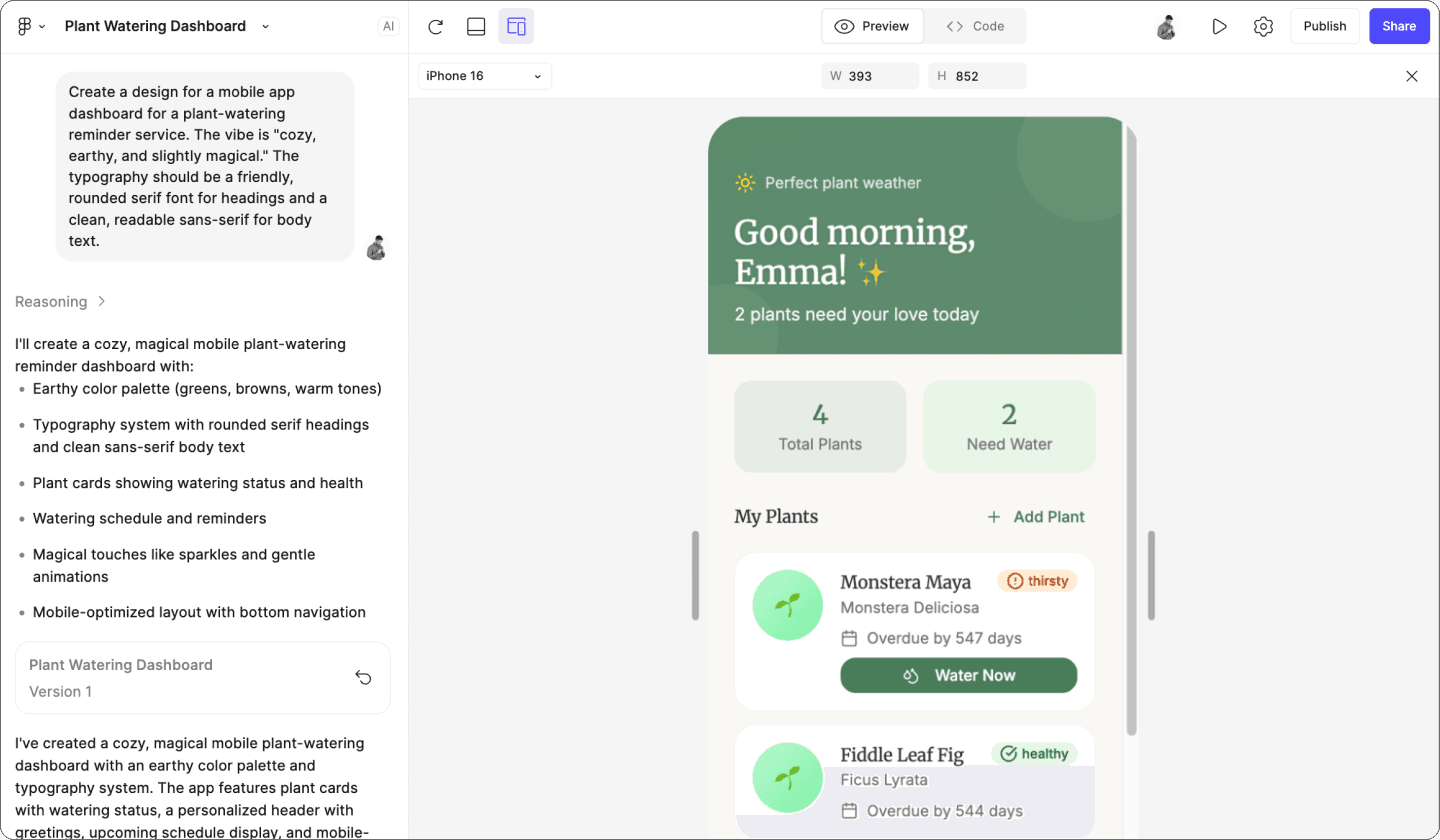
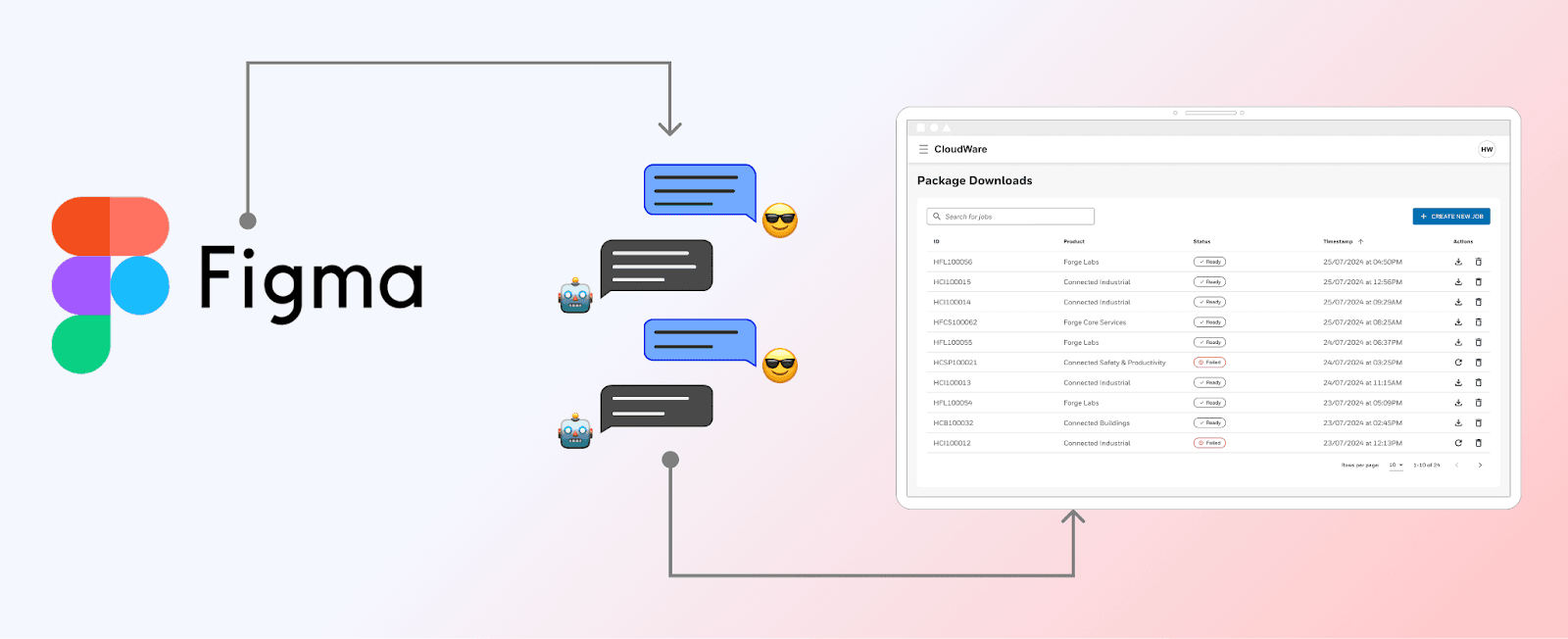
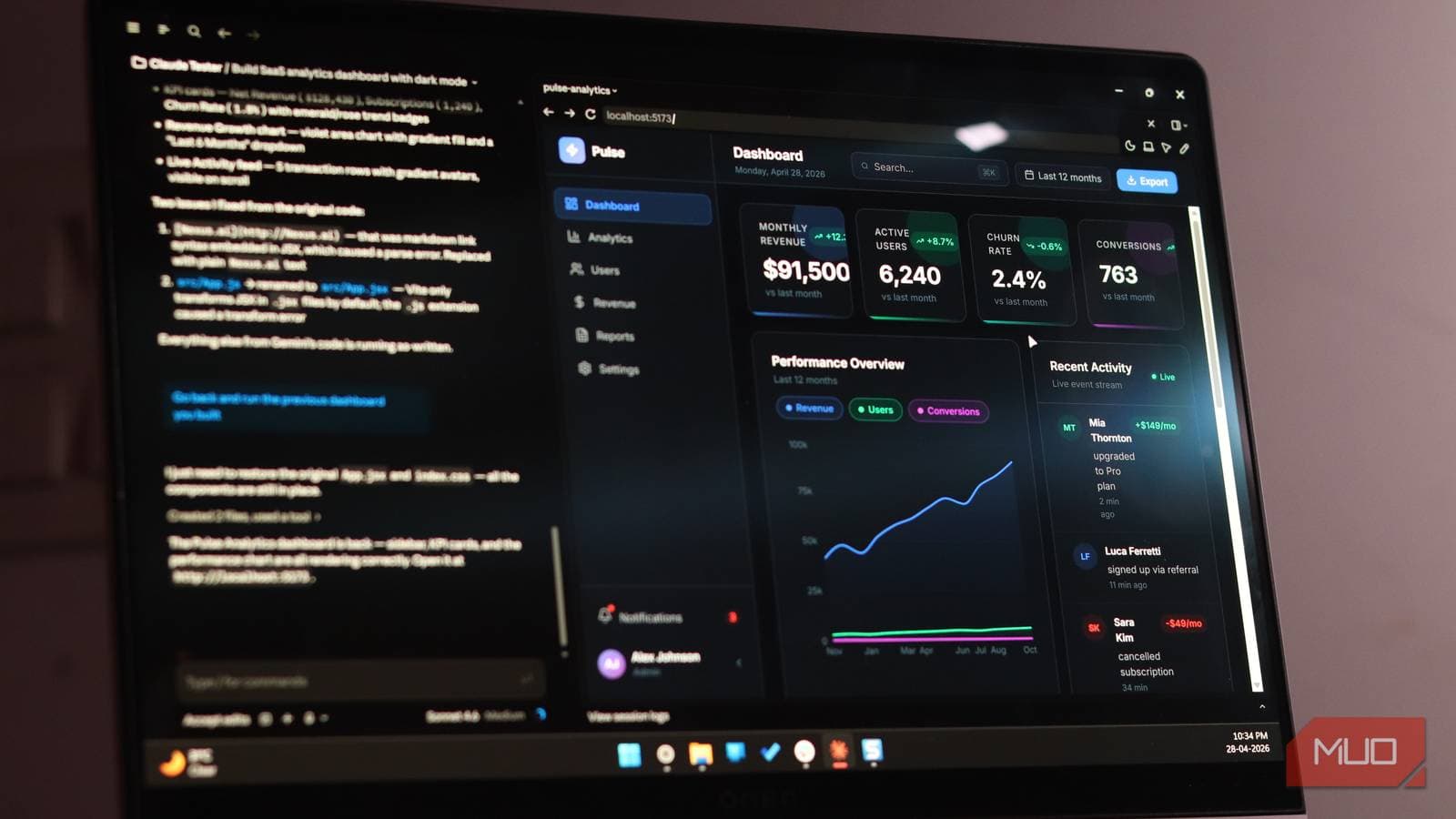
Vibe Coding Workbench is a hosted dashboard for planning AI-assisted software builds before code generation starts. It creates project goals, non-goals, context maps, architecture notes, agent prompt packs, implementation steps, tests, rollback notes, and handoff receipts. Plans can be exported for Cursor, Claude, Codex, and GitHub issues.
›What are the pros and cons of Vibe Coding Workbench?
Strengths
Trade-offs
›What are Vibe Coding Workbench’s key features?
›What are the best use cases for Vibe Coding Workbench?
›What is the pricing for Vibe Coding Workbench?
| Plan | Price | Details |
|---|---|---|
| Starter | $14.50/mo | Project brief builder, context checklist, Cursor and Claude prompt pack, and email support. |
| Team | $49.50/mo | Team planning room, risk and rollback gates, implementation receipt export, and priority support. |
| Studio | $124.50/mo | Client workspaces, reusable playbooks, evidence archive, and launch review support. |
Prices are monthly equivalents for annual billing. Annual checkout is 50% less than month-to-month, with $174 charged yearly for Starter, $594 charged yearly for Team, and $1,494 charged yearly for Studio.
Checked 2026-10-06 · source
›Who is Vibe Coding Workbench best for?
- Skip this if you want an all-in-one app builder that directly generates and hosts the finished application.
- Skip this if you only need an AI coding assistant and do not need project briefs, review gates, or delivery records.
›What are the best Vibe Coding Workbench alternatives?
 CodeAgent LedgerChoose this instead if your main requirement is an audit trail for AI coding agent activity rather than planning work before implementation.→
 AI Review SignalChoose this instead if your priority is measuring the quality and reliability of AI-generated code reviews.→
 Devin Session BoardChoose this instead if your workflow is specifically built around Devin task sessions and their review records.→
 Intelligence Per Watt→