Forward Future Tools Library

Vista Social
Vista Social brings publishing, engagement, analytics, listening, and advocacy into one workspace for social media teams, agencies, and multi-location brands.
Try Vista Social →
vistasocial.com·From $79/month·Checked 2026-08-25

›What is Vista Social?
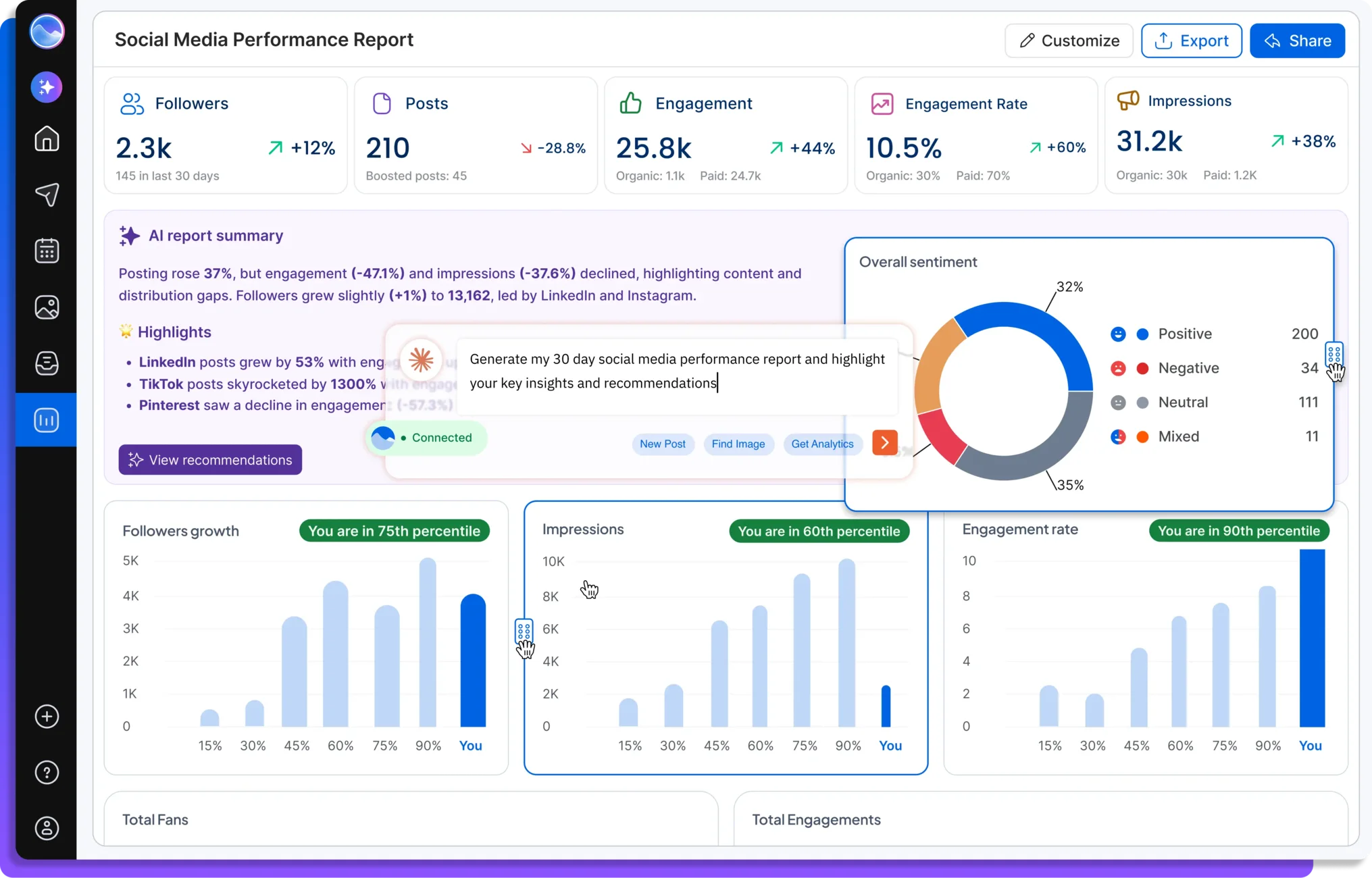
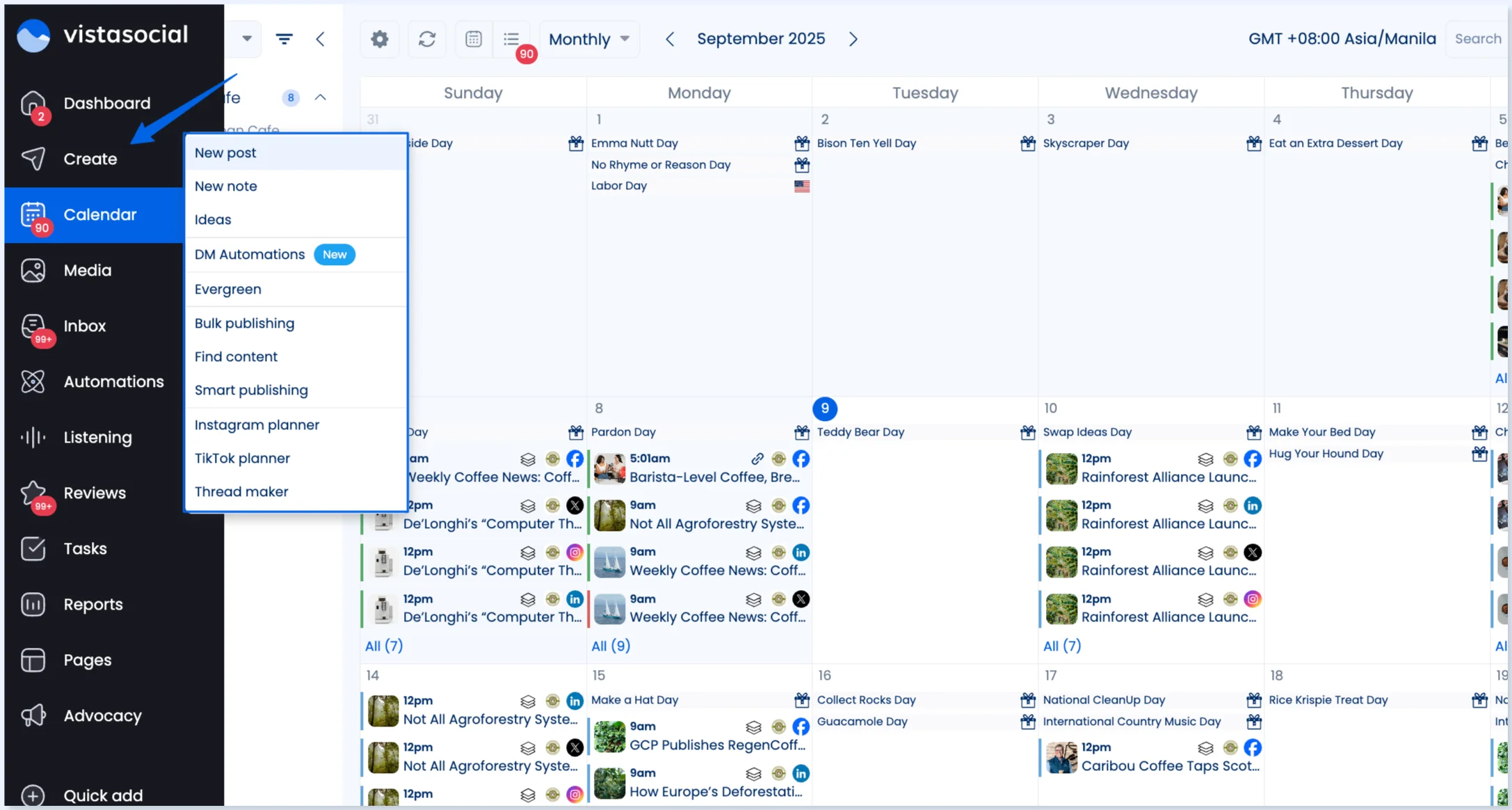
Vista Social is a social media management platform for planning, publishing, and measuring content across multiple networks. It combines a visual content calendar, unified inbox, review management, social listening, DM automations, reporting, and employee advocacy. Its AI tools can generate captions and replies using credits.
›What are the pros and cons of Vista Social?
Strengths
Combines publishing, engagement, analytics, listening, and reputation management in one platform
Supports team workflows with user permissions, custom roles, and post approval stages
Includes a unified inbox for messages, comments, mentions, and reviews
Offers AI assistance for generating captions and replies
Provides employee advocacy and white-label options for organizations and agencies
Trade-offs
Personal Instagram profiles cannot be auto-published to through the platform
A YouTube channel must be owned by the user to connect it
Some reviewers report recurring connectivity issues with Meta accounts
The interface can feel cluttered, and initial setup may require extra work
Professional and Advanced plans limit AI credits, with unlimited credits listed for Scale
›What are Vista Social’s key features?
Plan, preview, approve, bulk-schedule, and publish posts across connected social profiles
Manage messages, comments, mentions, and reviews in a unified inbox
Analyze social performance and create reports
Monitor social conversations with social listening tools
Automate selected direct-message replies
Generate captions and replies with AI credits
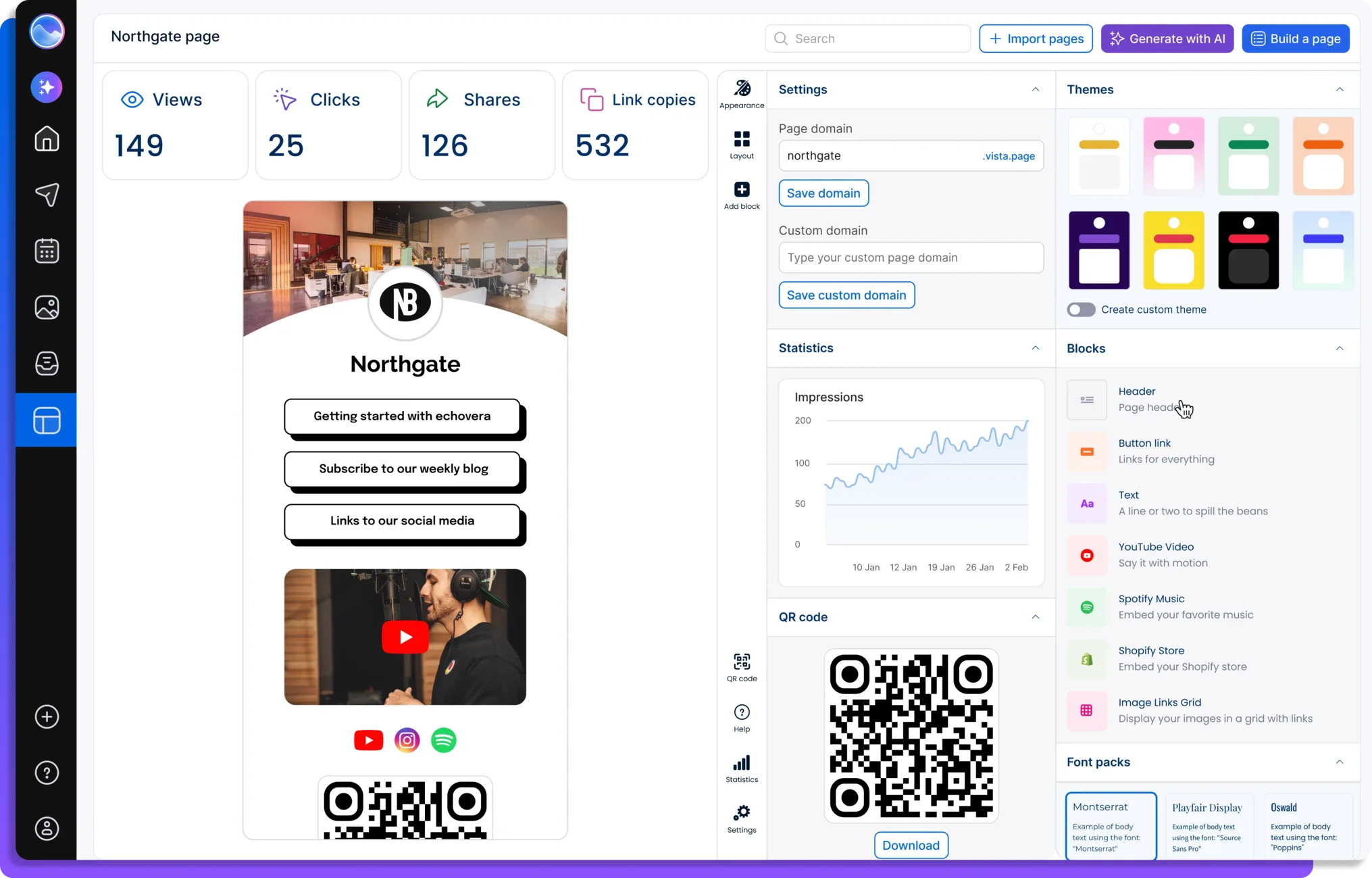
Run employee advocacy programs and manage link-in-bio pages
›What are the best use cases for Vista Social?
Scheduling and approving content for several social channels
Managing comments, direct messages, and reviews from one inbox
Producing performance reports for clients or internal marketing teams
Monitoring social conversations to inform marketing decisions
Coordinating employee advocacy for a company or brand
Managing social content across multiple business locations
›What is the pricing for Vista Social?
| Plan | Price | Details |
|---|---|---|
| Professional | $79/month | 15 social profiles, 3 users, and 500 AI credits. |
| Advanced | $149/month | 30 social profiles, 6 users, and 1,000 AI credits. |
| Scale | $379/month | 70 social profiles, 10 users, and unlimited AI credits. |
| Enterprise | Custom | Unlimited social profiles, users, and AI credits. |
Annual billing saves 20%. Plans include a 14-day free trial.
Checked 2026-08-25 · source
›Who is Vista Social best for?
small teamProfessional supports 15 social profiles, user permissions, collaboration, scheduling, engagement, and reporting.
agencies and freelancersClient work benefits from multi-profile publishing, approval workflows, reporting, and white-label options.
enterpriseEnterprise is intended for organizations with social management needs beyond the standard plans, including unlimited profiles and users.
Not for
- Users managing personal Instagram profiles should skip it because auto-publishing is blocked at the platform API level.
- Teams managing YouTube channels they do not own should skip it because those channels cannot be connected.
- Buyers who need a consistently uncluttered interface may find the dashboard difficult to navigate.