

Forward Future Tools Library
Voice Enhancer
Voice Enhancer cleans uploaded audio and video by reducing noise, echo, pauses, and other unwanted sounds, making it useful for podcasters, video creators, instructors, and other speech-focused creators.
Try Voice Enhancer →
voiceenhancer.ai·Free
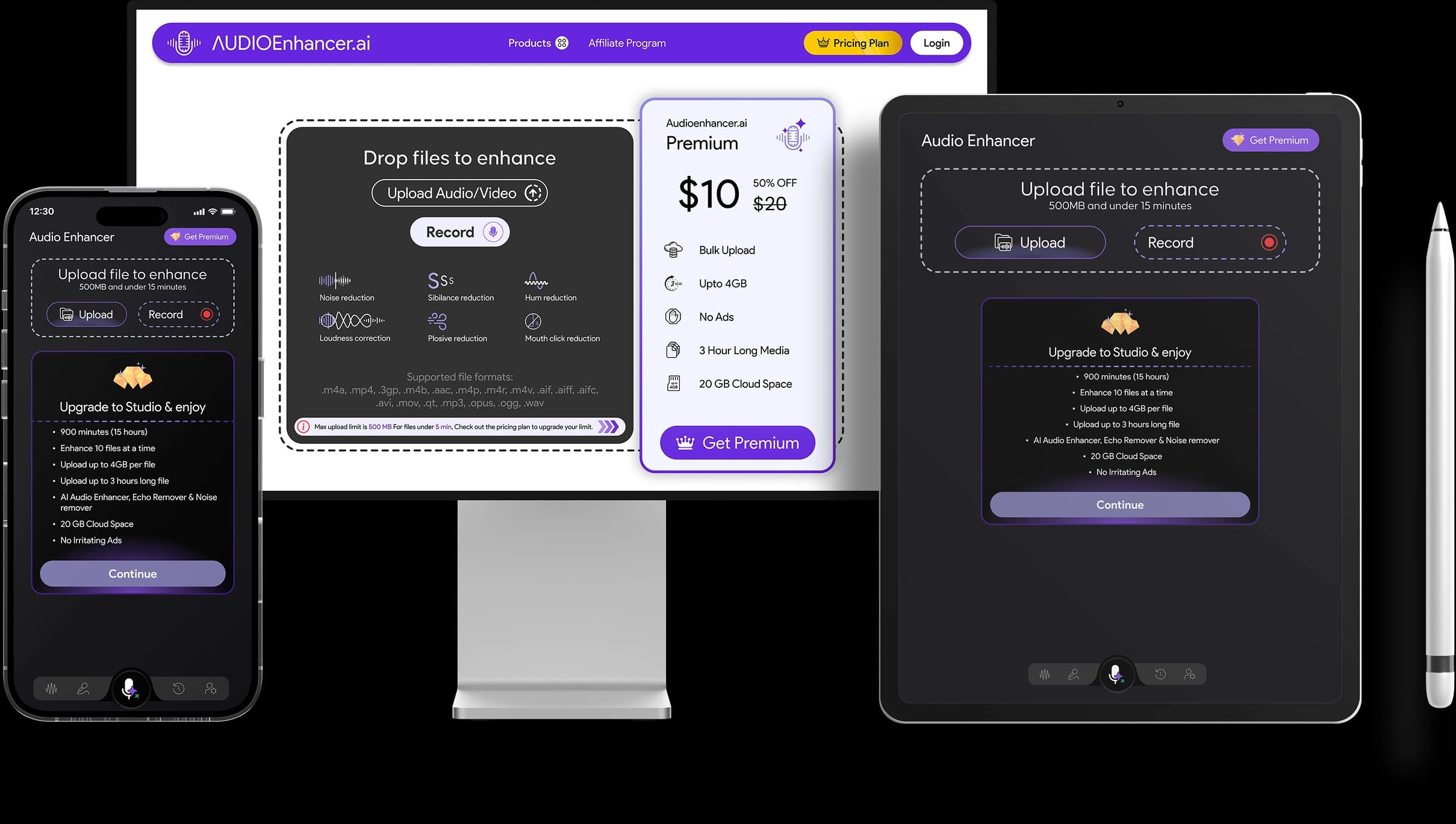
›What is Voice Enhancer?
Voice Enhancer is an online tool for improving speech in uploaded audio and video files. It processes recordings to reduce background noise, wind, echo, reverb, mouth sounds, hesitations, and long silences, then lets you compare and download the result. It supports more than 20 formats, files up to 10GB, and recordings up to three hours.
›What are the pros and cons of Voice Enhancer?
Strengths
Works online without requiring an account
Accepts audio and video files in more than 20 formats
Handles files up to 10GB and recordings up to three hours
Includes targeted cleanup controls for noise, silences, filler words, breaths, echo, and reverb
Offers a second model designed for complex noise environments
Trade-offs
Individual recordings are limited to three hours and 10GB
The feature set is oriented toward speech cleanup, so music can sound flattened or thinner after enhancement
Enhancement changes the sound of a recording but does not change the underlying performance or composition
›What are Voice Enhancer’s key features?
Removes background, wind, and room noise
Reduces echo, reverb, mouth sounds, and breaths
Removes long silences, hesitations, stuttering, and filler words
Provides normalization, AutoEQ, and studio sound processing
Offers two AudioCleaner models for standard and complex noise environments
Supports audio and video files in more than 20 formats
Allows previews comparing the original and enhanced recordings
›What are the best use cases for Voice Enhancer?
Clean up narration in tutorials, product demos, reaction clips, and other videos
Reduce room noise and uneven speaking levels in podcast recordings
Improve speech in lessons, lectures, and online course videos
Enhance voice recordings for advertisements, explainers, launches, and social clips
Review vocal takes, demos, and song ideas with clearer voice presence
›What is the pricing for Voice Enhancer?
Free
›Who is Voice Enhancer best for?
podcast hostsA fit for cleaning room noise and uneven speech levels before reviewing an episode.
video creatorsUseful for improving narration in tutorials, product demos, reaction clips, and social videos.
course instructorsHelps make lesson and lecture recordings easier to follow when the original recording conditions are distracting.
vocal and audio producersSuitable for reviewing vocal takes and demos, with caution when preserving the full character of music is important.
Not for
- Musicians looking for mastering or composition changes, because the tool enhances recorded sound rather than changing the performance or song.
- Users who need recordings longer than three hours or files larger than 10GB.
›What are the best Voice Enhancer alternatives?
 PodManager.AIChoose this instead if you need podcast production and publishing features alongside audio work.→
 Vidyo.aiChoose this instead if your main goal is turning long videos into short, shareable clips.→
 AI Music MakerChoose this instead if you want to create songs, beats, or lyrics and work with vocals as part of music production.→
 Content True→