

Forward Future Tools Library

Vozo.ai
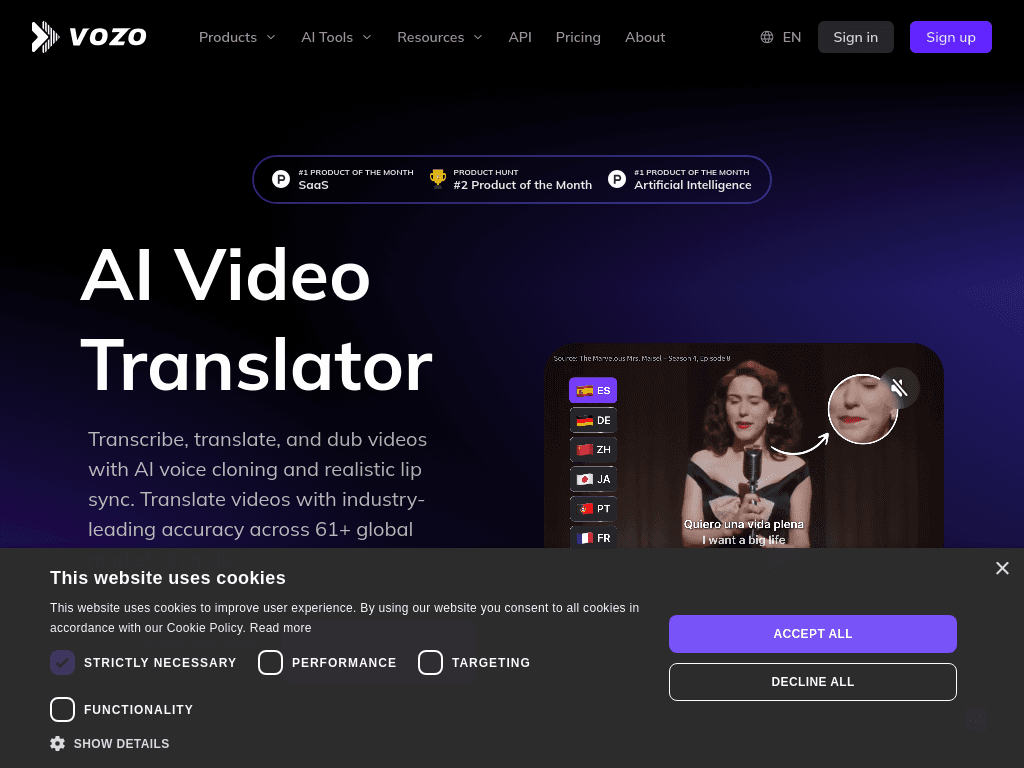
Vozo.ai translates and dubs videos into 160+ languages with voice cloning, lip sync, subtitles, and on-screen text editing for creators, educators, marketers, and production teams.
Try Vozo.ai →
vozo.ai·Free + paid plans·Checked 2026-08-21

›What is Vozo.ai?
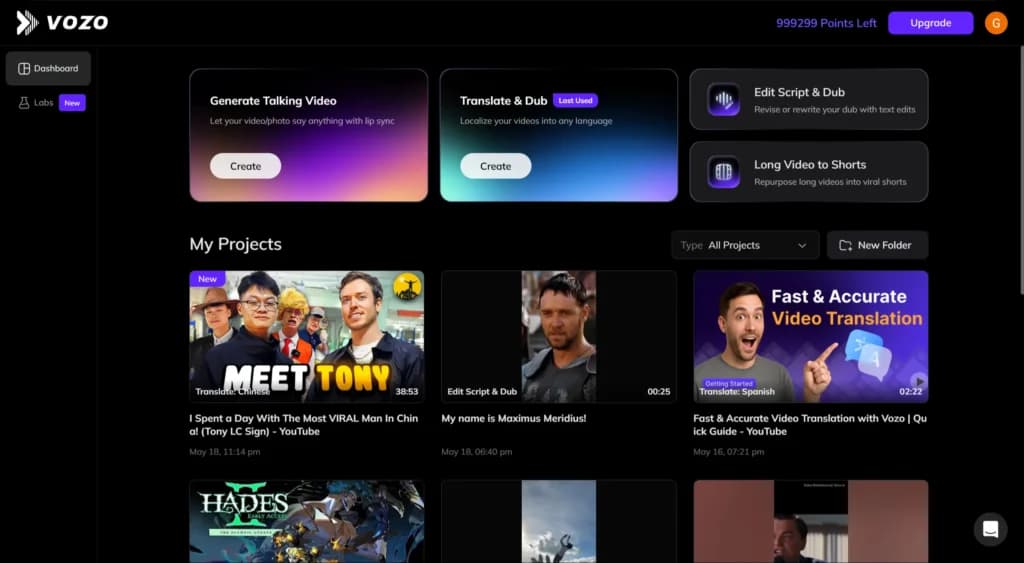
Vozo.ai is a video localization platform for translating video into multiple languages. It can create dubbed audio with AI voice cloning, synchronize mouth movements, translate subtitles and visible on-screen text, and accept uploads or links from YouTube, Google Drive, TikTok, Zoom, and Rumble.
›What are the pros and cons of Vozo.ai?
Strengths
Supports 160+ target languages and 111 source languages
Combines dubbing, voice cloning, lip sync, subtitles, and on-screen text translation
Accepts common video links as well as uploaded files
Paid Studio plans support bulk uploads, glossaries, brand governance, and multiple seats
A free plan allows up to three projects without a credit card
Trade-offs
Paid plans use monthly AI points, with approximate limits for dubbing, lip sync, and visual translation
The free plan is limited to three projects and 20 AI points
Reviewers report occasional glitches and subtitle inaccuracies
Lip-sync generation can take some time
A review reports possible account data loss after changing devices
›What are Vozo.ai’s key features?
Translate and dub videos into 165 target languages, with 111 supported source languages
Generate dubbed audio using AI voice cloning
Synchronize translated speech with the speaker's mouth movements
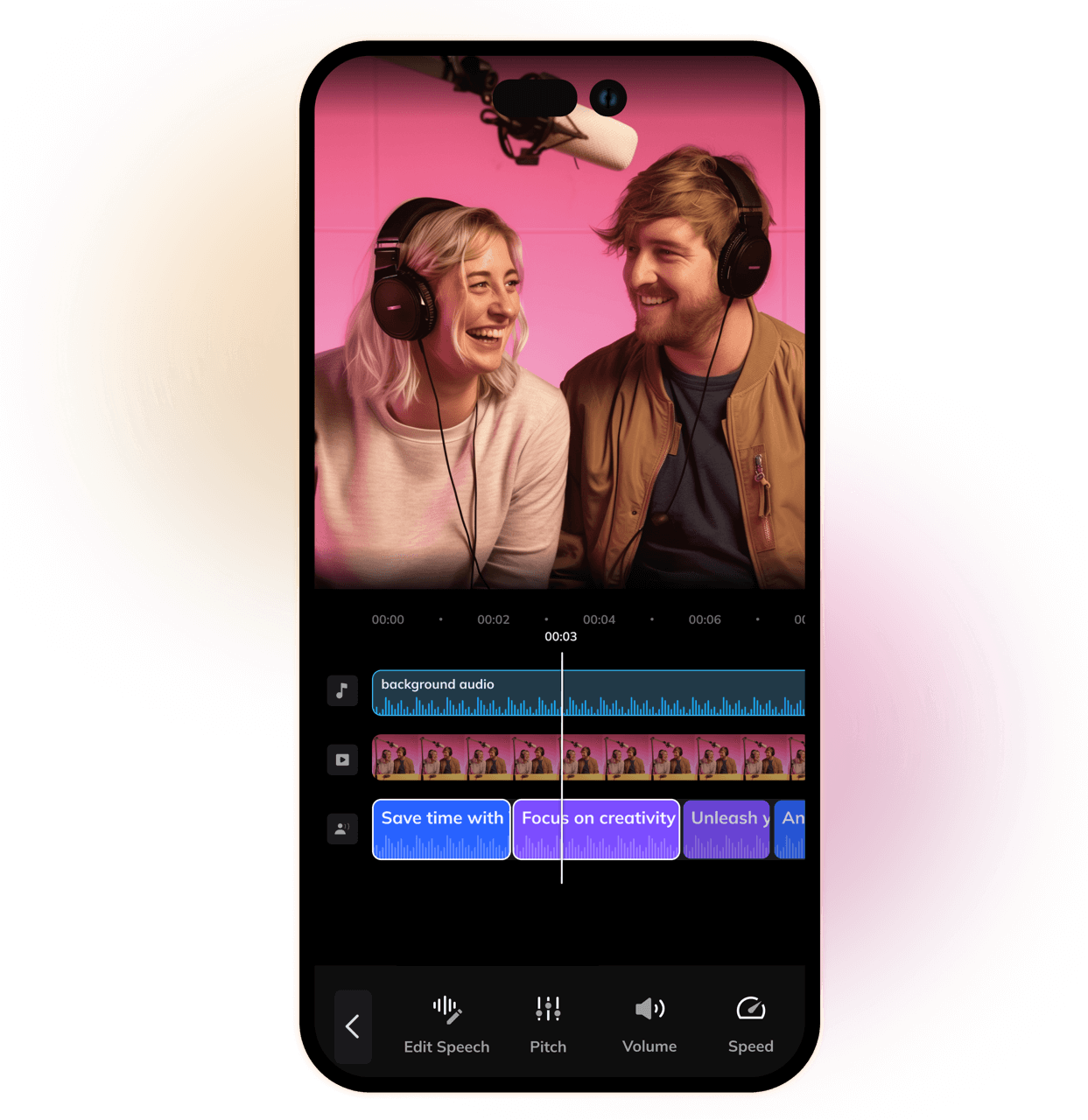
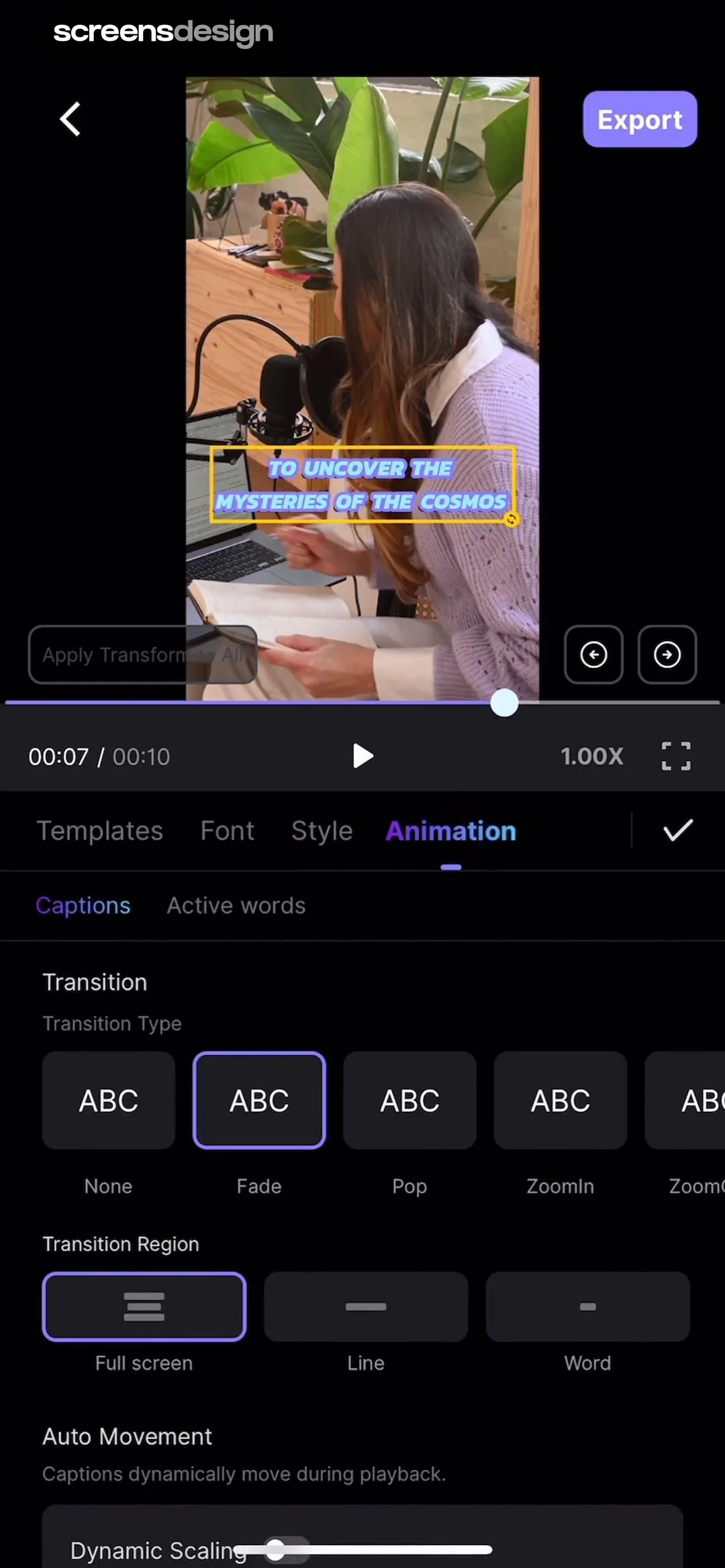
Create customizable translated subtitles
Translate and edit visible on-screen text
Support video uploads and links from YouTube, Google Drive, TikTok, Zoom, and Rumble
›What are the best use cases for Vozo.ai?
Localize YouTube, TikTok, and other online videos for audiences in multiple languages
Dub employee training videos for international teams
Add translated subtitles to educational and marketing content
Create multilingual versions of videos while preserving the speaker's voice
Repurpose existing videos into localized short-form content
›What is the pricing for Vozo.ai?
| Plan | Price | Details |
|---|---|---|
| Free | $0 | Three projects, 20 AI points, one seat, one concurrent task, and videos up to 20 minutes. |
| Creator | $29 USD /month | 150 AI points per month, all AI tools, one seat, two concurrent tasks, videos up to 60 minutes, and no watermark. |
| Studio | $99 USD /month | 600 AI points per month, three seats, six concurrent tasks, videos up to 120 minutes, bulk upload, glossary and brand governance, and faster processing. |
| Studio XL | $0 | 1,500 AI points per month, six seats, 12 concurrent tasks, and all Studio features. |
| Studio XXL | $0 | 4,000 AI points per month, 10 seats, 20 concurrent tasks, and all Studio features. |
| Enterprise | Let's talk | Custom high-volume and governance plans with API access, security and compliance options, SLA, human review and delivery as an add-on, and dedicated support. |
The pricing page displays monthly rates and labels the yearly view as -25%. AI point packs can be added to Creator and Studio plans.
Checked 2026-08-21 · source
›Who is Vozo.ai best for?
content creatorsA strong fit for creators who need to dub, subtitle, and repurpose videos for international audiences.
teachersTeachers can produce translated versions of lessons and training videos with subtitles or dubbed audio.
marketersUseful for adapting promotional videos across languages while retaining voice and on-screen messaging.
small teamThe Studio plan suits small production teams that need multiple seats, bulk uploads, and brand controls.
Not for
- Buyers who want unlimited video processing without tracking monthly AI points should look elsewhere.
- Teams that need immediate lip-sync results may find the generation time inconvenient.
- Users requiring consistently flawless subtitles may need a review and correction step.
›What are the best Vozo.ai alternatives?
 HeyGenChoose this instead if your primary goal is creating videos with AI avatars.→
 DescriptChoose this instead if you need a broader audio and video editing workspace rather than primarily localization.→
 Vidnoz Video TranslateChoose this instead if you want another tool focused specifically on translating video content into multiple languages.→
 LOVO AI→