Forward Future Tools Library
Visla
Visla turns scripts, documents, recordings, and presentations into editable business videos for marketers, trainers, educators, and teams.
Try Visla →
visla.us·Freemium

›What is Visla?
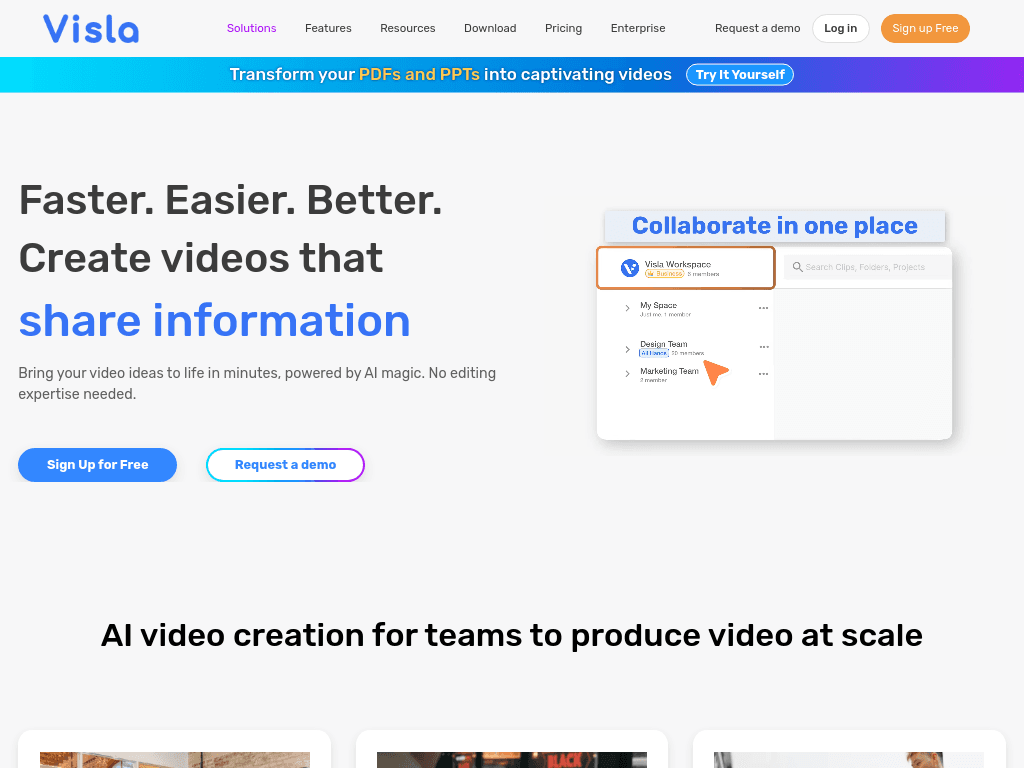
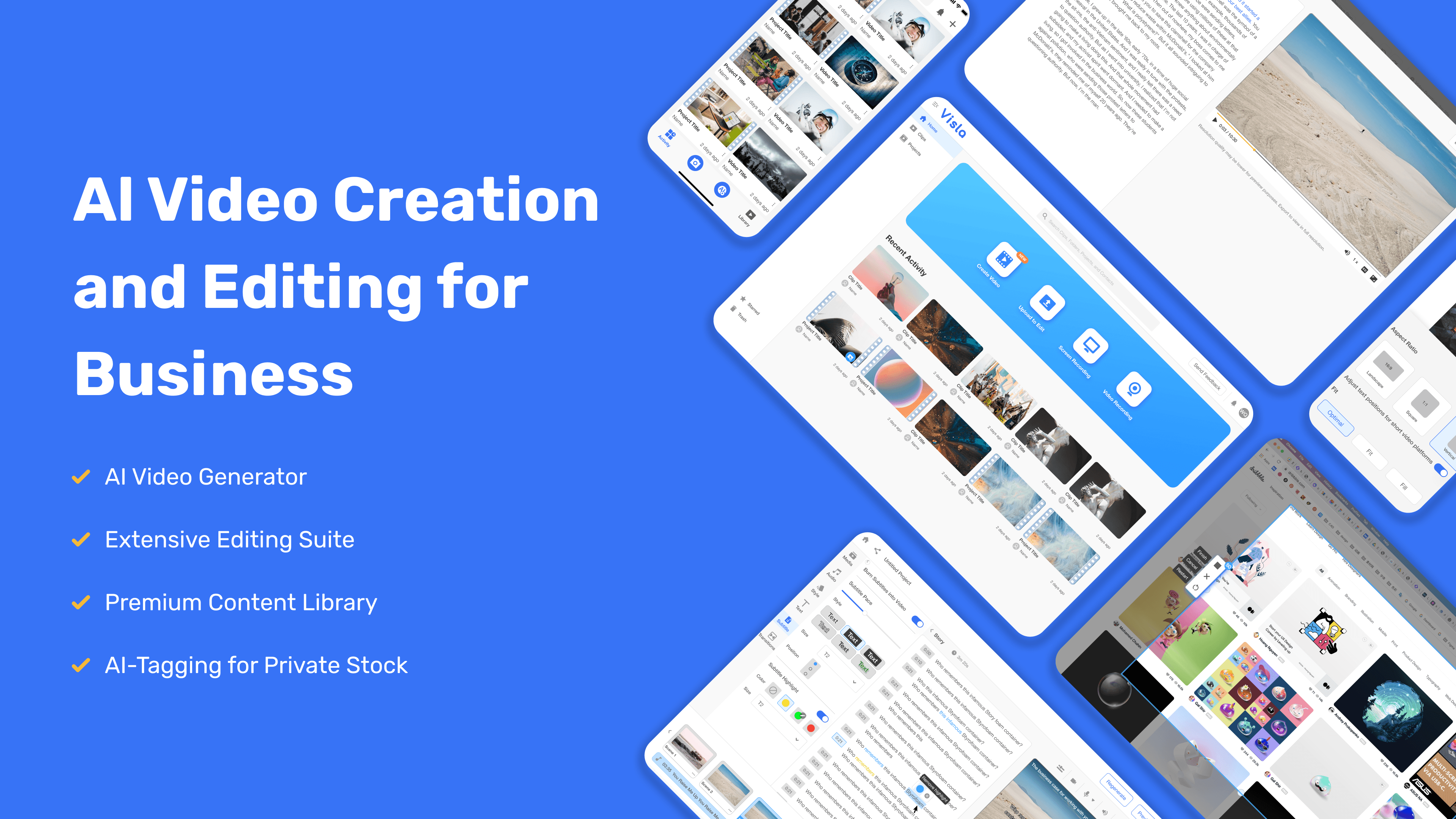
Visla is an AI video production platform for creating, editing, recording, managing, and sharing videos. It can turn scripts, PDFs, webpages, audio, images, existing footage, and presentations into video drafts with stock footage, music, and voiceovers. Its scene-based editor supports text-based changes, voiceovers, avatars, subtitles, and collaborative review.
›What are the pros and cons of Visla?
Strengths
Accepts many input formats, including scripts, PDFs, webpages, recordings, and presentations
Scene-based editing is simpler than working from a traditional timeline
AI direction features help maintain visual consistency across scenes
Includes voiceovers and subtitles in multiple languages
Combines video creation, recording, editing, and collaboration in one platform
Trade-offs
Editing controls are less capable than those in professional video tools
AI-generated visuals can look generic or use irrelevant images
The workflow requires internet access because offline editing is not available
AI-generated drafts still need close review before publishing
›What are Visla’s key features?
Generate videos from text, scripts, PDFs, PPTs, webpages, recordings, and other content
Edit videos with scene-based and text-based editing tools
Create AI voiceovers, cloned voices, avatars, subtitles, and summaries
Record screens, meetings, and camera video with multi-camera and teleprompter support
Collaborate in shared workspaces with team editing, comments, and review tools
Share and embed videos, with automatic transcription support
›What are the best use cases for Visla?
Create branded marketing and sales videos from existing business content
Turn product information into demos and tutorial videos
Record training videos, standard operating procedures, and internal updates
Produce educational videos and classroom content
Convert case studies, webpages, and presentations into video drafts
›What is the pricing for Visla?
Freemium
›Who is Visla best for?
marketersUseful for turning product pages, case studies, and campaign ideas into branded video drafts.
teachersTeachers can use its recording, AI creation, and editing tools to produce class content.
small teamShared workspaces, collaborative editing, comments, and video sharing support team production.
enterpriseLarger organizations can request an enterprise setup for school-wide or business-wide video workflows.
Not for
- Professional video editors who need the deeper control of a full timeline-based editing suite.
- Users who need to create or edit videos without an internet connection.
- Creators seeking consistently distinctive visuals without reviewing and refining AI-generated drafts.