

Forward Future Tools Library

Pictory
Pictory turns scripts, articles, presentations, recordings, images, URLs, and existing videos into captioned videos for creators, marketers, educators, and teams.
pictory.ai·From $25/month, billed annually·Checked 2026-09-04
›What is Pictory?
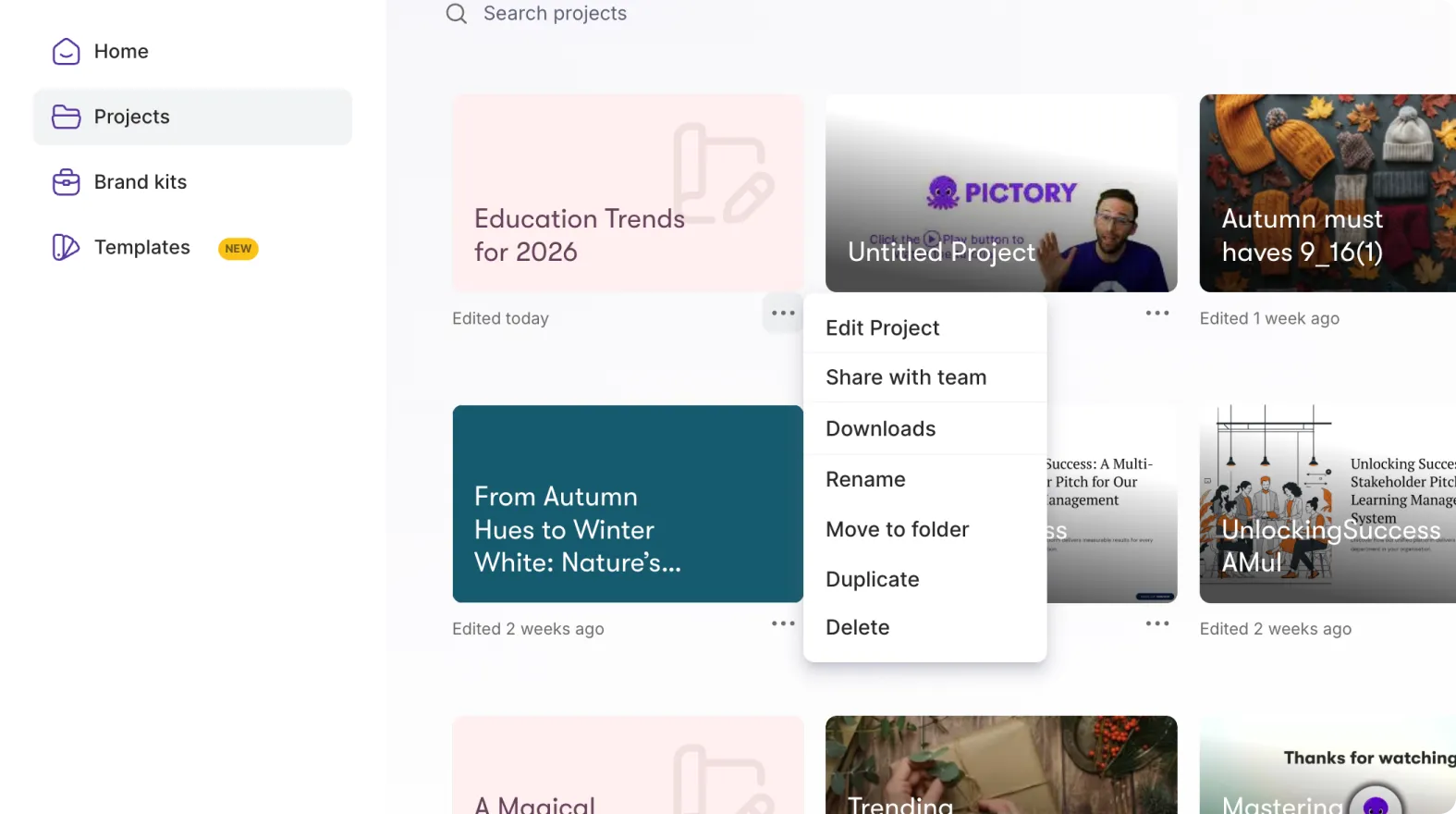
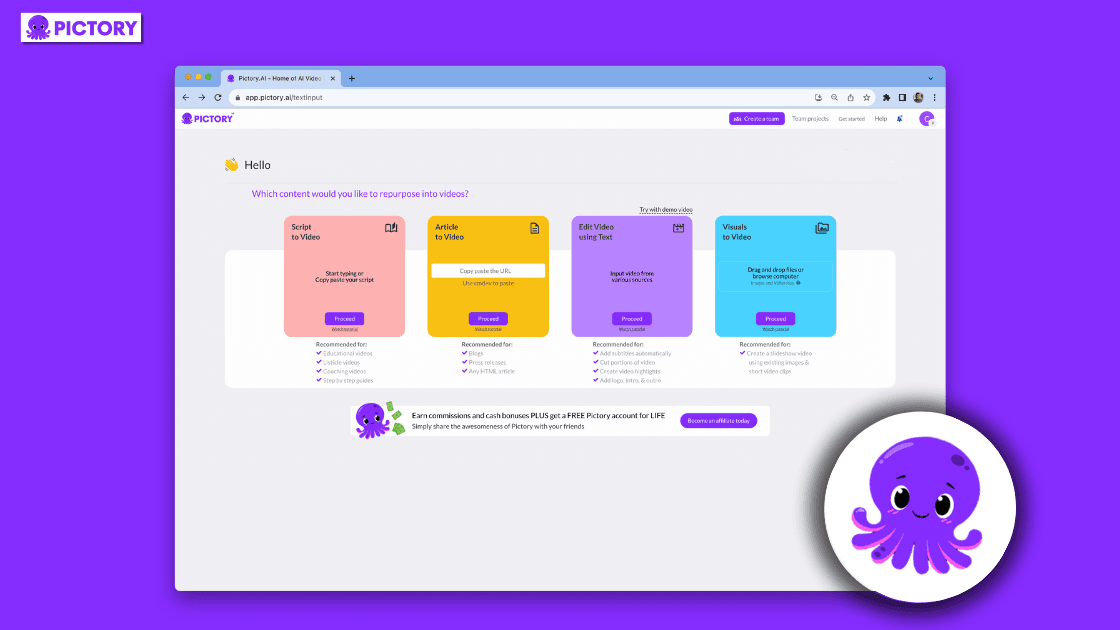
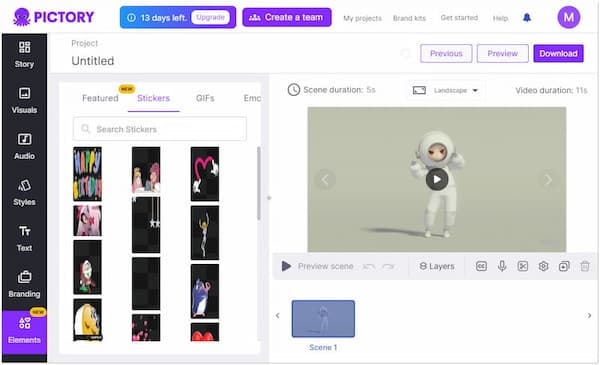
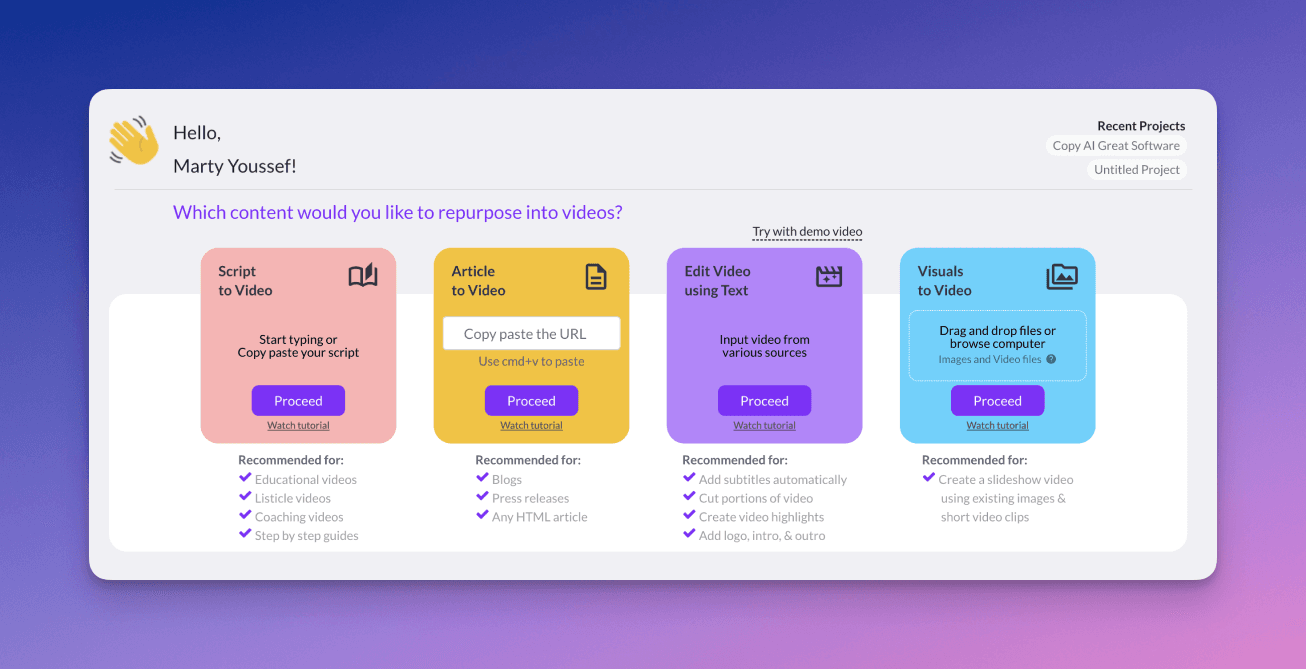
Pictory is an AI video creation and editing platform that converts text, blog posts, URLs, PowerPoint files, audio, images, and existing videos into videos. It can select visuals, add captions, generate AI voices and avatars, create highlight clips, and resize or edit video content. Its AI Studio also generates images and video clips from text prompts.
›What are the pros and cons of Pictory?
Strengths
Trade-offs
›What are Pictory’s key features?
›What are the best use cases for Pictory?
›What is the pricing for Pictory?
| Plan | Price | Details |
|---|---|---|
| Starter | $25/month, billed annually | 1 user, 2,400 minutes per year, 5 GB storage, 1 brand kit, 1,200 AI credits per year, basic AI tools, and no watermark. |
| Professional | $35/month, billed annually | 1 user, 7,200 minutes per year, 20 GB storage, 5 brand kits, 12,000 AI credits per year, custom avatars, voice cloning, and advanced AI tools. |
| Team | $119/month, billed annually | 3+ users, 21,600 minutes per year, 100 GB storage, 10 brand kits, 28,800 AI credits per year, shared workspace, collaboration, onboarding, and team training. |
| Enterprise | Custom | 10+ users with custom video minutes, storage, AI credits, unlimited brand kits, SSO, dedicated success management, custom templates, and Pictory Central. |
The pricing page also lists monthly Starter at $29/month, Professional at $59/month, and Team at $199/month. Annual plans include a video-creation expert consultation.
Checked 2026-09-04 · source
›Who is Pictory best for?
- Skip it if you need highly distinctive, non-stock visual direction, because reviewers found the output formulaic and visual matching inconsistent.
- Skip it if top-tier synthetic voice quality is the main requirement, because reviewed voice quality was below ElevenLabs-grade.
- Skip it if your workflow regularly exceeds plan video-minute or AI-credit limits.
›What are the best Pictory alternatives?
 Vidyo.aiChoose this instead if your main job is turning long-form video into short, shareable clips.→
 HeyGenChoose this instead if avatar-led video generation is the central requirement.→
 FlikiChoose this instead if you want a platform centered on creating videos and voiceovers from text.→
 DescriptChoose this instead if you need an all-in-one audio and video editor rather than primarily automated content repurposing.→