

Forward Future Tools Library

Descript
Descript combines transcription, text-based video and audio editing, recording, and AI cleanup for podcasters, creators, marketers, and teams producing talking-head content.
Try Descript →
descript.com·Free + paid plans·Checked 2026-08-21
›What is Descript?
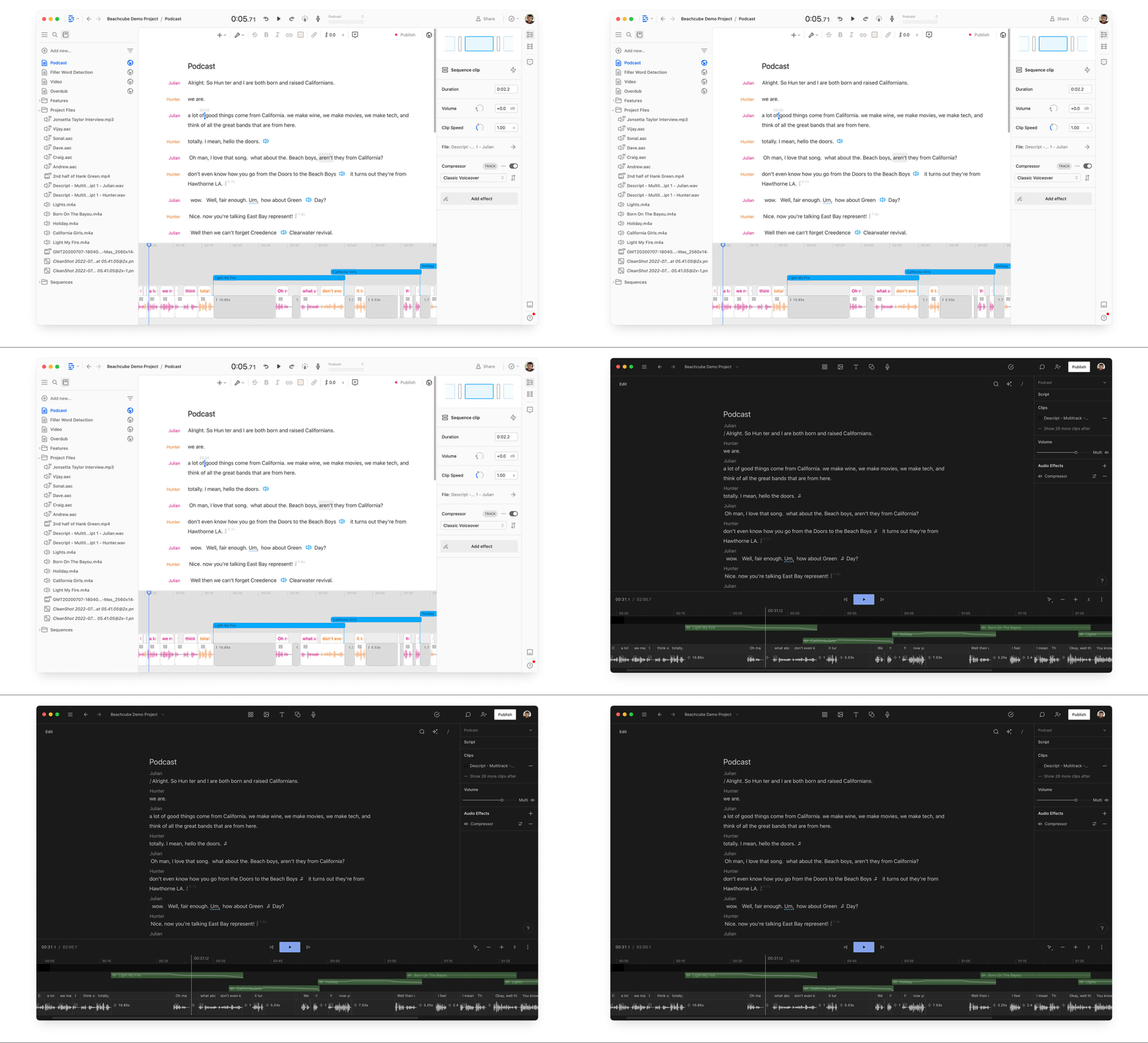
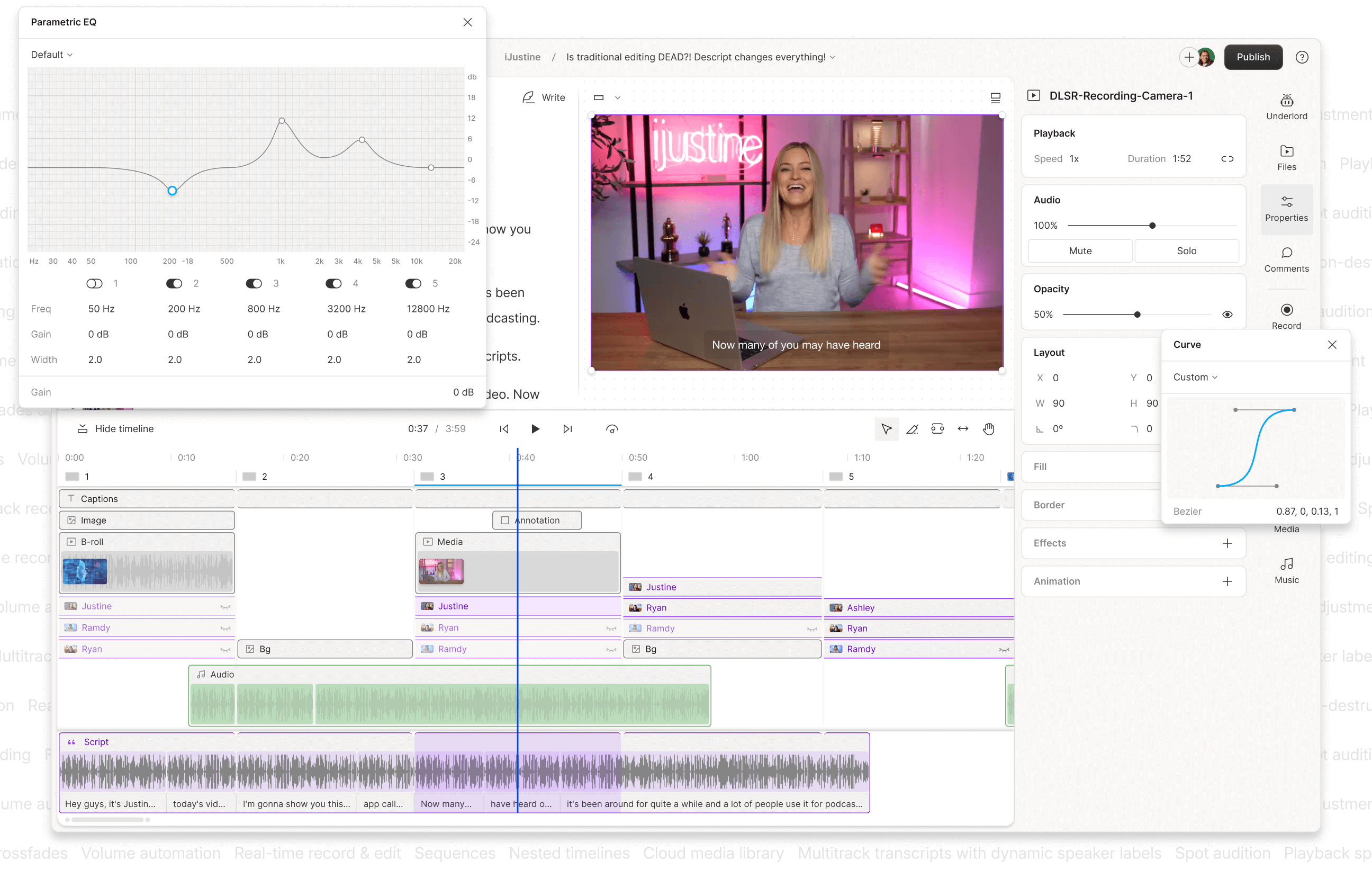
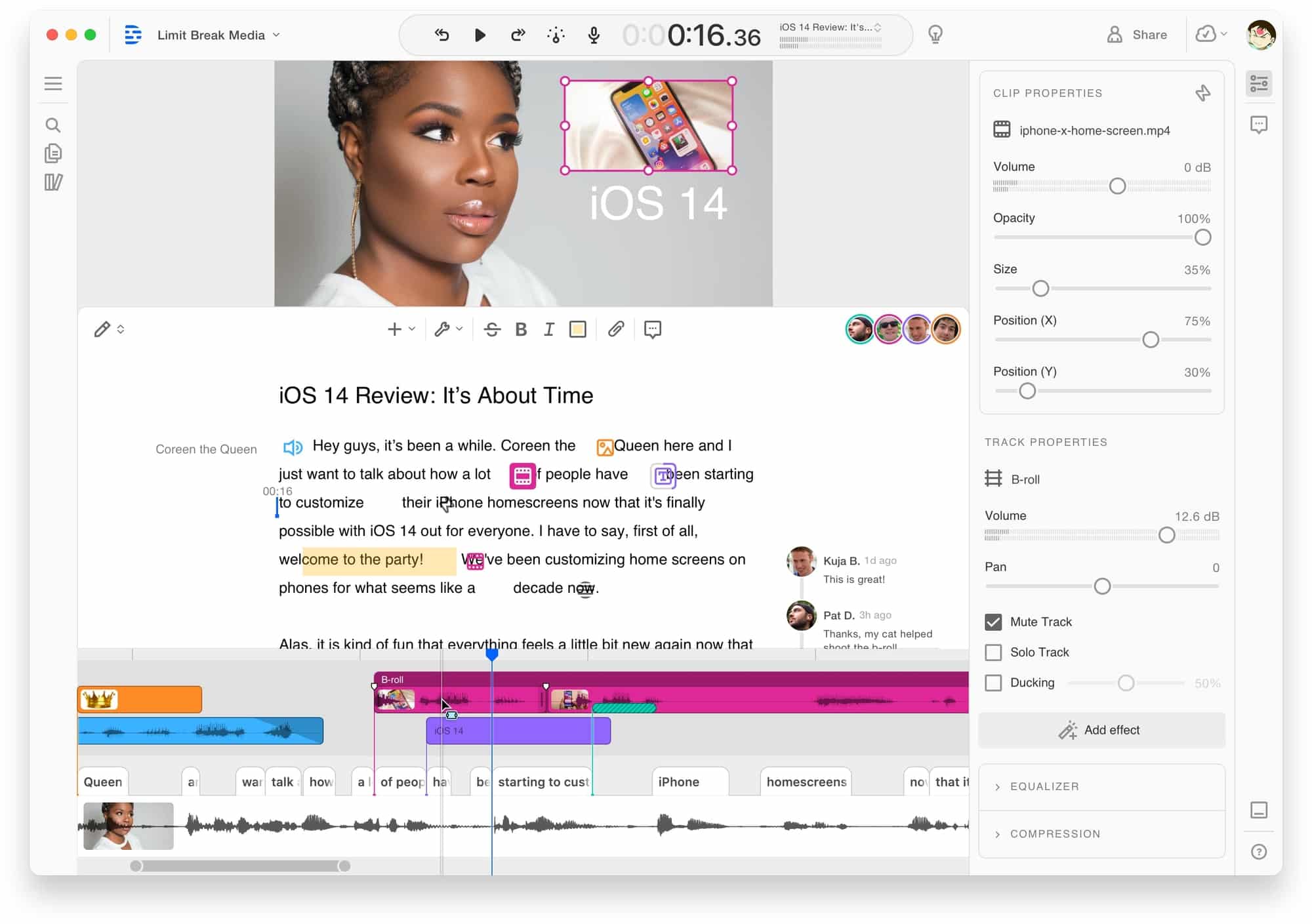
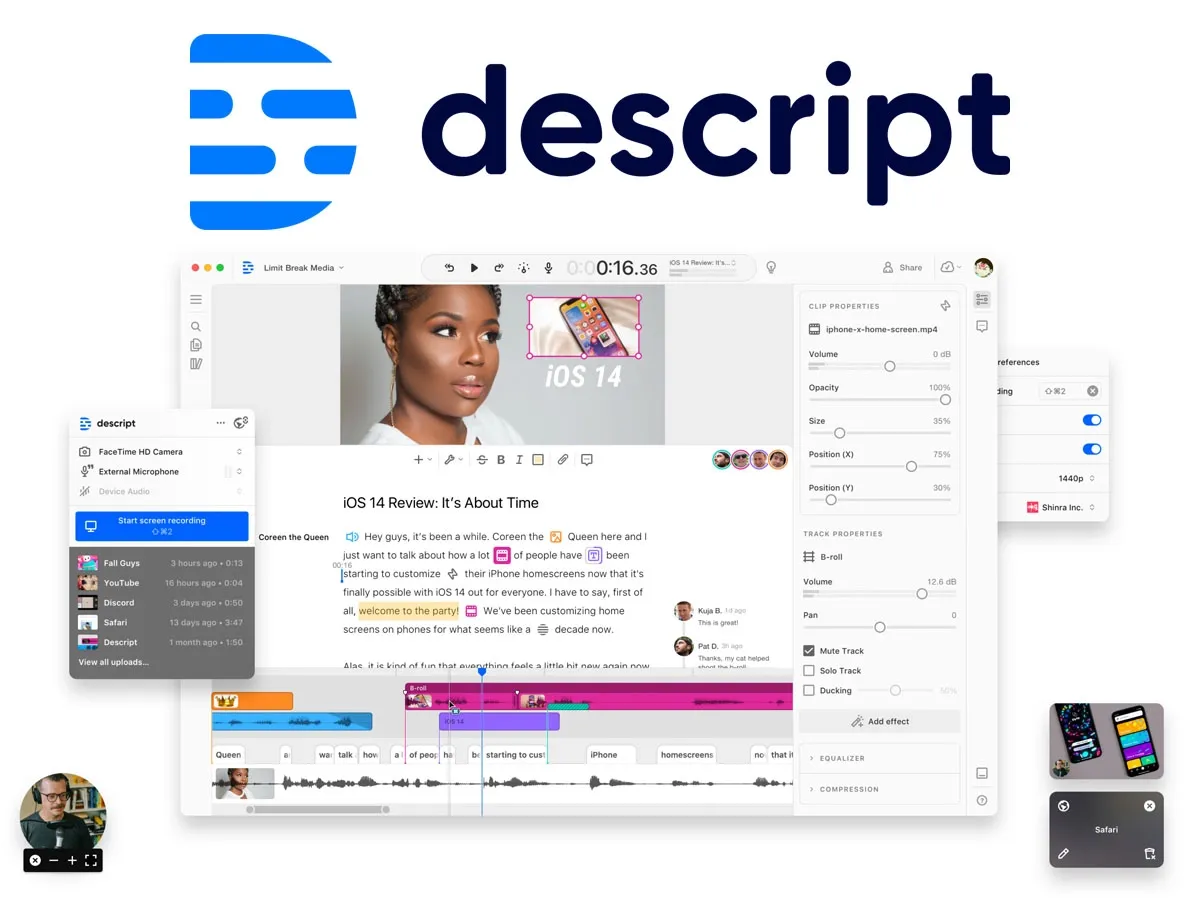
Descript is a video and podcast editor that lets users edit media by changing its transcript. It also records screens and remote sessions, supports multitrack audio editing, and includes AI tools for captions, voice cloning, cleanup, clips, avatars, and translation.
›What are the pros and cons of Descript?
Strengths
Transcript-based editing can speed up edits for talking-head video and podcasts
Recording and editing are available in the same platform
AI tools handle filler-word removal, retake removal, audio cleanup, eye contact, captions, and clips
Paid plans support watermark-free exports, with up to 4K export on the Creator plan
Business and Enterprise plans include team collaboration and administrative controls
Trade-offs
The free plan places a watermark on video exports
The free plan's AI credits are a one-time allowance rather than a recurring monthly budget
The free plan and first paid tier do not offer top-ups when their AI credits run out
Media hours and AI credits are capped by plan
Filmmakers needing professional color grading, visual effects, or cinema-focused editing may need another editor
›What are Descript’s key features?
Edit video and audio by changing the automatically generated transcript
Record screens and remote podcasts or video sessions
Remove filler words and retakes from recordings
Improve audio with Studio Sound and remove video backgrounds
Generate captions, clips, show notes, translations, and YouTube descriptions
Create voice clones, AI avatars, and generated video or images
Collaborate through shared templates and Brand Studio controls
›What are the best use cases for Descript?
Edit podcast episodes and interviews without manually scrubbing a timeline
Turn webinars, interviews, and tutorials into short social clips
Record and edit product demos, educational videos, and marketing content
Create screen recordings for tutorials, training, and customer support
Produce translated or dubbed videos for audiences in multiple languages
›What is the pricing for Descript?
| Plan | Price | Details |
|---|---|---|
| Free | $0 | Includes text-based editing and access to try Descript's AI tools. |
| Hobbyist | $16 per person/month annually, $24 per person/month monthly | Includes 10 media hours/month, 400 AI credits/month, 1080p watermark-free export, Underlord, AI editing tools, and custom voice clones. |
| Creator | $24 per person/month annually, $35 per person/month monthly | Includes 30 media hours/month, 800 AI credits/month, 4K watermark-free export, advanced AI tools, AI video generation, and royalty-free stock media. |
| Business | $50 per person/month annually, $65 per person/month monthly | Includes 40 media hours/month, 1,500 AI credits/month, Brand Studio, translation and dubbing in 30+ languages, custom avatars, and priority support with an SLA. |
| Enterprise | Custom | Includes team-sized media and AI allowances, shared templates, AI and data controls, SOC 2 Type II features, SSO, SCIM, audit logs, and dedicated customer support. |
Annual billing saves up to 35% over the monthly plan. Creator and Business plans offer top-ups for additional media hours and AI credits.
Checked 2026-08-21 · source
›Who is Descript best for?
podcastersTranscript-based editing, multitrack audio, and remote recording suit interview and podcast production.
content creatorsCreators can record, edit, caption, clean up, and repurpose talking-head videos in one workflow.
small teamMarketing, learning, and customer teams can use shared templates and AI tools to produce recurring video content.
enterpriseEnterprise teams get centralized Brand Studio controls, identity features, custom retention, and dedicated support.
Not for
- Filmmakers who need professional color grading, visual effects, or cinema-focused timeline editing
- Users seeking a free plan for ongoing AI-heavy production, because the free AI credit allowance is one-time and video exports are watermarked
›What are the best Descript alternatives?
 Veed.ioChoose this instead if you want a browser-based video editor rather than Descript's transcript-centered workflow.→
 HeyGenChoose this instead if your main need is creating personalized videos with AI avatars.→
 AudioCleaner AIChoose this instead if your primary task is cleaning recorded audio rather than producing and editing complete videos.→
 MeetGeek→