Forward Future Tools Library

AudioCleaner AI
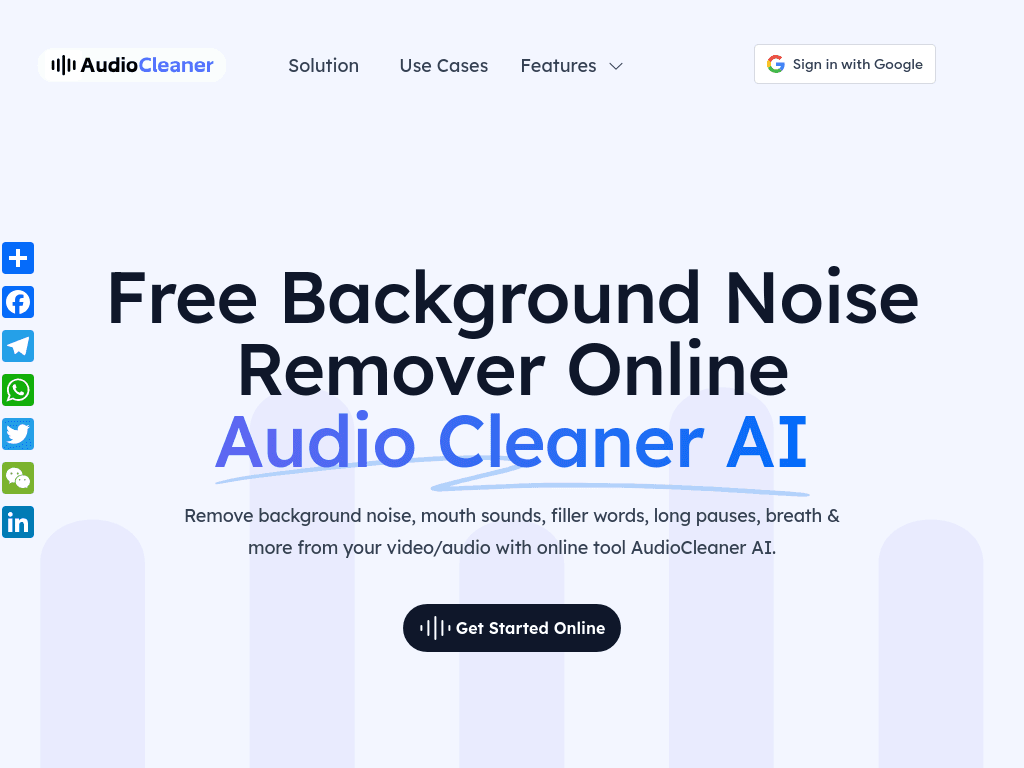
AudioCleaner AI cleans audio and video by removing noise, pauses, breaths, mouth sounds, and speech hesitations, making it useful for podcasters, educators, musicians, and video creators.
Try AudioCleaner AI →
audiocleaner.ai·Free Trial
›What is AudioCleaner AI?
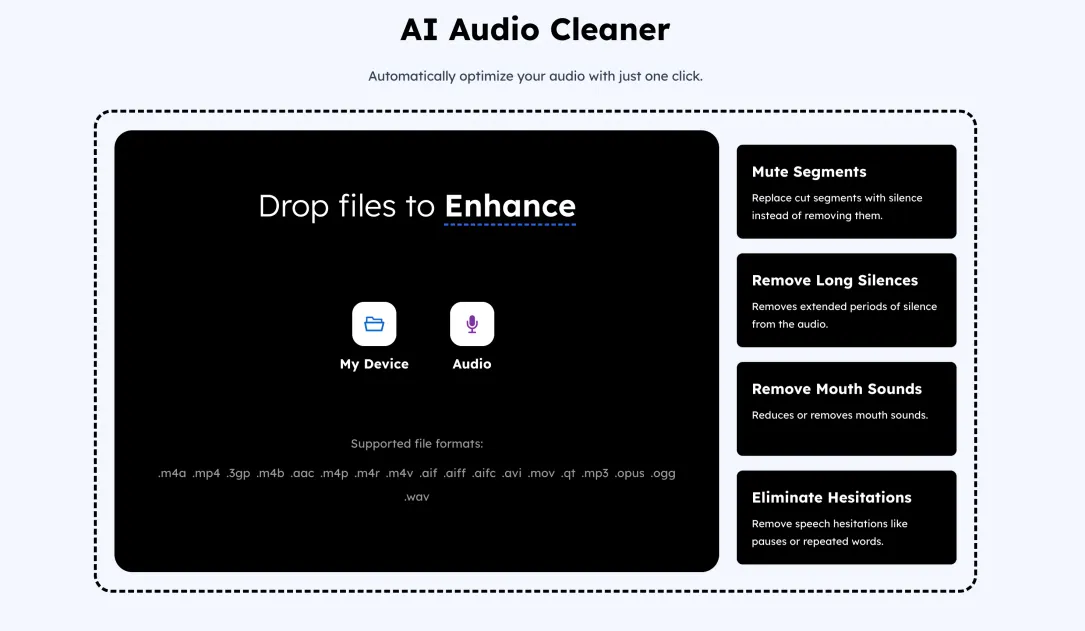
AudioCleaner AI is a browser-based tool for cleaning audio and video files without installing software. It uses AI to remove background noise, echo, static, wind noise, breaths, mouth sounds, filler words, stuttering, and long silences. Users can upload files from their device, a link, or a screencast, then download the processed result.
›What are the pros and cons of AudioCleaner AI?
Strengths
Works in a browser without software installation
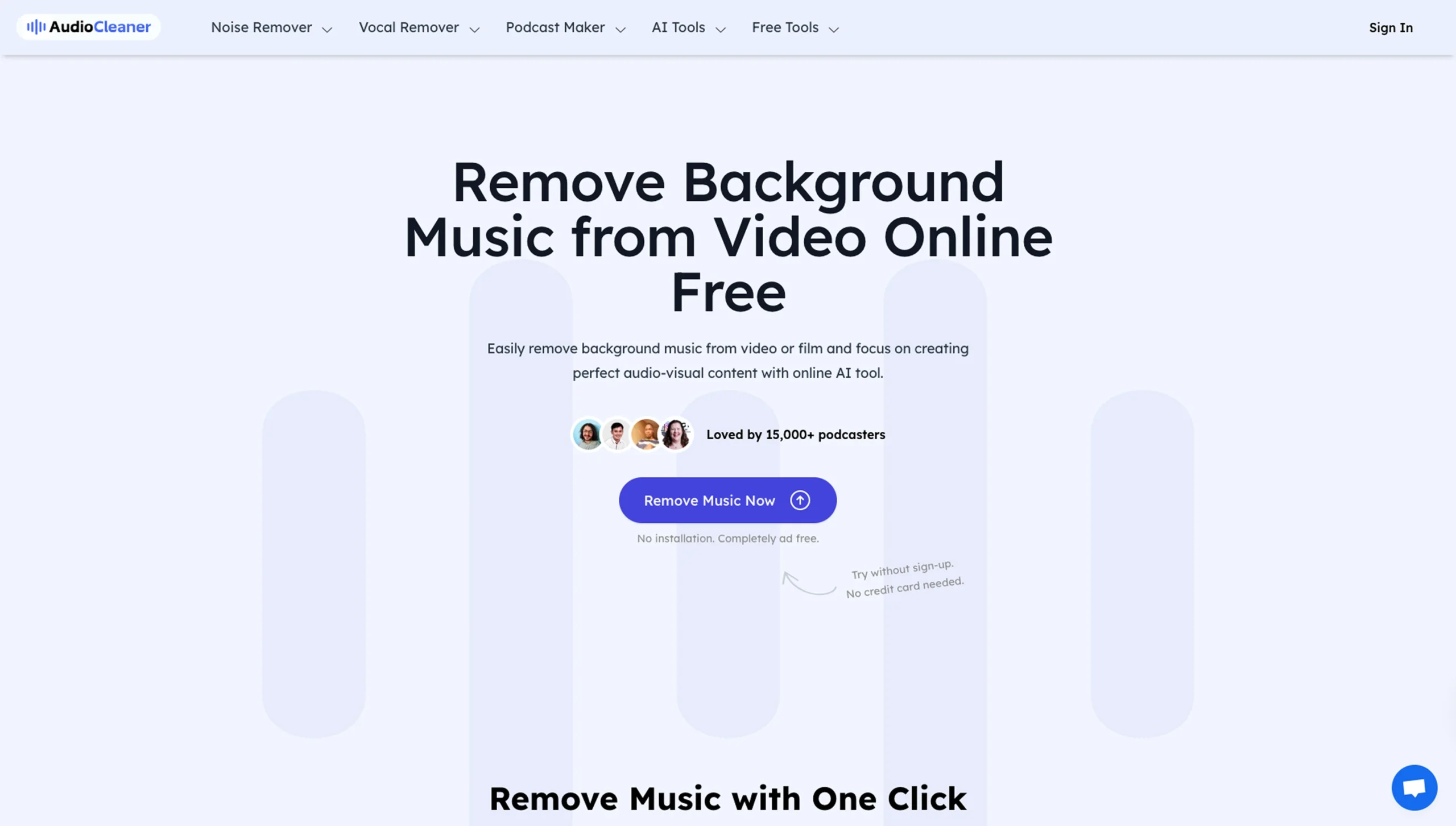
The main cleanup tool can be used without login or a credit card
Handles both audio and video files
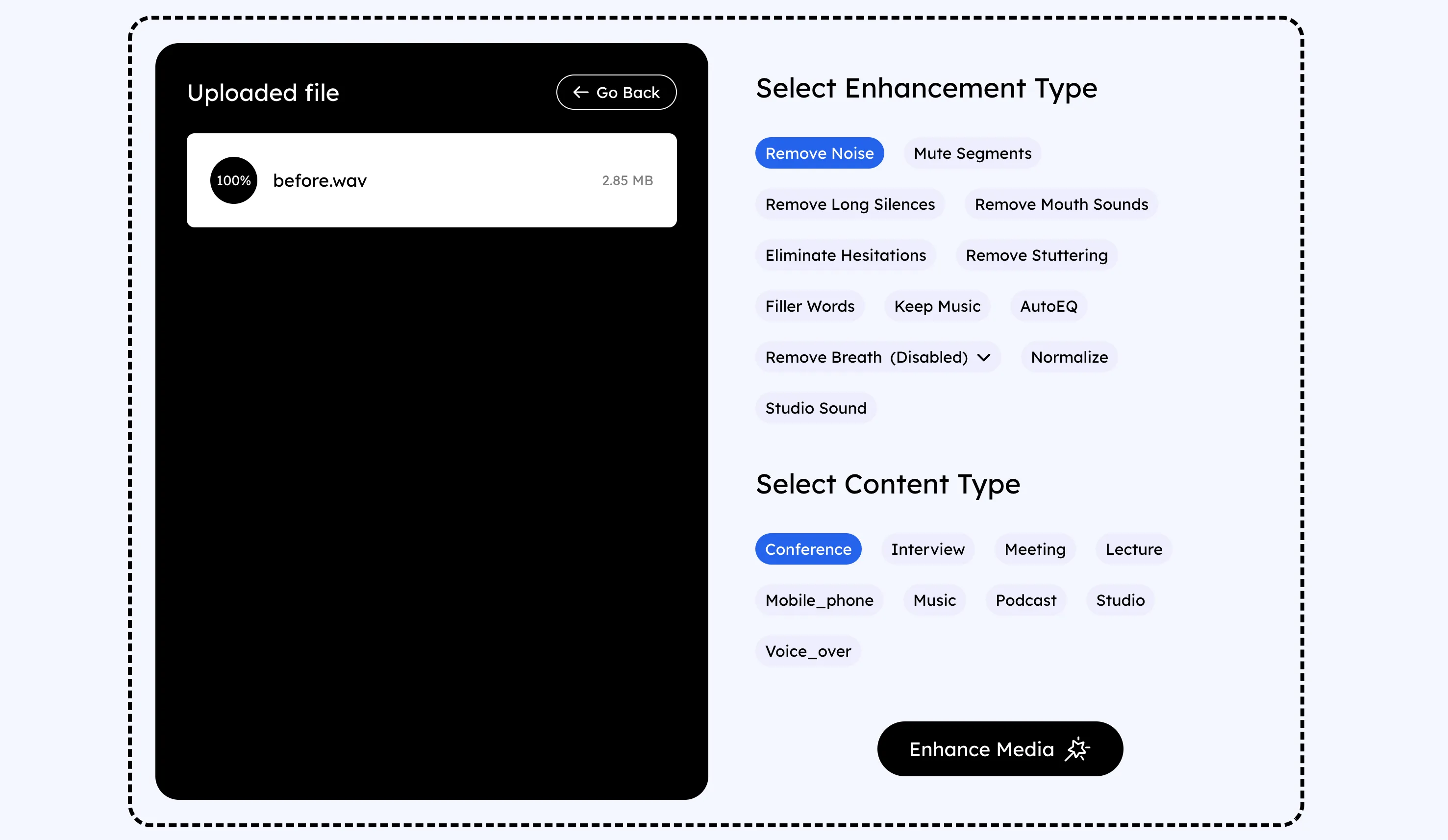
Includes targeted cleanup controls for breaths, mouth sounds, silences, wind, echo, and reverb
Accepts more than 20 file formats
Trade-offs
Uploads are limited to 3 hours in duration and 10GB per file
Paid workflows use subscriptions or one-time credit purchases
The pricing page displays missing or invalid values for plan prices and usage limits
›What are AudioCleaner AI’s key features?
Removes background noise, echo, static, wind noise, hum, and reverb
Removes breaths, mouth sounds, filler words, stuttering, and speech hesitations
Cuts long silences and mutes unwanted segments
Preserves background music during cleanup
Applies automatic equalization, volume normalization, and studio sound processing
Supports audio and video files in more than 20 formats
Offers AudioCleaner Model V1 and AlphaAudioCleaner Model V2 for different noise environments
›What are the best use cases for AudioCleaner AI?
Clean podcast recordings by reducing background noise, breaths, mouth sounds, and long pauses
Improve lecture, course, and training recordings for online education
Remove wind noise, echo, or restaurant chatter from interviews and video recordings
Polish voiceovers, audiobook recordings, and social media videos
Clean music-related recordings while retaining background music
›What is the pricing for AudioCleaner AI?
Free Trial
›Who is AudioCleaner AI best for?
podcastersA strong fit for cleaning speech recordings without manually removing every breath, pause, or background sound.
educatorsUseful for making lectures, courses, and training recordings easier to listen to.
musiciansWorth considering when vocal or spoken-word recordings need targeted cleanup while background music is retained.
video editorsSuitable for quick browser-based cleanup of audio tracks in video files.
Not for
- Skip this tool if you regularly process files longer than 3 hours or larger than 10GB.
- Choose a fuller audio or video editor if you need extensive manual timeline editing beyond the listed cleanup operations.