

Forward Future Tools Library

Lipsync
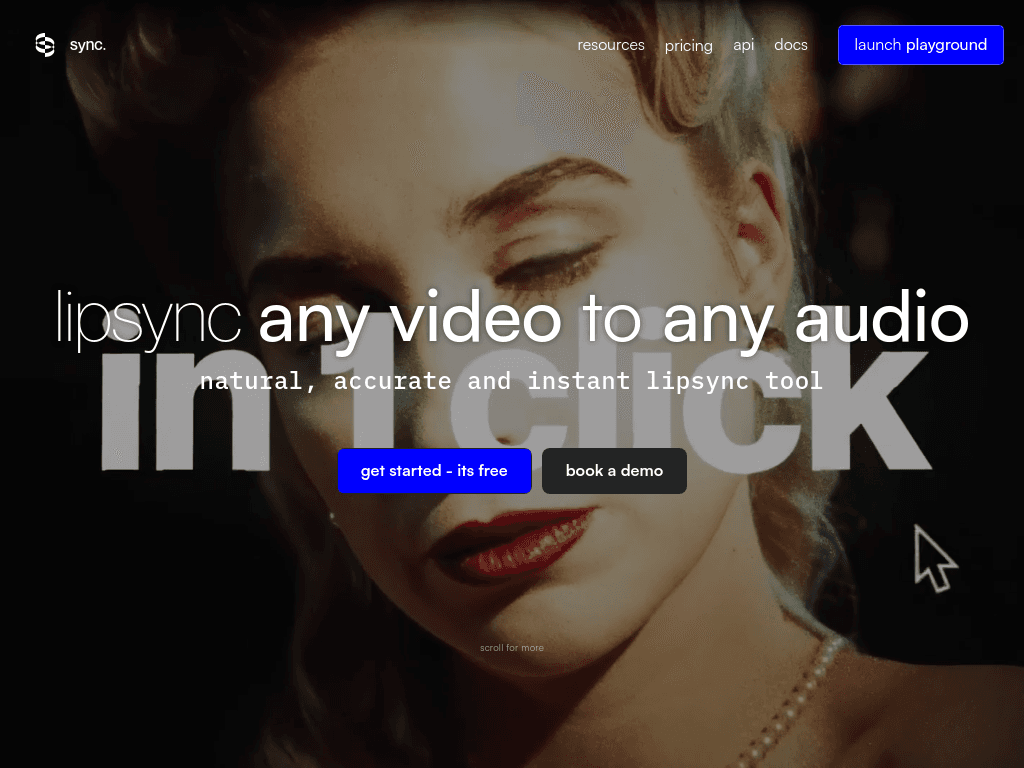
Sync. creates lip-synced and visually dubbed videos from existing footage and new audio, with API and studio workflows for content creators, developers, and localization teams.
Try Lipsync →
sync.so·From $5/month+ $0.05 /sec·Checked 2026-08-24
›What is Lipsync?
Sync. is an AI lip-sync and visual dubbing tool for live-action, animated, and other video content. Upload a video, clone or generate a voice, or use audio from the clip, then receive a synced result without working on a timeline. It is available through an API, SDKs, and studio tools.
›What are the pros and cons of Lipsync?
Strengths
Works with live-action, animated, and AI-generated video content
Supports difficult shots with low light, fast movement, multiple faces, and blocked faces
Provides both no-timeline studio creation and API-based workflow integration
Includes voice cloning and multilingual visual dubbing
Offers video modification verification through proprietary watermarking
Trade-offs
Pricing combines a monthly subscription with per-second video charges
Video duration, concurrency, and voice-cloning limits vary by plan
The studio workflow does not provide a conventional editing timeline
No-watermark output is listed only from the Creator plan upward
›What are Lipsync’s key features?
Synchronizes mouth movement to cloned, generated, or uploaded audio
Supports visual dubbing across multiple languages
Processes footage with multiple faces and camera angles
Handles challenging footage including low light, fast camera movement, and objects blocking the face
Offers API access, SDKs, and studio tools
Verifies whether a video was modified using Sync.'s watermarking technology
›What are the best use cases for Lipsync?
Dub films, podcasts, games, animations, and other video content into different languages
Replace or revise dialogue in existing footage
Create synced shots from cloned voices or newly generated speech
Integrate lip-sync generation into video production apps and automated workflows
›What is the pricing for Lipsync?
| Plan | Price | Details |
|---|---|---|
| Hobbyist | $5/month+ $0.05 /sec | Videos up to 1 minute, one concurrent job, three cloned voices, API access, SDKs, and Lipsync Studio. |
| Creator | $19/month+ $0.05 /sec | Adds videos up to 5 minutes, three concurrent jobs, five cloned voices, an own text-to-speech API key, Active Speaker Detection, and no watermark. |
| Growth | $49/month+ $0.0475 /sec | Adds videos up to 10 minutes, six concurrent jobs, 15 cloned voices, team workspaces with three seats, and a 5% usage discount. |
| Scale | $249/month+ $0.04 /sec | Adds videos up to 30 minutes, 15 concurrent jobs, 50 cloned voices, five team seats, batch API, delegated support, and a 20% usage discount. |
Usage is billed per second of video. Additional team seats on Growth cost $25/mo. The site also says users can try Sync. for free.
Checked 2026-08-24 · source
›Who is Lipsync best for?
content creatorsA fit for creators who need to dub or revise dialogue without learning a video timeline.
developersAPI access and SDKs make it suitable for developers embedding lip-sync generation in apps and workflows.
small teamGrowth supports collaborative production with three included workspace seats and multiple concurrent jobs.
localization teamsMultilingual visual dubbing and support for varied footage suit teams adapting video content for different markets.
Not for
- Editors who need a conventional timeline for detailed, manual video assembly
- Buyers who require a fixed subscription cost without per-second generation charges
- Users whose projects need more than 30-minute generated videos or more than 15 concurrent jobs on the listed plans
›What are the best Lipsync alternatives?
 DescriptChoose this instead if you need a broader audio and video editor with transcript-based editing and timeline-style production tools.→
 HeyGenChoose this instead if your priority is creating personalized AI-driven videos with avatars rather than syncing existing footage.→
 GennyChoose this instead if you need text-to-speech and video editing in one voice-focused production platform.→
 vidIQ→