Forward Future Tools Library

vidIQ logo

vidIQ

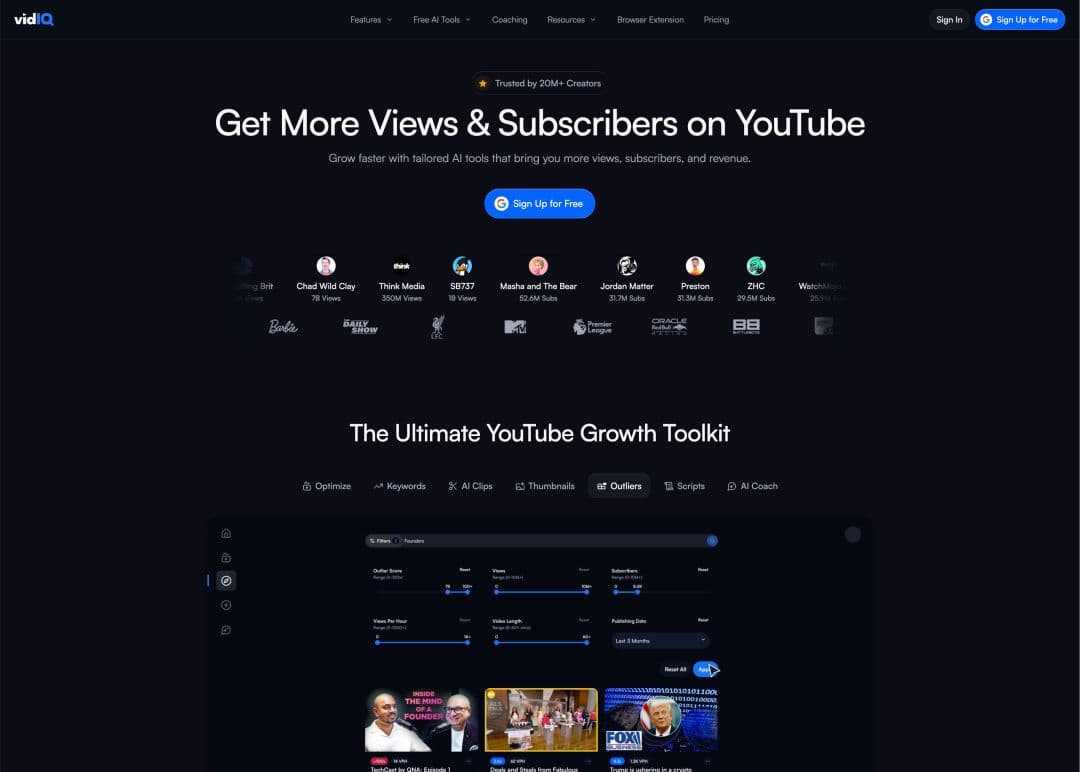
vidIQ combines YouTube topic research, keyword and trend analysis, video optimization, AI ideas, and creator coaching for creators and teams managing YouTube channels.

Try vidIQ

vidiq.com·Free + paid plans·Checked 2026-08-25
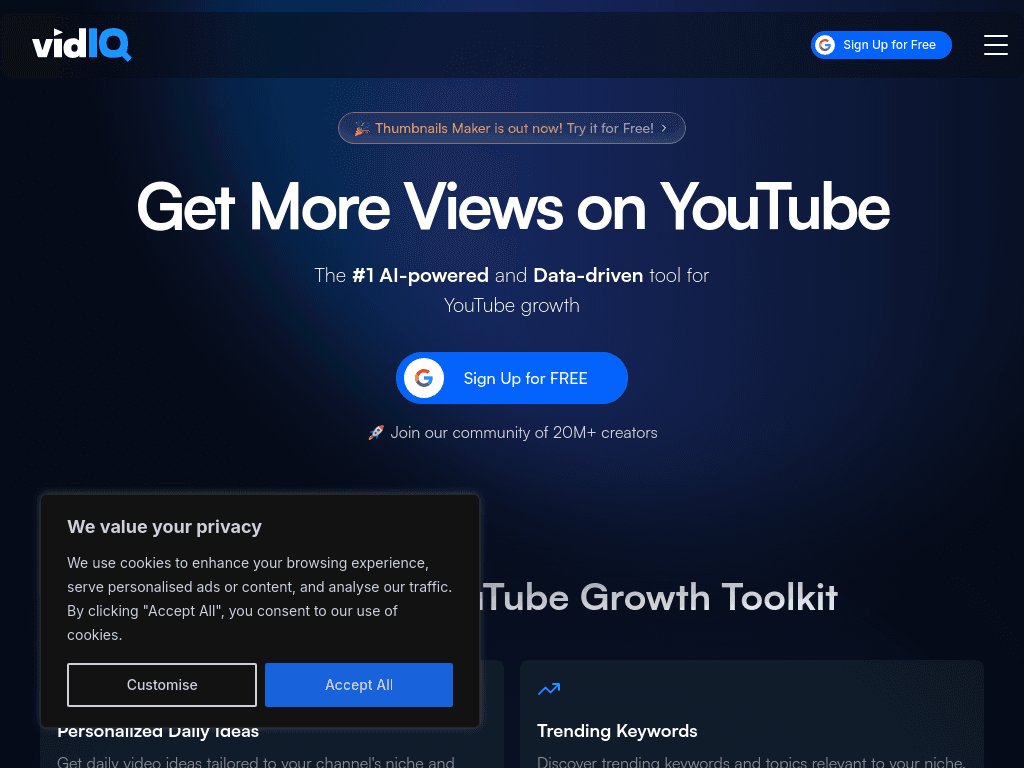
vidIQ screenshotvidIQ Review 2026: Pricing, Features, and More!VidIQ Review 2025: How I Got 100k+ Views Using It?
vidIQvidiq.com
vidIQ screenshot
vidIQvidiq.com

What is vidIQ?

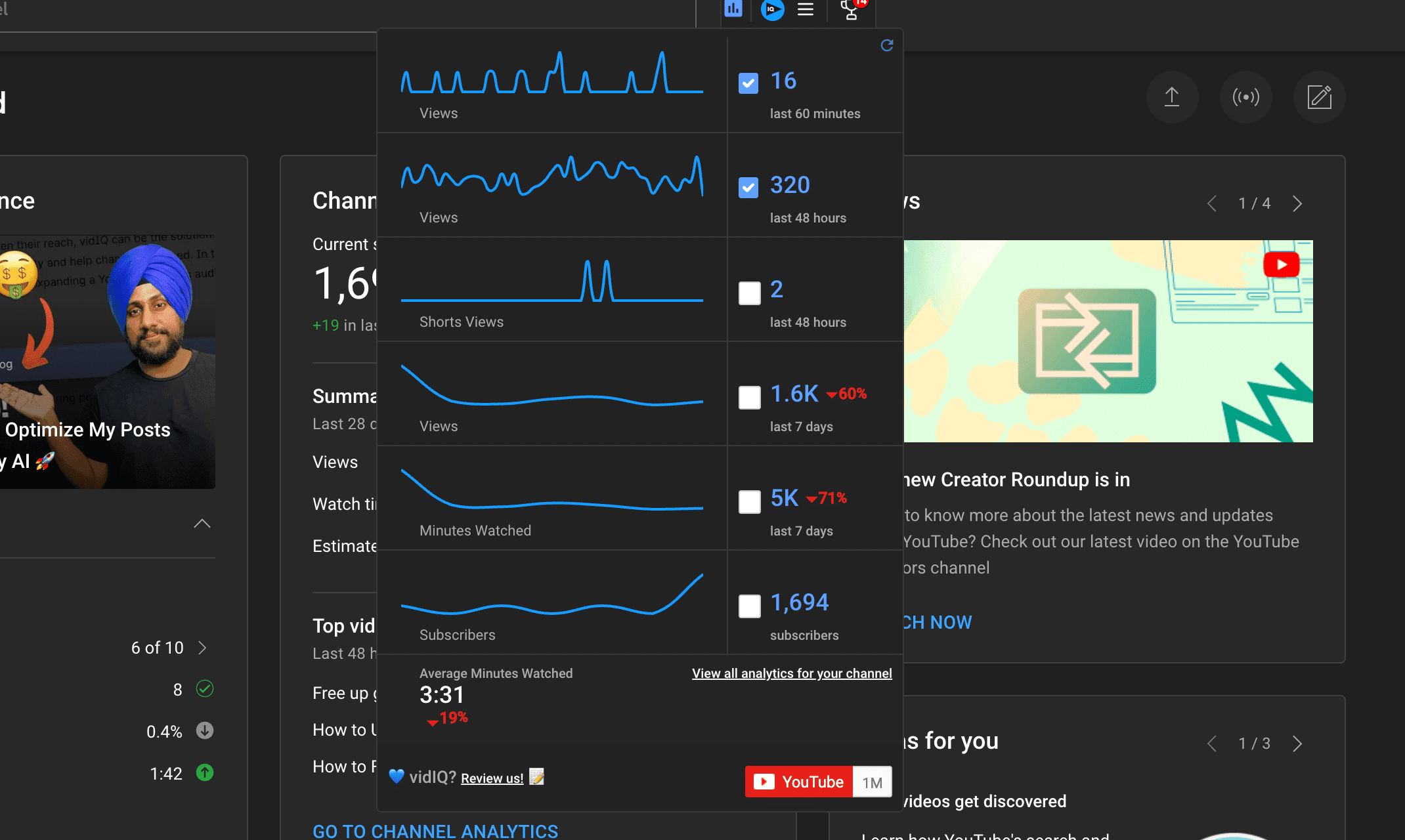
vidIQ is a YouTube research and optimization platform with a browser extension and dashboard. It overlays SEO and performance data on YouTube pages, helps creators find topics and keywords, suggests titles and other optimizations, and provides AI-generated ideas and coaching. Enterprise plans add team permissions and cross-channel reporting.

What are the pros and cons of vidIQ?

Strengths

The free tier includes 150 AI credits each month, trend research, content ideas, and AI growth tips
The browser extension places research data directly on YouTube pages
AI Daily Ideas provides channel-focused content suggestions
Enterprise plans support team permissions and cross-channel reporting

Trade-offs

Paid plans can become expensive compared with competing YouTube tools
AI features are limited by monthly credit allowances
Some users report generic AI suggestions
Bulk tools are weaker than those of some competitors
Reviews report slow customer support responses

What are vidIQ’s key features?

AI-generated daily video ideas based on channel and YouTube data
Keyword, niche trend, and competitor research through the browser extension and dashboard
Video optimization suggestions for titles, tags, thumbnails, and topic choices
AI Coach for personalized growth tips and deeper channel strategy
Thumbnail creation tools and short-form clipping and generation on higher plans
Enterprise roles, permissions, onboarding, support, and cross-channel reporting

What are the best use cases for vidIQ?

Finding YouTube topics and keywords before planning an upload
Improving titles, tags, thumbnails, and other elements of an existing video
Generating recurring video ideas for a publishing schedule
Reviewing competitor performance and subscriber insights
Managing research and reporting across multiple YouTube channels

What is the pricing for vidIQ?

PlanPriceDetails
Free$0Includes 150 AI Credits every month, niche trends, data-backed content ideas, and personalized AI Coach growth tips.
Boost$19 per month ($16.58 billed yearly)Adds 2,000 monthly AI Credits, unlimited trend research and subscriber insights, optimization tools, thumbnails, AI Coach, and creator masterclasses.
Max$49 per month ($39 billed yearly)Adds 6,000 monthly AI Credits, more AI Coach conversations, Max Mode AI, and up to 11 hours of short clipping and generations.

Enterprise plans are available for brands, agencies, and MCNs with multiple channels or team members. Yearly billing is available and can reduce the monthly rate.

Checked 2026-08-25 · source

Who is vidIQ best for?

soloUseful for individual creators who want topic ideas, keyword research, and optimization feedback in one YouTube-focused workspace.
small teamWorks for small creator teams that need shared channel research, AI assistance, and repeatable publishing support.
enterpriseEnterprise plans suit agencies, brands, and MCNs that need permissions, centralized access, and cross-channel reporting.
content creatorsA strong fit for creators publishing regularly who can act on trend, keyword, thumbnail, and title recommendations.
Not for
  • Creators seeking a tool that distributes content or drives traffic across search engines, podcasts, and social platforms
  • Buyers who need extensive bulk-production tools rather than channel research and AI assistance
  • Teams managing more than three channels or multiple users without an enterprise-oriented plan

What are the best vidIQ alternatives?

Where can I try vidIQ?

Open vidiq.com