Forward Future Tools Library

PackPack logo

PackPack

PackPack collects web content, files, notes, and tasks in one searchable space for researchers, designers, and others managing large collections of references.

Try PackPack

packpack.ai·Free + paid plans·Checked 2026-08-26
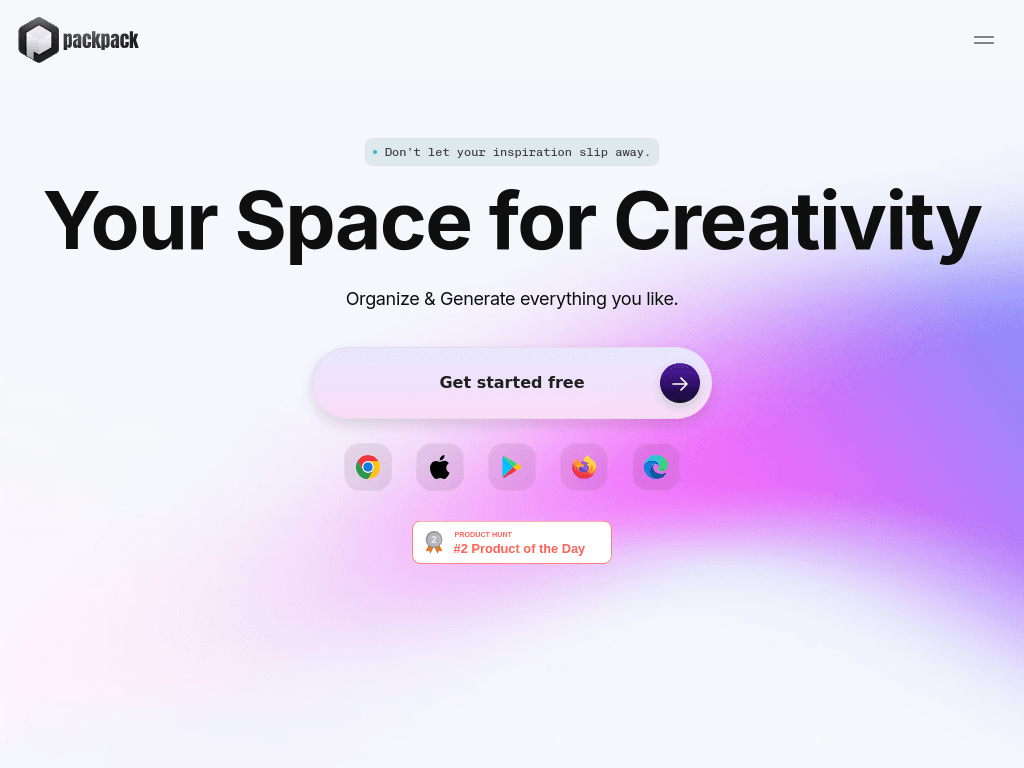
PackPack screenshotPackPack AI: Your space for creativityChatGPT AI Chatbot UI Pack, Elements ft. ai & user interface compatible  with After Eff…Free 120 UI Pack Icons Set (SVG, Ai)AI Chat & Search UI Pack, Elements ft. AI & chat compatible with After  Effects
PackPackpackpack.ai
PackPack screenshot
PackPackpackpack.ai

What is PackPack?

PackPack is a bookmark and content organization tool for saving articles, images, videos, social posts, files, notes, and links. Its browser extension saves content from websites, while AI-generated summaries and tags help organize saved items. Paid features add full-text search, reading mode, screenshots, and file uploads.

What are the pros and cons of PackPack?

Strengths

The Free plan allows unlimited saves
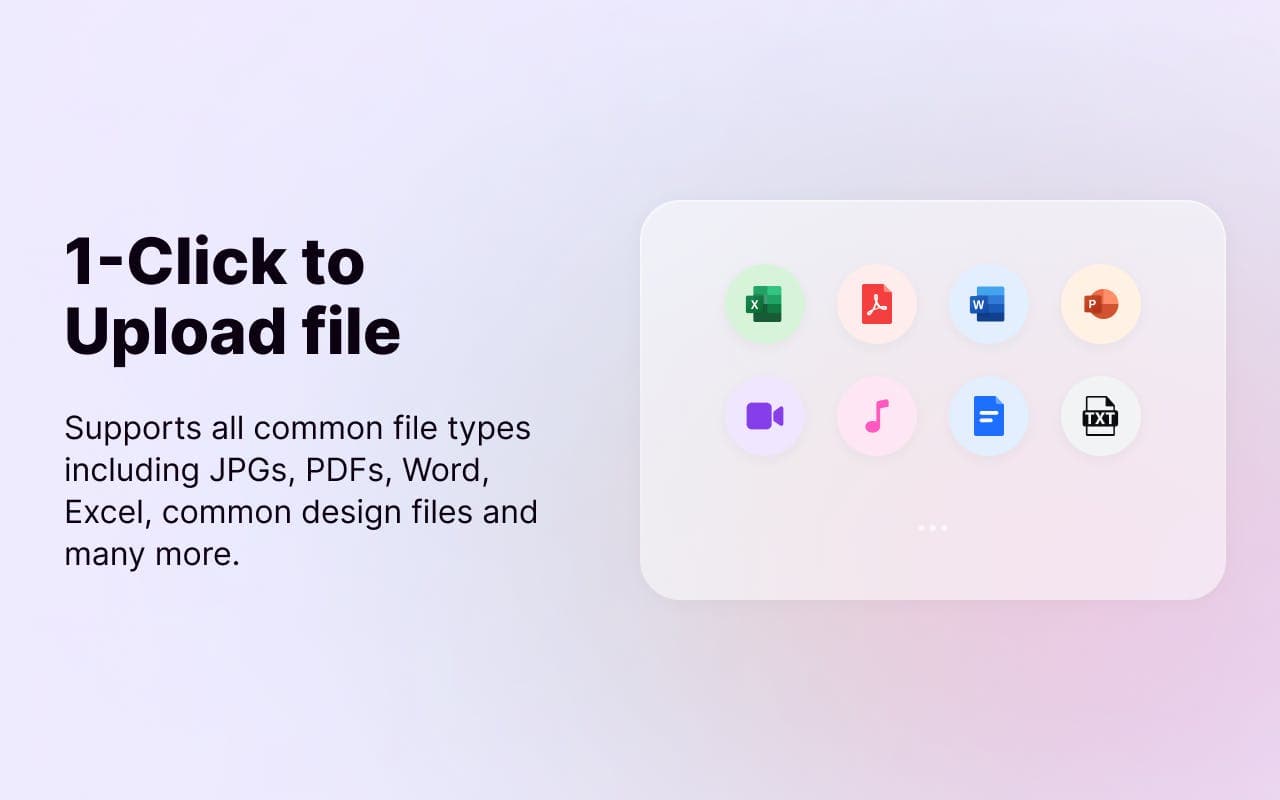
Supports common file types including JPGs, PDFs, Word, Excel, and design files
Browser extensions are available for Chrome, Firefox, and Microsoft Edge
AI TL;DR summaries and automatic tagging reduce manual organization
Supports saving content from more than 2,000 websites

Trade-offs

Full-text search, reading mode, website screenshots, and file uploads are listed under the paid PowerPack plan
The iOS and Android apps are marked as coming soon on the website
A user review reports that saved text can lose its original formatting, including bullet lists
Some advanced organization features may require time to learn

What are PackPack’s key features?

Save articles, images, videos, social posts, text, and links with a browser extension
Write notes and manage to-do lists
Generate AI TL;DR summaries and tags
Organize saved items into packages
Search saved content with full-text search on the PowerPack plan
Upload PDFs, Word files, Excel files, and common design files on the PowerPack plan
Support content from more than 2,000 websites

What are the best use cases for PackPack?

Collecting visual references and design inspiration from websites
Saving research articles, papers, and related web materials
Organizing project links, documents, and notes in one library
Building collections of videos and social posts for later review
Capturing web content while browsing with the browser extension

What is the pricing for PackPack?

PlanPriceDetails
FreeFreeUnlimited saves, universal embed, AI TL;DR, and AI tagging.
PowerPack$ 4.99 per monthAdds full-text search, tag customization, reading mode, website screenshots, and file upload.

PowerPack is marked with an annual discount. The pricing page also references a Starter plan in the feature description, but lists Free and PowerPack as the visible plans.

Checked 2026-08-26 · source

Who is PackPack best for?

researchersUseful for collecting papers, articles, notes, and related web references in one library.
designersA practical choice for saving images, links, and other visual inspiration while browsing.
soloThe unlimited-save free plan suits individuals who want a personal reference library.
small teamCan organize project materials and inspiration, though the listed features focus on personal collections.
Not for
  • People who need a fully available native mobile app now, since the iOS and Android apps are marked as coming soon.
  • Users who require preserved formatting when clipping structured text from websites.
  • Buyers who need full-text search and file uploads without moving to a paid plan.

What are the best PackPack alternatives?

Where can I try PackPack?

Open packpack.ai