

Forward Future Tools Library

Notebook LM
NotebookLM turns uploaded documents, webpages, videos, and audio into citation-backed answers, summaries, and audio briefings for students, researchers, and teams working with curated source sets.
Try Notebook LM →
notebooklm.google.com·Free + paid plans·Checked 2026-08-26
›What is Notebook LM?
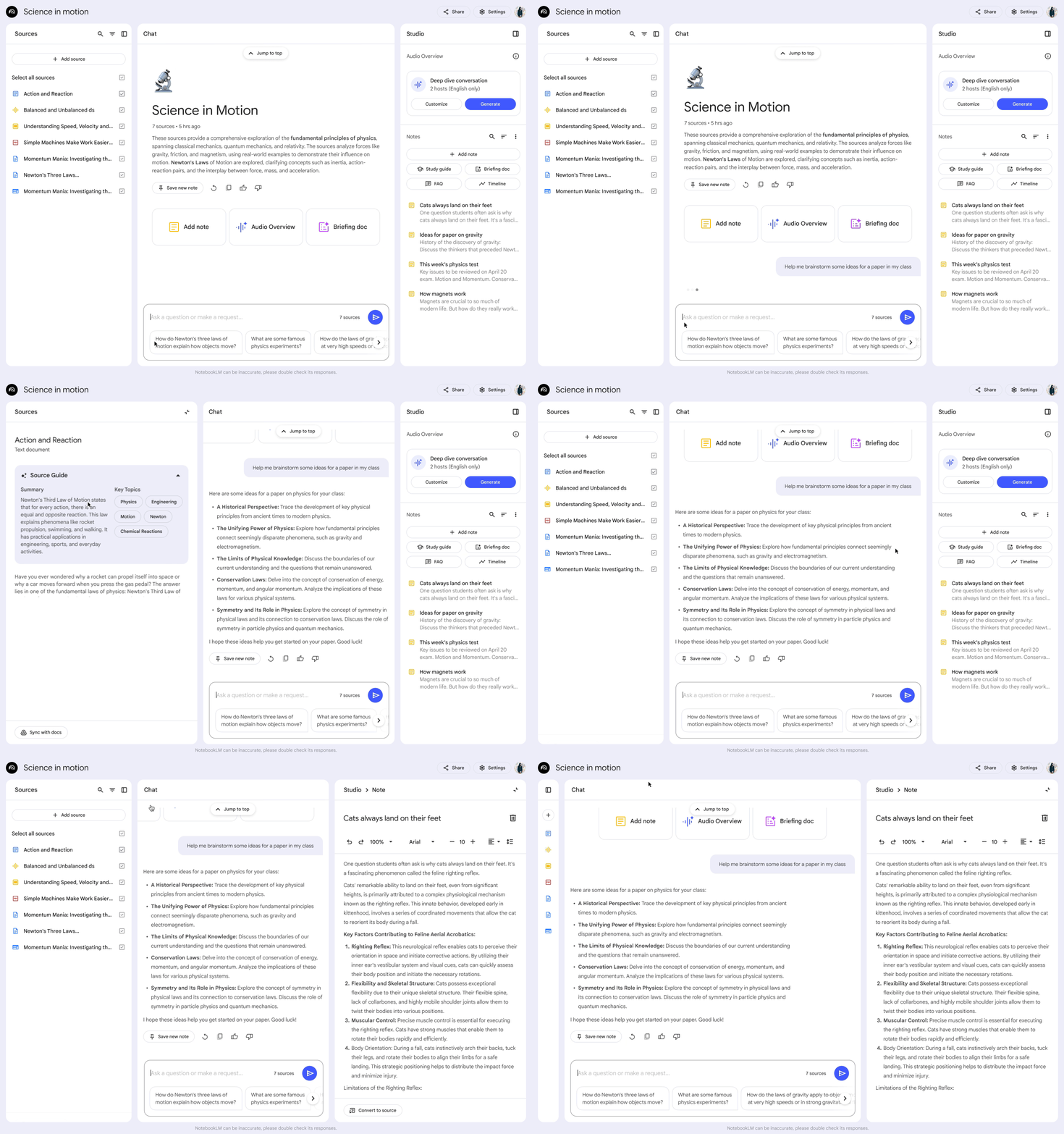
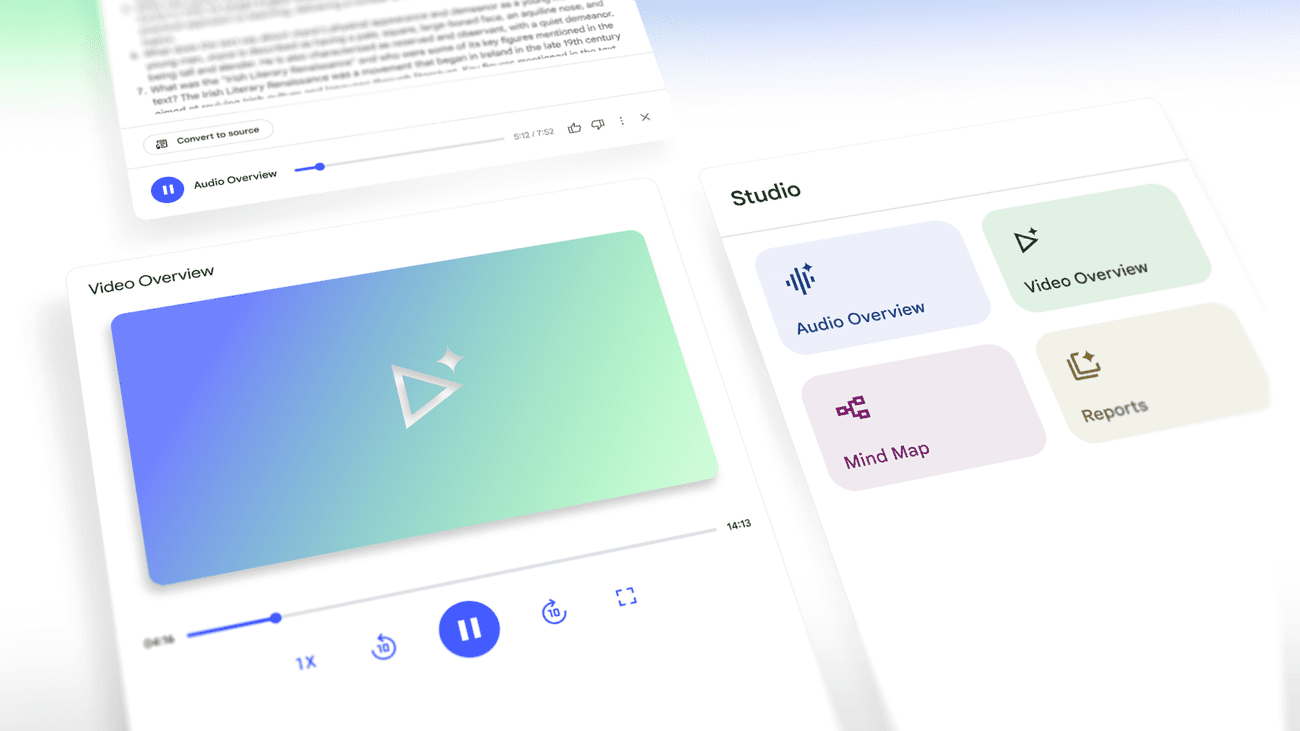
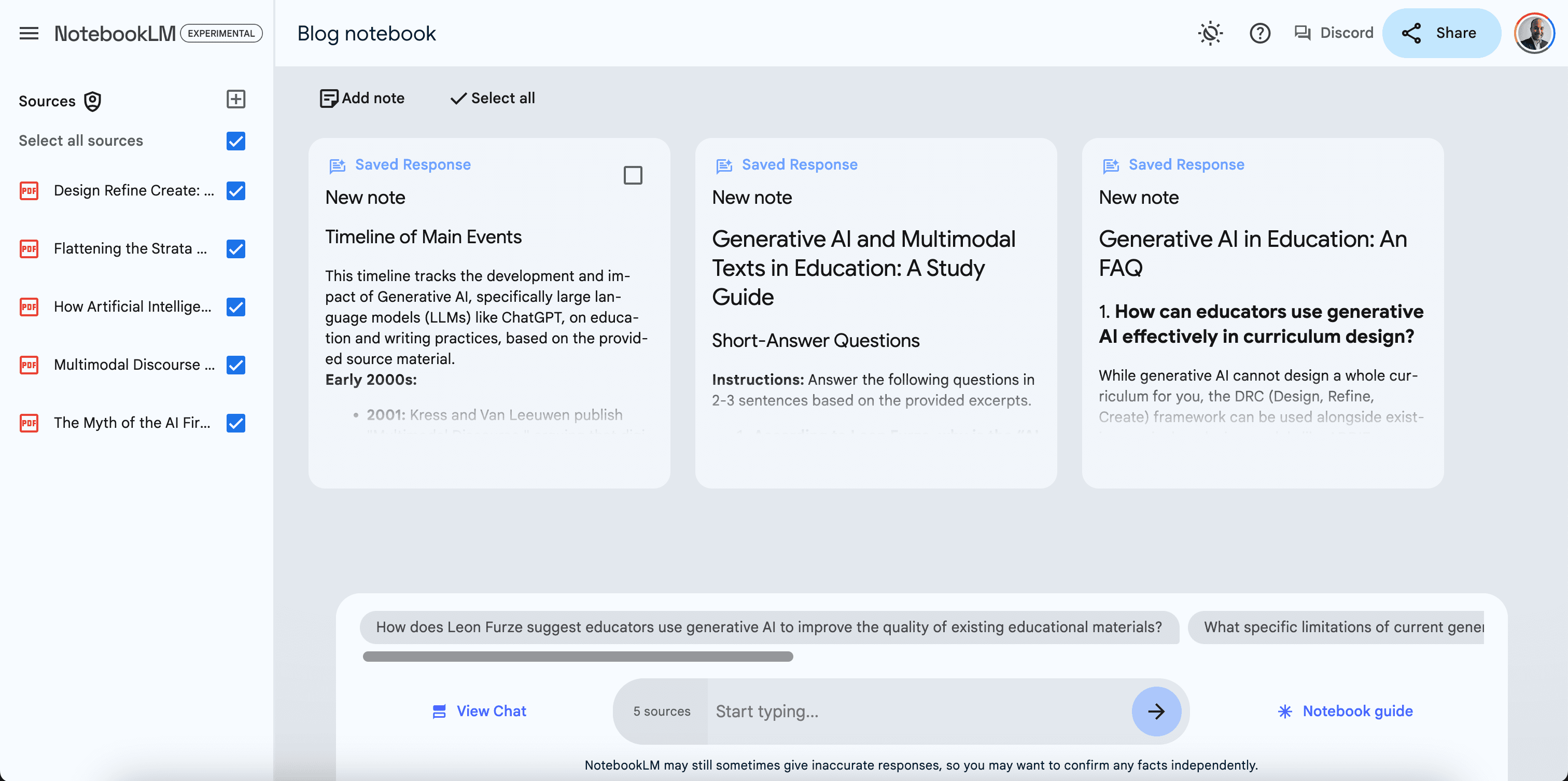
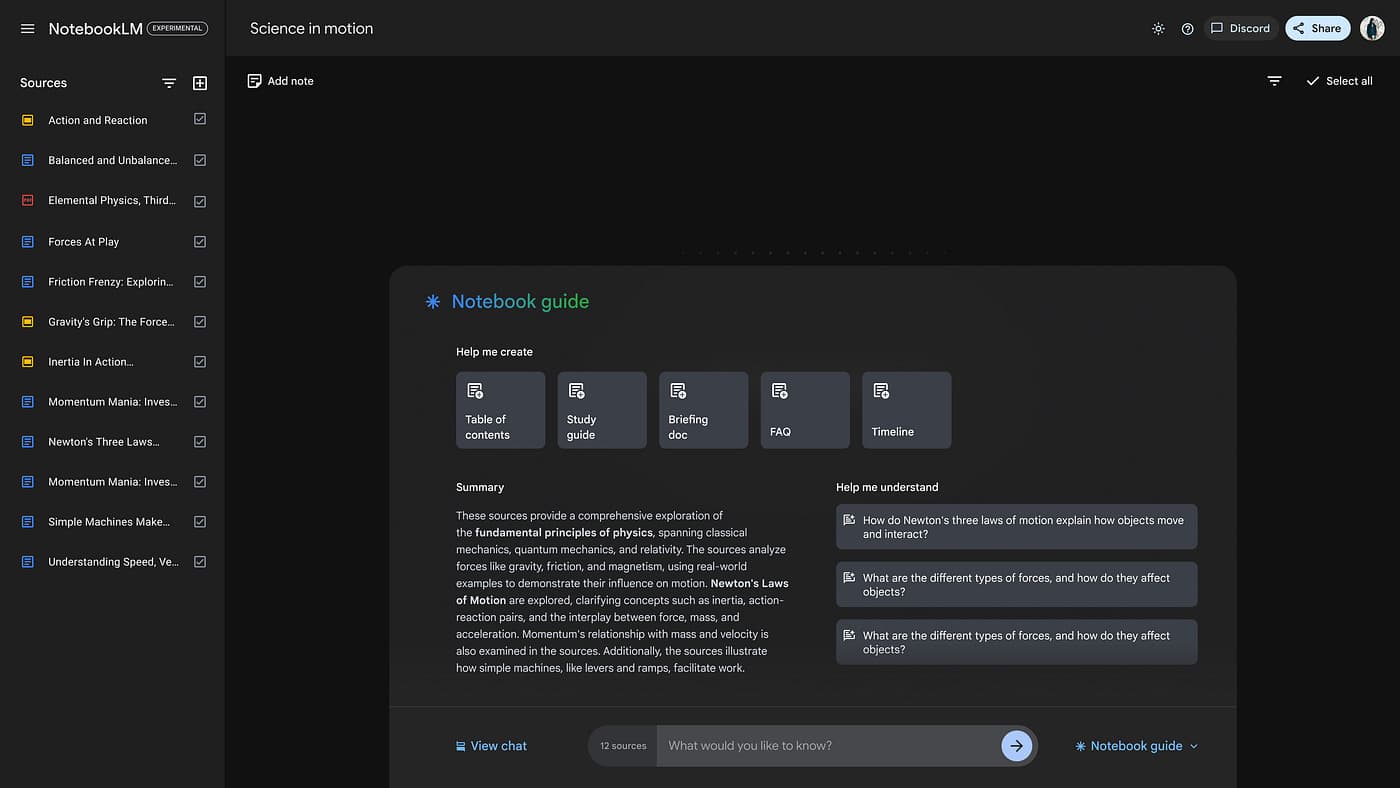
NotebookLM is Google's AI research and notetaking workspace, powered by Gemini. Users add PDFs, Google Docs, websites, YouTube videos, or audio, then ask questions and receive answers grounded in those sources with citations. It also creates summaries and Audio Overviews.
›What are the pros and cons of Notebook LM?
Strengths
Keeps answers grounded in the user's selected sources
Provides citation-linked answers for checking claims
Supports several common source types, including documents, webpages, YouTube, and audio
Audio Overviews can turn source collections into listenable briefings
The basic workflow is straightforward: upload sources and ask questions
Trade-offs
The Standard plan limits users to 100 notebooks, 50 sources per notebook, and 50 chats per day
Chat history is not automatically saved, according to user reviews
Source-count limits can constrain larger research projects
Some language support is limited, including gaps with Indian English accents and video subtitles in some languages
It is not well suited to systematic reviews, legal discovery, or compliance work that requires proving every source was read
›What are Notebook LM’s key features?
Accepts PDFs, Google Docs, websites, YouTube videos, and audio as source material
Answers questions using uploaded sources and links claims to citations
Summarizes source collections for faster review
Generates Audio Overviews of source material
Organizes work into notebooks with separate source collections
›What are the best use cases for Notebook LM?
Reviewing a curated set of research papers, reports, or course materials
Asking questions across internal documents and Google Docs
Creating an audio briefing from reading materials
Helping students and graduate researchers understand assigned sources
Preparing enablement or product teams to work from a bounded document set
›What is the pricing for Notebook LM?
| Plan | Price | Details |
|---|---|---|
| Standard | $0/month | Free access with 100 notebooks, 50 sources per notebook, and 50 chats per day. |
| Plus | $4.99/month | NotebookLM access through Google AI Plus. |
| Pro | $19.99/month | NotebookLM access through Google AI Pro. |
| Ultra | $99.99/month | NotebookLM access through the lower-priced Google AI Ultra tier. |
| Ultra | $199.99/month | NotebookLM access through the higher-priced Google AI Ultra tier. |
| Workspace Business Standard | $14/user/month | NotebookLM access through a Google Workspace Business Standard subscription. |
| NotebookLM Enterprise | roughly $9/license/month | Enterprise access priced by license. |
NotebookLM is described as being bundled with Google AI and Workspace subscriptions rather than sold as a standalone product.
Checked 2026-08-26 · source
›Who is Notebook LM best for?
soloA fit for solo users who need to question and summarize a curated collection of documents.
studentsStudents can use source-grounded answers, citations, and Audio Overviews to work through course materials.
researchersResearchers working with bounded sets of papers and reports get citation-linked synthesis without building a separate workflow.
small teamSmall enablement or product teams can turn shared documents into searchable answers and briefings.
Not for
- Systematic-review teams that need exhaustive evidence handling and proof that every source was read.
- Legal discovery teams that need comprehensive document review and defensible audit trails.
- Compliance teams that must demonstrate complete source coverage.
›What are the best Notebook LM alternatives?
 GeminiChoose this instead if you want a broader assistant for research, writing, and planning beyond a fixed source collection.→
 PaperLensChoose this instead if your main task is exploring a large corpus of peer-reviewed research papers.→
 AI PDF SummarizerChoose this instead if you only need concise summaries of individual PDF files.→
 NotebookLM→