Forward Future Tools Library

Gemini logo

Gemini

Gemini combines chat, research, document analysis, image and video generation, and Google app integrations for students, researchers, and people working in Google’s ecosystem.

Try Gemini

gemini.google.com·Free + paid plans·Checked 2026-08-28
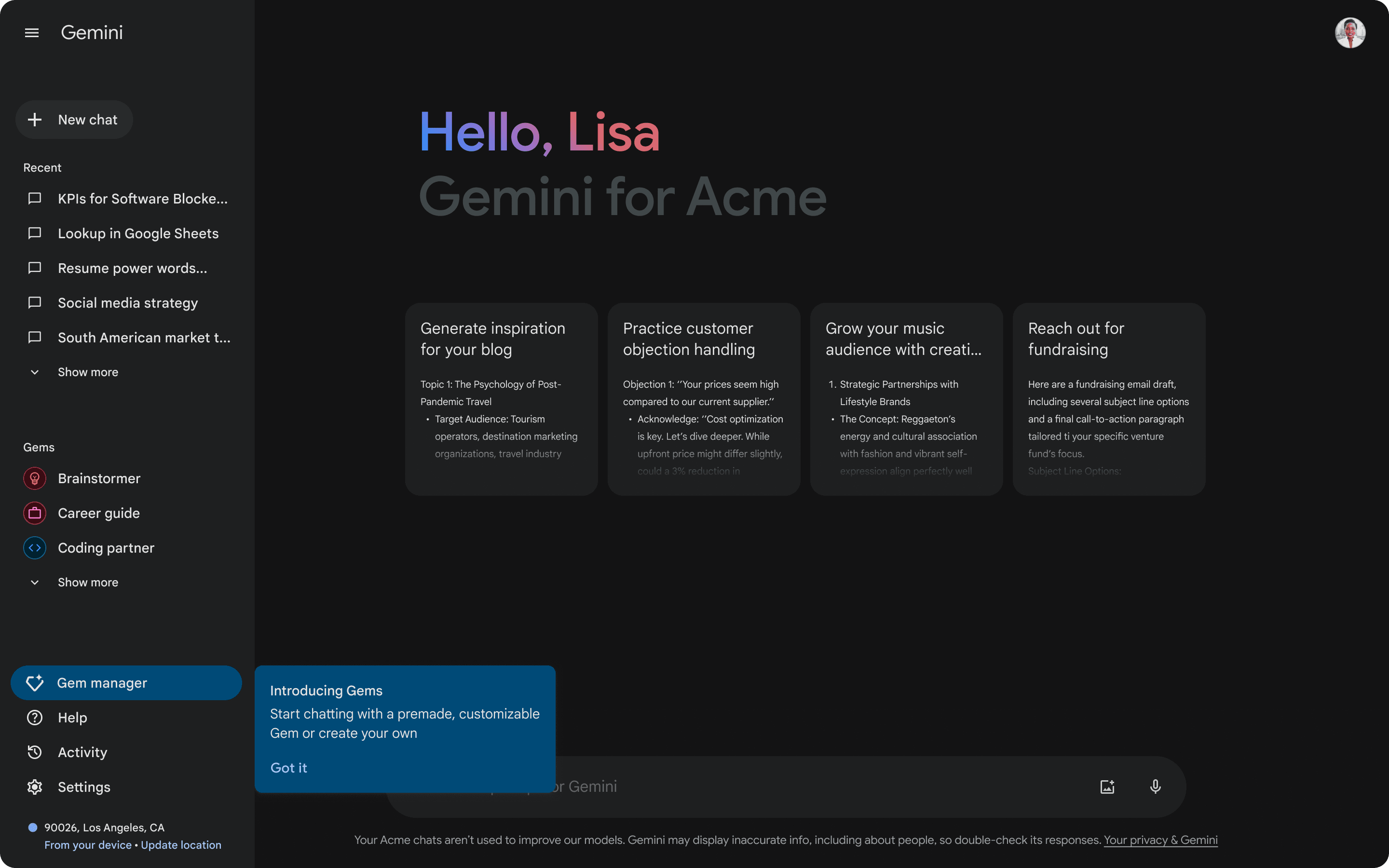
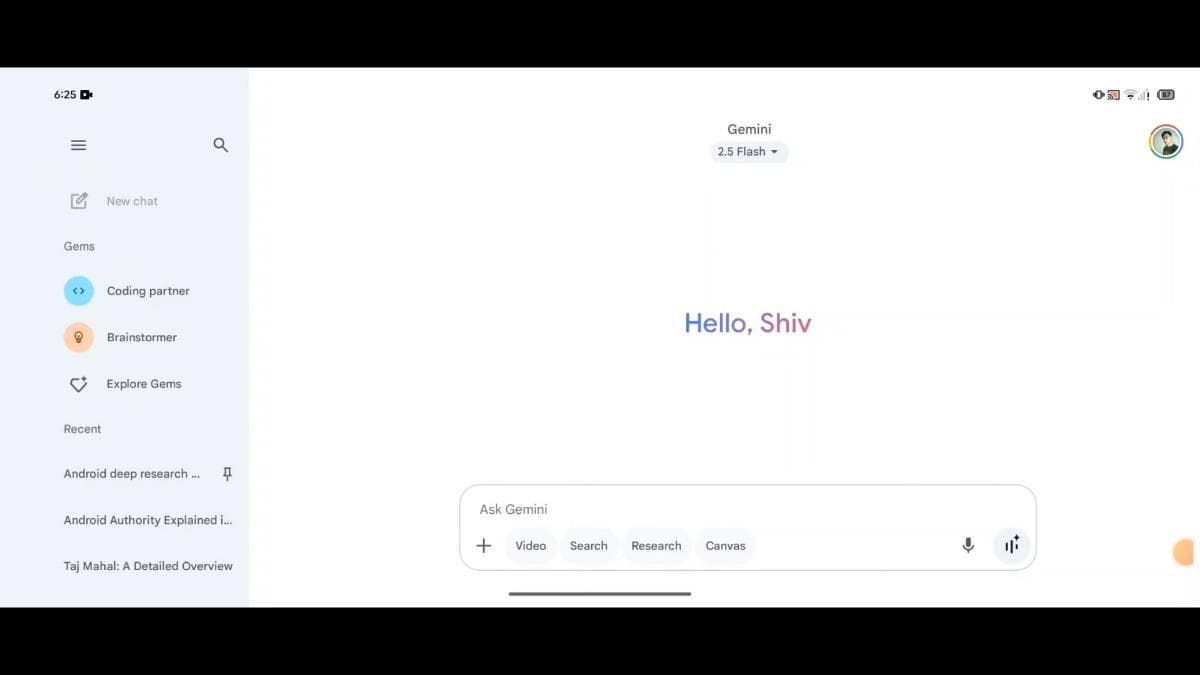
Gemini screenshotGoogle Workspace Updates: Customize Gemini (gemini.google.com) for your  specific needs…Google Gemini is testing a new UI for Android tabletsGoogle Gemini's new compact UI is hereGoogle is working on a cleaner UI for Gemini app
Geminigemini.google.com
Gemini screenshot
Geminigemini.google.com

What is Gemini?

Gemini is a text and voice AI assistant that answers questions, searches the web, analyzes documents, solves math problems, and generates or edits images and videos. It includes Deep Research, Gemini Live, Canvas, Gems, and NotebookLM features, with integrations across Google services and 15 GB of shared storage on the free plan.

What are the pros and cons of Gemini?

Strengths

The free plan includes Deep Research, image generation and editing, Gemini Live, Canvas, and Gems
Handles research, writing, file processing, web search, reasoning, and media generation in one assistant
Works closely with Google apps and includes 15 GB of shared Google storage on the free plan
Strong image generation and editing performance in PCMag testing
Free access is broad enough for many users to test the workflow before paying

Trade-offs

Google’s extensive data collection can feel invasive
The assistant can sometimes produce incorrect information
Free-plan access to some capabilities varies, including access to 3.1 Pro
Usage limits and feature availability differ across plans and regions

What are Gemini’s key features?

Text and voice conversations through Gemini Live
Deep Research for investigating topics
Document and file analysis
Image generation and editing
Video generation on eligible paid access
Canvas and Gems for structured work and customized assistants
Integration with Google apps, including Gmail, Docs, Drive, Search, and Chrome

What are the best use cases for Gemini?

Researching a topic and producing a structured brief
Summarizing and analyzing documents or other files
Drafting creative writing and other written material
Generating or refining images and videos
Working with information stored in Google apps
Solving math problems and answering general questions

What is the pricing for Gemini?

PlanPriceDetails
Free$0/ month with a Google AccountGemini app access, 3.6 Flash, varying access to 3.1 Pro, image generation and editing, Deep Research, Gemini Live, Canvas, Gems, NotebookLM, and 15 GB of storage.
Google AI Plus$4.99/ monthEverything in Free, 2x higher usage limits, video generation, Daily Brief, 200 Google Flow credits, more NotebookLM Audio Overviews and notebooks, and Gemini in Gmail, Vids, and other Google apps.

Google AI Pro and Google AI Ultra are also listed, but their current rates are not shown in the available pricing details. Paid-plan availability and pricing vary by region.

Checked 2026-08-28 · source

Who is Gemini best for?

studentsUseful for school research, writing, question answering, and document analysis without requiring a paid plan.
researchersDeep Research, file processing, web search, and NotebookLM support topic investigation and synthesis.
small teamTeams already using Google apps can place assistant features alongside Gmail, Docs, Drive, Search, and Chrome.
Not for
  • People seeking the cleanest standalone research workflow should compare specialist research tools.
  • Users who want to avoid extensive data collection may be uncomfortable with Gemini’s privacy trade-off.
  • Buyers outside Google’s ecosystem may get less value from its app integrations.

What are the best Gemini alternatives?

Where can I try Gemini?

Open gemini.google.com