

Forward Future Tools Library

Veed.io
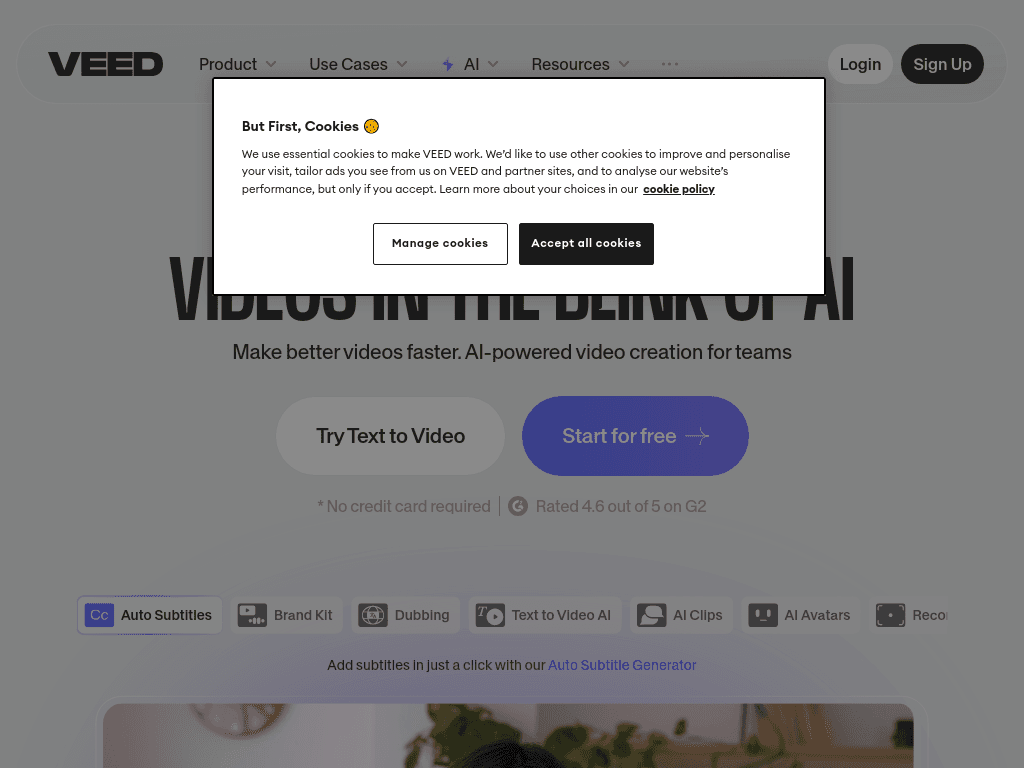
VEED combines browser-based video editing, recording, subtitles, and AI generation for creators, marketers, educators, and teams producing social, training, and promotional videos.
Try Veed.io →
veed.io·Free + paid plans·Checked 2026-08-20
›What is Veed.io?
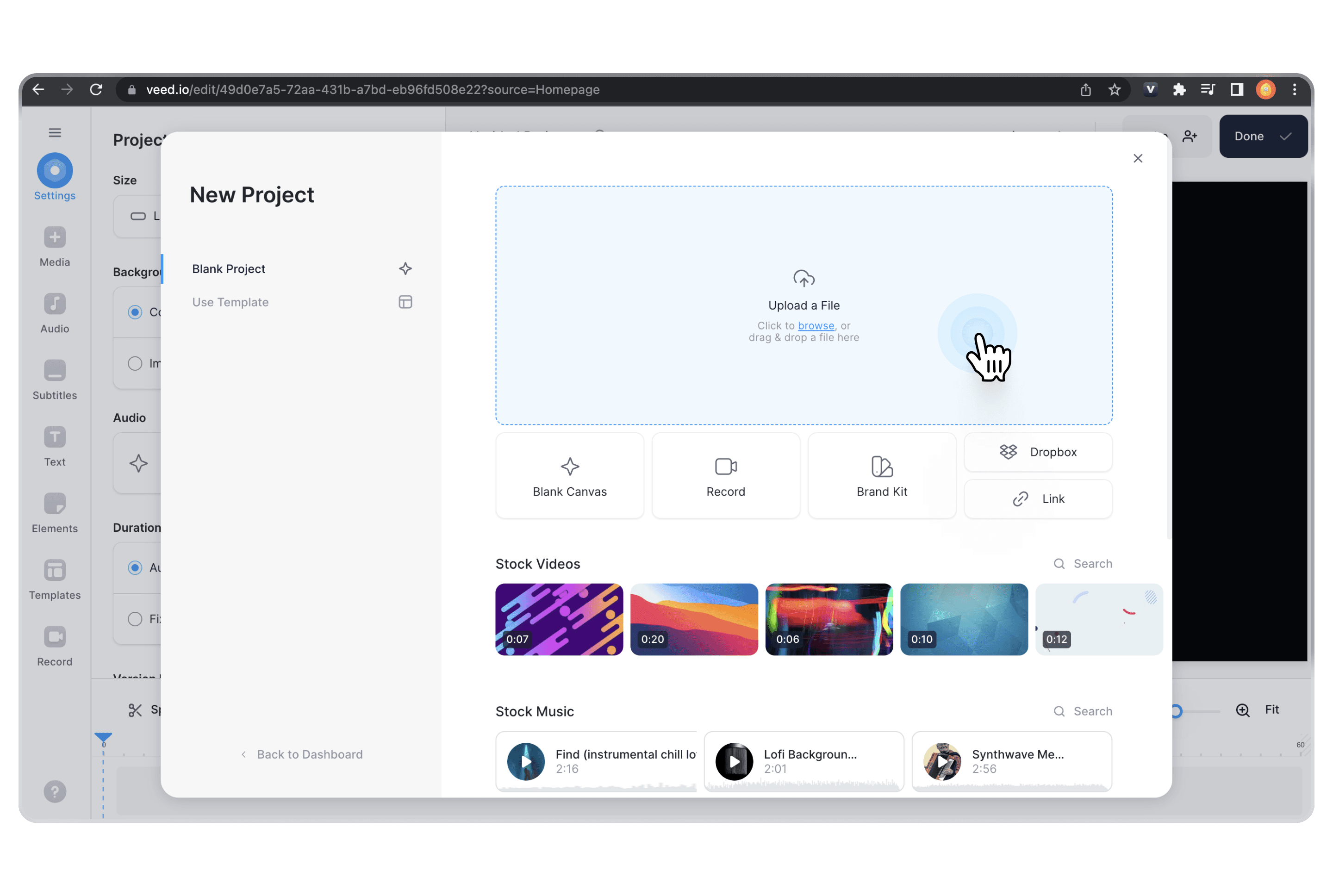
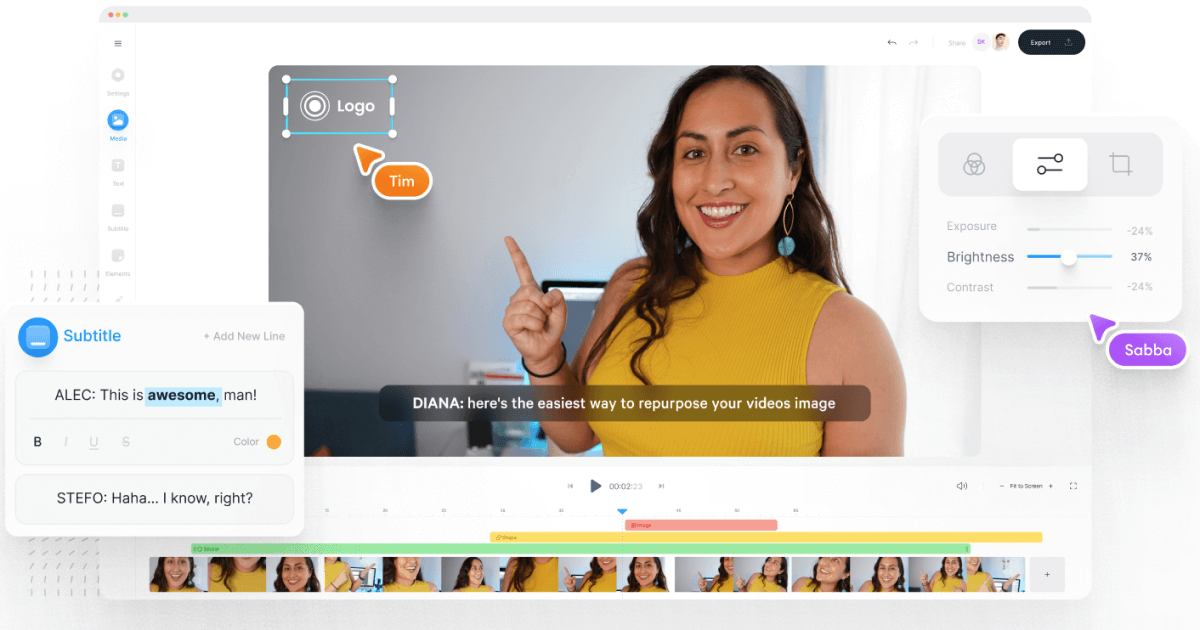
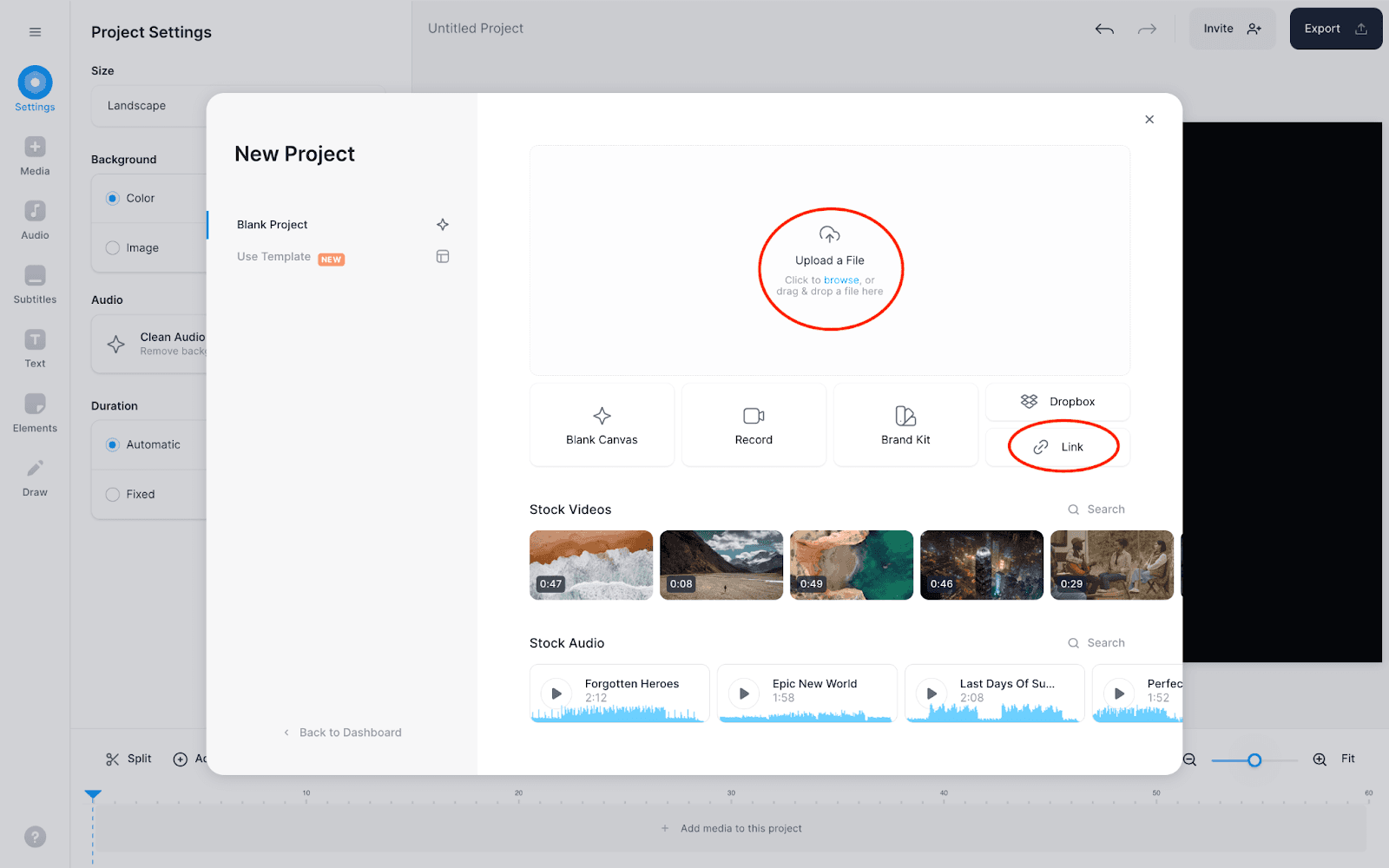
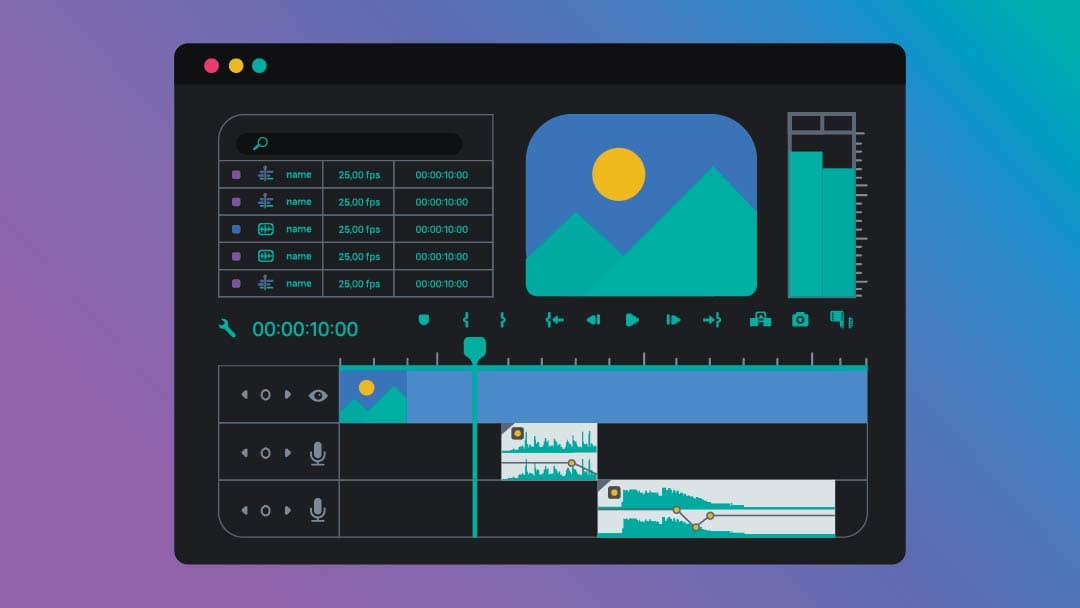
VEED is a browser-based video editor for uploading or recording footage, cutting it on a multi-track timeline, and adding subtitles, text, music, stock media, and brand elements. It also generates videos, voices, avatars, and images from prompts. Tools include transcription, translation, dubbing, background removal, noise reduction, and social-video creation.
›What are the pros and cons of Veed.io?
Strengths
Runs entirely in the browser, with no desktop installation
Combines editing, recording, subtitles, transcription, translation, and AI generation in one workspace
Supports automatic captions across more than 100 languages
Includes practical cleanup tools such as background removal, noise reduction, and eye contact correction
Offers templates, brand kits, and platform-specific video tools for recurring content production
Trade-offs
Free exports include a watermark, while watermark-free export and commercial use start at the Creator plan
AI features use an annual credit pool, and per-feature credit costs are not fully published
Reviewers report glitches, export confusion, and delayed or poor support
Reviewers report that some AI avatar, dubbing, and caption features can underperform in accuracy or usability
Paid plans are priced per seat, which can increase costs for larger teams
›What are Veed.io’s key features?
Multi-track browser-based video editing
Screen and webcam recording
Automatic subtitles, transcription, translation, and dubbing
AI video, image, voice, avatar, and text-to-video generation
Background removal and audio or video noise reduction
Brand kits with reusable colors, fonts, logos, and voice settings
Video templates and tools for Instagram, TikTok, YouTube, ads, and UGC
›What are the best use cases for Veed.io?
Creating and captioning marketing or UGC ads
Editing short-form social videos for Instagram, TikTok, and YouTube
Recording and editing course lessons, tutorials, and webinars
Producing videos from scripts or prompts without filming
Transcribing, translating, or dubbing recorded video
Cleaning up interviews, podcasts, and webcam recordings
›What is the pricing for Veed.io?
| Plan | Price | Details |
|---|---|---|
| Free | $0 | Basic access with watermarked exports. |
| Creator | ~$12/month billed annually, $147/year | Watermark-free export and commercial use, with 6,000 AI credits. |
| Pro | $24/month, $288/year | 30,000 AI credits and up to 144 AI-voice hours per year. |
| Studio | $39/month, $465/year | 180,000 AI credits and up to 960 AI-voice hours per year. |
| Enterprise | custom | Custom plan for enterprise customers. |
Plans are priced per seat. AI credits and AI-voice limits apply to paid plans.
Checked 2026-08-20 · source
›Who is Veed.io best for?
soloA fit for solo creators who want to record, edit, caption, and publish videos without installing desktop software.
marketersMarketing teams can use templates, brand settings, AI generation, and UGC ad tools for recurring campaign content.
teachersTeachers and course creators can record lessons, add captions, and translate or dub instructional videos.
small teamSmall content teams get shared editing and brand features, although per-seat pricing should be considered.
Not for
- Teams that need watermark-free exports without paying for a subscription
- Buyers seeking a generation-first tool for finished product ads rather than an editing-focused workspace
- Organizations requiring highly reliable, large-scale production workflows where reported glitches, export issues, or support delays would be costly
- Users who need predictable AI usage costs when annual credit consumption varies by feature
›What are the best Veed.io alternatives?
 DescriptChoose this instead if your workflow centers on transcript-based audio and video editing.→
 HeyGenChoose this instead if AI avatar videos are the primary output.→
 PictoryChoose this instead if you mainly want to turn text into short shareable videos.→
 RapidSubsChoose this instead if subtitles are the main requirement rather than full video production.→