

Forward Future Tools Library
AI Sticker Generator
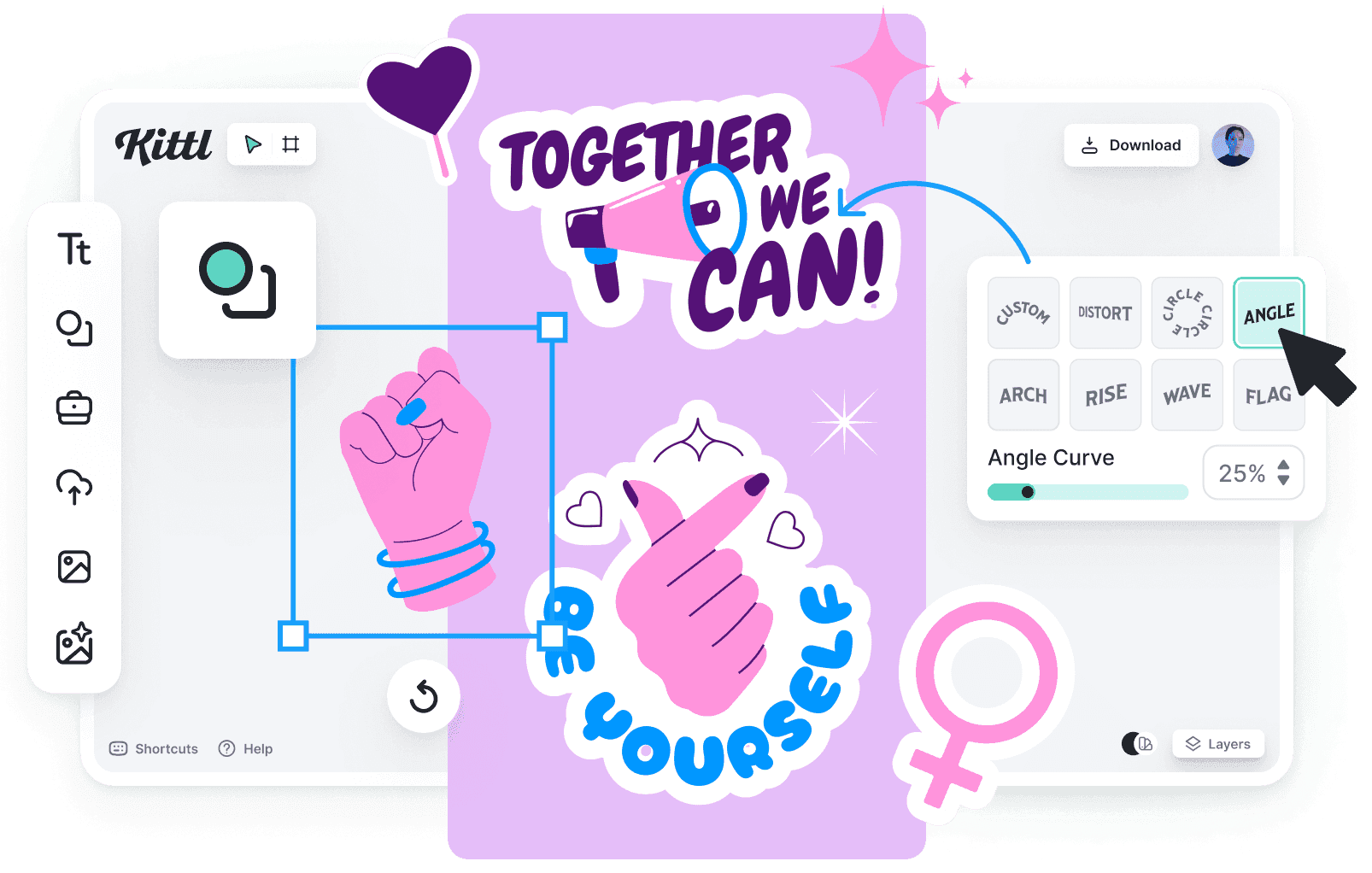
AI Sticker Generator turns clear photos into transparent, stylized PNG stickers for chat packs, social posts, mockups, event badges, and printable sheets.
stickergeneratoronline.com·From $3.99·Checked 2026-08-13

›What is AI Sticker Generator?
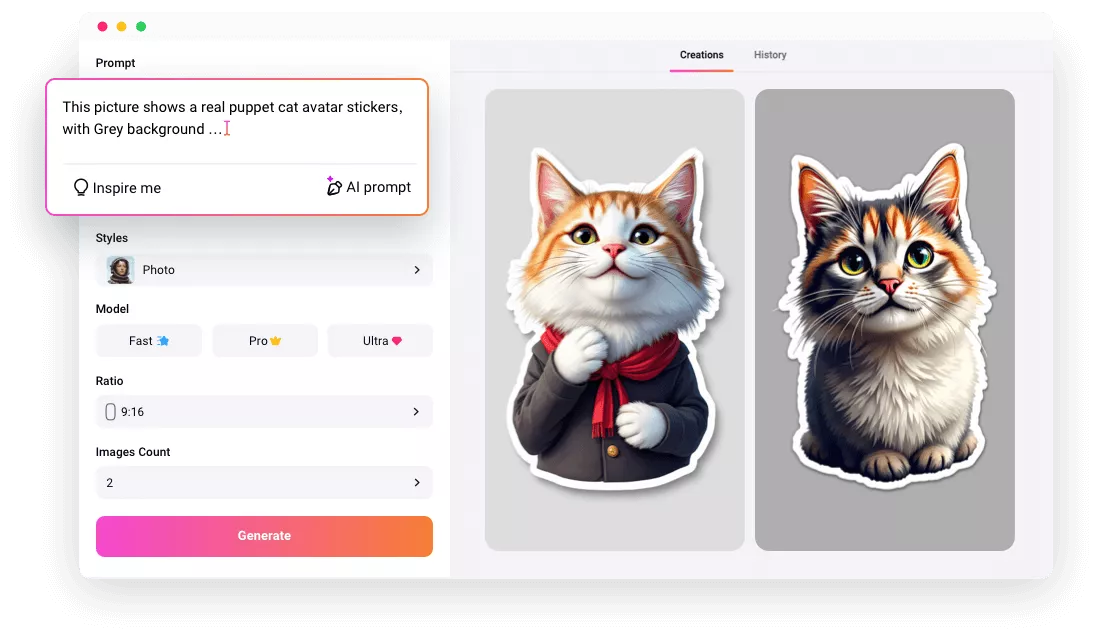
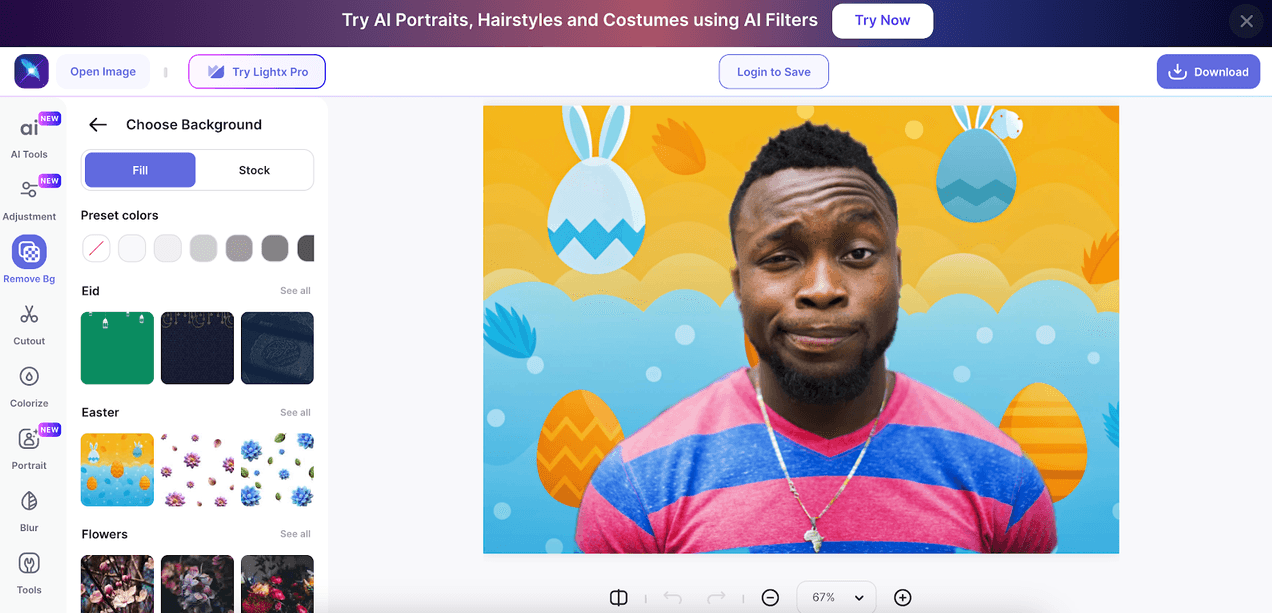
AI Sticker Generator isolates the main subject in an uploaded photo, applies one of six preset styles, and returns a transparent PNG at a selected aspect ratio. It accepts JPG, PNG, and WebP files up to 10MB, provides a side-by-side preview, and runs in a browser without installation. Clear, single-subject images with good contrast produce the cleanest results.
›What are the pros and cons of AI Sticker Generator?
Strengths
Trade-offs
›What are AI Sticker Generator’s key features?
›What are the best use cases for AI Sticker Generator?
›What is the pricing for AI Sticker Generator?
| Plan | Price | Details |
|---|---|---|
| Small | $3.99 | One-time pack of 120 credits for occasional use. |
| Medium | $9.99 | One-time pack of 350 credits for regular users. |
| Large | $19.99 | One-time pack of 850 credits for power users. |
No subscription is required. Credits are valid for 1 year. Signed-in users may have starter credits available.
Checked 2026-08-13 · source
›Who is AI Sticker Generator best for?
- People who need text-to-sticker generation, since the workflow starts with an uploaded photo.
- Users who need detailed manual editing or fine-grained style controls beyond the six presets and three ratios.
- People who require immediate manual deletion of uploaded images or outputs.
›What are the best AI Sticker Generator alternatives?
 AI EmojiChoose this instead if the goal is to turn uploaded photos into personalized emoji images.→
 GenLineArtChoose this instead if you want photo-to-line-art conversions rather than multiple sticker styles.→
 Nano Banana AI Image EditorChoose this instead if you need an image editor that accepts uploads or prompts for broader visual modifications.→
 HairstylesPro→