

Forward Future Tools Library
AI Emoji
AI Emoji turns uploaded photos into downloadable cartoon-style emojis and avatars for social media users, content creators, and casual personal use.
Try AI Emoji →
emoji.design

›What is AI Emoji?
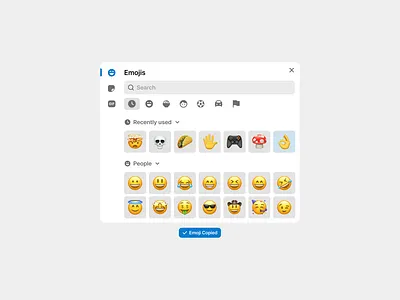
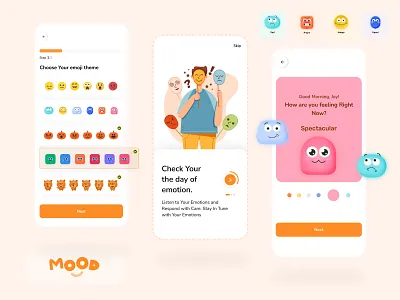
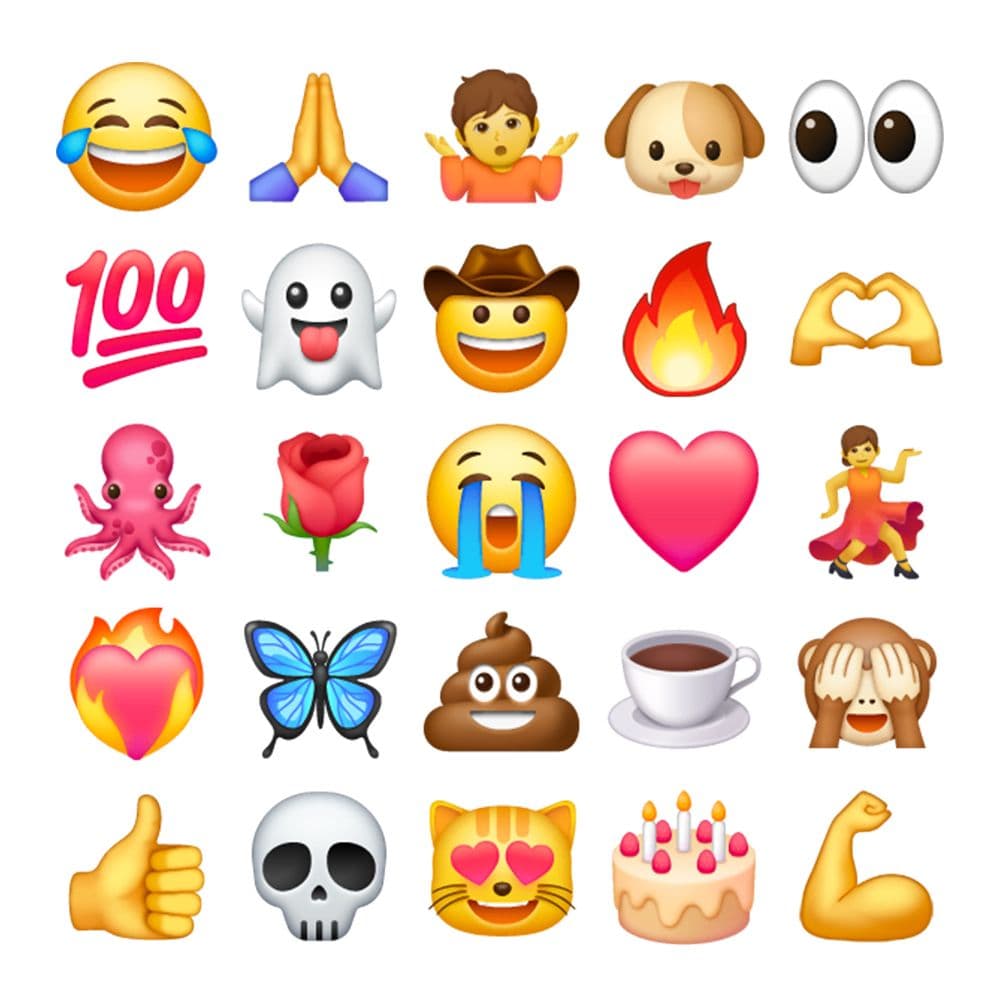
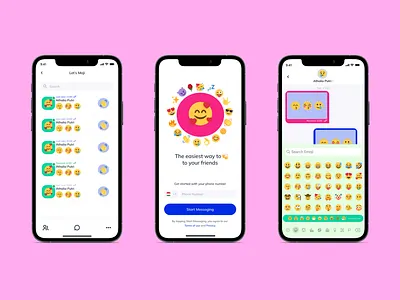
AI Emoji is a browser-based generator that converts uploaded photos into emoji-style images. Users can choose from styles and themed templates, add text or creative ideas, select square, portrait, or landscape output, then download the result. It supports PNG, JPG, and WEBP uploads up to 5MB.
›What are the pros and cons of AI Emoji?
Strengths
Free generation is available directly in the browser
Photo-to-emoji creation requires only an upload, style or template selection, and generation
Offers a broad set of cartoon and themed templates
Produces HD images intended for social sharing
The tool is described as not storing uploaded photos
Trade-offs
The web tool has no API or mobile app
Uploaded images are limited to 5MB
Watermark removal and animated GIF output require a paid subscription
It is not positioned for professional design production
›What are AI Emoji’s key features?
Upload PNG, JPG, or WEBP photos up to 5MB
Apply styles including Q-version cute, Pixar-style 3D, Ghibli Style, Pixel Art, iOS Memoji, and American Comic
Choose themed templates such as Office Work, Basic Emotions, Sweet Love, and Halloween Trick-or-Treat
Add text overlays and extra ideas such as props, styles, or mood effects
Generate square, portrait, or landscape images
Download HD emoji images for sharing
›What are the best use cases for AI Emoji?
Create cartoon avatars from selfies for social media profiles
Make themed reaction images for chat apps and messaging
Produce holiday, workplace, or relationship-themed emoji images
Turn personal photos into playful images to share with friends
›Who is AI Emoji best for?
social media usersA fit for quickly making personalized avatars and themed images from selfies.
content creatorsUseful for producing lightweight cartoon visuals for posts and profile images.
soloThe simple browser workflow suits individuals who need occasional emoji images without design software.
Not for
- Enterprise teams that need APIs, mobile deployment, compliance certifications, or integrations with existing systems
- Professional designers who need production-ready design controls or structured exports
- Users who need to generate images from photos larger than 5MB
›What are the best AI Emoji alternatives?
 AI Sticker GeneratorChoose this instead if the goal is to turn photos into sticker-ready files rather than create emoji-style avatars.→
 Luminar NeoChoose this instead if you need broader AI-assisted photo editing beyond applying emoji styles.→
 Neurona AI Image GeneratorChoose this instead if you need face swaps, realistic image creation, or more general image generation.→
 HairstylesPro→