

Forward Future Tools Library

Luminar Neo
Luminar Neo combines AI retouching, RAW editing, layers, and generative tools for photographers who want faster image enhancement on desktop or across devices.
luminarneo.de·From $ 129 .00·Checked 2026-08-13

›What is Luminar Neo?
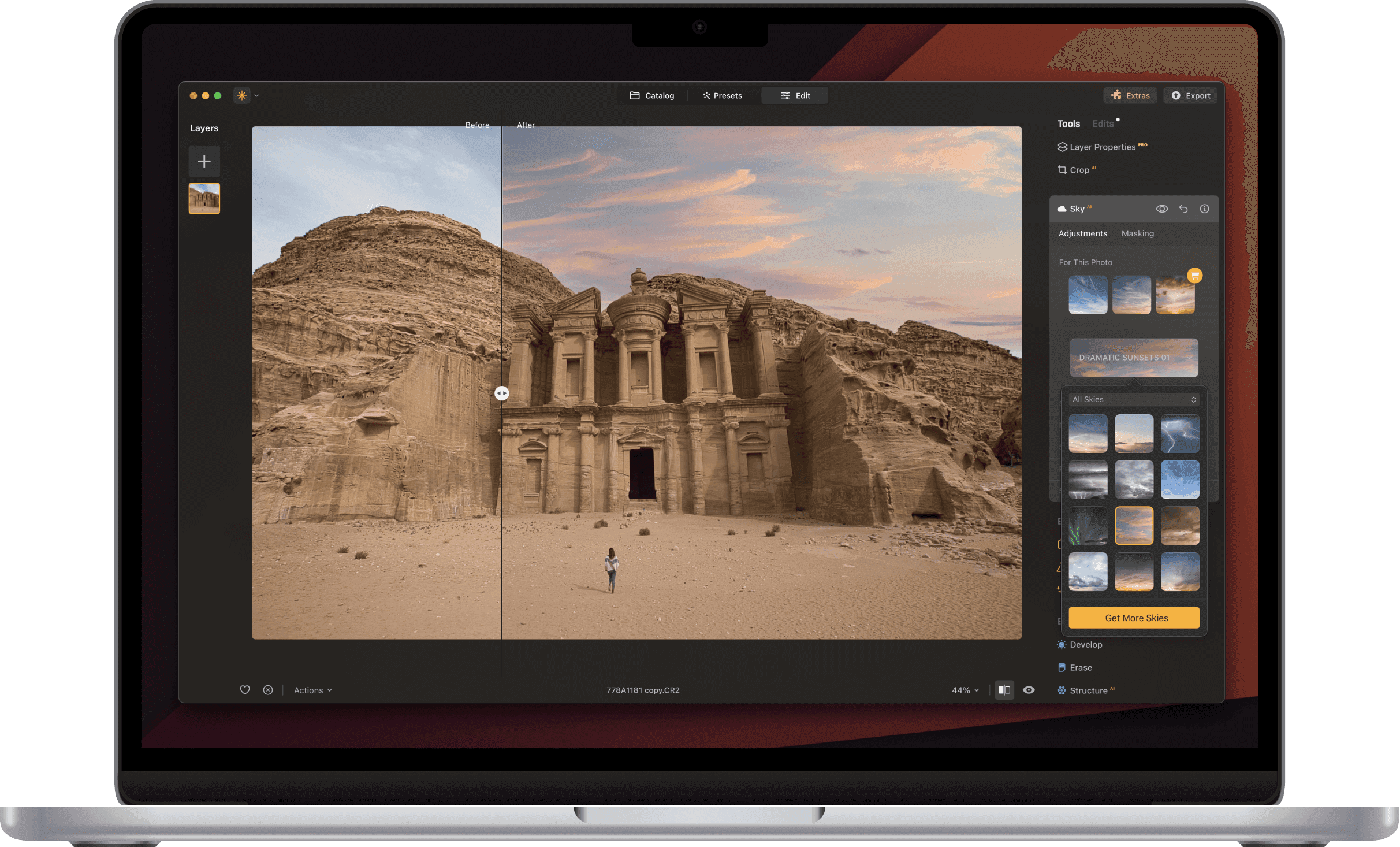
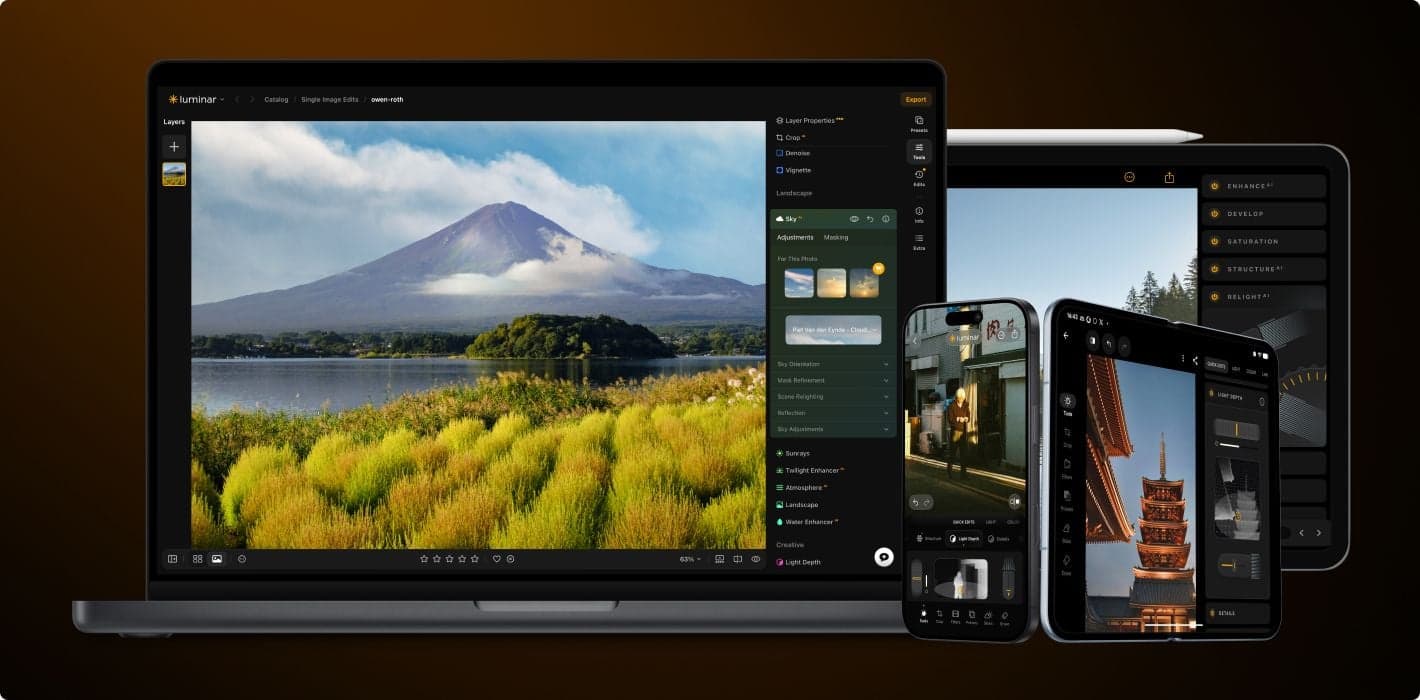
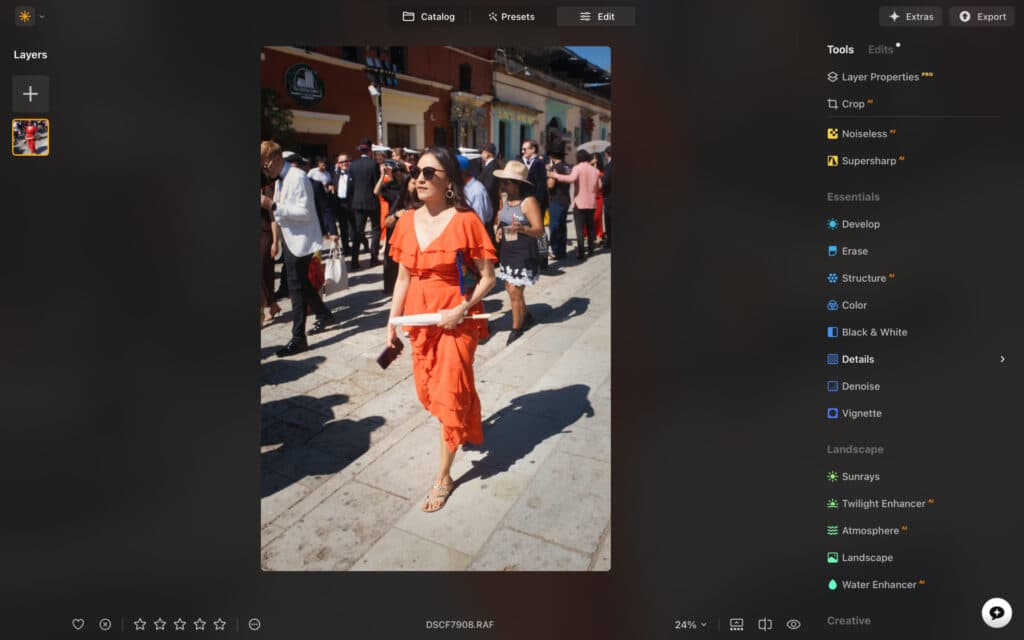
Luminar Neo is a photo editor for Windows and macOS with AI tools for enhancement, portrait retouching, sky replacement, background removal, object removal, and image restoration. It supports RAW files, layers, nondestructive editing, cloning, lens correction, selective light adjustments, and batch processing. It can also work as a plugin for Lightroom Classic and Photoshop.
›What are the pros and cons of Luminar Neo?
Strengths
Trade-offs
›What are Luminar Neo’s key features?
›What are the best use cases for Luminar Neo?
›What is the pricing for Luminar Neo?
| Plan | Price | Details |
|---|---|---|
| Desktop Only | $ 129 .00 | Desktop editing for Windows and macOS with AI tools, continuous updates, asset libraries, and access to Fall Upgrade 2026 features. |
| Max | $ 199 .00 | Desktop, mobile, cross-device editing, one year of Luminar Prime, AI tools, creative assets, and courses. |
One-time payment plans provide ongoing app access. Desktop Only AI tools are available for unlimited use for 365 days and then require Luminar Prime renewal. Max includes Luminar Prime for one year and renews yearly unless canceled. The listed Max price is discounted from $ 399 .00.
Checked 2026-08-13 · source
›Who is Luminar Neo best for?
- Photographers who need highly consistent generative edits should look elsewhere because generative results can vary.
- Editors who prioritize a uniform, predictable workflow may find the reported workflow inconsistencies frustrating.
- Buyers seeking a simple, stable licensing offer should verify the current plan structure before purchasing.
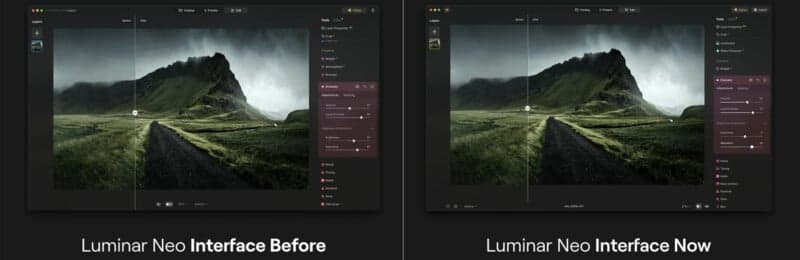
›What’s new with Luminar Neo?
›What are the best Luminar Neo alternatives?
 Lupa AI UpscalerChoose this instead if your main task is enlarging and restoring low-resolution images rather than broad photo editing.→
 Nano Banana AI Image EditorChoose this instead if you want an online editor that combines image uploads with prompt-based creation and modification.→
 ImgkitsChoose this instead if you need browser-based AI editing with image and video effects.→
 HairstylesPro→