Forward Future Tools Library

Lupa AI Upscaler
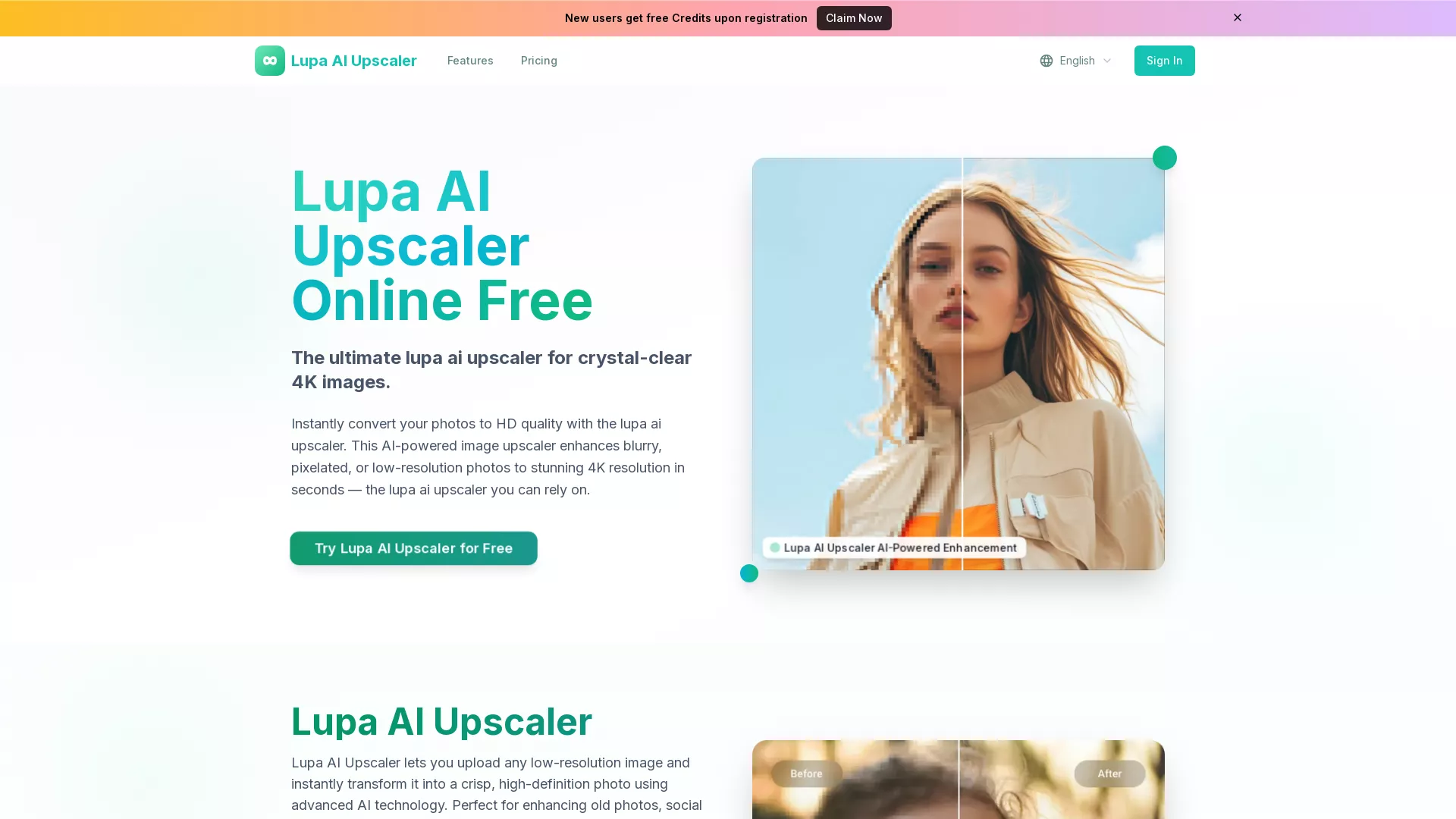
Lupa AI Upscaler enlarges and cleans up low-resolution photos, with face enhancement and outputs from 1K to 8K for designers, photographers, and e-commerce teams.
Try Lupa AI Upscaler →
lupaai.app·Free + paid plans·Checked 2026-08-13

›What is Lupa AI Upscaler?
Lupa AI Upscaler converts low-resolution, blurry, or noisy images into higher-resolution files using AI detail reconstruction and enhancement. It supports JPG, PNG, WEBP, JPEG, and BMP uploads up to 10MB, with 1K, 2K, 4K, 6K, and 8K output options. Face enhancement can run GFPGAN processing alongside upscaling.
›What are the pros and cons of Lupa AI Upscaler?
Strengths
Provides 10 free credits without requiring a credit card
Offers several output resolutions, including 4K, 6K, and 8K
Includes dedicated face enhancement using GFPGAN
Supports common image formats including JPG, PNG, WEBP, JPEG, and BMP
Adds batch processing and API access for higher-volume workflows
Trade-offs
Uploads are limited to 10MB per image
Paid plans cap conversions at 200, 500, or 3,000 HD photos per month
Batch processing and API access are not included on the Professional plan
User reviews report inconsistent results and limited integrations
›What are Lupa AI Upscaler’s key features?
Upscaling to 1K, 2K, 4K, 6K, or 8K output
AI reconstruction of textures, edges, and lost image details
Blur and noise reduction with color and detail enhancement
GFPGAN face enhancement during upscaling
JPG, PNG, WEBP, JPEG, and BMP support
Batch processing and API access on Business and Enterprise plans
›What are the best use cases for Lupa AI Upscaler?
Restoring and enlarging old photos
Improving portraits with facial feature enhancement
Preparing social media images with sharper details
Enhancing product photography for e-commerce
Creating higher-resolution files for printing
›What is the pricing for Lupa AI Upscaler?
| Plan | Price | Details |
|---|---|---|
| Free | Free | Includes 10 credits. |
| Professional | $4.9/month | Includes 2,400 credits per year, 200 HD photo conversions per month, Portrait mode, Ultra Clean AI upscaling, and priority email support. |
| Business | $7.9/month | Includes 6,000 credits per year, 500 HD photo conversions per month, batch processing, API access, and priority support. |
| Enterprise | $9.9/month | Includes 36,000 credits per year, 3,000 HD photo conversions per month, advanced API access, and dedicated support. |
Paid prices are billed annually. The pricing page advertises 50% off annual plans.
Checked 2026-08-13 · source
›Who is Lupa AI Upscaler best for?
soloA fit for individuals who need occasional photo enlargement and can work within a 10MB upload limit.
designersPortrait mode, face enhancement, detail reconstruction, and print-oriented 4K output suit image cleanup and preparation.
small teamE-commerce teams can use the Business plan for recurring product-photo conversions, batch processing, and API access.
enterpriseThe Enterprise plan is aimed at high-volume users needing 3,000 monthly conversions, advanced API access, and dedicated support.
Not for
- Skip it if your source images regularly exceed 10MB.
- Skip it if you need a full photo editor rather than a focused upscaling and enhancement tool.
- Skip it if you need batch processing or API access on the lowest paid plan.