Forward Future Tools Library

Aider
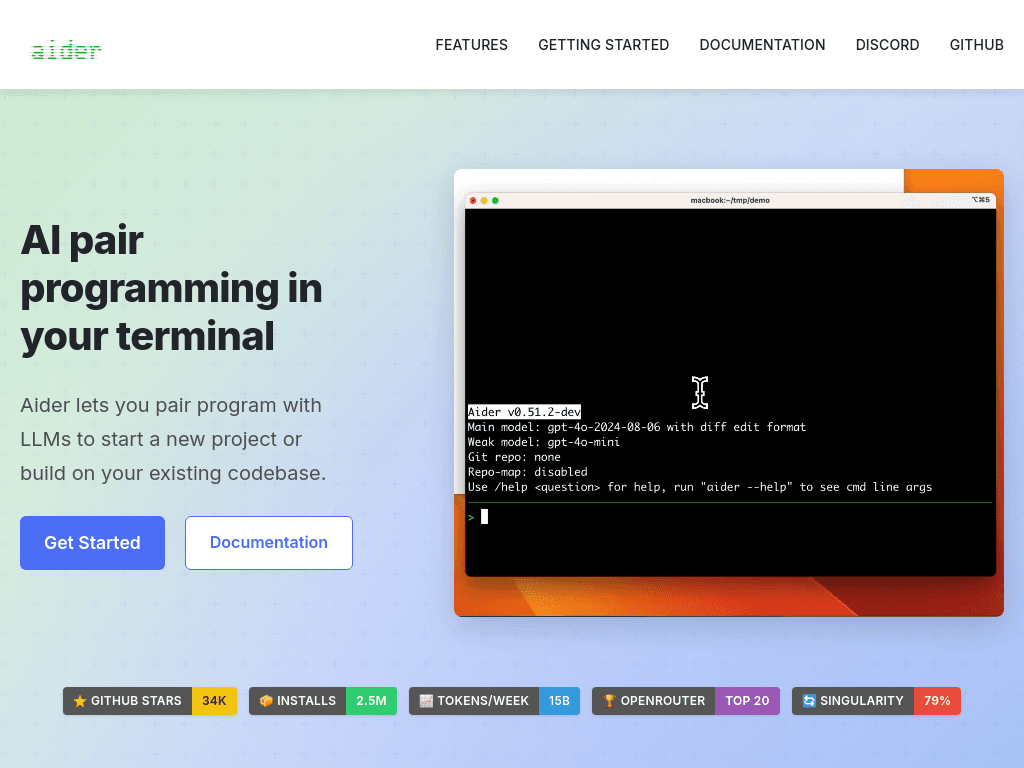
Aider lets developers pair program with LLMs in a terminal, edit Git repositories, and review changes through Git, with support for cloud and local models.
Try Aider →
aider.chat·Contact Sales
›What is Aider?
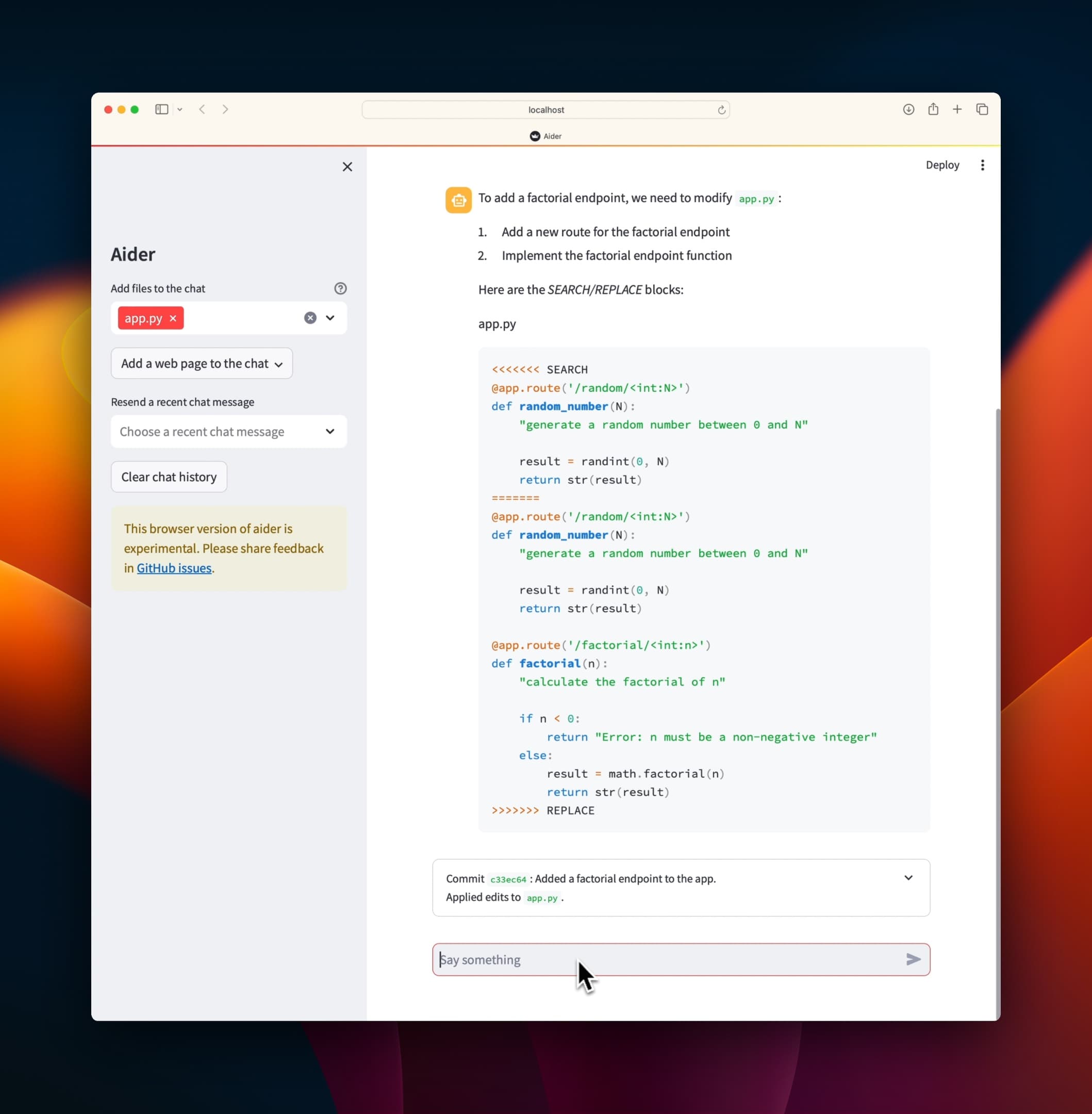
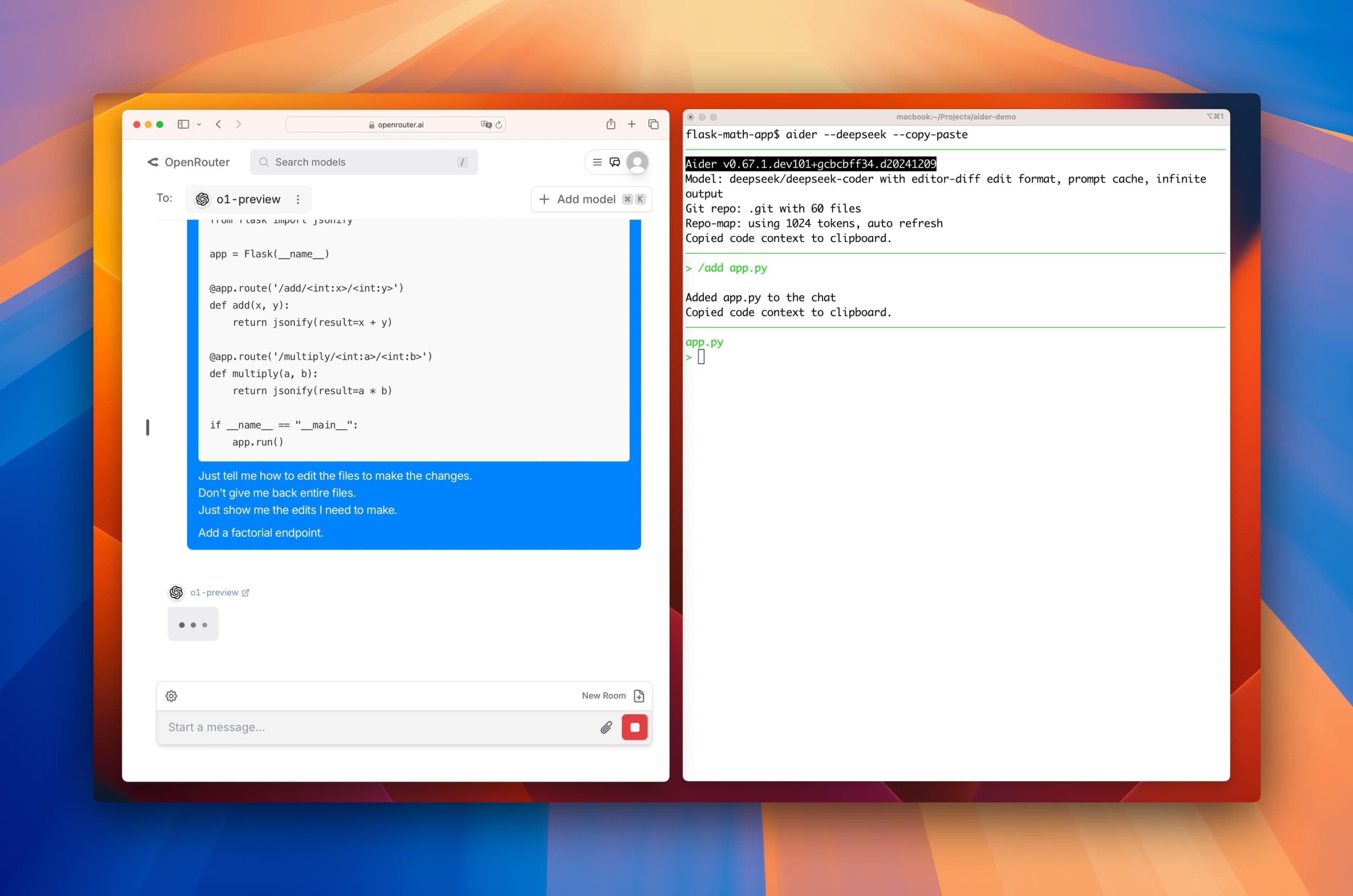
Aider is an open-source, Python-based AI pair programmer that runs in the terminal and edits local Git repositories. It maps the codebase, works with many programming languages and LLM providers, and can automatically commit changes. It also supports IDE comments, images, web pages, voice input, linting, and testing.
›What are the pros and cons of Aider?
Strengths
Open-source and free of an additional markup on model token costs.
Model-agnostic, with support for cloud providers and local models through tools such as Ollama or LM Studio.
Every edit becomes a Git commit, making changes easier to review and undo.
Runs in a terminal over SSH or inside tmux without locking users to one IDE.
Does not collect code, prompts, or keys according to the cited review, and analytics are opt-in.
Trade-offs
Terminal-only, with no IDE interface, autocomplete, hover features, inline diff, or CodeLens-style affordances.
Context management is manual and can degrade beyond roughly 25,000 tokens.
Codebase mapping for very large monorepos can consume substantial tokens and require manual tuning.
The configuration and command-line workflow have a steeper learning curve than click-to-accept IDE agents.
MCP client support is still marked experimental.
›What are Aider’s key features?
Connects to cloud LLMs, local models, and more than 100 providers.
Builds a map of the codebase to provide context for changes in larger projects.
Automatically commits edits with Git commit messages for review, undo, and diff management.
Supports more than 100 programming languages, including Python, JavaScript, Rust, Ruby, Go, C++, PHP, HTML, and CSS.
Accepts images, web pages, and screenshots as context.
Provides voice-to-code requests for features, tests, and bug fixes.
Runs linting and tests after changes and can fix detected problems.
›What are the best use cases for Aider?
Add features or refactor multiple files in an existing Git repository.
Ask an LLM to investigate and fix bugs identified by tests or linters.
Generate test cases and run them as part of an AI-assisted coding session.
Work with local or self-hosted models on projects that require control over model access.
Use voice requests, screenshots, or reference web pages to guide implementation.
›What is the pricing for Aider?
Contact Sales
›Who is Aider best for?
developersA strong fit for terminal-oriented developers who want Git-based edits and control over the model provider.
small teamUseful for small engineering teams that already work in Git and can manage their own model API costs.
enterpriseConsider it only when the team can handle configuration and support internally, since the cited review reports no SOC 2, SLA, or commercial support desk.
security-conscious developersLocal-model support and the cited no-code-collection policy suit workflows that prioritize control over code and credentials.
Not for
- Developers who need autocomplete, visual diffs, or a polished VS Code or JetBrains interface.
- Teams looking for vendor-managed support, an SLA, or documented SOC 2 coverage.
- Users who prefer a guided IDE agent and do not want to configure models, edit formats, and command-line options.