

Forward Future Tools Library

Warp
Warp combines a block-based terminal, AI coding assistance, cloud agents, and collaboration features for developers who spend substantial time working in the command line.
Try Warp →
warp.dev·Free + paid plans·Checked 2026-08-21

›What is Warp?
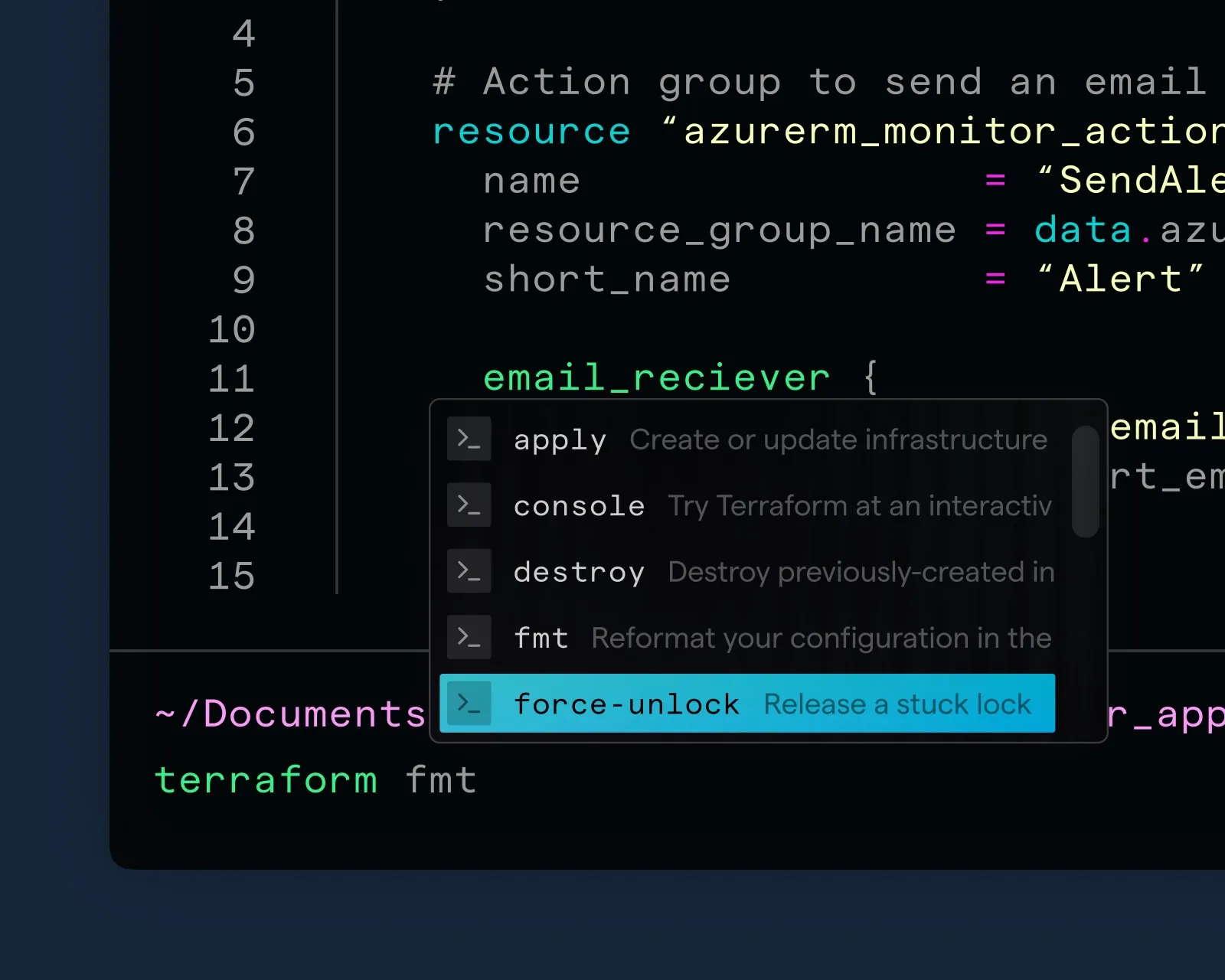
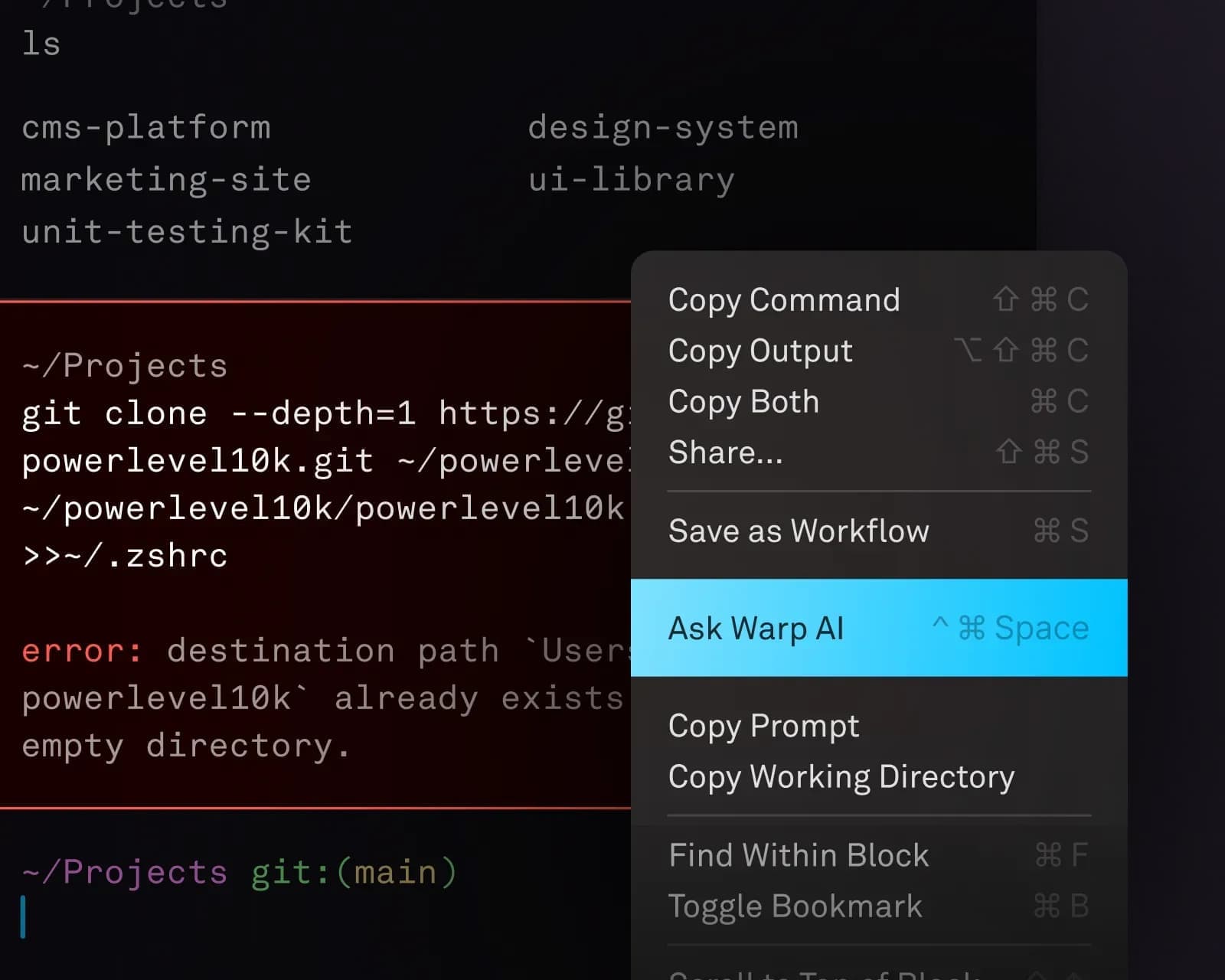
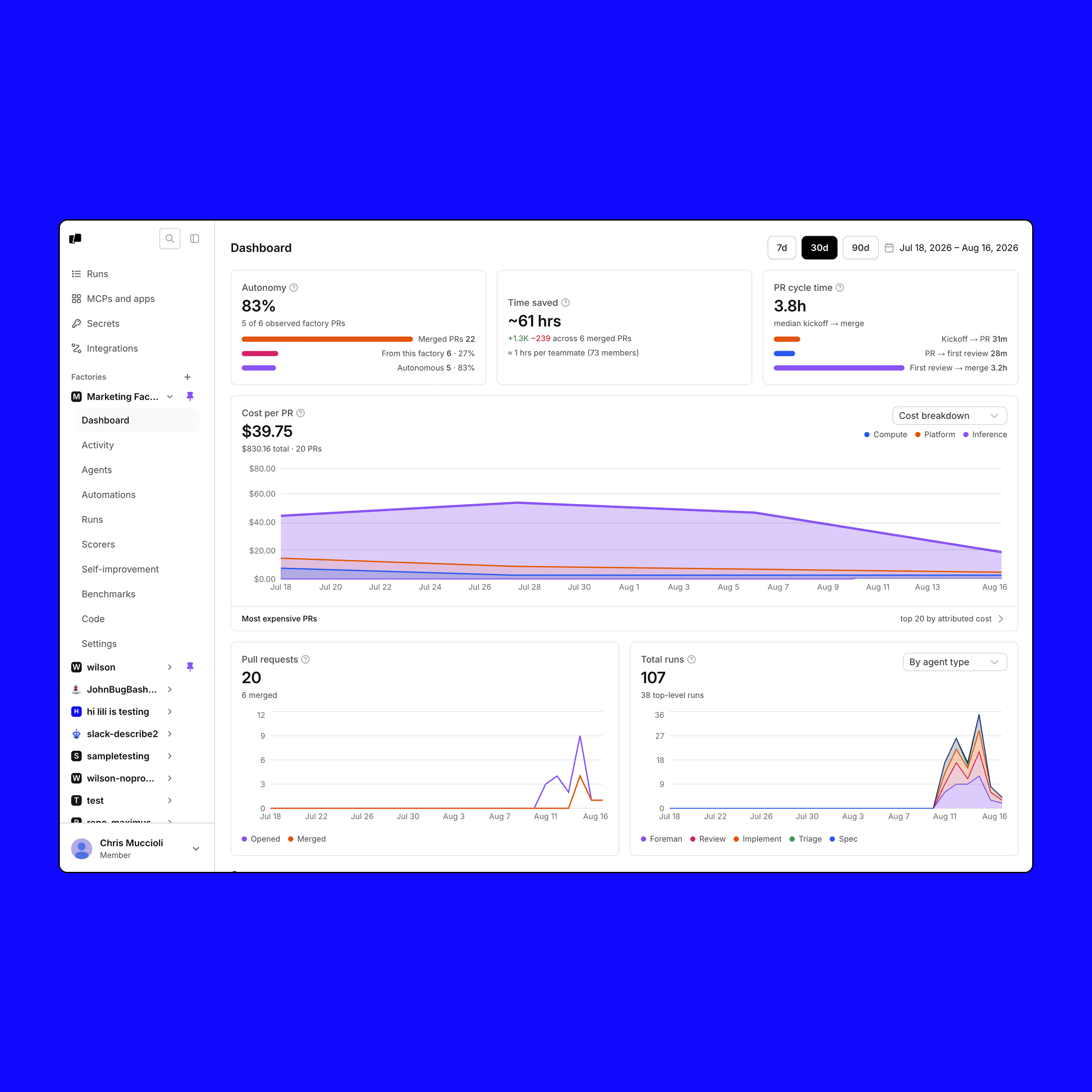
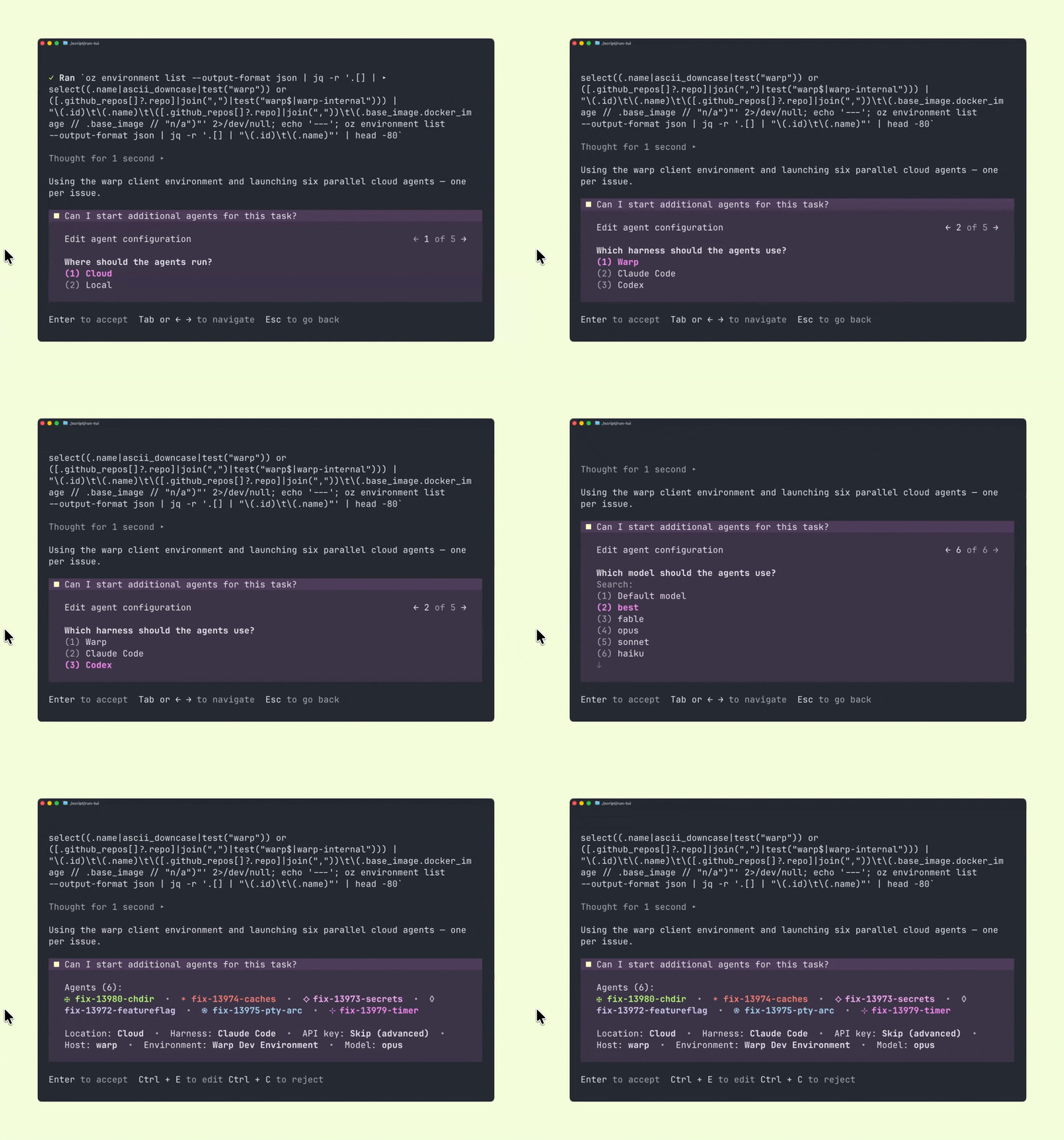
Warp is an open-source terminal for AI-assisted software development. It organizes commands and output into blocks, supports natural-language command generation and inline error explanations, and adds Warp Drive collaboration features. Its platform also includes the Warp Agent CLI and cloud agents.
›What are the pros and cons of Warp?
Strengths
Free plan supports bringing your own AI inference
Block-based output makes command results easier to copy, share, and annotate
Build includes unlimited Warp Drive objects and collaboration
Agent CLI works in any terminal, while Warp also provides cloud agent access
The terminal is open source
Trade-offs
AI context features can break inside tmux sessions
A review measured an 890ms cold start, substantially slower than Ghostty's 95ms
AI agent usage beyond included credits requires additional purchases
Free access has limited cloud agents, Warp Drive collaboration, and cloud conversation storage
The Business tier's starting price is not specified on the pricing page
›What are Warp’s key features?
Block-based command input and output that can be copied, shared, and annotated
Natural-language command search and AI-generated shell commands
Inline explanations for command errors
Warp Agent CLI for coding assistance in any terminal
Warp Drive for sharing commands and collaboration
Cloud agents with codebase indexing and support for multiple AI models and harnesses
›What are the best use cases for Warp?
Generate shell commands from plain-language requests without leaving the terminal
Investigate command failures with inline AI explanations
Share and organize commands and workflows with a development team
Run coding agents alongside shell work during software development
Use cloud agents for code review, bug investigation, refactors, and migrations
›What is the pricing for Warp?
| Plan | Price | Details |
|---|---|---|
| Free | $0/month | Core terminal features, Warp Agent CLI access, bring-your-own AI inference, limited cloud agents, and limited collaboration access. |
| Build | $20/month | Everything in Free, plus 1,500 credits, full Warp Agent access, extended cloud agents, higher codebase indexing limits, and unlimited collaboration. |
| Max | $200/month | Everything in Build, plus 18,000 credits and 12 times Build's included usage. |
Annual billing is advertised as 10% off. Additional agent usage can be purchased, with volume discounts and auto-reload available on paid plans.
Checked 2026-08-21 · source
›Who is Warp best for?
developersA strong fit for developers who work in the terminal and want command generation, error explanations, and coding agents in the same environment.
soloThe Free plan suits solo developers who can bring their own AI inference and need a modern terminal with limited cloud features.
small teamSmall development teams can use Build for shared commands, collaboration, cloud conversations, and expanded agent access.
enterpriseEnterprise teams evaluating agentic development can consider Warp's cloud-agent and software-factory offerings, subject to plan and usage requirements.
Not for
- Heavy tmux users who depend on Warp's AI context features inside tmux sessions
- Developers who prioritize the lowest possible terminal startup time
- People who only use the terminal occasionally and do most development in an IDE
- Users committed to highly customized existing terminal setups
›What are the best Warp alternatives?
 GitHub CopilotChoose this instead if you want contextual AI assistance across the software development experience rather than a terminal-centered tool.→
 WindsurfChoose this instead if you want an agentic IDE that combines developer and AI work in one coding environment.→
 AiderChoose this instead if your priority is AI assistance for code collaboration and communication within teams.→
 AskCodi→