Forward Future Tools Library

GitHub Copilot
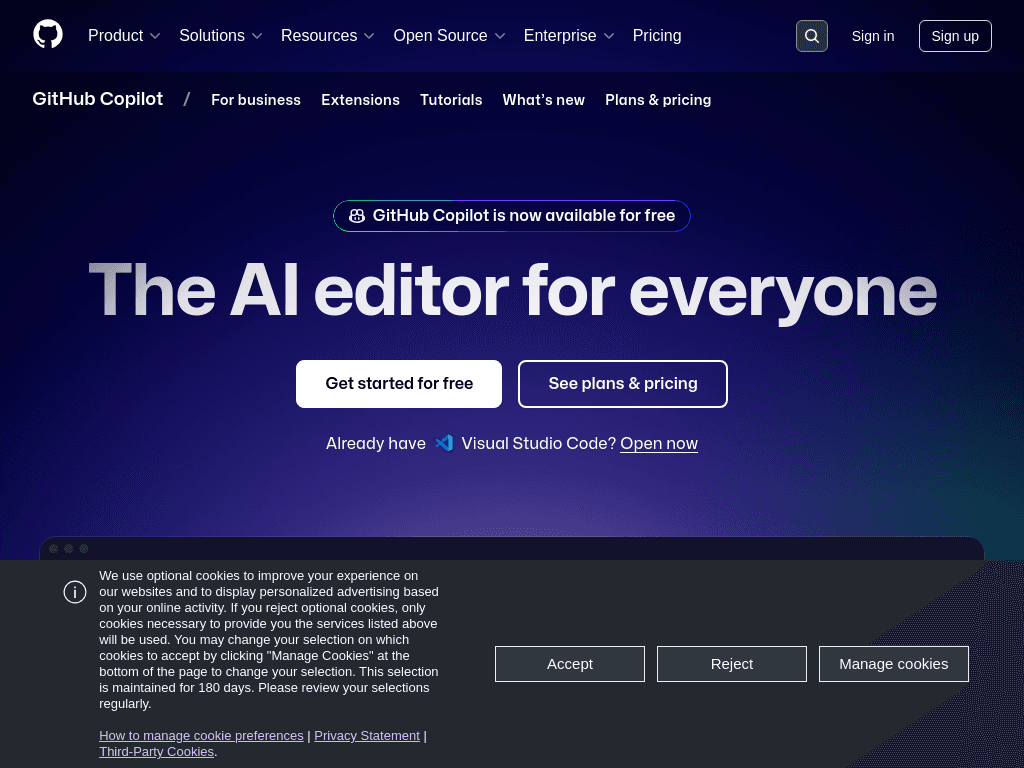
GitHub Copilot provides code completion, chat, agent-based editing, and code review across GitHub, major IDEs, and the command line for developers and engineering teams.
Try GitHub Copilot →
github.com·Free Trial
›What is GitHub Copilot?
GitHub Copilot is an AI coding assistant that explains concepts, completes code, proposes edits, validates files with agent mode, and reviews changes. It works in GitHub, IDEs, the CLI, project tools, chat apps, and custom MCP servers. Teams can also create shared knowledge sources from documentation and repositories.
›What are the pros and cons of GitHub Copilot?
Strengths
Works across VS Code, JetBrains, Neovim, Visual Studio, Xcode, GitHub, and the CLI
Supports multiple AI models and custom or third-party agents
Combines code completion, chat, editing, agent mode, and review in one product
Can use documentation and repository context to create shared organizational knowledge
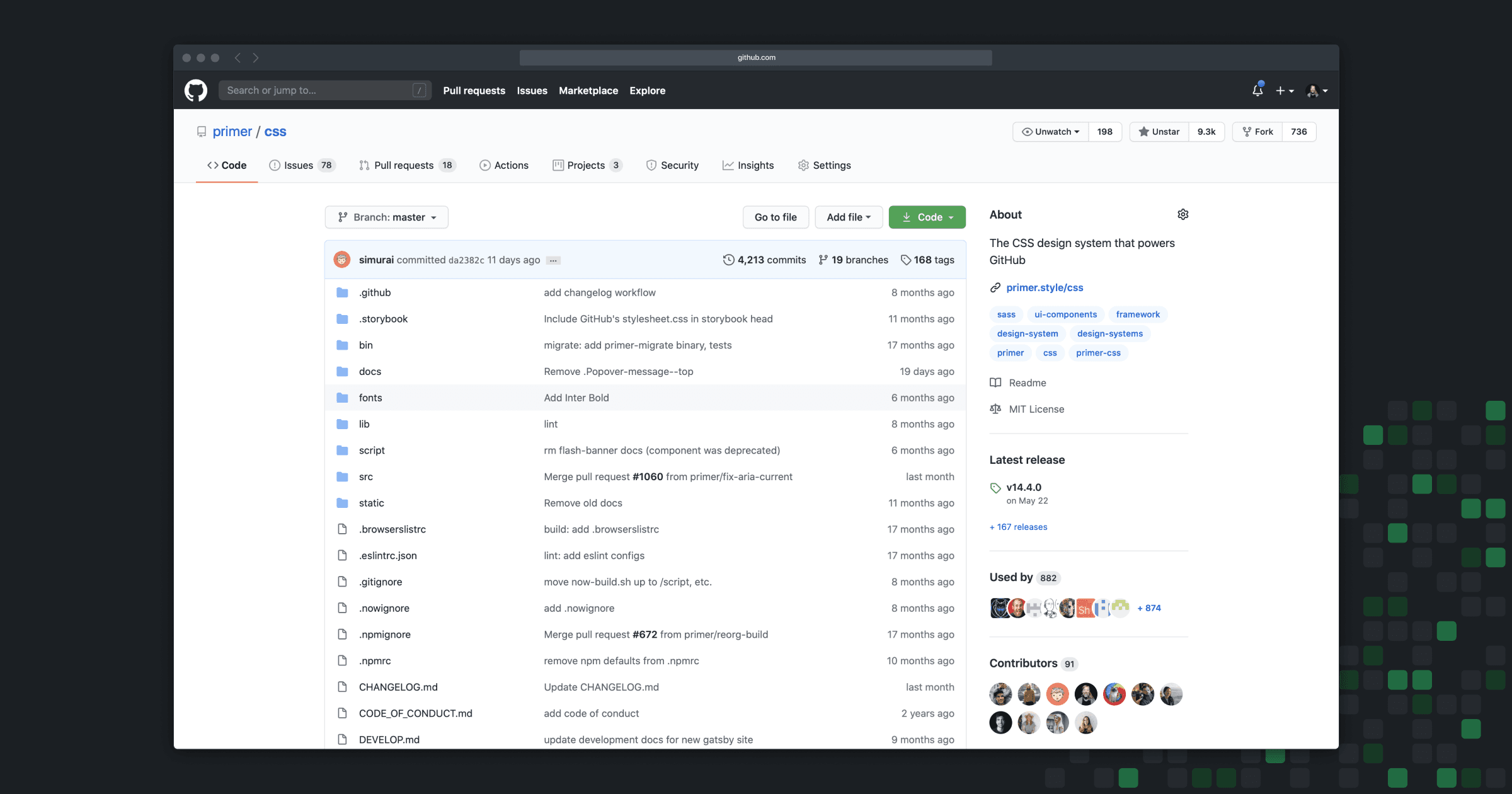
Fits existing GitHub-based development workflows
Trade-offs
AI suggestions can appear correct while still containing errors
Usage-based billing and AI credits can make costs harder to predict
Agent-based work requires review before changes are merged
›What are GitHub Copilot’s key features?
Inline code completion and code explanations in supported editors
Agent mode for planning, exploring, executing work, and validating files
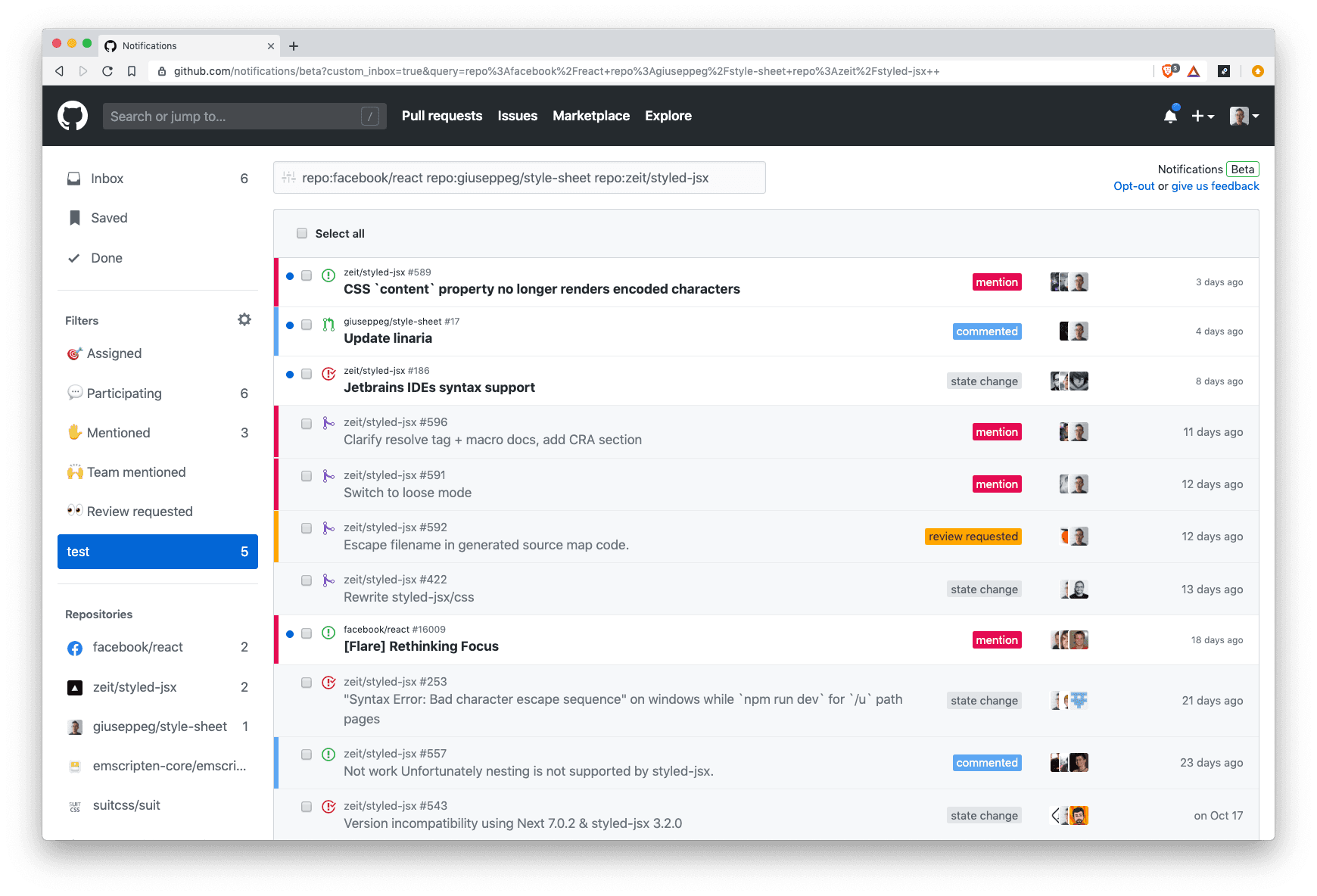
Code review and change review within GitHub workflows
Support for multiple AI models optimized for different speed, accuracy, and cost needs
Use of custom agents and third-party agents such as Claude and OpenAI Codex
Connections to project tools, chat apps, and custom MCP servers
Shared organizational knowledge sourced from documentation and repositories
›What are the best use cases for GitHub Copilot?
Generate and complete code while working in an IDE
Ask for explanations of unfamiliar code or programming concepts
Assign coding tasks to agents for background planning and execution
Review proposed changes before merging them in GitHub
Use repository and documentation context to answer project questions
Run coding workflows from the command line
›What is the pricing for GitHub Copilot?
Free Trial
›Who is GitHub Copilot best for?
developersA strong fit for developers who want code completion, explanations, agent-based edits, and review in their existing IDE and GitHub workflow.
small teamSmall engineering teams can use shared repository and documentation context alongside GitHub-based code review and collaboration.
enterpriseOrganizations with established GitHub workflows can customize Copilot's knowledge, behavior, and connected tools.
Not for
- Nontechnical users who do not write or review code will get little value from the product.
- Teams that need highly predictable AI costs may want to avoid usage-based billing and AI credit consumption.
- Developers seeking an AI editor with more context and agentic capability than VS Code may prefer another tool.