Forward Future Tools Library

Amurex
Amurex is a self-hostable Chrome meeting assistant for solo founders and small teams that transcribes Google Meet and Microsoft Teams calls, creates notes, and surfaces action items.
Try Amurex →
amurex.ai·Contact Sales
›What is Amurex?
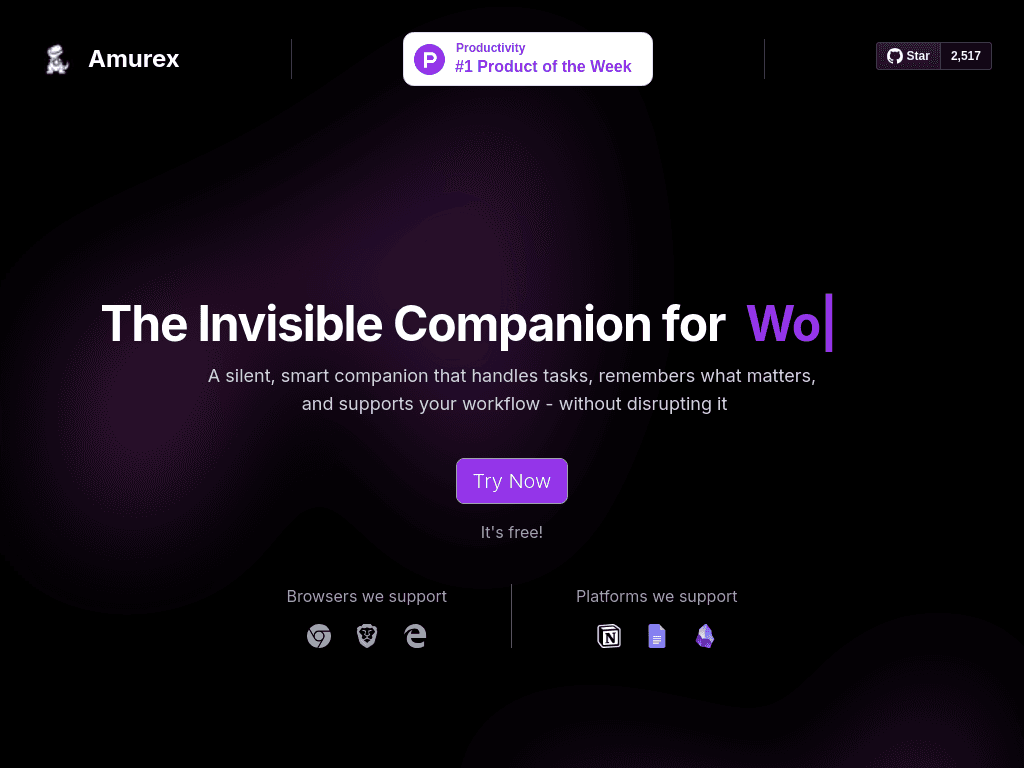
Amurex is an open-source Chrome extension paired with a Python backend for meeting assistance. It transcribes meetings, generates summaries, extracts action items, provides real-time suggestions, and connects with tools such as Notion, Google Drive, and Obsidian. It is designed to work without a separate desktop application.
›What are the pros and cons of Amurex?
Strengths
Open-source under the AGPL-3.0 license
Can be self-hosted instead of requiring a recurring meeting-assistant subscription
Works as a browser extension without a separate desktop application
Produces meeting summaries and action items
Supports connections to Notion, Google Drive, and Obsidian
Trade-offs
Supports Google Meet and Microsoft Teams, but not Zoom
Self-hosting requires Supabase, Redis, Python 3.11, and VPS setup
Real-time transcription can struggle in noisy rooms
The interface may feel cluttered to new users
Does not provide advanced analytics
›What are Amurex’s key features?
Transcribes Google Meet and Microsoft Teams meetings
Generates meeting summaries and extracts action items
Provides real-time meeting suggestions
Connects to Notion, Google Drive, and Obsidian
Searches past meetings and their contents
Runs as a Chrome extension with a self-hostable Python backend
›What are the best use cases for Amurex?
Automating notes and action items for recurring team meetings
Reviewing past meeting discussions through search
Keeping project knowledge connected across meetings, Notion, Google Drive, and Obsidian
Capturing decisions and follow-up tasks for remote teams
Using a self-hosted meeting assistant when privacy and infrastructure control matter
›What is the pricing for Amurex?
Contact Sales
›Who is Amurex best for?
soloSolo founders who run meetings in Google Meet or Microsoft Teams can use it to automate notes without relying on a paid hosted assistant.
small teamSmall remote teams get meeting summaries, action items, and searchable records with the option to self-host.
Not for
- Teams that primarily use Zoom, which Amurex does not support.
- Organizations that want advanced meeting analytics or extensive enterprise customization.
- Buyers who need a turnkey hosted setup and do not want to manage backend infrastructure.