Forward Future Tools Library

Amurex AI
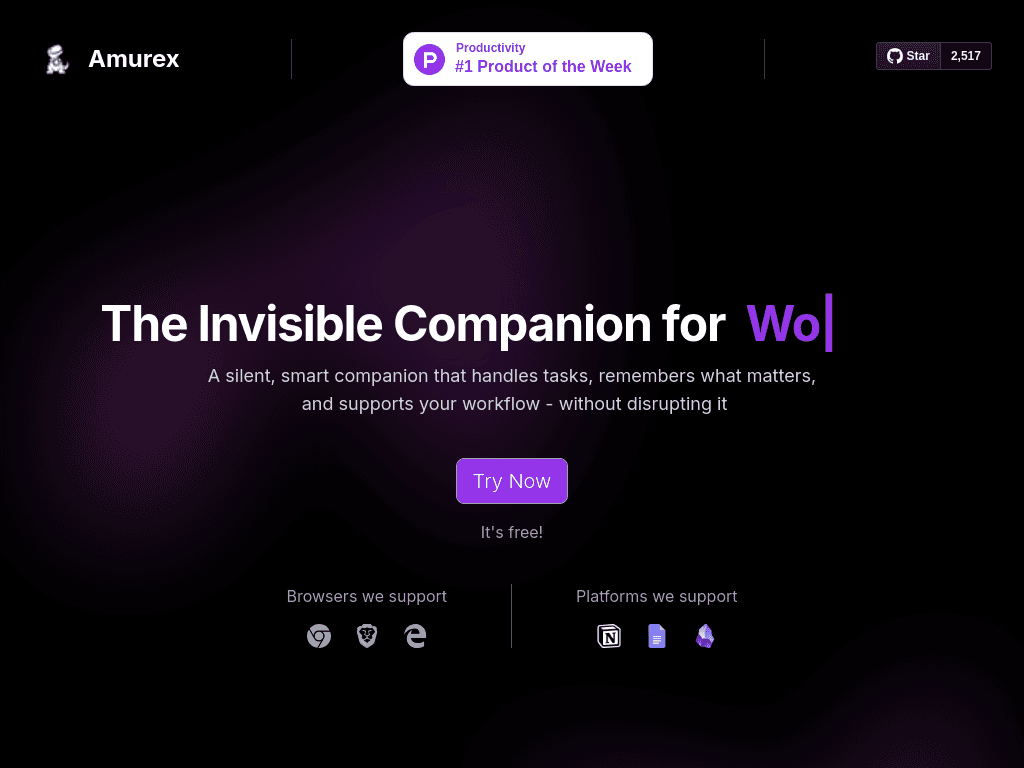
Amurex is a self-hostable Chrome meeting assistant for solo founders and small teams that transcribes Google Meet or Microsoft Teams calls, summarizes them, and extracts action items.
Try Amurex AI →
amurex.ai·Contact Sales
›What is Amurex AI?
Amurex combines a Chrome extension with a self-hostable Python backend to support meetings in Google Meet and Microsoft Teams. It transcribes calls, creates summaries, extracts action items, provides real-time suggestions, and connects meeting knowledge to tools such as Notion, Google Drive, and Obsidian.
›What are the pros and cons of Amurex AI?
Strengths
Open-source under the AGPL-3.0 license
Can be self-hosted for greater control over meeting data
Captures summaries and action items effectively
Search for past meetings is robust
Works inside the browser without a separate desktop app
Trade-offs
Supports Google Meet and Microsoft Teams, but not Zoom
Self-hosting requires Supabase, Redis, Python 3.11, and technical setup
Real-time transcription can struggle in noisy rooms
The interface can feel cluttered for new users
Lacks advanced analytics and may offer too little customization for larger enterprises
›What are Amurex AI’s key features?
Chrome extension that works as an in-browser meeting companion
Meeting transcription for Google Meet and Microsoft Teams
AI-generated meeting summaries
Action-item extraction
Real-time meeting suggestions
Search across past meetings
Connections to Notion, Google Drive, and Obsidian
›What are the best use cases for Amurex AI?
Automatically documenting recurring Google Meet or Microsoft Teams meetings
Turning meeting discussions into follow-up tasks
Searching past meeting notes for decisions and information
Connecting meeting knowledge to Notion, Google Drive, or Obsidian
Self-hosting meeting assistance when data control is important
›What is the pricing for Amurex AI?
Contact Sales
›Who is Amurex AI best for?
soloSolo founders can use it to automate meeting notes without adopting a separate desktop application.
small teamSmall remote teams that use Google Meet or Microsoft Teams can centralize summaries, action items, and searchable meeting history.
developersDevelopers comfortable managing Python, Supabase, Redis, and self-hosted infrastructure can take advantage of its open-source architecture.
Not for
- Teams that rely on Zoom should skip it because Zoom is not supported.
- Buyers seeking a managed, low-setup service should look elsewhere because self-hosting requires multiple technical components.
- Large enterprises needing advanced analytics or extensive customization may find its capabilities insufficient.