Forward Future Tools Library
AutoAlign
AutoAlign's Visor gives industrial and field-service workers visual guidance, troubleshooting help, quality checks, hazard detection, and automatic records on phones, tablets, cameras, and smart glasses.
Try AutoAlign →
autoalign.ai·Contact Sales
›What is AutoAlign?
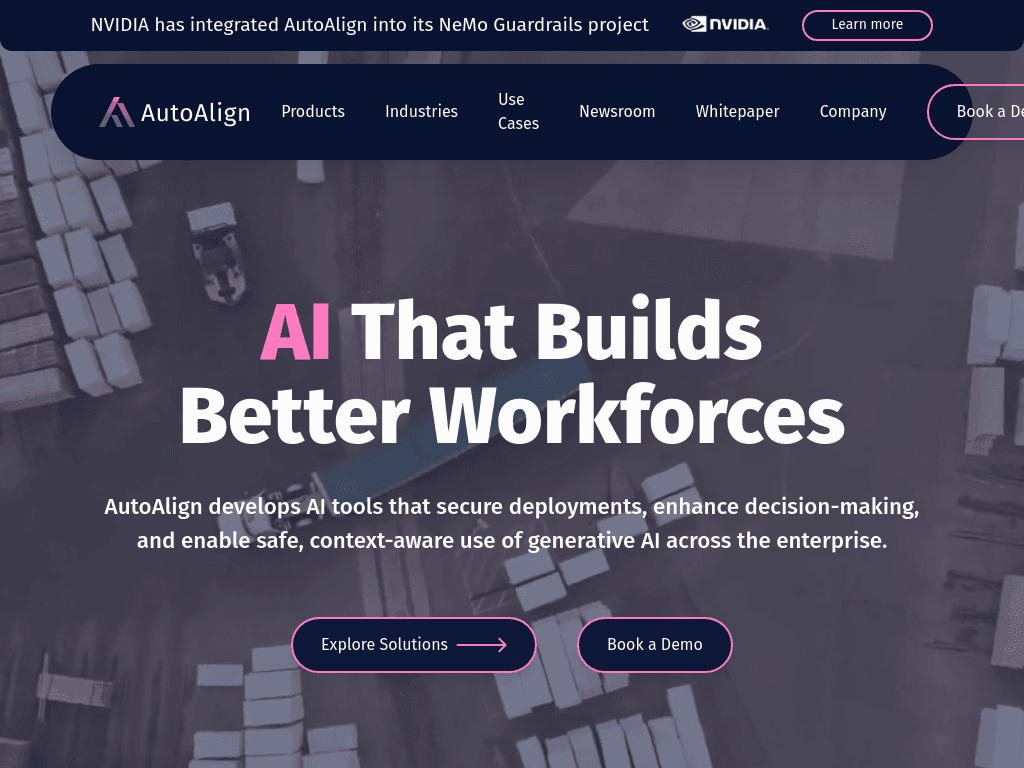
Visor is an AI platform for frontline industrial and field-service work. It combines visual AI, guided work instructions, document-based assistance, quality inspection, hazard detection, and automatic documentation. The platform can write records back to CMMS, MES, and ELB systems, and runs on tablets, phones, fixed cameras, handhelds, and smart glasses.
›What are the pros and cons of AutoAlign?
Strengths
Supports tablets, phones, handhelds, fixed cameras, and smart glasses.
Combines work instructions, troubleshooting, inspection, safety, documentation, and analytics in one platform.
Can use technical documents, maintenance records, tutorials, images, and sensor data.
Writes operational records back to CMMS, MES, and ELB systems.
Provides live visibility and human override for robotic systems.
Trade-offs
The smart-glasses experience is optimized for AutoAlign's own ANSI Z87.1-compliant glasses, which adds a hardware consideration.
Robotic control retains a human-in-the-loop override, so the platform is not designed for fully autonomous control.
›What are AutoAlign’s key features?
Visor Capture records SOPs and detailed work instructions, then publishes updates across devices.
Visor Guide uses visual confirmation to check whether workers complete each step.
Visor Assist answers troubleshooting questions using manuals, schematics, and prior resolutions.
Visor Document turns spoken notes and observed activity into structured records, quality logs, and invoices.
Visor Inspect performs continuous visual quality checks and flags defects on the production floor.
Visor Protect detects missing PPE, unsafe positions, and developing hazards in real time.
Visor Fusion combines sensor feeds, machine outputs, ERP data, and wearable inputs in one live view.
›What are the best use cases for AutoAlign?
Guide new hires through industrial procedures with step-by-step instructions and visual confirmation.
Help technicians troubleshoot equipment using relevant manuals, schematics, and previous fixes.
Capture quality records, compliance evidence, and invoices while work is being performed.
Detect production defects, missing PPE, and unsafe worker positions before they escalate.
Connect remote experts with field technicians who need live guidance during repairs.
›What is the pricing for AutoAlign?
Contact Sales
›Who is AutoAlign best for?
industrial manufacturingA strong fit for production teams that need visual quality checks, current work instructions, and automatic records on the floor.
field service techniciansUseful for technicians who need hands-free guidance, equipment troubleshooting, and remote expert support.
enterpriseEnterprise operations can use the platform to connect workers, machines, sensors, and operational systems across high-consequence environments.
safety and compliance teamsSuitable for teams tracking PPE, workplace hazards, inspection evidence, and compliance records as work happens.
Not for
- General business teams looking for a broad workflow automation platform rather than industrial and field-service tools.
- Organizations that want a fully autonomous robotics control system without human override.