Forward Future Tools Library

Be My Eyes logo

Be My Eyes

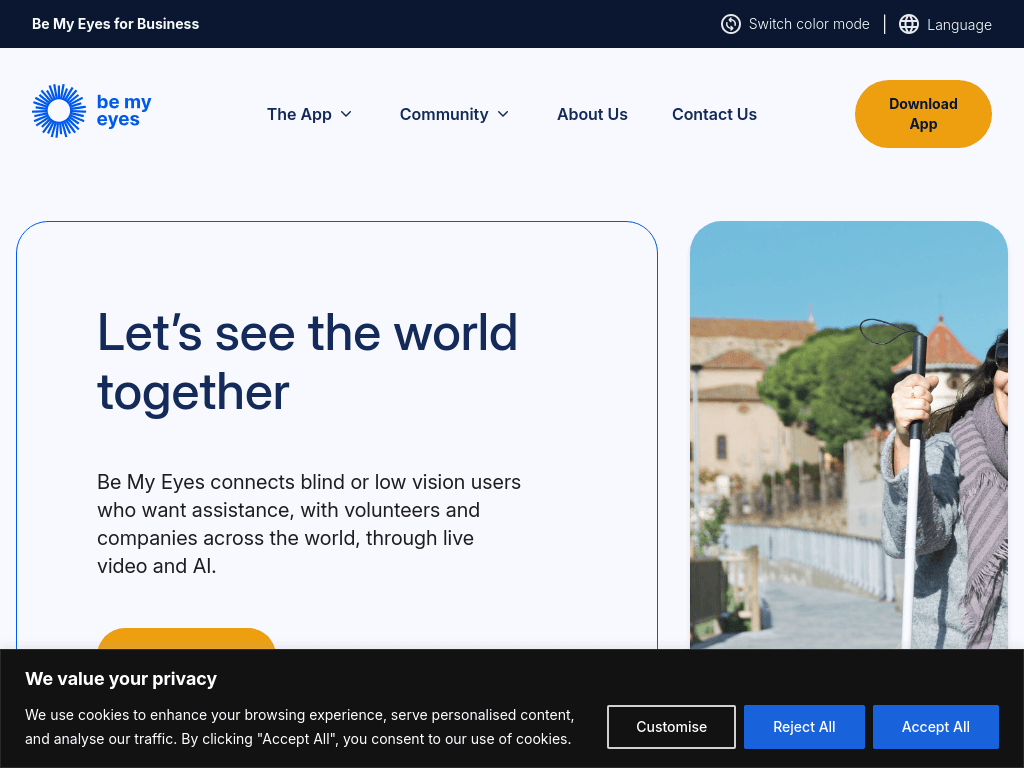
Be My Eyes provides 24/7 visual assistance through live calls with volunteers, companies, and AI for blind and low-vision users, with Workplace plans for business accessibility support.

Try Be My Eyes

bemyeyes.com·From $55 /user/month·Checked 2026-08-12
Be My Eyes screenshotBe My Eyes from blind and low-vision users' perspectiveBe My AI Hits One Million Sessions Only Two Weeks After Open Beta ReleaseBe My Eyes Integrates New Feature to Receive Visual Assistance From Friends  and Family…Be My AI™: Revolutionizing Visual Assistance for people who are Blind and  Low Vision
Be My Eyesbemyeyes.com
Be My Eyes screenshot
Be My Eyesbemyeyes.com

What is Be My Eyes?

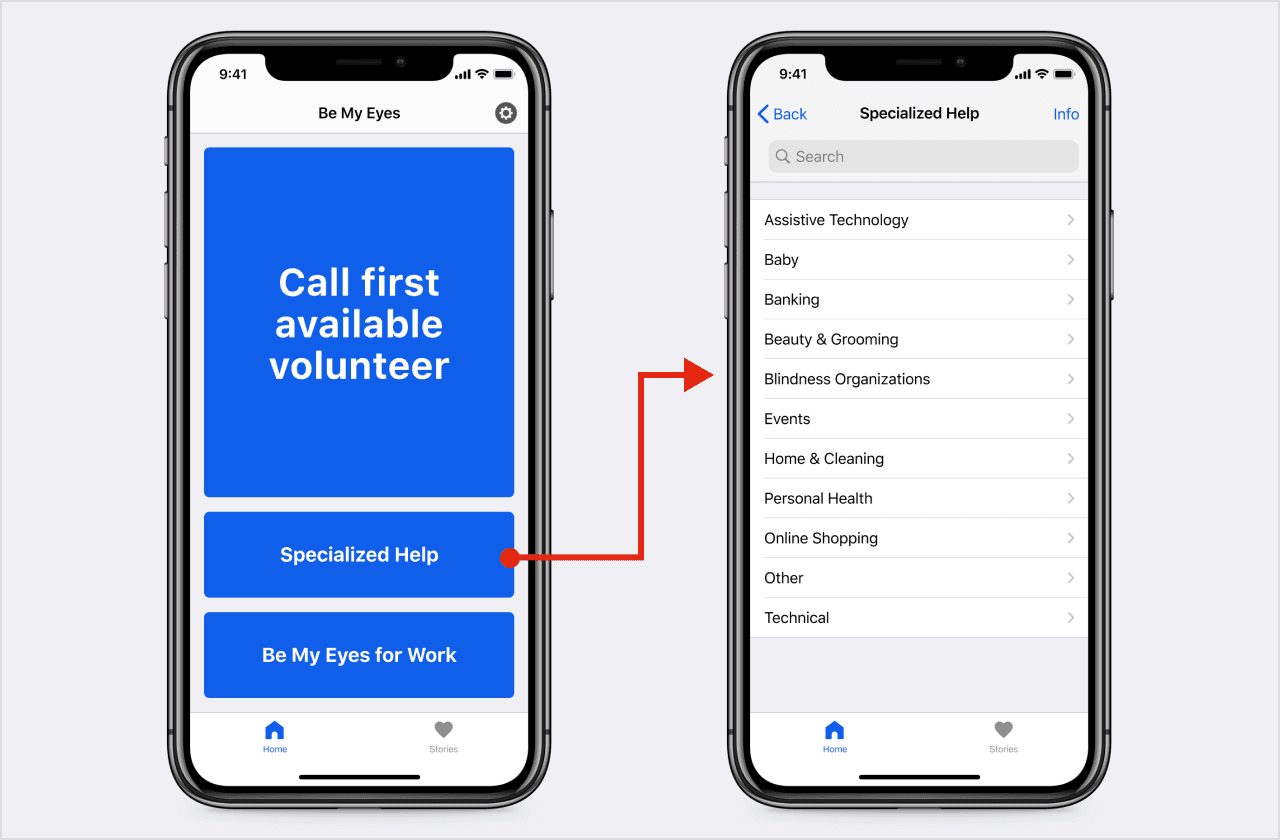
Be My Eyes connects blind and low-vision users with volunteers and companies through live video and AI assistance. The app supports real-time help for everyday visual tasks, with anonymous calls, worldwide availability, and support in more than 180 languages. Workplace adds AI tools, screen and clipboard image processing, document reading, group calls, and remote control.

What are the pros and cons of Be My Eyes?

Strengths

Free and unlimited calls are available through the app
Volunteer and AI assistance is available day and night
The service operates in more than 150 countries and supports more than 180 languages
Calls are anonymous, with volunteers only hearing the user's voice and seeing shared camera content
Workplace includes screen sharing, remote control, PDF processing, and colleague groups

Trade-offs

Users who rely on volunteers may experience wait times before receiving human assistance
The service is not intended for detailed document OCR or barcode scanning
There is no public API
Workplace access is paid, starting at $60 /user/month when billed monthly
Workplace does not replace existing assistive technology such as screen readers

What are Be My Eyes’s key features?

Live video calls with sighted volunteers and company representatives
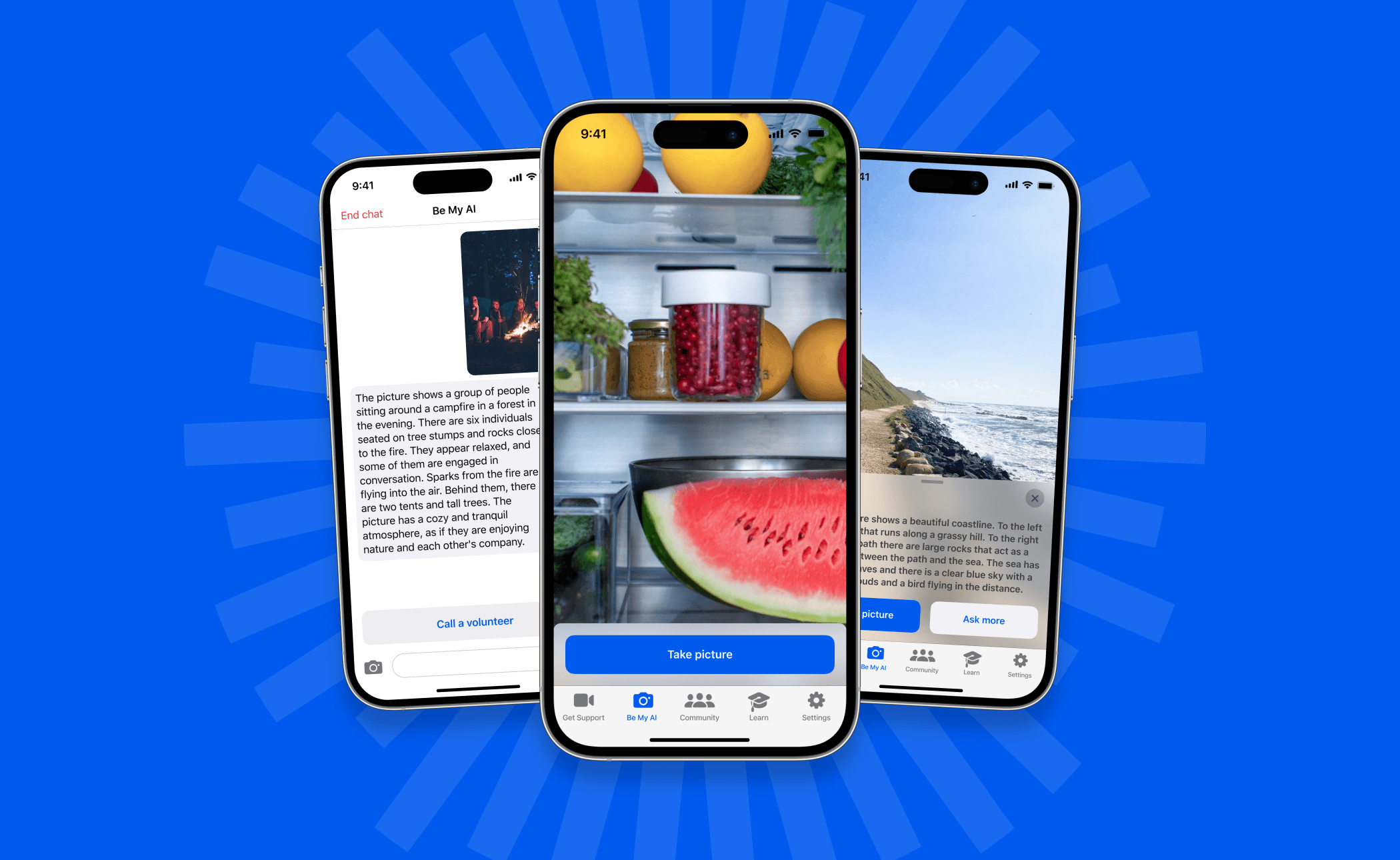
AI-powered visual assistance
Free and unlimited calls for app users
Anonymous calls where volunteers hear the user's voice and see shared camera content
Workplace image processing from clipboard, screen, and camera
Workplace Reader for PDF file processing
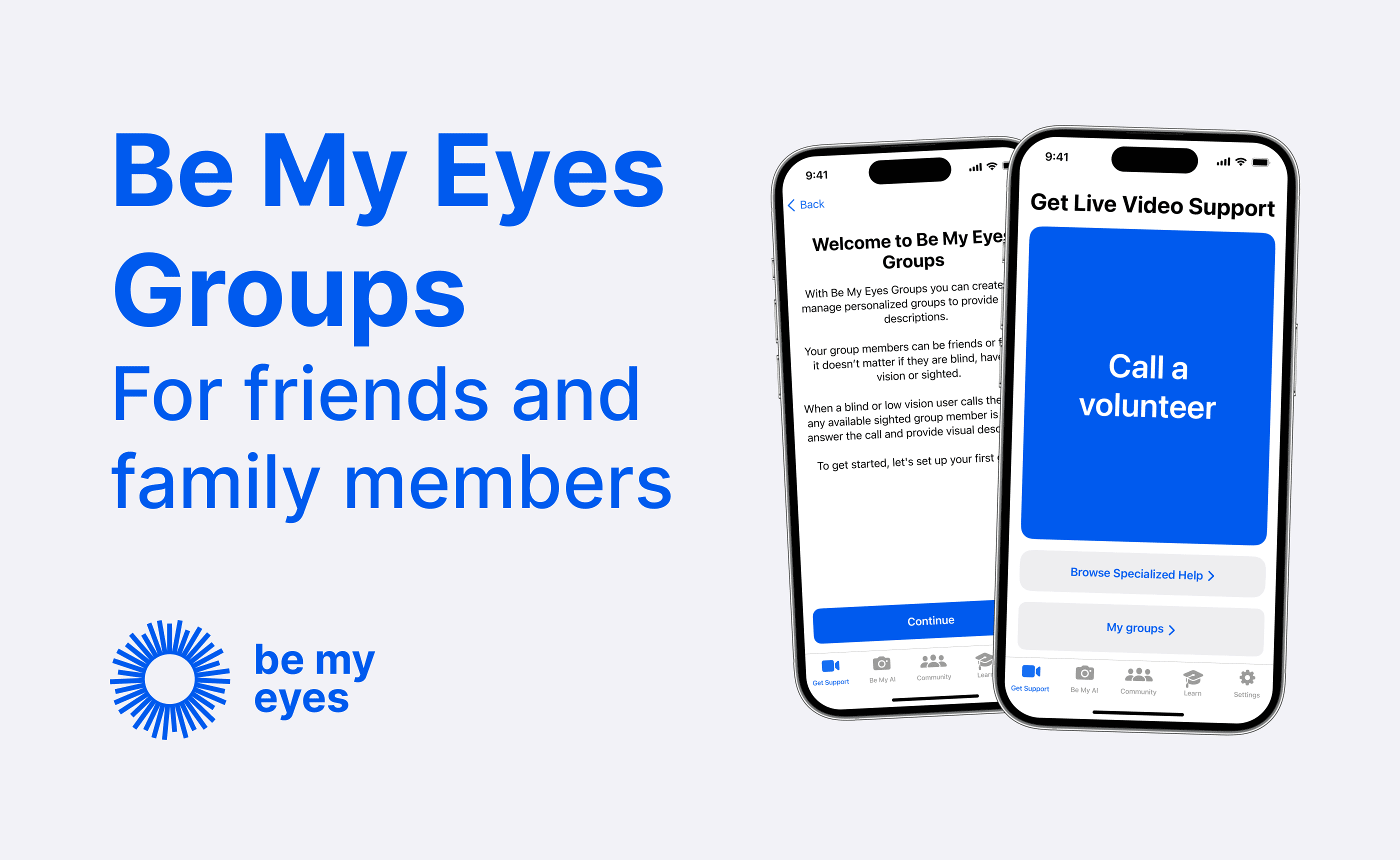
Workplace Connect group calls with screen sharing and remote control

What are the best use cases for Be My Eyes?

Reading labels, instructions, and other printed information
Identifying objects, colors, and visual details
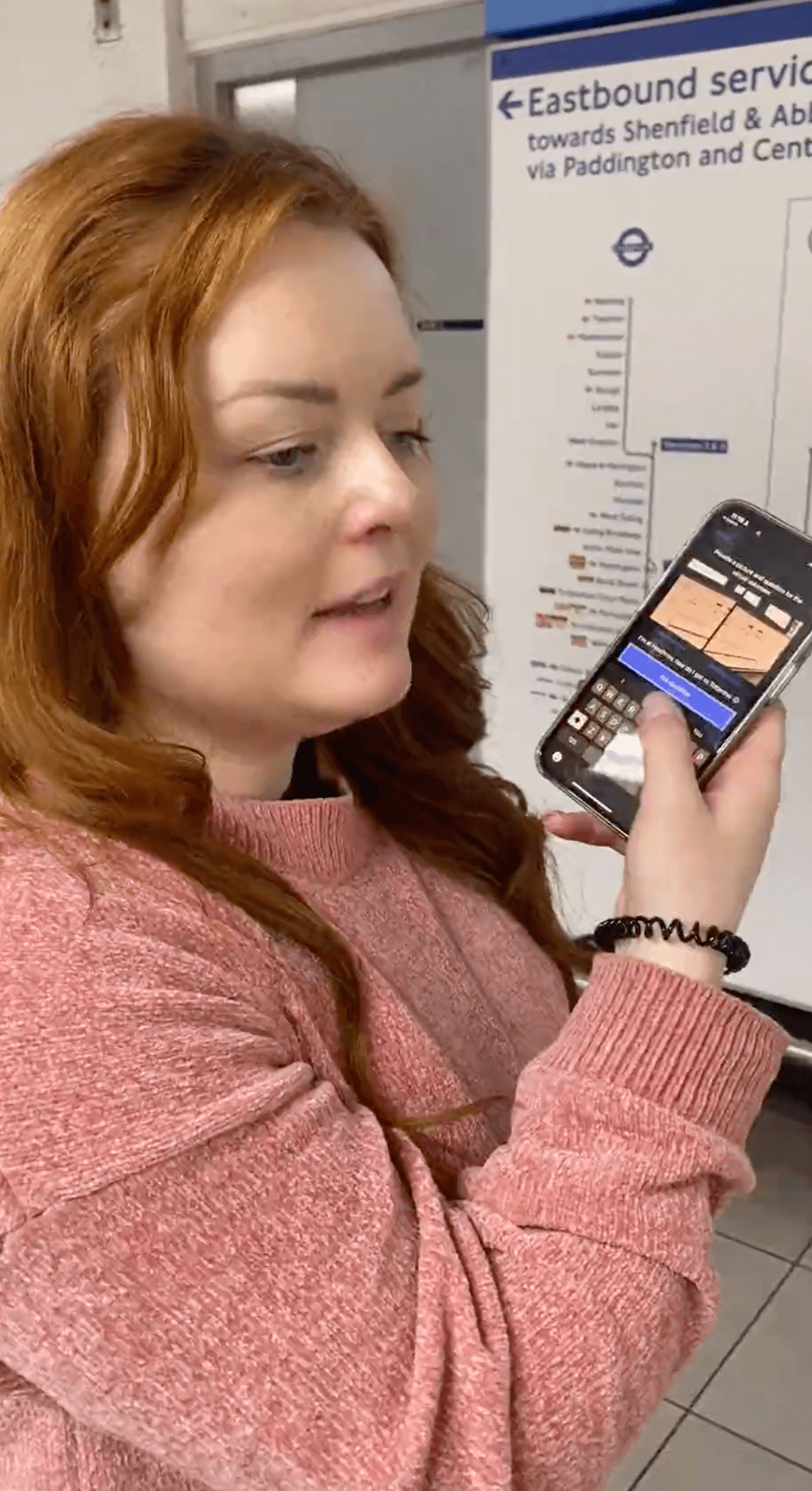
Getting help while navigating unfamiliar environments
Receiving assistance with everyday tasks through a live call
Helping employees access workplace content with screen, clipboard, and camera processing
Providing business accessibility support through company representatives

What is the pricing for Be My Eyes?

Workplace, monthly$60 /user/month

Includes Workplace AI, clipboard, screen and camera image processing, PDF processing, group calls, two trusted colleague groups, and support.

Workplace, annually$55 /user/month

Includes the Workplace feature set with annual billing.

Workplace +, monthly$90 /user/month

Adds unlimited trusted colleague groups, SAML2 single sign-on, feature, user and license management, reporting, and a dedicated account manager.

Workplace +, annually$82.50 /user/month

Includes the Workplace + feature set with annual billing.

Workplace plans include a free 2-week trial. Subscription fees are billed automatically at the start of each monthly or annual term until cancelled.

Checked 2026-08-12 · source

Who is Be My Eyes best for?

blind and low-vision usersA strong fit for everyday visual questions that benefit from a volunteer, company representative, or AI response.
accessibility advocatesUseful for offering human and AI visual assistance across a large international community.
customer support teamsWorkplace supports accessibility services with company representatives, group calls, screen sharing, and remote control.
enterpriseWorkplace + adds SAML2 single sign-on, management and reporting tools, unlimited colleague groups, and a dedicated account manager.
Not for
  • Users who need detailed document OCR or barcode scanning should choose a specialized scanning tool.
  • Users who want a fully automated service without possible volunteer wait times may prefer an AI-only solution.
  • Healthcare organizations requiring HIPAA-compliant visual assistance should look for a service that explicitly provides that compliance.
  • Teams seeking a public API cannot use Be My Eyes as an API-based service.

What are the best Be My Eyes alternatives?

Where can I try Be My Eyes?

Open bemyeyes.com