Forward Future Tools Library

Box AI
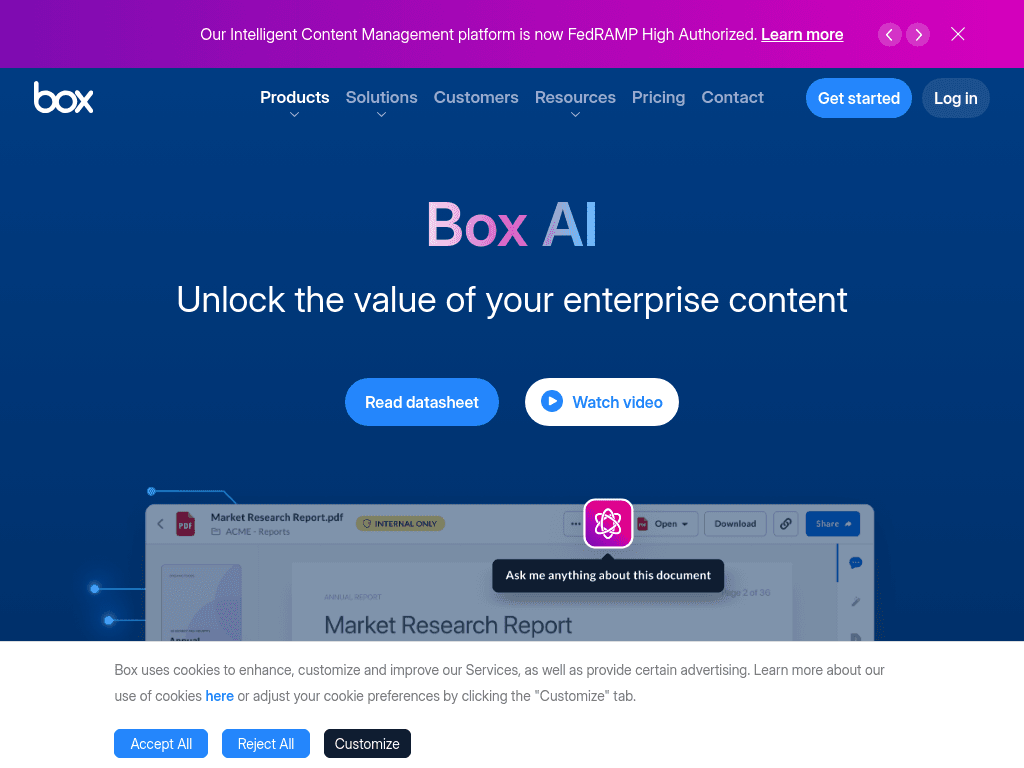
Box AI helps enterprise teams question, summarize, create, and extract structured data from governed content, with agents for document-heavy workflows.
Try Box AI →
box.com·Contact Sales
›What is Box AI?
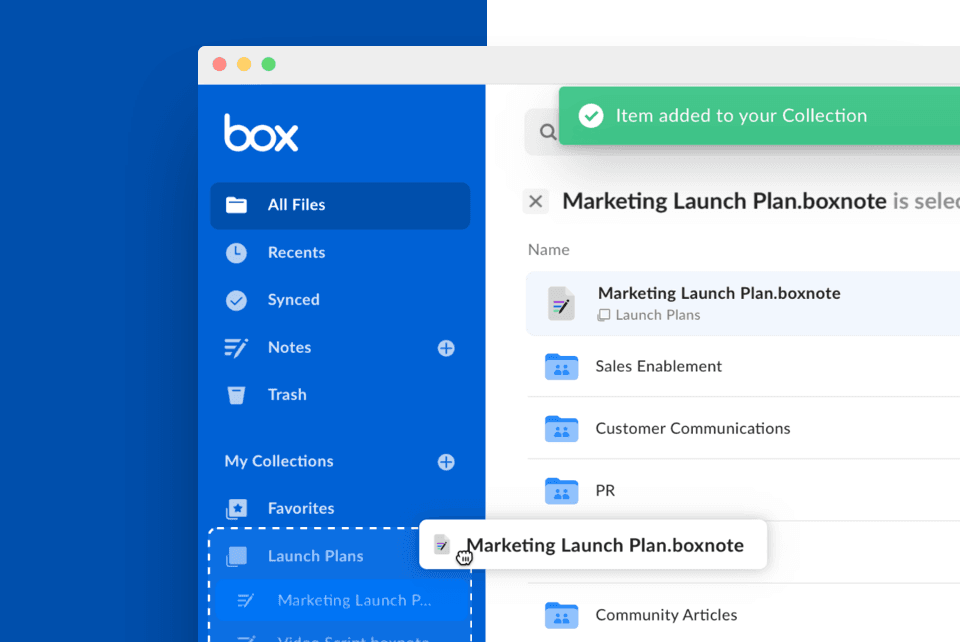
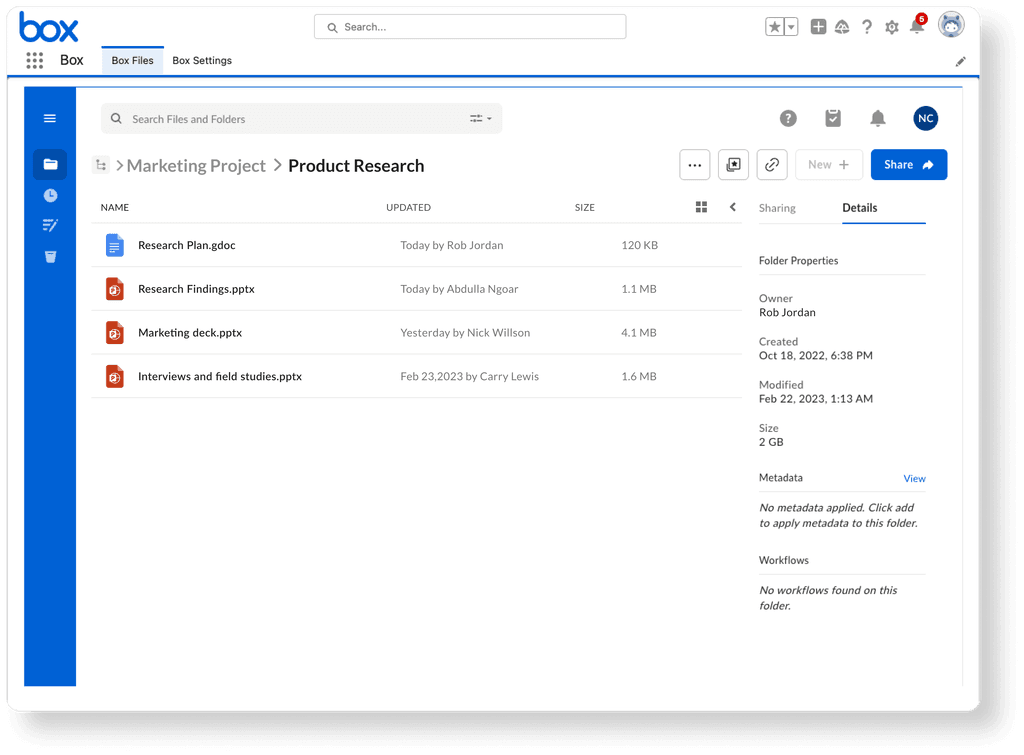
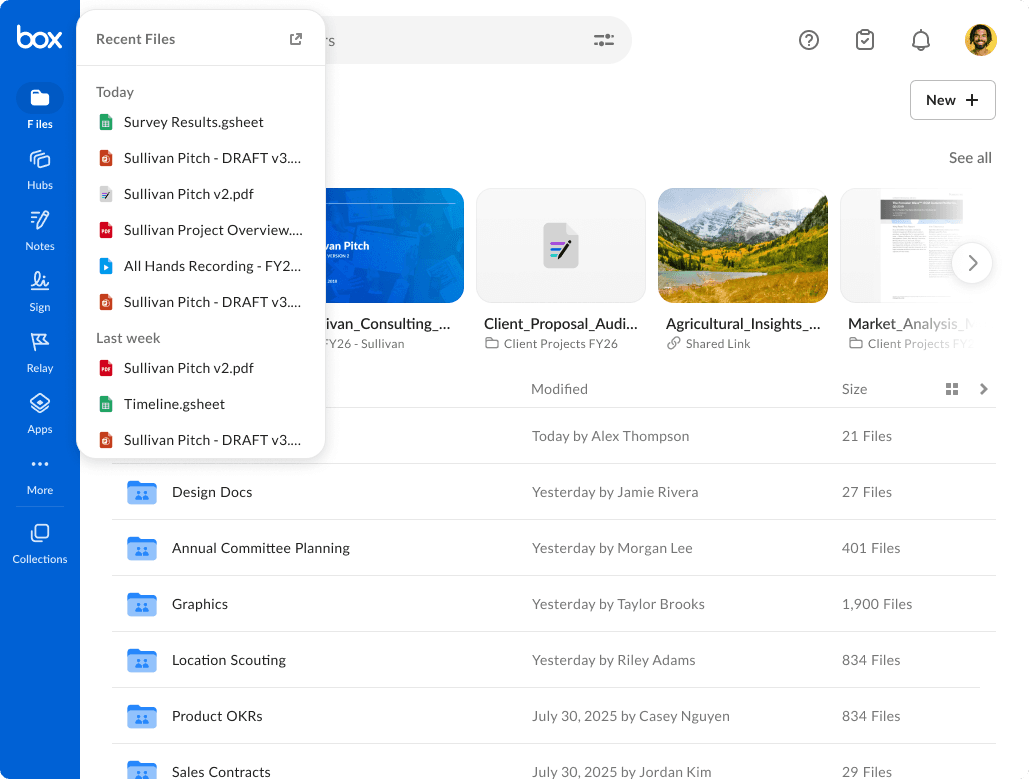
Box AI adds document question answering, summarization, content generation, and data extraction to Box. It handles single files and large document collections, and uses existing Box permissions and compliance policies. Teams can customize agents, select supported language models, and connect AI features to applications through APIs.
›What are the pros and cons of Box AI?
Strengths
Grounds answers and summaries in documents stored in Box
Supports both individual files and large multi-document collections
Extract Agents convert details from documents and images into structured metadata
Uses existing Box permissions and compliance policies
Supports multiple model providers and provides APIs for application integration
Trade-offs
Generated answers still require user verification
Advanced features require paid plans
Administration can be complex
The broadest autonomous workflows depend on configuration through tools such as Box AI Studio or the Box MCP Server
›What are Box AI’s key features?
Single- and multi-document questions, summaries, and contextual answers
Box AI Hubs for comparing documents, finding trends, and surfacing risks across large content sets
Extract Agents that pull fields from contracts, forms, and images into structured metadata
Custom agent instructions and fields defined by developers
Conversational Box Agent for finding files, summarizing content, and generating deliverables
Support for OpenAI, Anthropic, and Google models, with administrator controls over providers
APIs, Box AI Studio, and Box MCP Server for building agents and connecting external systems
›What are the best use cases for Box AI?
Answer questions across leases, statements of work, financial reports, and other complex files
Compare terms and identify risks across large document collections
Draft marketing copy, board meeting briefings, RFP responses, and product requirement documents
Extract invoice, contract, form, or image details and save them as metadata
Build permission-aware AI agents that work with enterprise content and external systems
›What is the pricing for Box AI?
Contact Sales
›Who is Box AI best for?
enterpriseA strong fit for organizations managing sensitive documents under existing Box permissions and compliance policies.
developersDevelopers can define extraction fields and instructions, select model providers, and build agents through APIs and Box AI tooling.
finance professionalsUseful for querying financial reports, extracting details from documents, and comparing terms across content collections.
HRRelevant for teams that need to search, summarize, and extract structured information from document-heavy HR content.
Not for
- Individuals seeking a standalone AI assistant rather than AI features embedded in an enterprise content platform
- Teams that need answers without reviewing AI-generated output
- Organizations unwilling to manage permissions, model-provider settings, and agent configuration