

Forward Future Tools Library

Brave Leo
Brave Leo adds a private AI assistant to the Brave browser for summarizing, translating, analyzing, and creating content without requiring an account.
Try Brave Leo →
brave.com·Free + paid plans·Checked 2026-08-12

›What is Brave Leo?
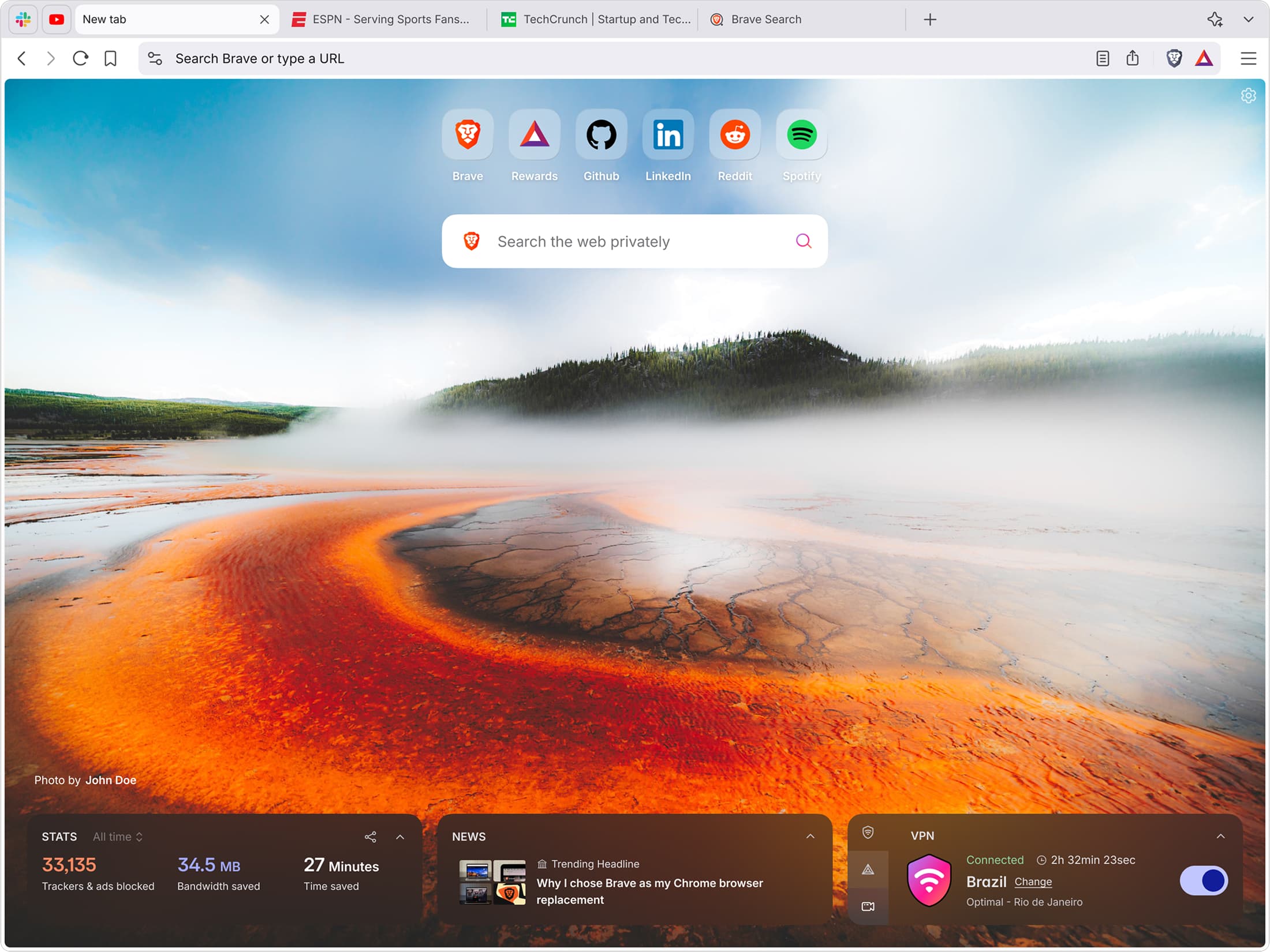
Brave Leo is an AI assistant built into the Brave browser on desktop and mobile. It can answer questions about webpages, PDFs, Google Docs, and Google Sheets, as well as summarize, translate, analyze text, draft content, and suggest code. Chats are not retained or used for additional model training, and users can save history locally or use temporary chats.
›What are the pros and cons of Brave Leo?
Strengths
Works in Brave on macOS, Windows, Linux, Android, and iOS
Does not require an account or login
Does not retain or share chats or use them for additional model training
Offers access to models from Mixtral, Anthropic's Claude, and Meta's Llama
Supports temporary chats and locally saved chat history
Trade-offs
Requires the Brave browser rather than working as a standalone assistant in other browsers
Free use has lower rate limits than Leo Premium
The exact model versions available can change and must be checked inside Leo
Reviewers report accuracy problems that limit use for tasks requiring dependable answers
›What are Brave Leo’s key features?
Summarizes webpages, PDFs, Google Docs, and Google Sheets
Generates articles, essays, emails, and other content
Translates content between languages
Analyzes text and answers questions about the current browser tab
Provides suggested and sample code for software applications and database queries
Supports local or remote user-provided AI models
Organizes browser tabs by topic and can gather them into a new window
›What are the best use cases for Brave Leo?
Summarizing a long webpage or document without leaving the browser tab
Drafting an email, essay, article, or other written content
Translating content while browsing
Extracting information from PDFs, Google Docs, and Google Sheets
Getting basic coding suggestions and sample database queries
Grouping open tabs around a specific topic
›What is the pricing for Brave Leo?
| Plan | Price | Details |
|---|---|---|
| Free | Free | Access to Leo in the Brave browser, including model access for questions, summaries, content creation, translation, and coding help. |
| Leo Premium | $14.99/month | Access to more models, higher rate limits, and early access to new features. |
| Leo Premium annual | $149.99/year | Annual Leo Premium plan with access to more models, higher rate limits, and early access to new features. |
Leo Premium includes a 7-day free trial.
Checked 2026-08-12 · source
›Who is Brave Leo best for?
soloA fit for individuals who want browser-based summaries, drafting, and translations without creating an AI account.
writersUseful for drafting articles, essays, and emails while reading source material in the same browser.
developersHelpful for basic coding assistance and sample software or database queries, with support for user-provided models.
studentsSuitable for summarizing webpages and documents, translating material, and asking questions about reading.
Not for
- People who need an AI assistant outside the Brave browser
- Teams looking for a dedicated business workspace or shared collaboration features
- Users who require consistently reliable answers for high-stakes or accuracy-sensitive work
›What are the best Brave Leo alternatives?
 NotebookLMChoose this instead if your main task is generating insights, summaries, and answers from study materials.→
 AI WriterChoose this instead if your priority is producing articles for marketing, SEO, or academic work.→
 AskCodiChoose this instead if coding assistance is your primary use case rather than browser-wide AI help.→
 CapCut→