

Forward Future Tools Library

CapCut
CapCut combines timeline editing, templates, captions, AI video generation, image tools, and text-to-speech for creators producing short-form social content across mobile, desktop, and web.
capcut.com·Free + paid plans·Checked 2026-08-13
›What is CapCut?
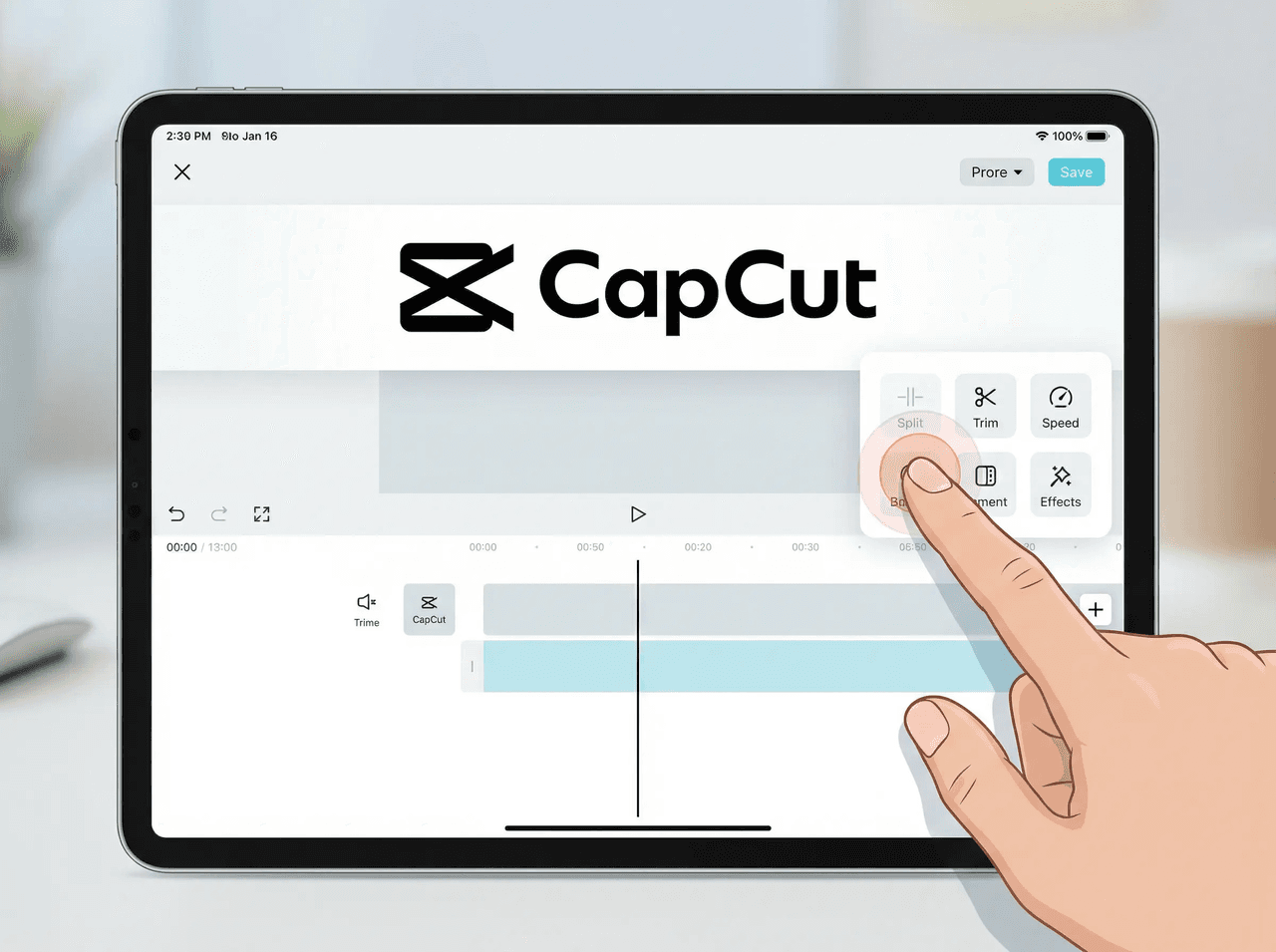
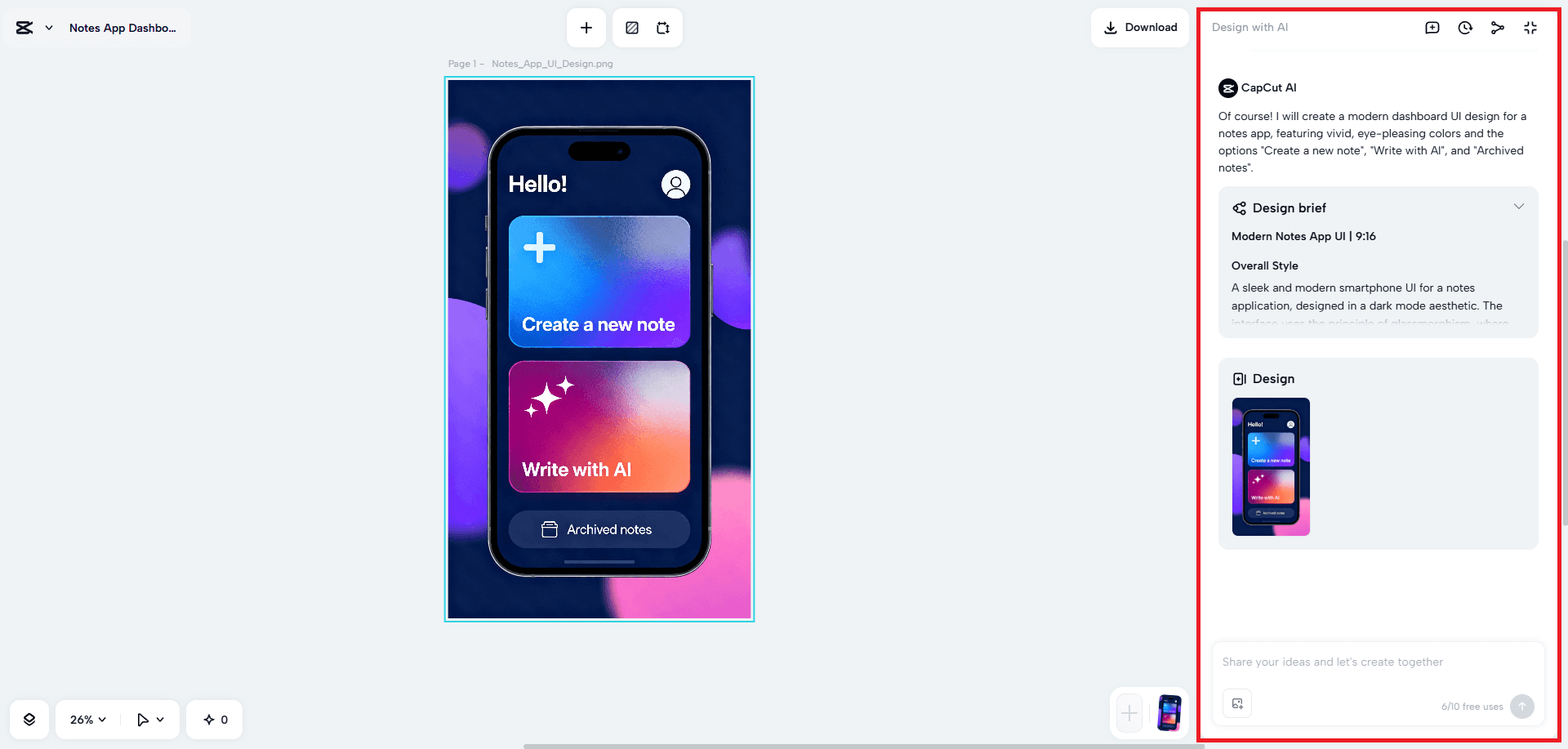
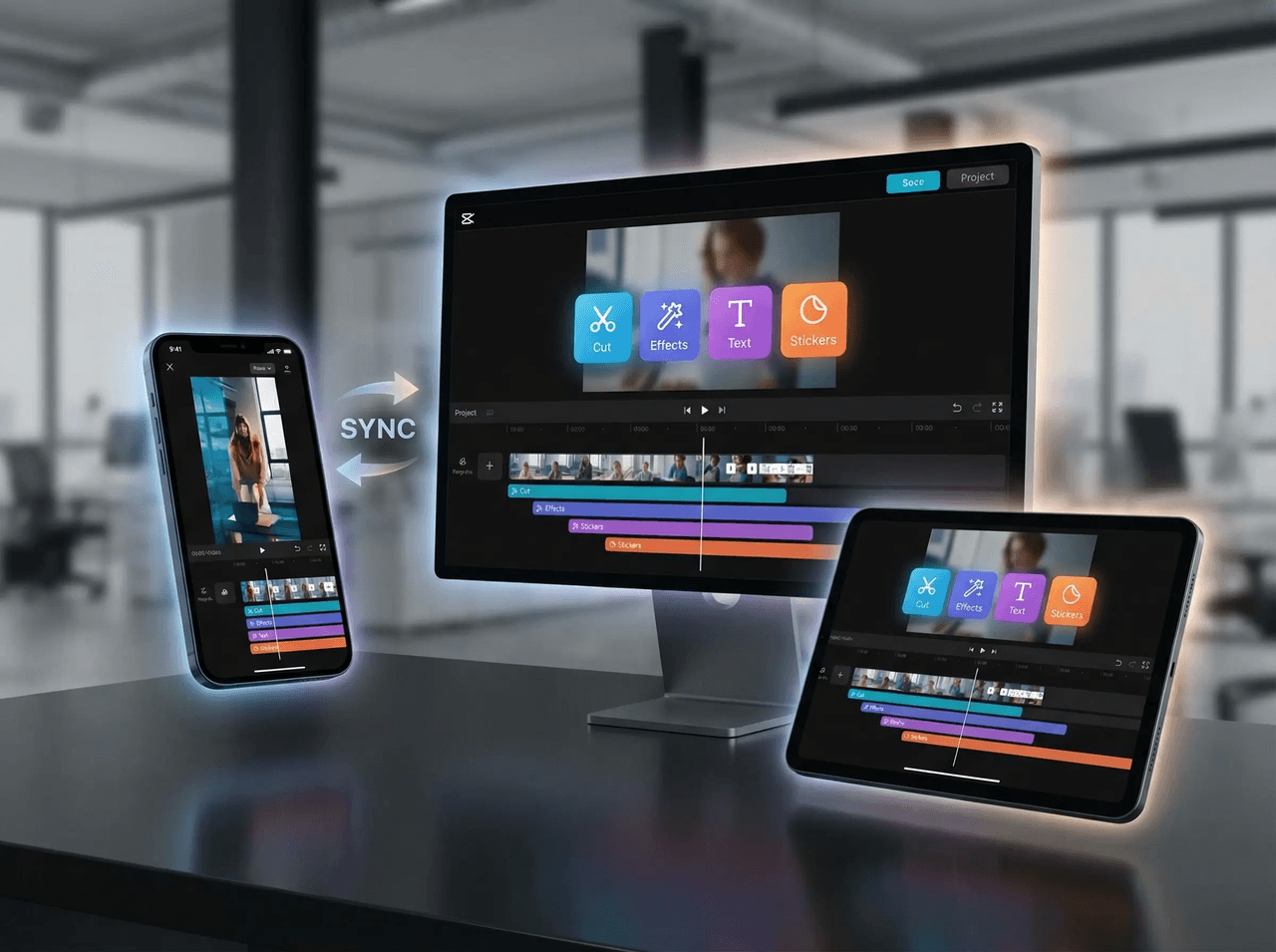
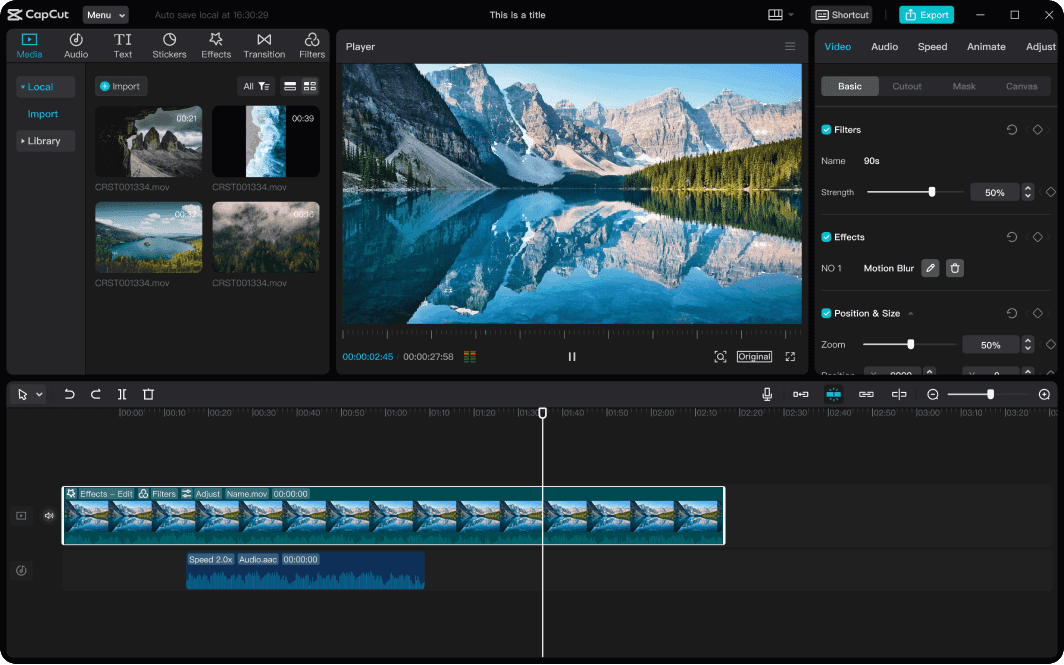
CapCut is a video and photo editor available on mobile, desktop, browser, and tablet. It supports timeline editing with trims, layers, transitions, subtitles, and captions, alongside AI tools for generating videos, removing backgrounds, enhancing images, and creating voiceovers. Its templates and social formats support content for TikTok, Instagram, YouTube, marketing, and vlogs.
›What are the pros and cons of CapCut?
Strengths
Trade-offs
›What are CapCut’s key features?
›What are the best use cases for CapCut?
›What is the pricing for CapCut?
| Plan | Price | Details |
|---|---|---|
| Free | Free | Manual edits, basic captions, standard effects, and exports using free assets |
| Standard (UK App Store) | £10.99/month | Mobile-focused plan with more assets, core AI tools, and more cloud space than Free |
| Pro (US) | $19.99 per month or $179.99 per year | Cross-platform editing, premium assets, advanced AI, collaboration, and larger cloud allowances |
| Pro (UK App Store) | £21.99/month | Pro plan pricing listed for the UK App Store |
Standard availability and the exact feature, storage, AI credit, and export limits vary by region, device, and promotion. Verify the renewal total and included allowances at checkout.
Checked 2026-08-13 · source
›Who is CapCut best for?
- Buyers who need stable, predictable regional pricing and billing with no trial-charge concerns
- Teams seeking a dedicated enterprise video production system rather than a social-first editor
- Editors who require consistently crash-free workflows on mobile and desktop
›What are the best CapCut alternatives?
 KlapChoose this instead if your main requirement is AI-assisted conversion of existing footage into short-form videos.→
 ClipFlyChoose this instead if you want an AI-focused tool for creating short-form video content.→
 FlikiChoose this instead if your workflow starts with written text and requires generated voiceovers.→
 Adobe FireflyChoose this instead if your priority is generative creative content rather than a social-first timeline editor.→