Forward Future Tools Library

ClipFly
Clipfly combines AI video, image, and music generation with browser-based editing for creators, marketers, educators, and small businesses making social content.
Try ClipFly →
clipfly.ai·Freemium


›What is ClipFly?
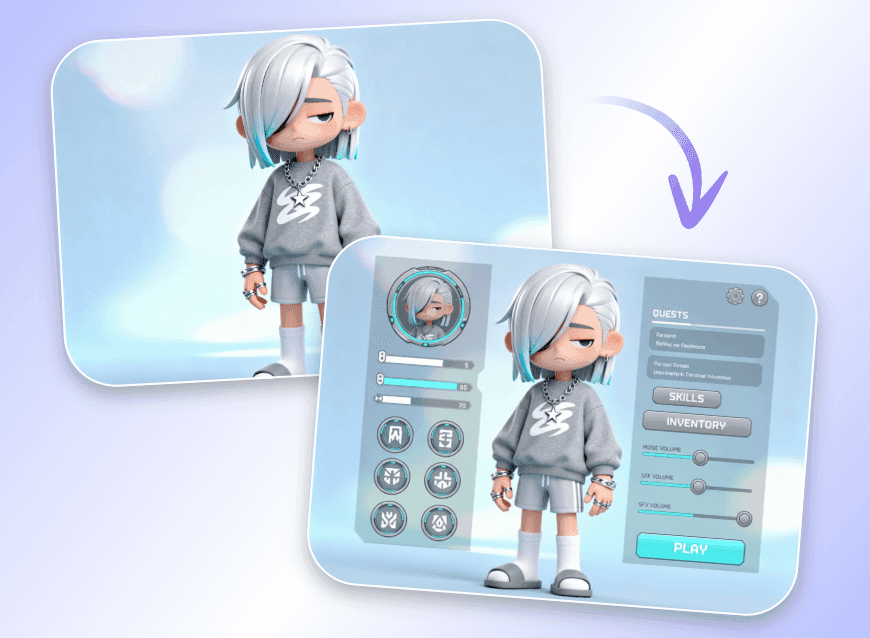
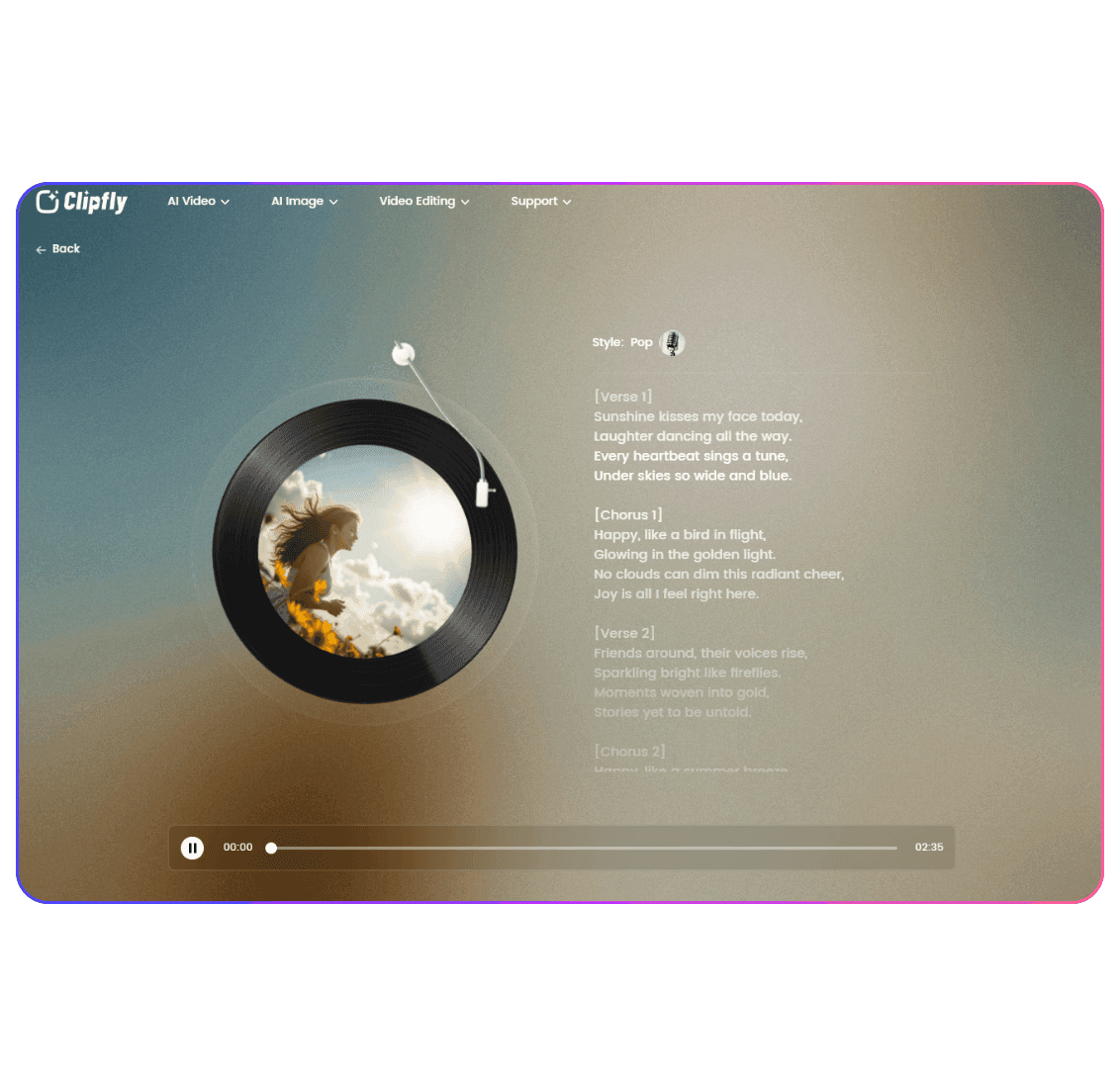
Clipfly is a browser-based creative suite for generating videos, images, and music from text, images, or uploaded media. Its editor supports trimming, captions, audio, effects, templates, and multiple export formats. AI tools include text-to-video, image animation, background removal, enhancement, and reel generation.
›What are the pros and cons of ClipFly?
Strengths
Combines video, image, music generation, and editing in one browser-based platform
AI auto-editing can handle cutting and syncing footage to music
Captions support transcription in more than 50 languages
Includes background removal, video enhancement, templates, effects, and stock media
Trade-offs
Credit-based usage can make the total cost depend on how much content you generate
The browser-based workflow may not suit teams that require desktop editing software
›What are ClipFly’s key features?
AI video generation from text prompts and images
AI auto-editing with music synchronization and beat sync
Auto-captions with transcription in more than 50 languages
Background removal without a green screen
Templates, trending effects, and royalty-free stock media
Video exports in vertical, square, and horizontal formats
AI image and music generation alongside video tools
›What are the best use cases for ClipFly?
Create short-form social videos with auto-editing, captions, templates, and music sync
Turn text prompts or still images into animated video content
Produce ads, product visuals, and soundtracks for small-business marketing
Animate lessons or visual stories from text and photos
Enhance blurry footage, remove backgrounds, and prepare clips for different platforms
›What is the pricing for ClipFly?
Freemium
›Who is ClipFly best for?
content creatorsA fit for creators who need to generate and edit social videos, images, and music from a browser.
marketersUseful for producing ads, product visuals, captions, and platform-specific video exports.
educatorsWorks well for turning lessons, narratives, text, and photos into animated media.
small teamSmall businesses can use its combined generation and editing tools for marketing content without complex desktop software.
Not for
- Teams that require a desktop-first editing workflow should look beyond this browser-based suite.
- Buyers who need predictable costs for high-volume generation should examine the credit model carefully.