Forward Future Tools Library

ClawHub
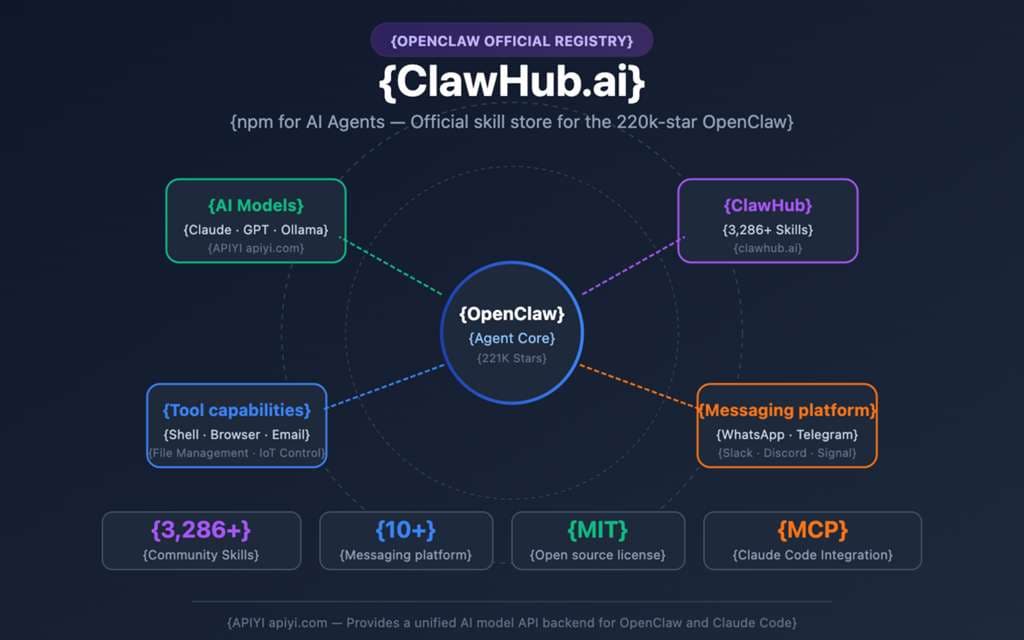
ClawHub is a free registry for finding and installing OpenClaw skills and plugins, suited to developers and teams extending agents with tools for code, communication, files, and project work.
Try ClawHub →
clawhub.ai·Free·Checked 2026-08-31
›What is ClawHub?
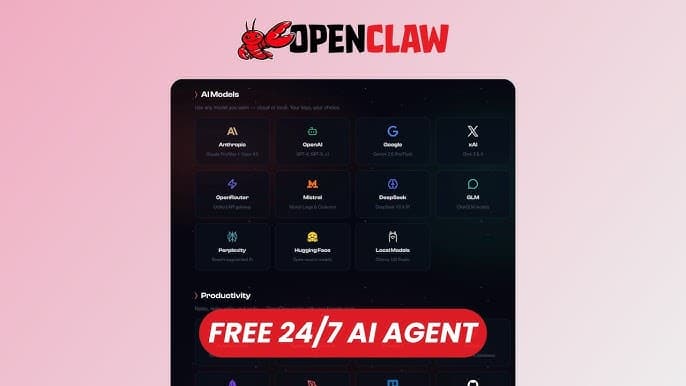
ClawHub is a marketplace and registry for OpenClaw skills, plugins, and agent extensions. Users can browse community and official integrations, review publisher and security signals, and install skills through OpenClaw. Available integrations include GitHub, VS Code, Notion, Slack, Gmail, Google Drive, Sheets, Calendar, Linear, Figma, Trello, and WhatsApp.
›What are the pros and cons of ClawHub?
Strengths
Free to use, with open-source skill publishing
Central registry for discovering OpenClaw skills and plugins
Covers common developer, productivity, communication, and project-management tools
Provides package provenance and security signals such as signed manifests, moderated releases, and VirusTotal scanning
Trade-offs
Only useful with OpenClaw
Quality varies across community submissions, and many skills are experimental
The catalog was reduced after the removal of potentially compromised skills, limiting selection compared with its earlier size
There is no premium support offering
›What are ClawHub’s key features?
Browse trending, featured, official, new, and creator-published skills
Install skills through the OpenClaw command line
Find ready-made integrations for GitHub, VS Code, Notion, Slack, Gmail, and Google Drive
Use publisher handles, ownership information, version history, and lineage to assess packages
Access security signals including signed manifests, moderated releases, and VirusTotal scanning
Publish and manage OpenClaw skills using the registry
›What are the best use cases for ClawHub?
Add GitHub skills for reviewing pull requests, managing issues, and automating repository workflows
Connect an OpenClaw agent to Notion, Slack, Gmail, Google Drive, Sheets, or Calendar
Install skills for coding, file-based planning, research, communications, or media generation
Publish custom skills for other OpenClaw users
Evaluate community skills using publisher, version, review, and security information
›What is the pricing for ClawHub?
| Plan | Price | Details |
|---|---|---|
| Free | Free | Free to use with open-source skill publishing. |
Checked 2026-08-31 · source
›Who is ClawHub best for?
developersA strong fit for developers who want to add repository, editor, API, and automation skills to OpenClaw agents.
small teamSmall teams can use the ready-made integrations for shared tools such as Slack, Notion, Gmail, Linear, and Google Drive.
enterpriseEnterprise deployments benefit from publisher verification and security scanning, but should account for the lack of premium support.
open-source contributorsOpen-source contributors can publish custom skills and participate in a community-driven registry.
Not for
- Users who do not run OpenClaw, because the marketplace is specific to that ecosystem.
- Teams that need a large, uniformly vetted catalog, because community skill quality varies and many entries are experimental.
- Organizations that require premium vendor support.