Forward Future Tools Library

CoAnimator logo

CoAnimator

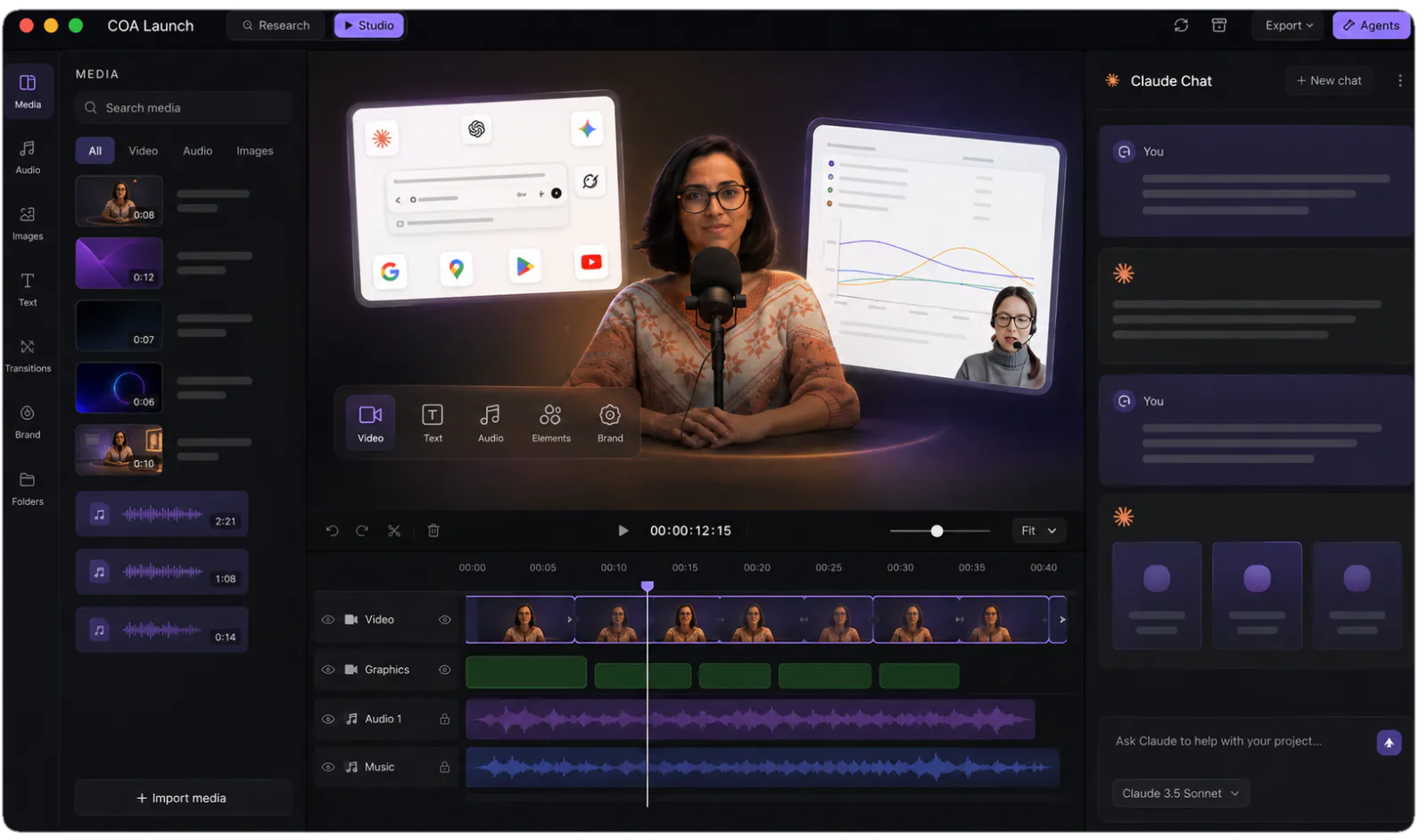
CoAnimator creates editable product demos, launch videos, tutorials, explainers, and footage edits with an AI agent, local rendering, and unlimited exports for creators and product teams.

Try CoAnimator →

coanimator.com·Free + paid plans·Checked 2026-11-10
CoAnimator — The Agentic AI Animation Studio7 Best AI Motion Graphics Tools in 2026Free Animation & Video Templates
CoAnimator — The Agentic AI Animation Studiocoanimator.com
CoAnimator — The Agentic AI Animation Studio
CoAnimator — The Agentic AI Animation Studiocoanimator.com

›What is CoAnimator?

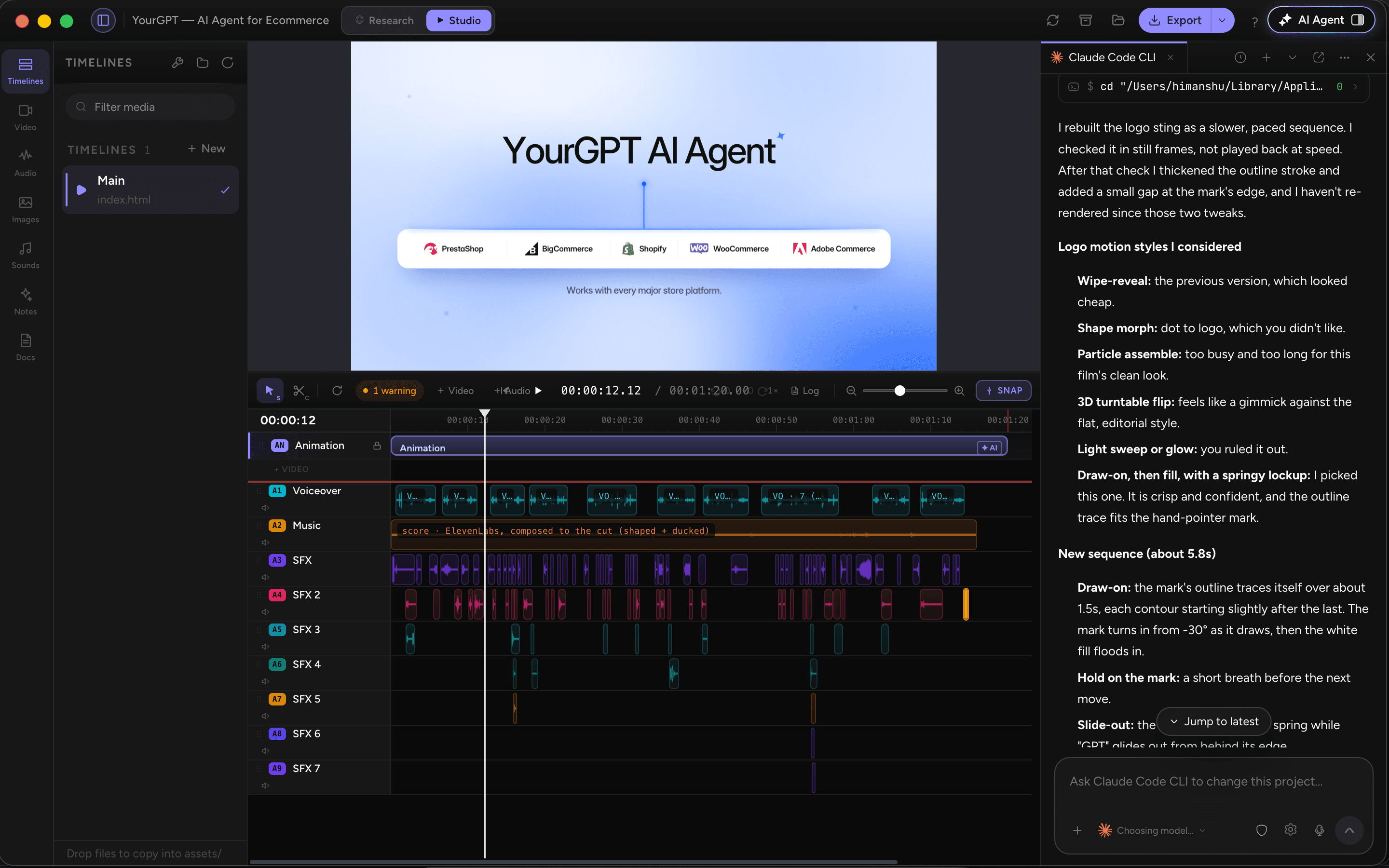
CoAnimator is a desktop animation studio where Claude Code, Codex, Antigravity, OpenClaw, or another compatible agent can draft scripts, build scenes, arrange timelines, and add narration. It also applies captions, overlays, transitions, and visual effects to recorded footage. Projects remain editable files that can be re-rendered locally on Windows, macOS, or Linux.

›What are the pros and cons of CoAnimator?

Strengths

Unlimited local rendering without per-export credits
Editable projects support scene-level revisions instead of rebuilding an entire video
Runs on Windows, macOS, and Linux, with CLI rendering for automated workflows
Supports both generated animation and effects applied to real footage
Free tier includes the same agent, templates, and unmetered rendering as the paid plan

Trade-offs

Free exports are limited to 720p and include a CoAnimator watermark
The product is aimed at technical users and relies on bringing a compatible AI agent and, for third-party services, your own API keys
There are no collaboration features for multi-user production
4K export, watermark-free output, premium plugins, and research mode require the paid licence
The paid model has no monthly option, and continued updates after the included first year cost $79 per year

›What are CoAnimator’s key features?

Agent-assisted scene, timeline, script, and narration creation
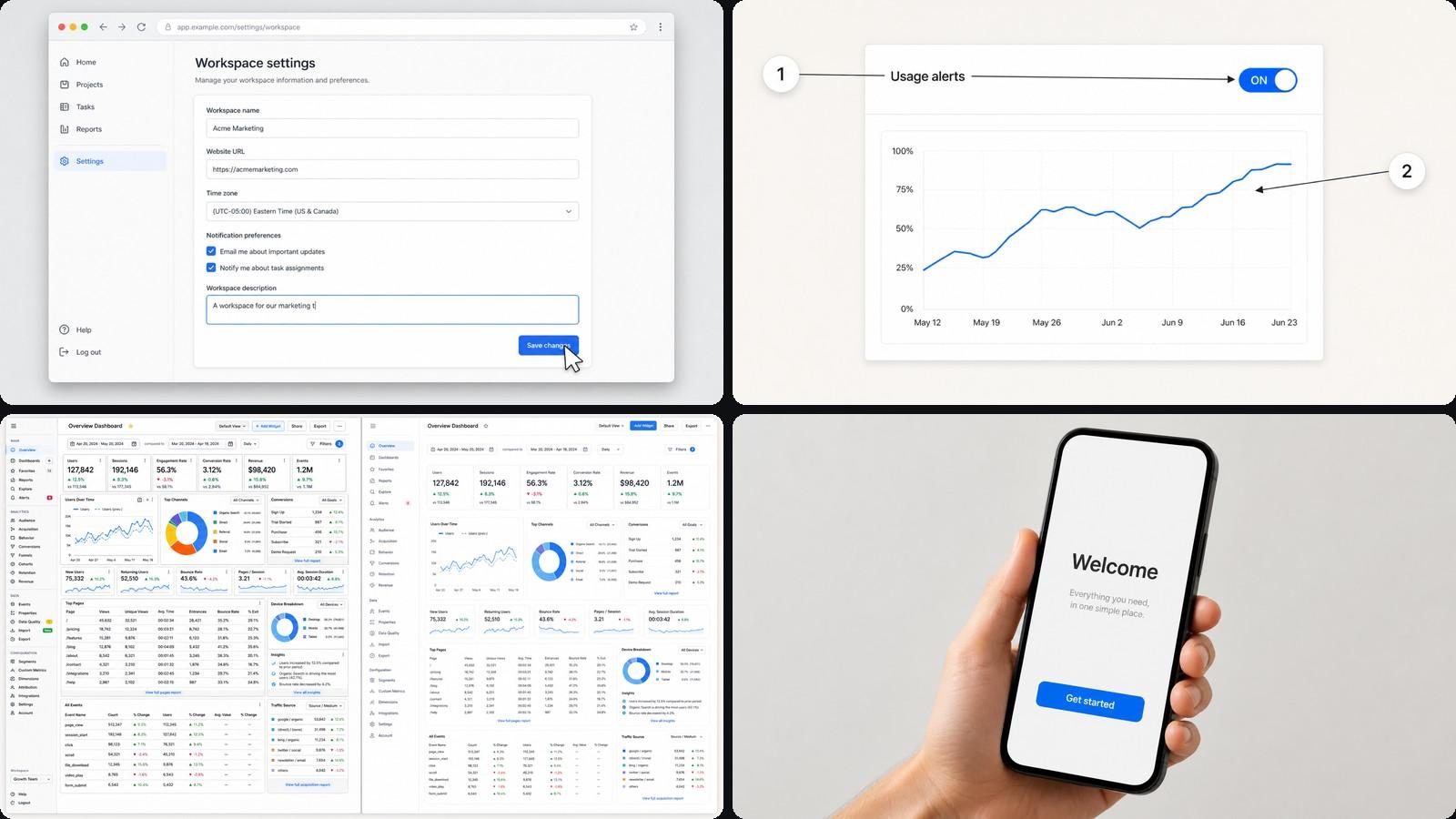
Prompt-based editing for recorded footage, including captions, overlays, spotlights, and color effects
Templates with agent skills, documented looks, and sample projects
Local rendering with unlimited exports and no per-render credits
3D animation with keyframed cameras, rigged characters, and narrated scenes
Plugins for voiceover, sound, AI images, screen capture, publishing, and research
Editable project files with CLI rendering for scripts, cron jobs, and CI pipelines

›What are the best use cases for CoAnimator?

Create product demos with recorded walkthroughs, titles, zooms, and timed narration
Produce launch videos, changelog updates, and feature explainers that can be re-rendered after product changes
Turn scripts into narrated guide and tutorial scenes
Edit podcast, studio, and webcam footage with captions, title cards, spotlights, and freeze frames
Create vertical cuts for Reels, Shorts, and social feeds from one project
Build motion graphics and 3D scenes with kinetic type, charts, product UI, and animated cameras

›What is the pricing for CoAnimator?

PlanPriceDetails
Free$0 foreverUnlimited local renders, all templates and free tools, screen capture, voiceover, publishing, and support for your own AI agent; exports are watermarked at 720p.
Lifetime$299 one time · tax includedAdds up to 4K export, premium plugins and research mode, watermark-free exports, use on 2 devices, and one year of updates.

The lifetime licence continues working offline after the included update year. Optional updates cost $79/yr, and extra device slots cost $29 each one time. A 14-day refund is available.

Checked 2026-11-10 · source

›Who is CoAnimator best for?

developersTechnical users can connect an existing AI agent, keep projects as editable files, and render from scripts or CI.
small teamProduct teams can produce demos, launch videos, tutorials, and changelog updates without paying per render.
content creatorsCreators working with podcast, studio, or social footage get prompt-based captions, overlays, effects, and format variations.
product marketersA practical choice for teams that need repeatable, editable product videos rather than one-off generated clips.
Not for
  • Skip it if you need built-in multi-user collaboration, since the product is described as single-user.
  • Choose another tool if you want a browser-based service instead of a local desktop application.
  • The free plan is not suitable for final 4K, watermark-free delivery.

›What’s new with CoAnimator?

  • CoAnimator launched as a desktop agentic animation studioAugust 2026 · source

›What are the best CoAnimator alternatives?

›Where can I try CoAnimator?

Open coanimator.com →