Forward Future Tools Library

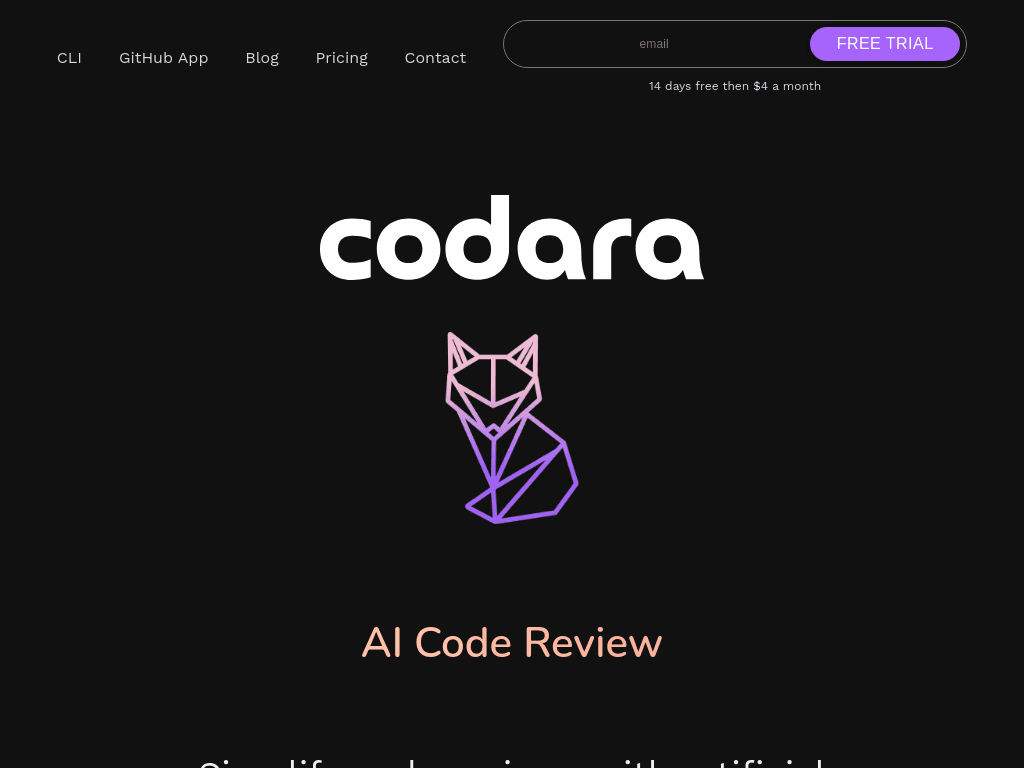
Codara
Codara reviews GitHub pull requests and local Git changes with AI, then categorizes bugs and improvements for developers who want automated feedback in a CLI or GitHub workflow.
Try Codara →
hon.in.net
›What is Codara?
Codara is an AI code review tool with a Python CLI and GitHub App. It reviews pull requests, staged branch differences, and unstaged changes, then produces summaries, issue categories, diagnostic suggestions, and saved review files.
›What are the pros and cons of Codara?
Strengths
Offers both a pip-installed CLI and a GitHub App
Works across programming languages
Separates bugs from general improvements to help prioritize findings
Supports custom review criteria for team standards
Keeps review output in the project directory and emphasizes code confidentiality
Trade-offs
The GitHub App is limited to GitHub, with no listed support for GitLab, Bitbucket, or Azure DevOps
No IDE integration is listed
The CLI requires Python 3.6 or later and a configured Git installation
The ecosystem and community are smaller than those of established code review tools
›What are Codara’s key features?
Automatically comments review summaries on GitHub pull requests
Reviews staged commits against another Git branch
Reviews unstaged changes from the command line
Diagnoses code issues and suggests potential fixes
Categorizes findings as bugs or improvements
Saves formatted reviews with timestamps and branch commit hashes
Supports custom criteria for style, complexity, and performance
›What are the best use cases for Codara?
Screen GitHub pull requests for bugs and improvement opportunities before human review
Check local unstaged work for issues earlier in the development cycle
Compare a feature branch with a target branch and generate a review file
Diagnose errors from terminal commands and receive suggested fixes
›Who is Codara best for?
developersUseful for developers who want AI feedback on pull requests and local Git changes without leaving the terminal or GitHub.
soloSolo developers can use the CLI to diagnose errors and review work before opening a pull request.
small teamSmall teams can apply shared style, complexity, and performance criteria to automated reviews.
Not for
- Teams working primarily in GitLab, Bitbucket, or Azure DevOps should skip it because the listed review app is GitHub-only.
- Developers who need in-editor feedback should look elsewhere because no IDE integration is listed.
- Users who cannot install Python and Git locally should avoid the CLI workflow.