Forward Future Tools Library
Cody
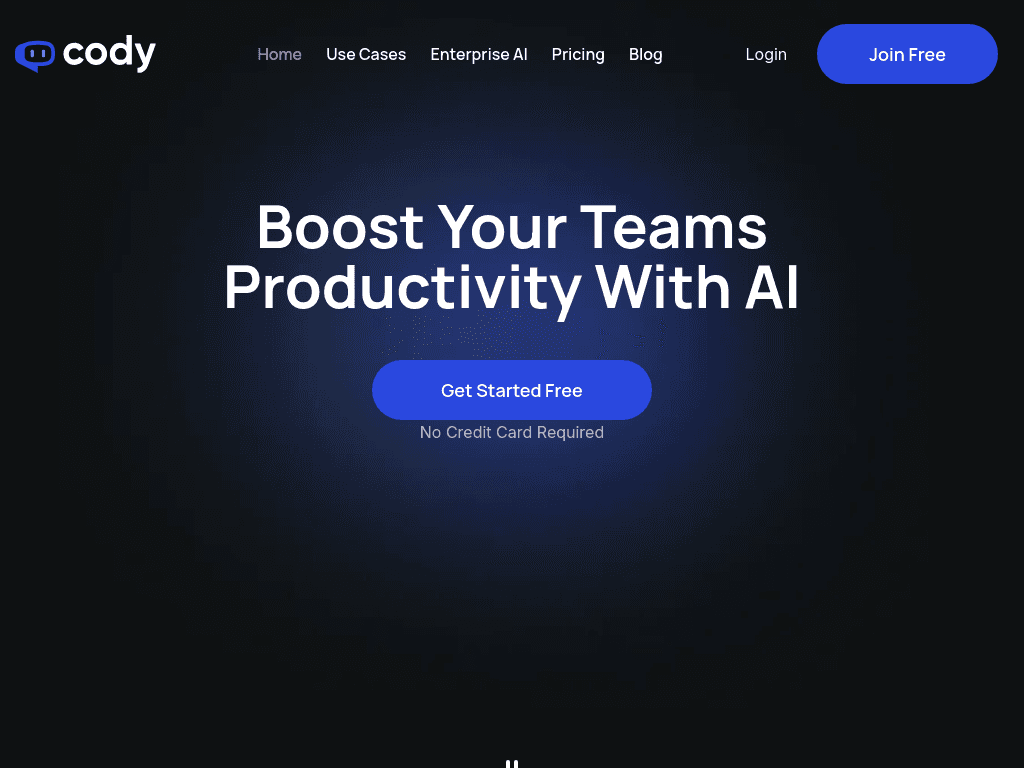
Cody turns a company’s documents and web content into multilingual chatbots that answer questions, cite sources, support teams, and assist with writing, troubleshooting, and brainstorming.
Try Cody →
meetcody.ai·Free + paid plans·Checked 2026-08-27
›What is Cody?
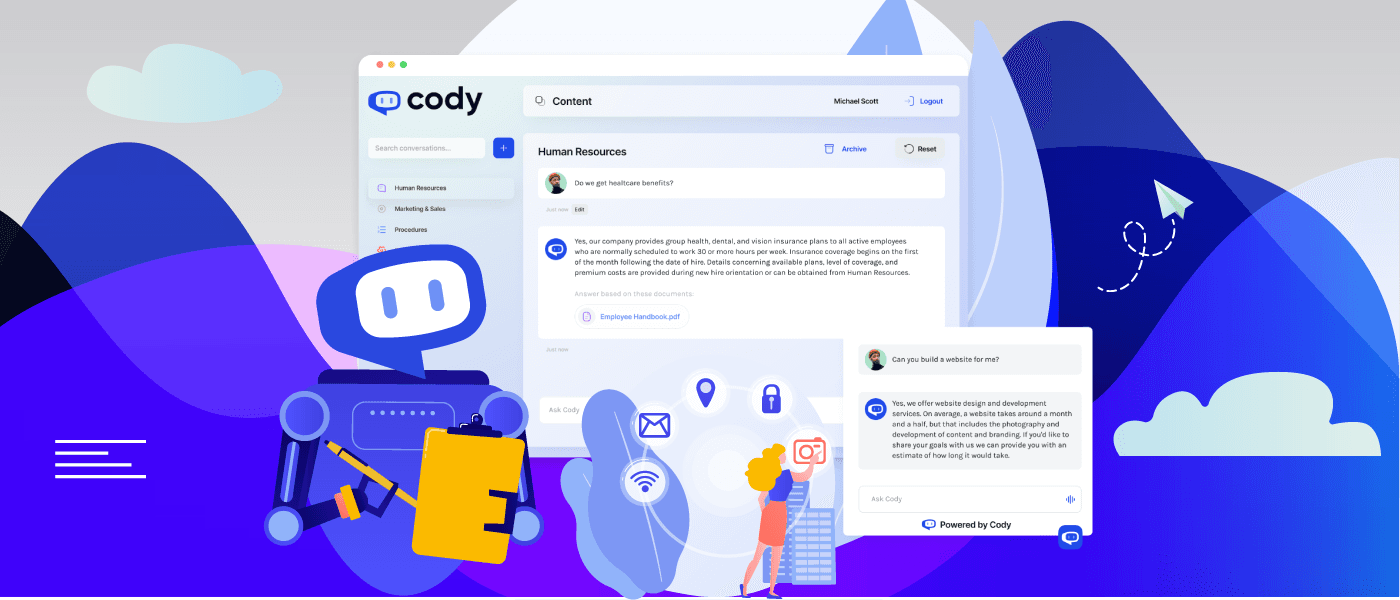
Cody is an AI assistant trained on uploaded business knowledge and content imported from URLs. It searches documents to answer questions with cited sources, and can be configured as specialized chatbots for different tasks. Teams can share bots through links, website embeds, widgets, or an API.
›What are the pros and cons of Cody?
Strengths
Cites the documents used to produce each answer
Accepts common business files and can crawl websites for source content
Supports separate chatbots for different roles and tasks
Offers website embeds, widgets, shareable links, and API access
Conversation history can provide context for brainstorming and advice
Trade-offs
Usage is measured in credits, so heavier or more advanced queries consume more of the monthly allowance
Plans limit team members, documents, and website pages, with higher limits requiring more expensive plans
Conversation log retention ranges from 14 to 90 days depending on the plan
The Basic plan supports only one website widget and does not list recurring website imports
›What are Cody’s key features?
Upload Word, PowerPoint, and PDF files or import content from URLs
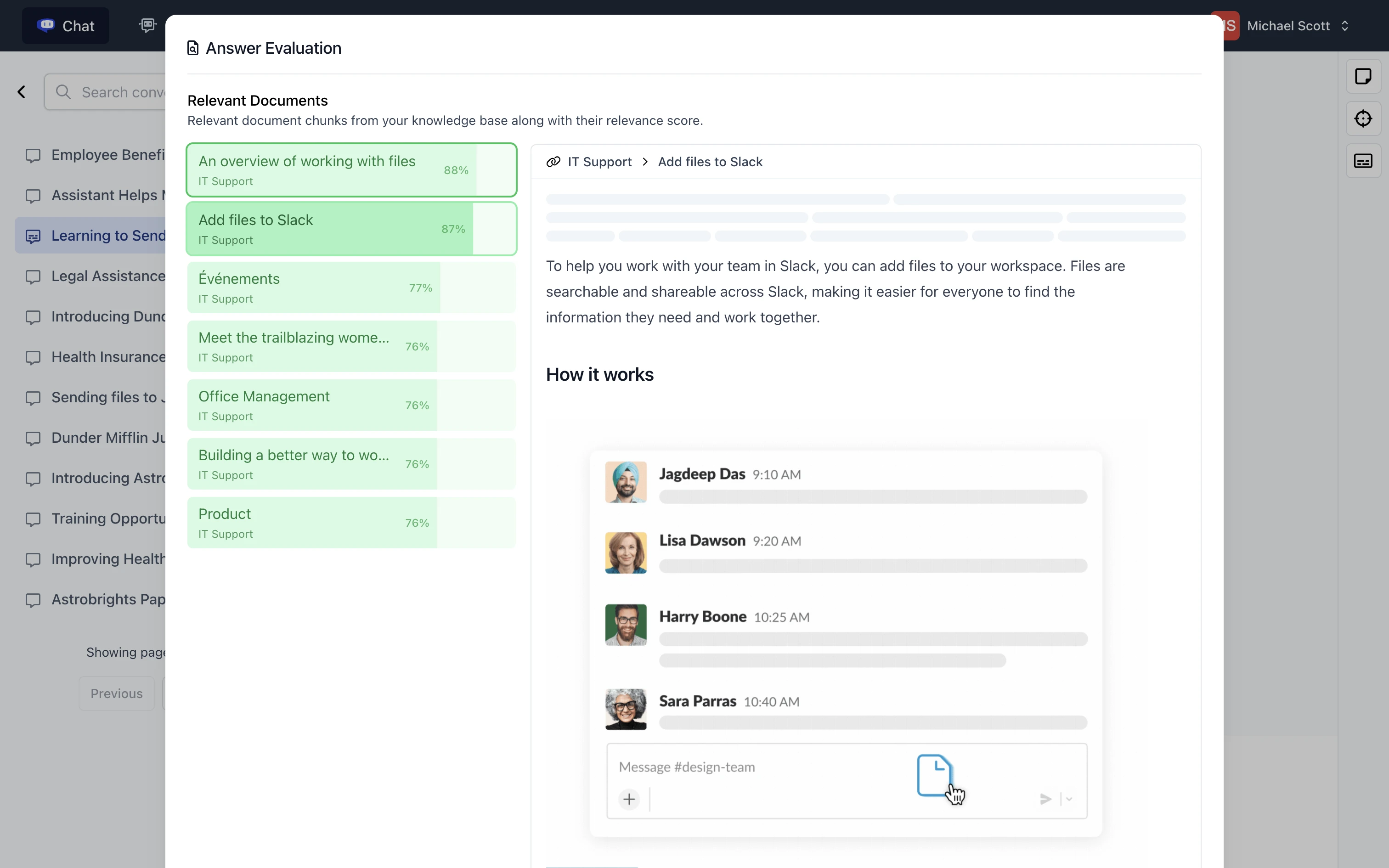
Search the knowledge base and show the sources used for each answer
Create specialized chatbots with custom roles, strictness, and other settings
Share chatbots through links, inline embeds, popup embeds, website widgets, or an API
Use Prompt Manager, Focus Mode, Conversation Logs, and Scratchpad to manage chatbot behavior
Support conversations in multiple languages
›What are the best use cases for Cody?
Answering employee questions about company processes and internal documents
Helping support teams troubleshoot digital tools using support documentation
Drafting professional emails, translating documents, and creating marketing materials
Providing marketing guidance through a dedicated marketing assistant bot
Supporting HR communications and new-hire onboarding
›What is the pricing for Cody?
| Plan | Price | Details |
|---|---|---|
| Personal | Free | Includes 100 credits per month, 100 documents, and a free website widget. |
| Basic | $29/mo | Includes 2,500 credits, GPT-5 Mini, 3 team members, a 14-day conversation log, 1,000 documents, one website widget, and API access. |
| Premium | $99/mo | Includes 10,000 credits, GPT-5 Mini, GPT 5, Claude 4 Sonnet, 10 team members, a 30-day conversation log, 10,000 documents, website crawling, recurring imports for 3 websites, and removal of Cody branding from the widget. |
| Advanced | $249/mo | Includes 25,000 credits, GPT-5 Mini, GPT 5, Claude 4 Sonnet, 30 team members, a 90-day conversation log, 25,000 website pages, recurring imports for 9 websites, and up to 50 embedded website widgets. |
Credits measure usage, and consumption can be tracked in the usage tab.
Checked 2026-08-27 · source
›Who is Cody best for?
small teamA practical option for teams that want an internal knowledge chatbot with cited answers and controlled access.
customer support teamsUseful for turning support documentation into a chatbot for troubleshooting and recurring questions.
marketing professionalsMarketing teams can use a dedicated bot for campaign ideas, writing, and marketing guidance.
HR professionalsFits HR teams building a chatbot for employee communications and new-hire onboarding.
Not for
- Teams that need more than 3 members, 1,000 documents, or one website widget on the Basic plan will need to move to a higher tier.
- Buyers seeking long-term conversation archives may find the Basic plan's 14-day log retention too short.