

Forward Future Tools Library
Craiyon
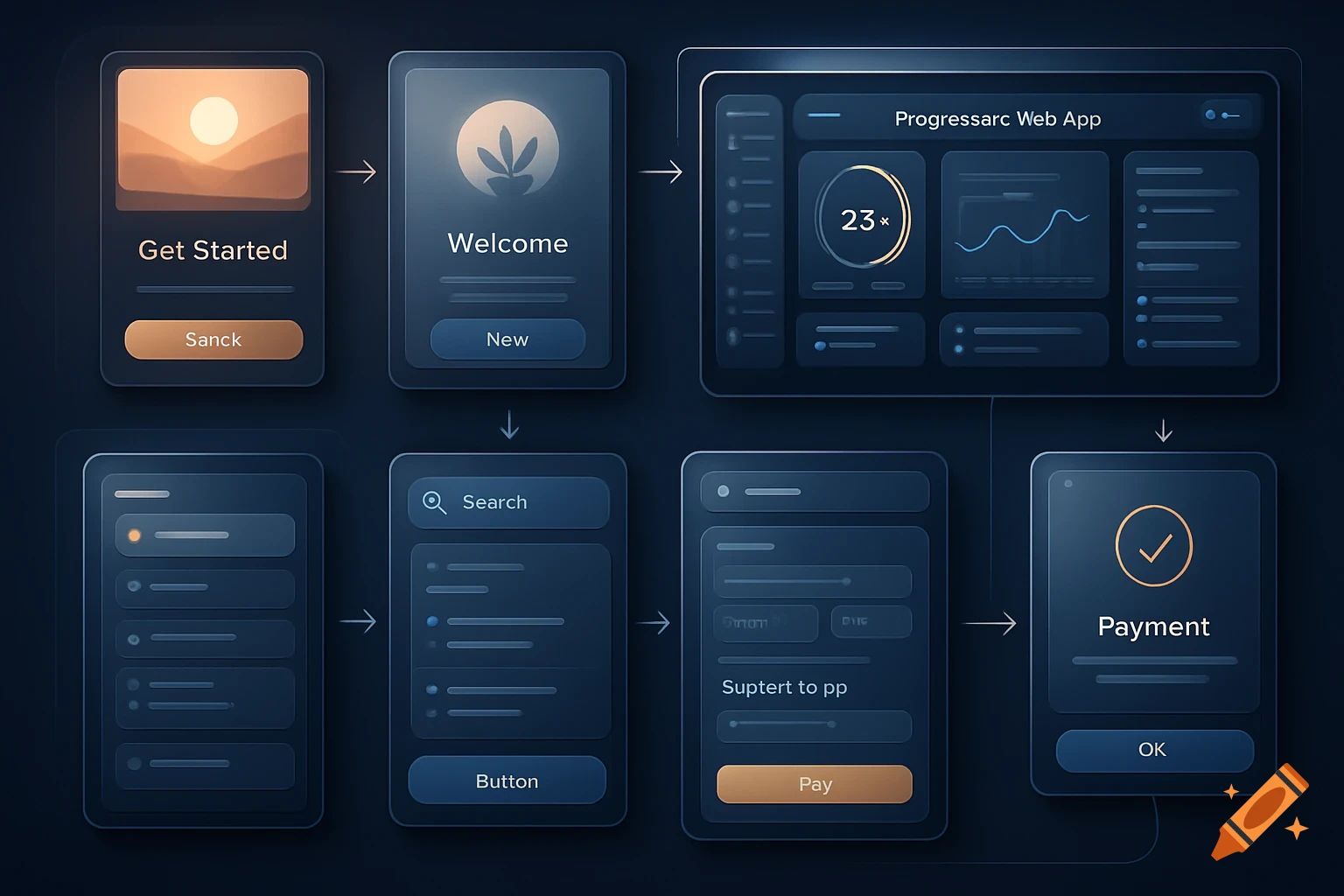
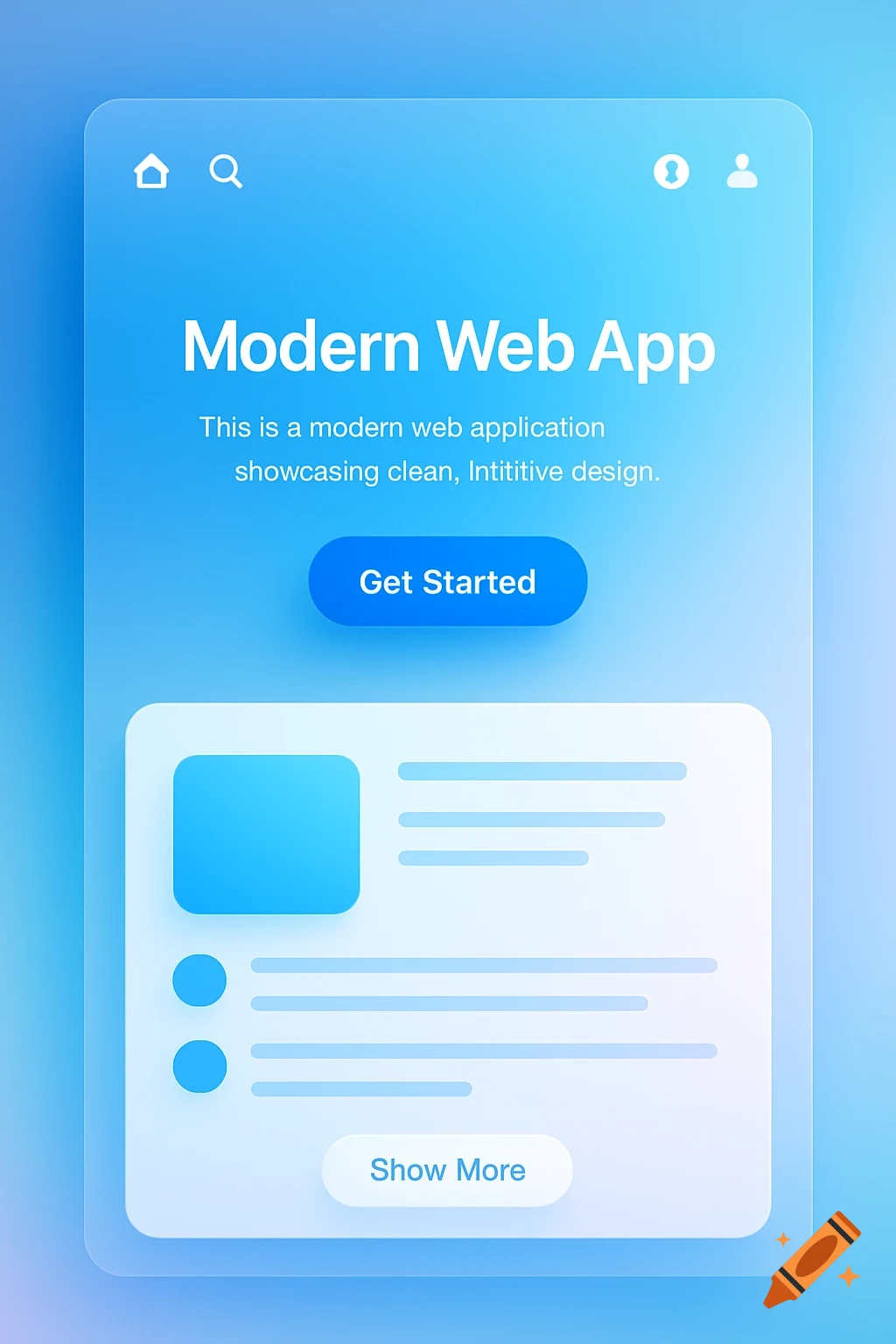
Craiyon turns text prompts into images across photorealistic, illustration, anime, and vector-like styles, making it useful for quick visual ideas, social posts, and concept work.
craiyon.com·Free + paid plans·Checked 2026-08-18

›What is Craiyon?
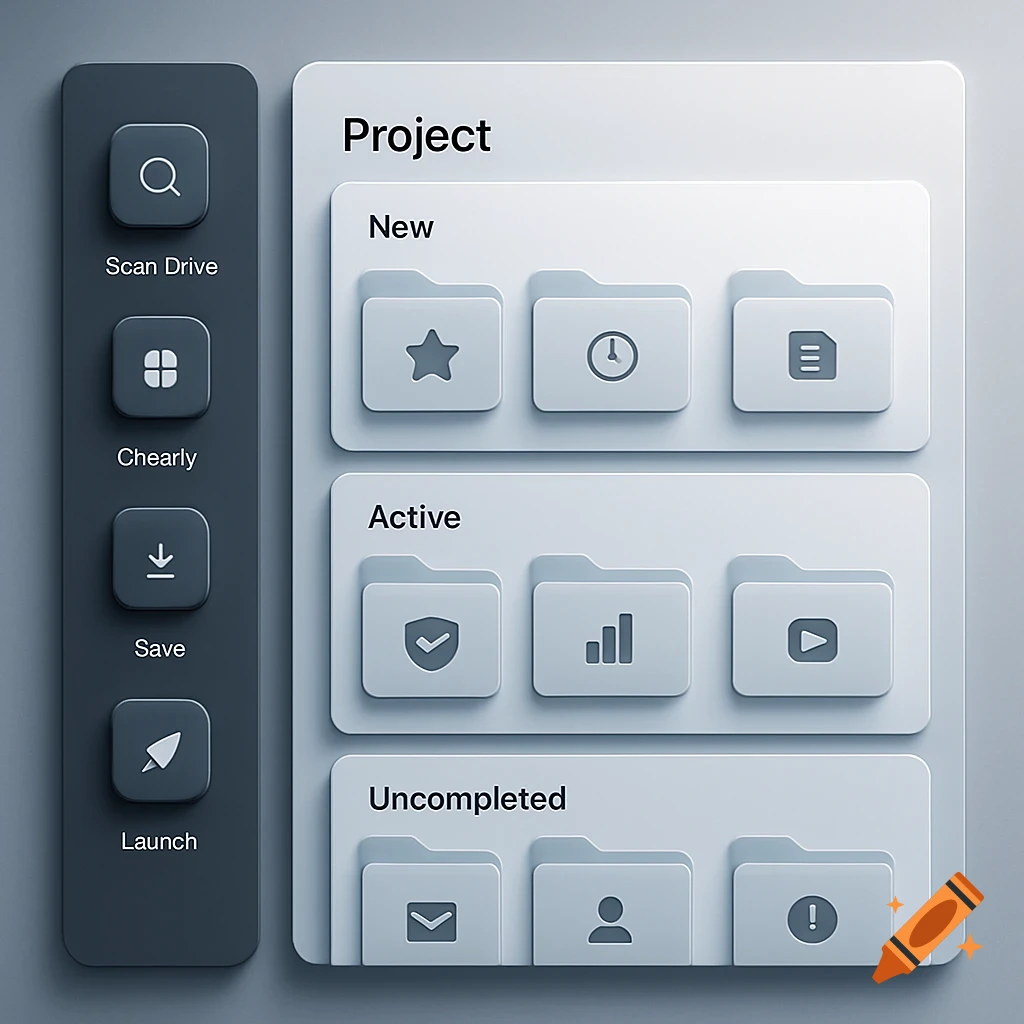
Craiyon is a browser-based AI image generator that creates images from text descriptions. Users can guide the subject, setting, mood, camera angle, and composition, or specify elements to exclude. Paid plans add higher-quality models, unlimited generation, editing credits, upscaling, animation, and download options without watermarks.
›What are the pros and cons of Craiyon?
Strengths
Trade-offs
›What are Craiyon’s key features?
›What are the best use cases for Craiyon?
›What is the pricing for Craiyon?
| Plan | Price | Details |
|---|---|---|
| Free | Free | Free image generation with limited images and functionality. |
| Supporter | $120 billed yearly | Unlimited images, 100 edit credits, animation, upscaling, HD downloads, and no watermark or attribution. |
| Professional | $240 billed yearly | Unlimited images, 220 edit credits, private images, priority queue, early feature access, HD downloads, and no watermark or attribution. |
| Ultra | $840 billed yearly | Unlimited images, 900 edit credits, private images, priority queue, early feature access, HD downloads, and no watermark or attribution. |
The pricing page states that yearly billing is 17% off. Monthly prices are not rendered in the supplied pricing page content.
Checked 2026-08-18 · source
›Who is Craiyon best for?
- Skip Craiyon if you need consistently polished, publication-ready images, since reviews report blur, distortion, and lower quality than newer generators.
- Look elsewhere if accurate text inside generated images is essential.
- Choose another tool if you need advanced editing, inpainting, or image-to-image workflows in the same product.
›What are the best Craiyon alternatives?
 BlueWillow AIChoose this instead if you want another tool focused specifically on generating images from text prompts.→
 Freepik AI Image GeneratorChoose this instead if image quality is a higher priority than Craiyon's free experimentation model.→
 ImageGenChoose this instead if you want a platform positioned around high-quality image and artwork generation from text.→
 Pixelmator Pro→