

Forward Future Tools Library
Pixelmator Pro
Pixelmator Pro combines photo editing, graphic design, vector tools, and AI-assisted image adjustments for creators working on Mac or iPad.
apple.com·From $2.99 per month·Checked 2026-09-03


›What is Pixelmator Pro?
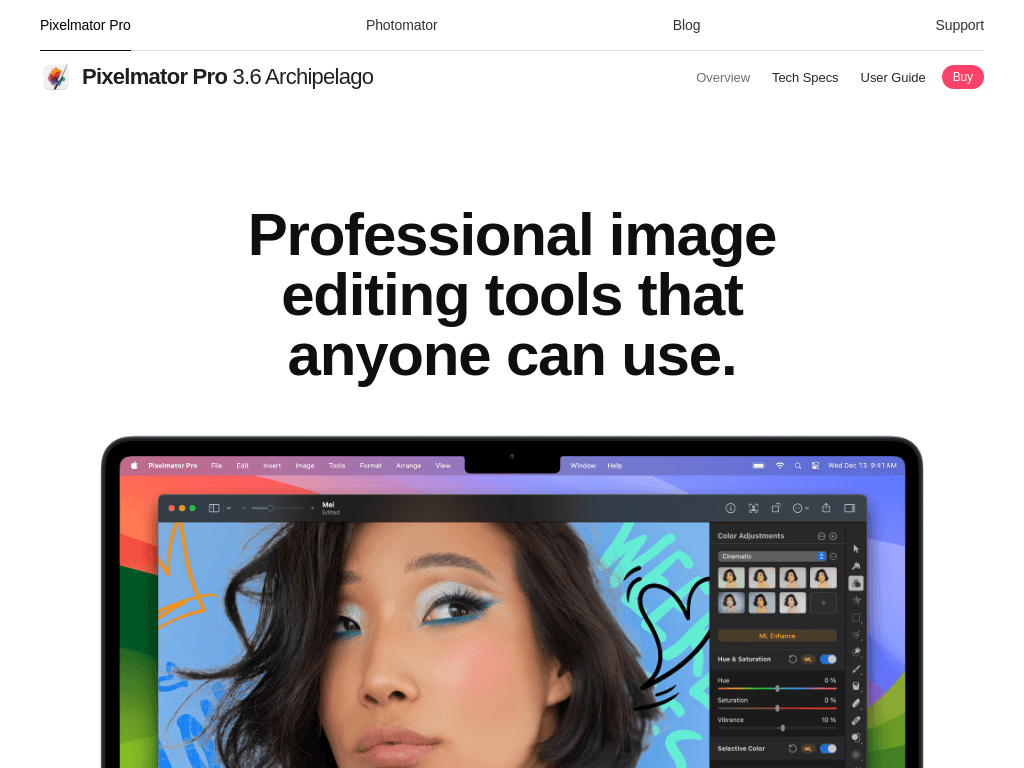
Pixelmator Pro is an image editor and graphic design app for Mac and iPad. It supports nondestructive layers, RAW photo editing, video layers, vector graphics, templates, retouching, masking, and color adjustments. AI-assisted tools handle tasks such as background removal, resolution upscaling, auto enhancement, debanding, and cropping.
›What are the pros and cons of Pixelmator Pro?
Strengths
Trade-offs
›What are Pixelmator Pro’s key features?
›What are the best use cases for Pixelmator Pro?
›What is the pricing for Pixelmator Pro?
| Plan | Price | Details |
|---|---|---|
| Apple Creator Studio, new subscriber monthly | $12.99 per month | Includes Pixelmator Pro alongside Final Cut Pro, Logic Pro, and premium features in Apple productivity apps. |
| Apple Creator Studio, new subscriber annual | $129 per year | Includes Pixelmator Pro as part of the Apple Creator Studio suite. |
| Apple Creator Studio, students and educators monthly | $2.99 per month | Student and educator subscription to the Apple Creator Studio suite, including Pixelmator Pro. |
| Apple Creator Studio, students and educators annual | $29.99 per year | Annual student and educator subscription to the Apple Creator Studio suite, including Pixelmator Pro. |
New subscribers get 1 month free. New Mac or iPad purchases include a 3-month free trial. Pixelmator Pro for Mac is also available as a one-time purchase on the App Store, but the current price is not stated here.
Checked 2026-09-03 · source
›Who is Pixelmator Pro best for?
- Buyers whose workflow is centered outside Mac and iPad should look for a tool with explicit support for their target platforms.
- Users who need built-in step-by-step guidance may find the learning experience less suitable.
›What’s new with Pixelmator Pro?
- Apple announced new Creator Studio updates with AI-assisted tools and app integrations across its creative apps, including Pixelmator Pro.June 2026 · source
›What are the best Pixelmator Pro alternatives?
 Movavi PicverseChoose this instead if your main requirement is AI-assisted photo enhancement for photography and creator workflows.→
 DesignifyChoose this instead if you want automatic image optimization with less manual editing.→
 PixelcutChoose this instead if you want an AI design tool focused on creating and editing professional-looking visuals.→
 Craiyon→