

Forward Future Tools Library
Designify
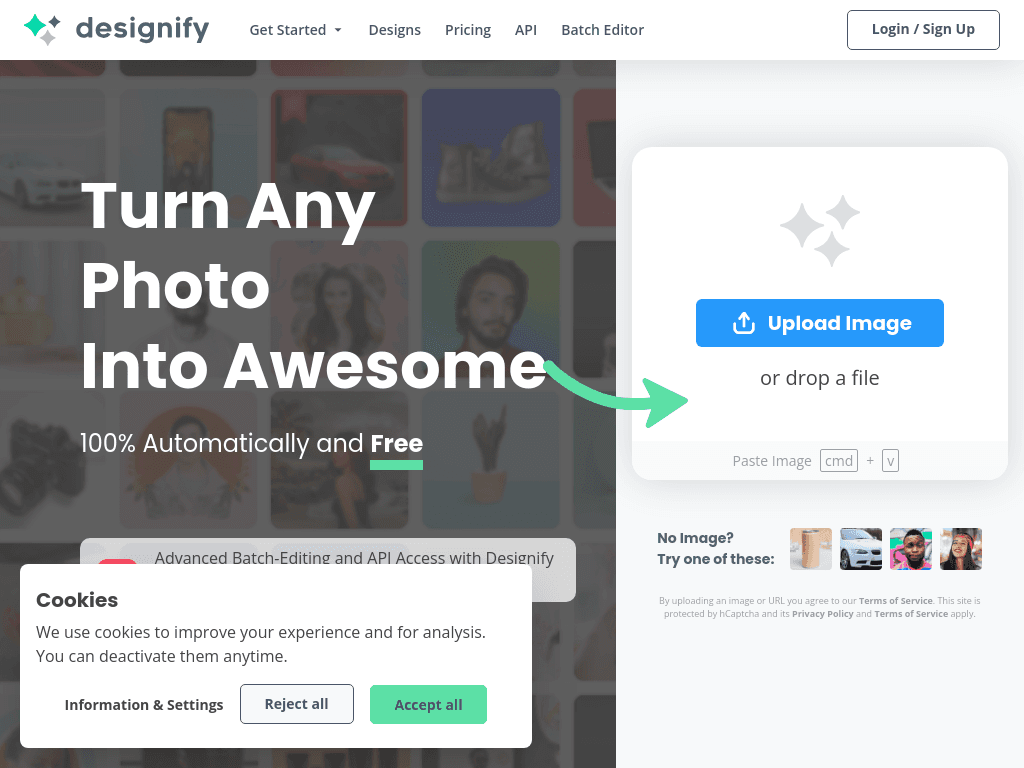
An AI photo editor for solo creators, marketers, and e-commerce teams that removes backgrounds, edits objects with prompts, enhances images, and turns still photos into short videos.
canva.com·Free + paid plans·Checked 2026-08-22

›What is Designify?
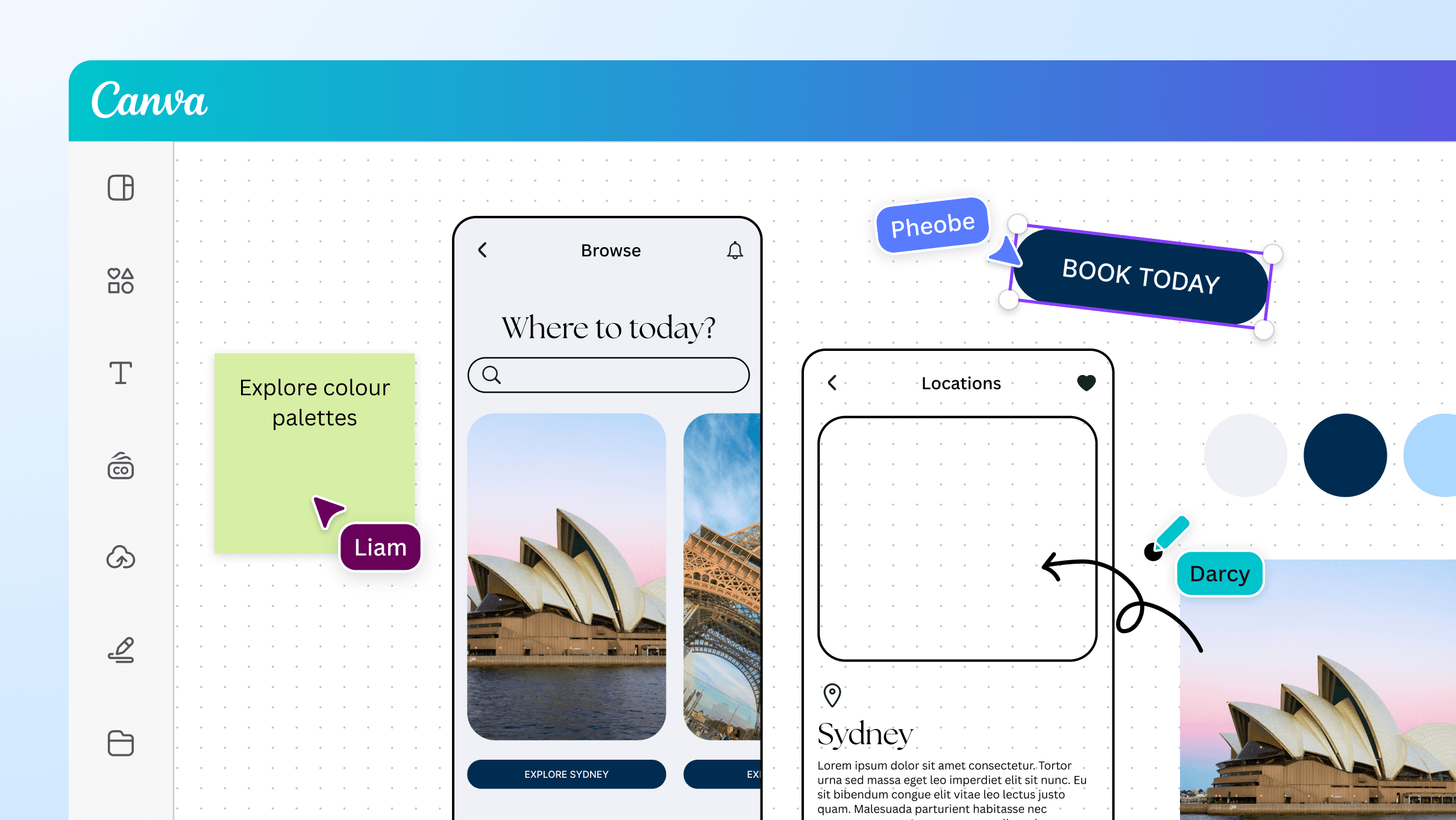
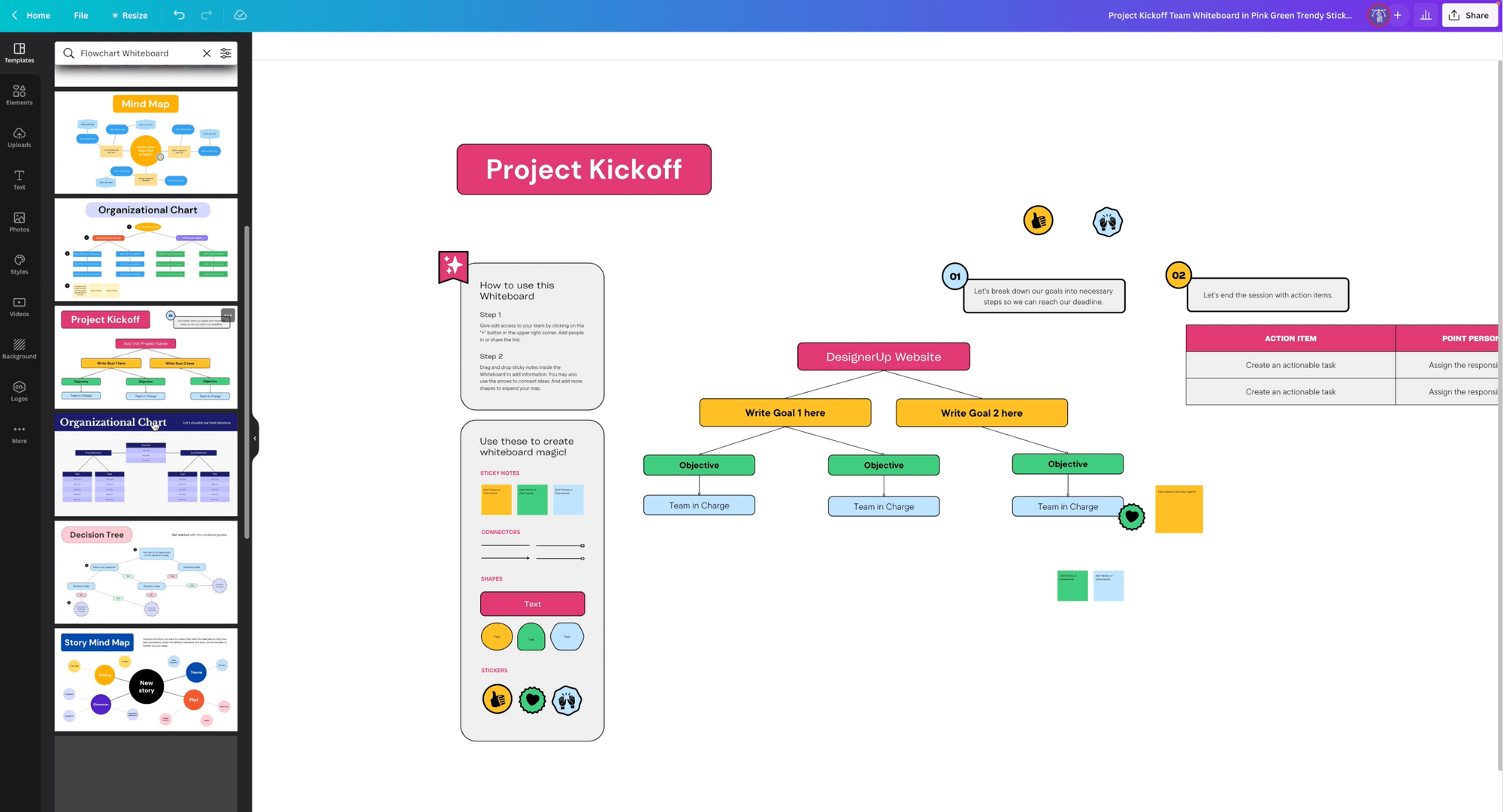
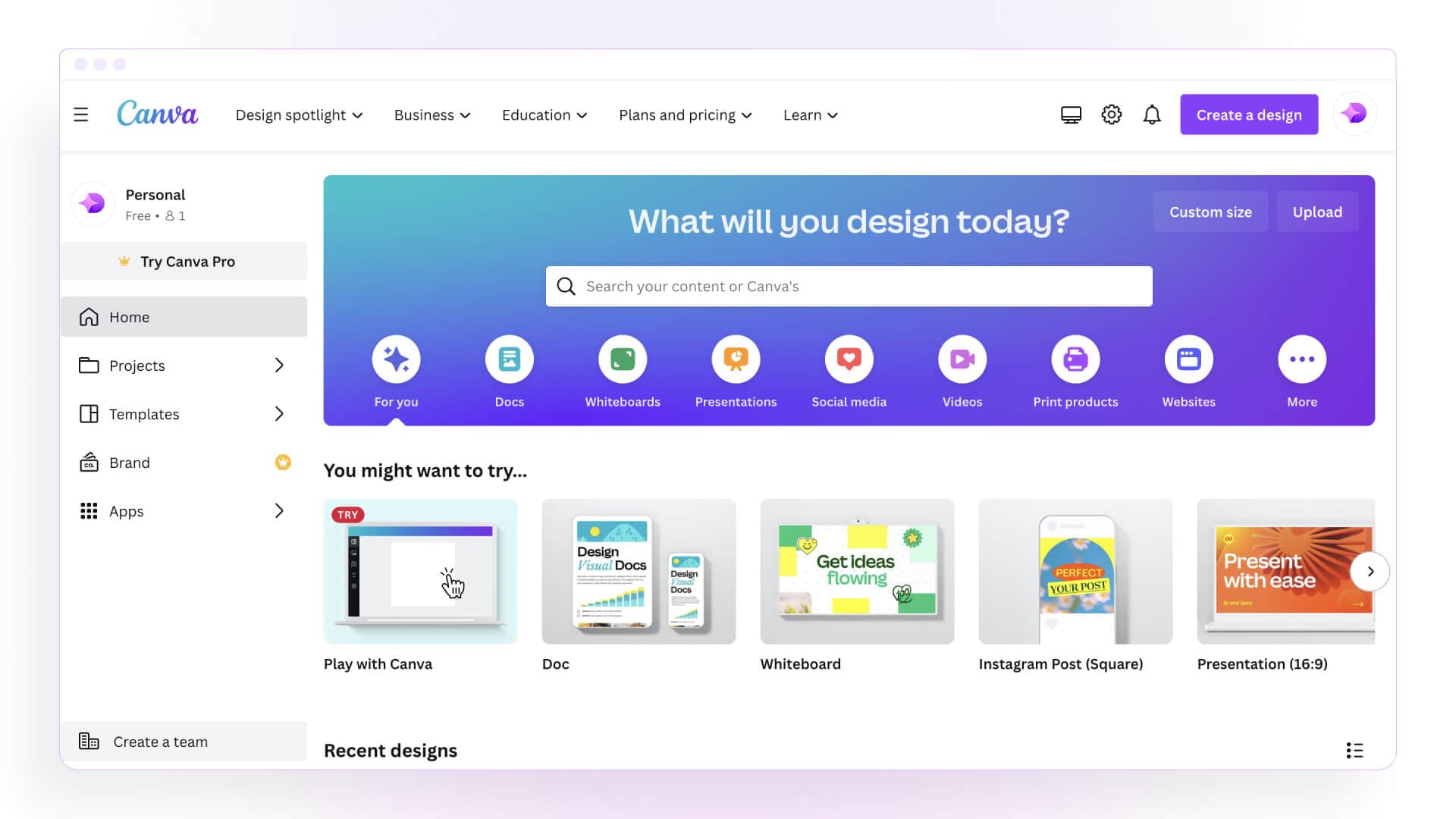
Canva's AI Photo Editor lets users upload images and make edits with text prompts or point-and-click tools. It can remove backgrounds and objects, replace backgrounds, isolate and reposition subjects, edit text in images, upscale blurry photos, smooth faces, and animate still images into videos. Canva also supports offline cropping, flipping, filters, and effects.
›What are the pros and cons of Designify?
Strengths
Trade-offs
›What are Designify’s key features?
›What are the best use cases for Designify?
›What is the pricing for Designify?
| Plan | Price | Details |
|---|---|---|
| Free | ฿0/month for one person | Includes basic design tools, 5GB cloud storage, and up to 200 Standard AI uses or 20 Premium AI uses. |
| Pro | ฿230/month for one person | Adds premium content, background removal, 100GB cloud storage, and 10x more AI than Canva Free. |
| Business | ฿320/month per person | Adds collaboration and team administration tools, 100 Brand Kits, approvals, 500GB storage, and 20x more AI than Canva Free. |
| Enterprise | Let’s talk | Adds enterprise security and controls, SSO, SCIM provisioning, custom apps, multi-team approvals, 1TB storage, and priority support. |
Yearly billing saves from 16%. AI Pass is an extra-cost add-on for Pro and Business. Enterprise pricing is handled through sales.
Checked 2026-08-22 · source
›Who is Designify best for?
- Photographers or designers who need detailed manual control comparable to a full desktop image editor
- High-volume users who need unlimited AI editing without plan-based allowances
- Users seeking consistently precise cutouts around fine hair, fur, or intricate accessories
›What are the best Designify alternatives?
 PixelcutChoose this instead if you want another design tool centered on professional-looking visual creation, image editing, and content generation.→
 Pixelmator ProChoose this instead if you need a fuller photo editor with more creative and manual editing tools.→
 Image UpscalerChoose this instead if improving image resolution is the primary task rather than editing backgrounds or layouts.→
 Typeface→