

Forward Future Tools Library
Pixelcut
Pixelcut creates and edits product images, ads, and videos with background removal, generative tools, upscaling, and batch processing for sellers, marketers, and content creators.
Try Pixelcut →
pixelcut.ai·Free + paid plans·Checked 2026-08-21

›What is Pixelcut?
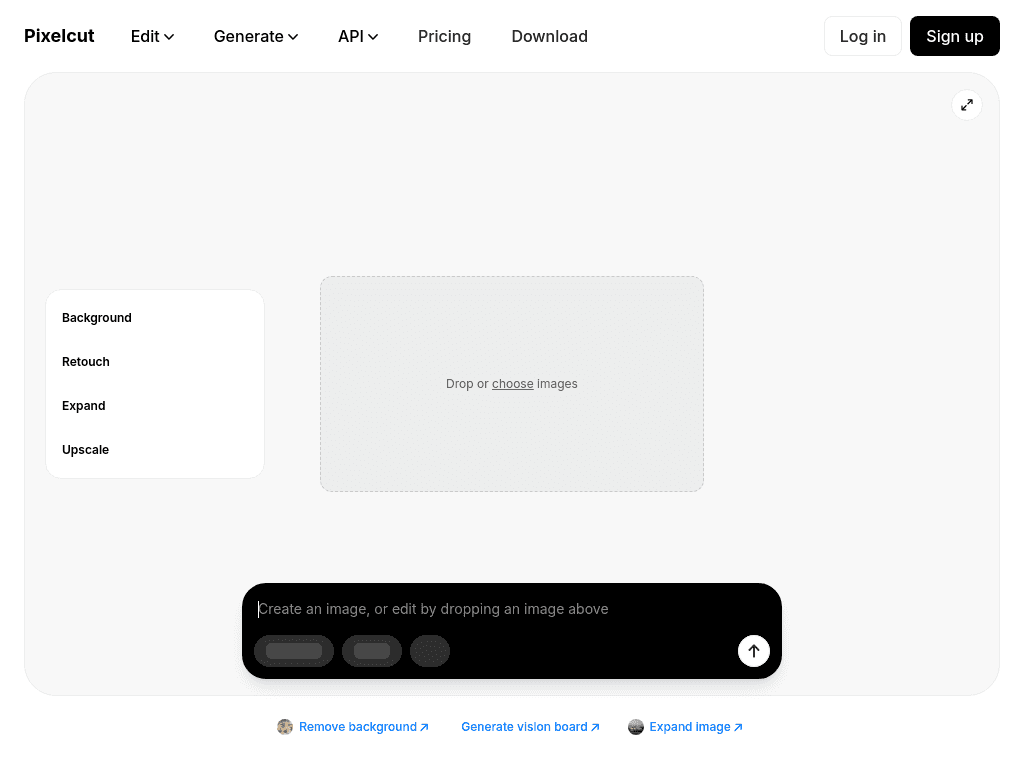
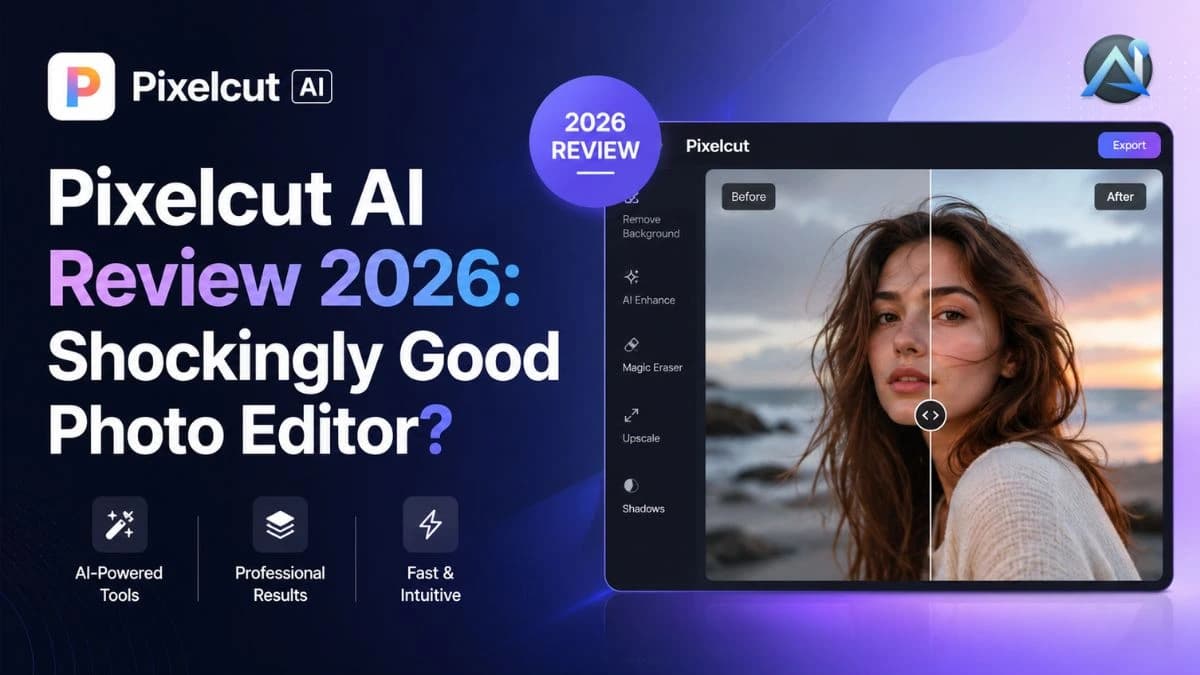
Pixelcut is an AI workspace for creating and editing product images and marketing videos. It removes and changes backgrounds, retouches images, generates product photos and videos from prompts, and keeps characters and brands consistent across content. Its batch tools process hundreds of files at once.
›What are the pros and cons of Pixelcut?
Strengths
Combines image editing, product photography, and AI video tools in one workspace
Background removal supports both images and videos
Batch editing can process hundreds of files at once
Paid plans include access to multiple AI models and commercial licenses
Free exports do not include a watermark
Trade-offs
The free plan limits background removal, upscaling, and several editing tools
Advanced AI models use monthly credits, so usage depends on the selected model and credit balance
Batch exports are capped at 1,000 per month on Pro and 2,000 per month on Business
The mobile-first product is less capable than desktop tools for complex editing tasks
›What are Pixelcut’s key features?
Removes backgrounds from images and videos without a green screen
Generates product photos, AI backgrounds, UGC ads, and videos from prompts
Upscales images up to 16x resolution
Uses generative fill, Magic Eraser, retouching, and shadow generation for image edits
Expands and reframes images beyond their original edges
Processes hundreds of files in batch editing workflows
Maintains consistent AI actors, personas, products, and brand elements across content
›What are the best use cases for Pixelcut?
Create clean product listing photos from phone images for online stores
Generate studio backgrounds and lifestyle scenes for e-commerce products
Produce talking-person UGC ads and other short promotional videos
Remove objects, repair images, or extend image framing for marketing assets
Apply the same edits across large batches of product images
Create consistent product and character visuals across multiple campaigns
›What is the pricing for Pixelcut?
| Plan | Price | Details |
|---|---|---|
| Free | $0/month, billed yearly | Limited background removal, limited upscale, and free export without a watermark. |
| Pro | $10/month, $8/month billed yearly | 600 AI credits monthly, access to all AI models, unlimited background removal and upscale, a 3-person team, 1,000 batch exports monthly, and a commercial license. |
| Business | $30/month, $24/month billed yearly | 3,600 AI credits monthly, access to all AI models, unlimited background removal and upscale, a 10-person team, 2,000 batch exports monthly, and a commercial license. |
Yearly plans save 20%. Advanced models consume credits, and the number of outputs varies by model.
Checked 2026-08-21 · source
›Who is Pixelcut best for?
eCommerce sellersA strong fit for producing consistent product photos, backgrounds, and listing assets from phone images.
small teamPro supports shared work for up to 3 people, batch exports, and commercial marketing use.
marketersUseful for creating product visuals, UGC ads, social assets, and short promotional videos from prompts.
content creatorsWorks well for fast background removal, image enhancement, generative edits, and branded visual variations.
Not for
- Buyers who need a full desktop editor for complex, highly manual image manipulation.
- Teams that require batch export volumes beyond the monthly Pro or Business limits.
- Users who plan heavy use of advanced AI models without managing monthly credit consumption.
›What are the best Pixelcut alternatives?
 DesignifyChoose this instead if your main need is automatic image optimization and enhancement.→
 Image UpscalerChoose this instead if improving image quality is the primary task rather than creating broader product and video content.→
 ArgilChoose this instead if you want an AI design assistant focused on generating, editing, and enhancing visuals.→
 Typeface→