Forward Future Tools Library

Crun
Crun gives developers one API for more than 100 video, image, audio, language, and 3D models, with usage monitoring and pay-as-you-go credit billing.
Try Crun →
crun.ai·Free Trial
›What is Crun?
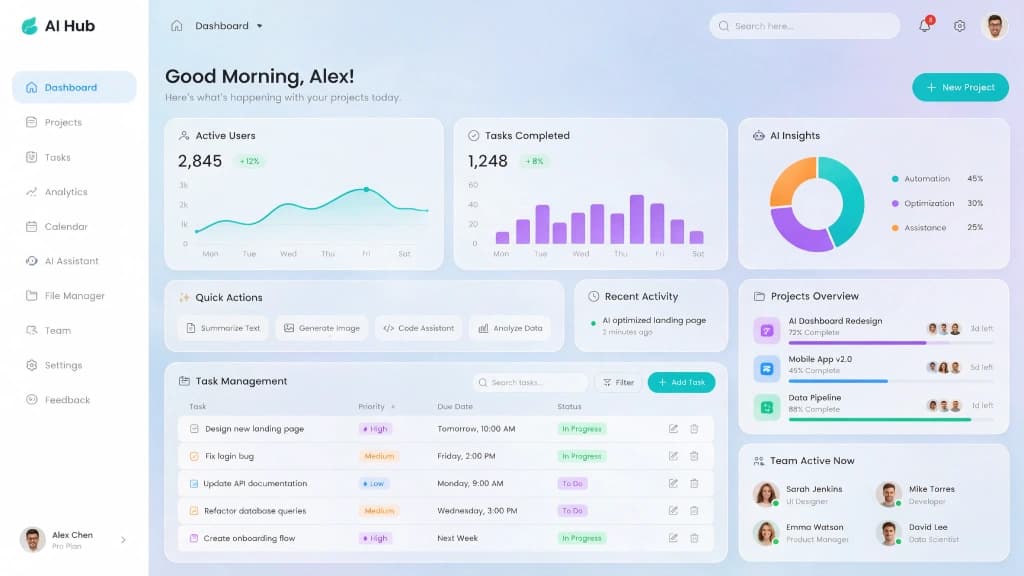
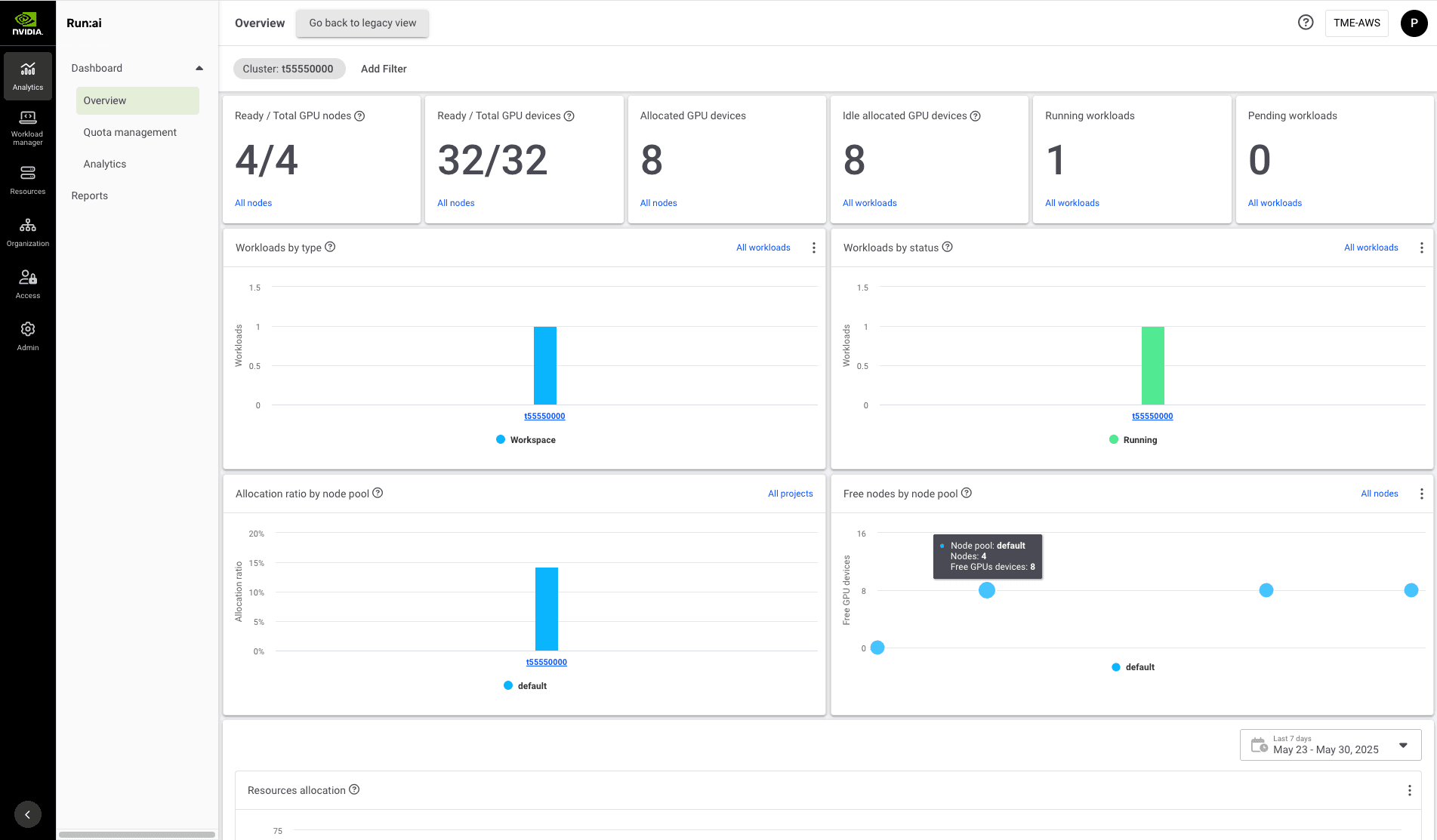
Crun is a unified API for accessing AI models across video, image, audio, language, and 3D generation. Developers create an API key, select a model, send requests, and retrieve results for integration into an application or workflow. The platform also provides real-time usage and log monitoring, OpenAI-compatible access, and model-specific pricing.
›What are the pros and cons of Crun?
Strengths
One API covers models across video, image, audio, language, and 3D categories
Supports both media generation and language models through the same platform
OpenAI-compatible access can reduce migration work for existing applications
Provides usage and log monitoring for API integrations
Offers volume discounts and pay-as-you-go credit billing
Trade-offs
Usage is billed through credits and varies by model, rather than through one predictable flat subscription
Some models have complex billing rules, including charges for input video duration and doubled credit use in fast mode
The platform's value depends on selecting and managing model-specific capabilities and rates
›What are Crun’s key features?
Unified API access to more than 100 video, image, audio, language, and 3D models
Video generation with text-to-video, image-to-video, reference-to-video, camera control, and audio synchronization options
Image generation with text-to-image, image-to-image, repair, upscaling, style transfer, and up to 4K output
Audio generation including text-to-speech, voice-to-voice conversion, music, and ambient sound
API key creation and model selection through a three-step integration flow
Real-time usage and log monitoring
OpenAI-compatible API access for migrating existing applications
›What are the best use cases for Crun?
Add video generation to AI comic, short-video, or media production applications
Generate images, edits, upscales, and consistent visual assets inside a product
Add text-to-speech, voice conversion, music, or ambient audio to an application
Build AI agents and automated workflows that call different models through one API
Prototype or operate SaaS features that need access to multiple AI model providers
›What is the pricing for Crun?
Free Trial
›Who is Crun best for?
developersA strong fit for developers who want one API surface for multiple media and language models.
small teamSmall product teams can use it to add AI generation features without integrating each model provider separately.
enterpriseEnterprise teams with variable model workloads may benefit from centralized access and volume-discounted credits.
Not for
- Teams that need a single fixed monthly price instead of usage-based model billing.
- Buyers who want one narrowly focused model rather than access to a broad, changing model catalog.