Forward Future Tools Library
DreamIna by CapCut
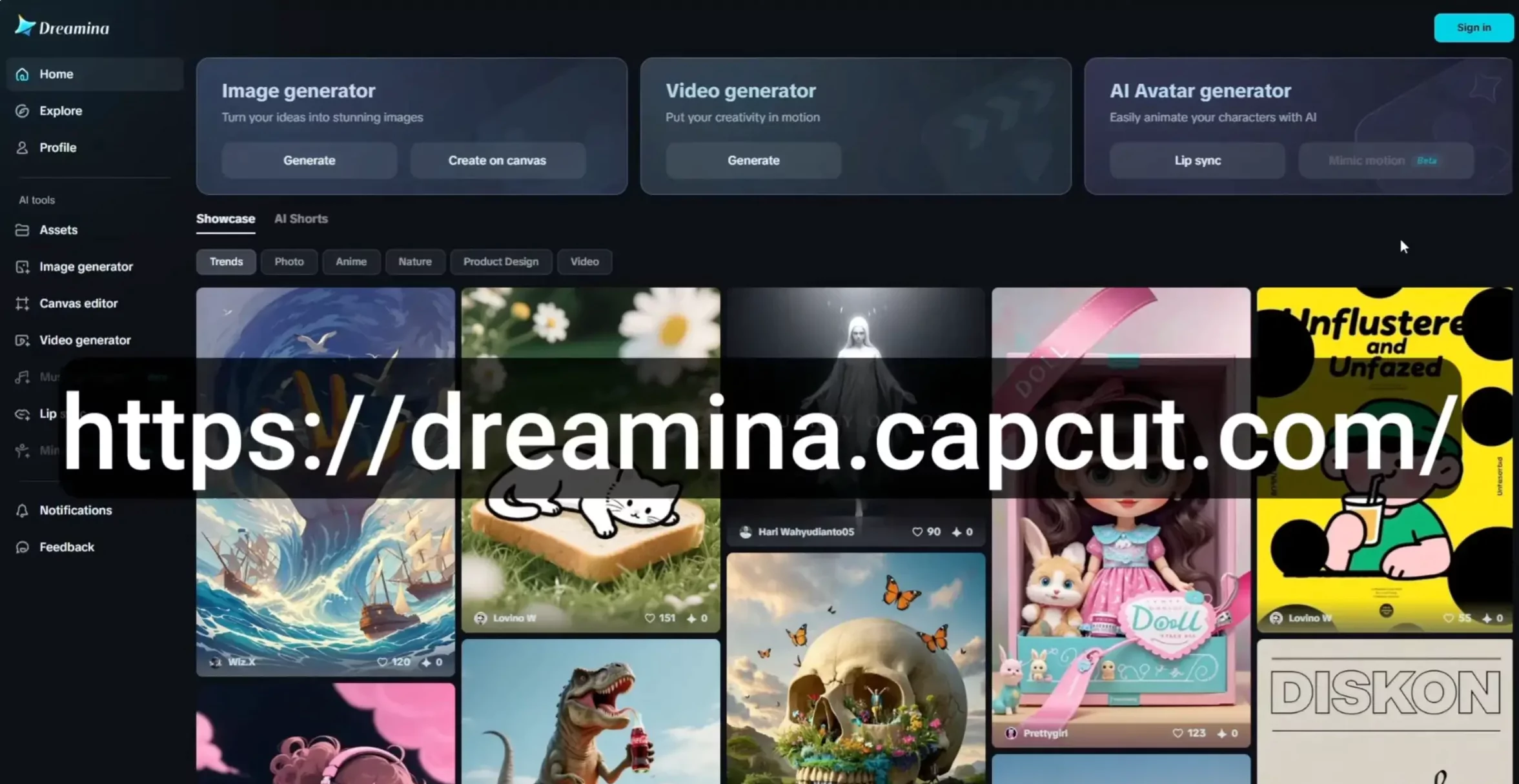
Dreamina combines AI image, video, avatar, and photo-editing tools for creators and marketers producing social content, campaign visuals, and short-form video.
Try DreamIna by CapCut →
dreamina.capcut.com·Free
›What is DreamIna by CapCut?
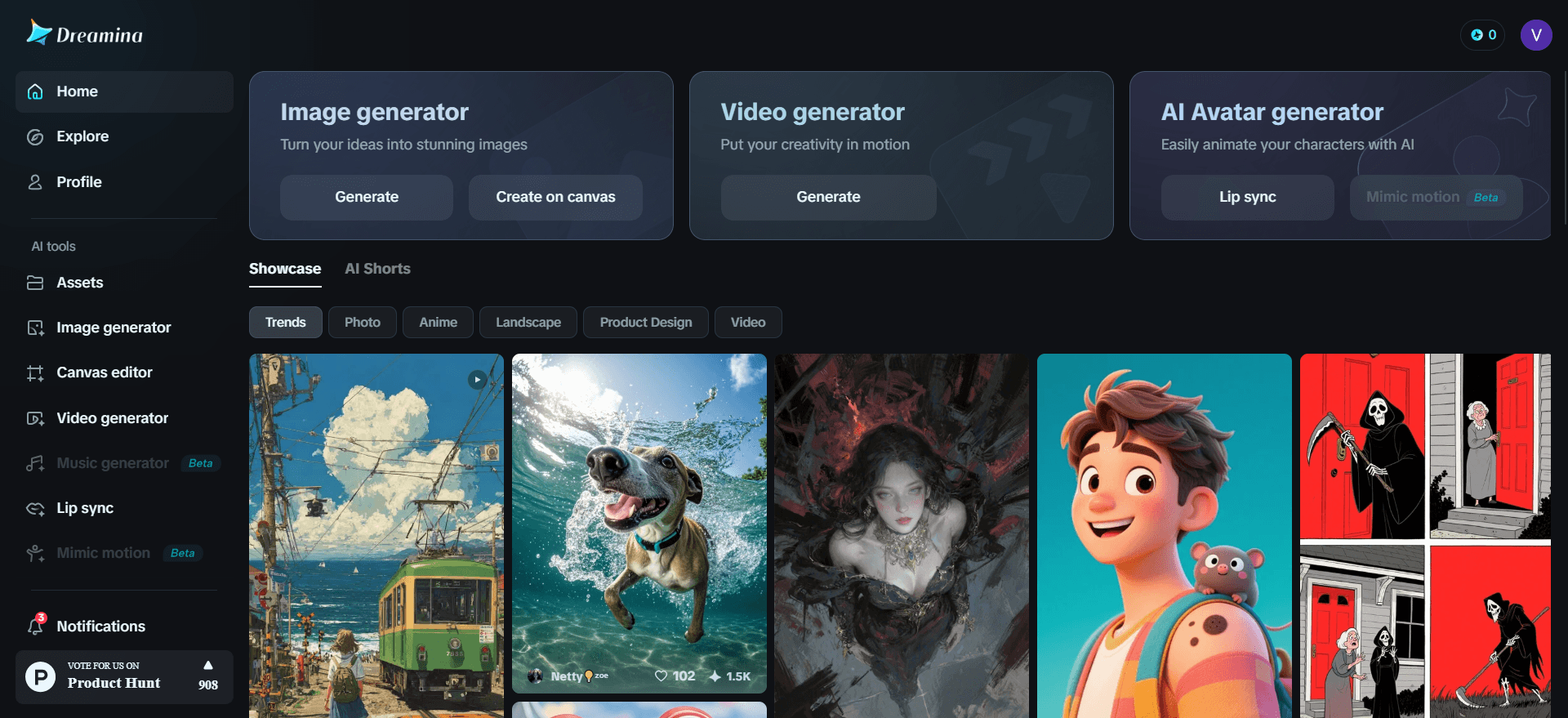
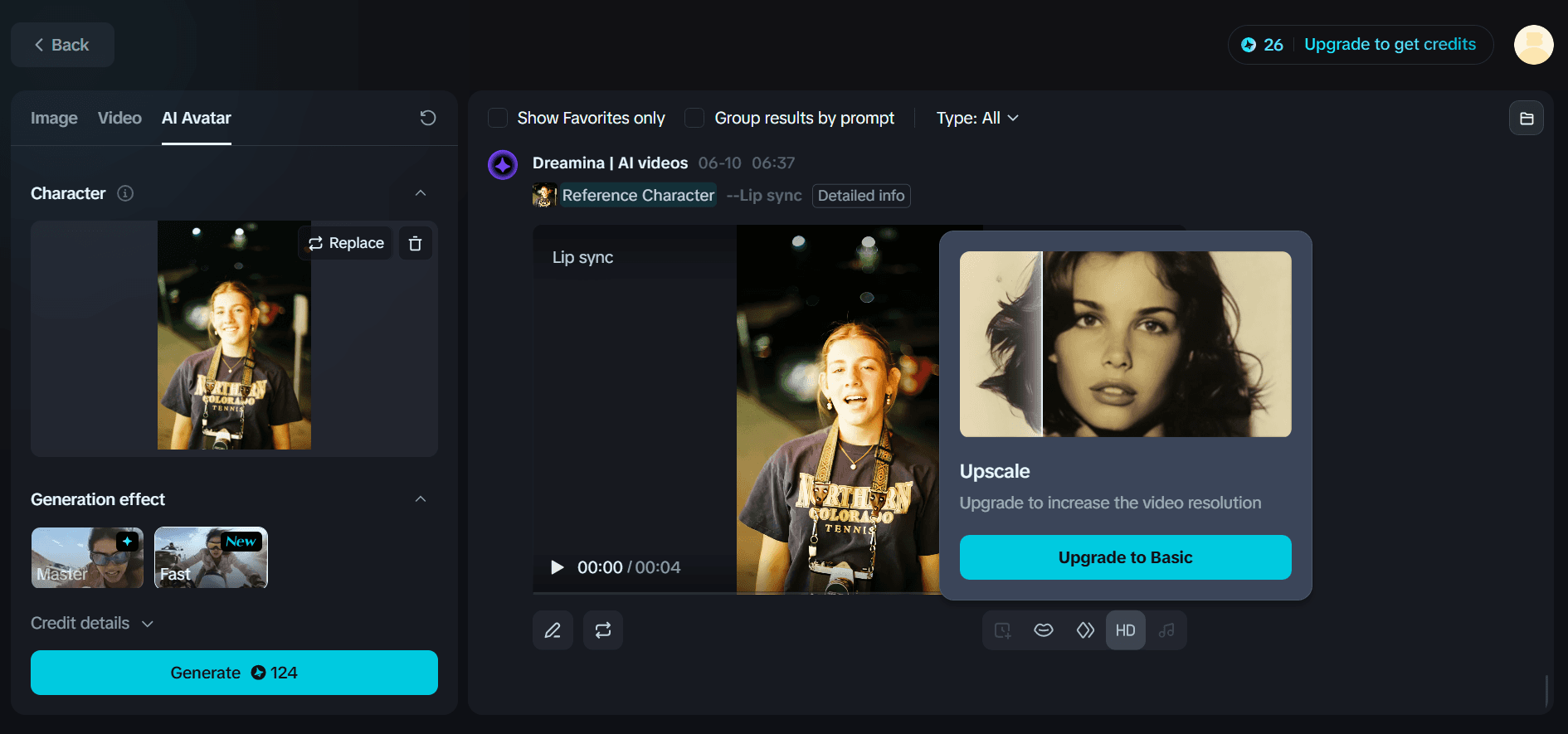
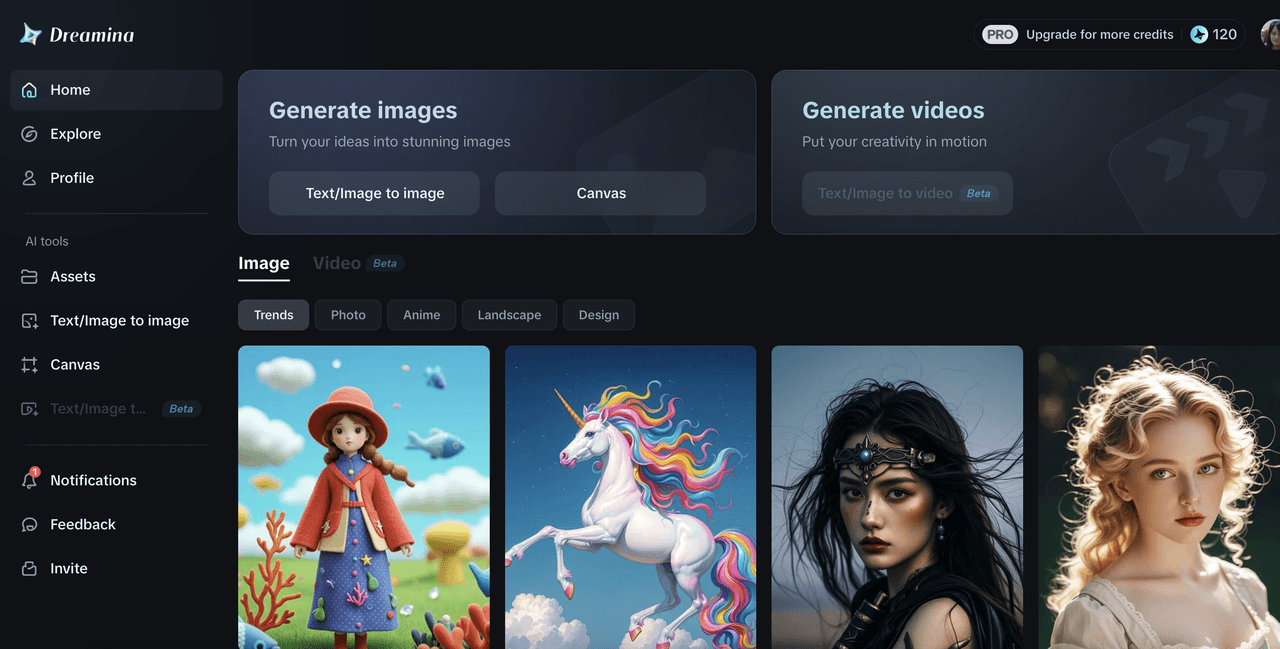
Dreamina is a ByteDance creative platform for generating images and videos from text, sketches, and reference images. It includes image restyling, remixing, photo editing, avatar creation, and style transfer. Its model lineup includes Seedream, Seedance, Sora, Veo, Nano Banana, and Nano Banana Pro.
›What are the pros and cons of DreamIna by CapCut?
Strengths
Supports both image and video generation in one platform
Offers several first-party and third-party generation models
Includes editing and transformation tools beyond prompt-based generation
Covers avatar, poster, logo, sticker, and social-video workflows
Provides a free tier for testing and light creative use
Trade-offs
The free tier adds watermarks and is described as non-commercial
Credit-based usage can limit how much video and image generation users receive
Reviewers note that output can be less reliable for professional work
Typography, vector logos, and strict commercial licensing may require another tool
Use involves a ByteDance product, which may concern buyers with data or vendor-risk requirements
›What are DreamIna by CapCut’s key features?
Generate images from text prompts with multiple image models
Create videos from text, sketches, or still images
Restyle, remix, blend, expand, and edit images
Create anime, talking, photo, and text-to-speaking avatars
Generate logos, app icons, 3D brand visuals, posters, and sticker packs
Use AI tools for photo restoration, background replacement, and product-shot enhancement
›What are the best use cases for DreamIna by CapCut?
Create vertical social videos, dance clips, and AI character clips
Produce product showcases and marketing campaign visuals
Turn rough sketches or still images into animated video
Create posters for product launches, fashion campaigns, and promotions
Develop logos, app icons, sticker packs, and other early brand concepts
Restyle portraits, outfits, sketches, and photos into different visual styles
›What is the pricing for DreamIna by CapCut?
Free
›Who is DreamIna by CapCut best for?
content creatorsUseful for producing short-form videos, social images, avatars, and trend-based visual effects in one workspace.
graphic designersWorks well for rapid visual exploration, restyling, posters, and early logo or brand concepts.
marketing teamsSuitable for creating product showcases, campaign posters, social assets, and branded visual variations.
small teamA practical option when one platform needs to cover image generation, video generation, and basic creative editing.
Not for
- Teams that need airtight commercial licensing should look for a tool with clearer licensing assurances.
- Designers who depend on crisp typography or scalable vector logo output may need a specialized design tool.
- Buyers requiring consistently reliable professional-grade output may find the results too variable.
- Organizations that avoid ByteDance products for data or vendor-risk reasons should skip it.