Forward Future Tools Library
Figr
Figr turns product context into UX reviews, flows, edge-case maps, PRDs, and Figma-ready prototypes for product managers, designers, and teams building complex software.
figr.design·Free + paid plans·Checked 2026-10-13
›What is Figr?
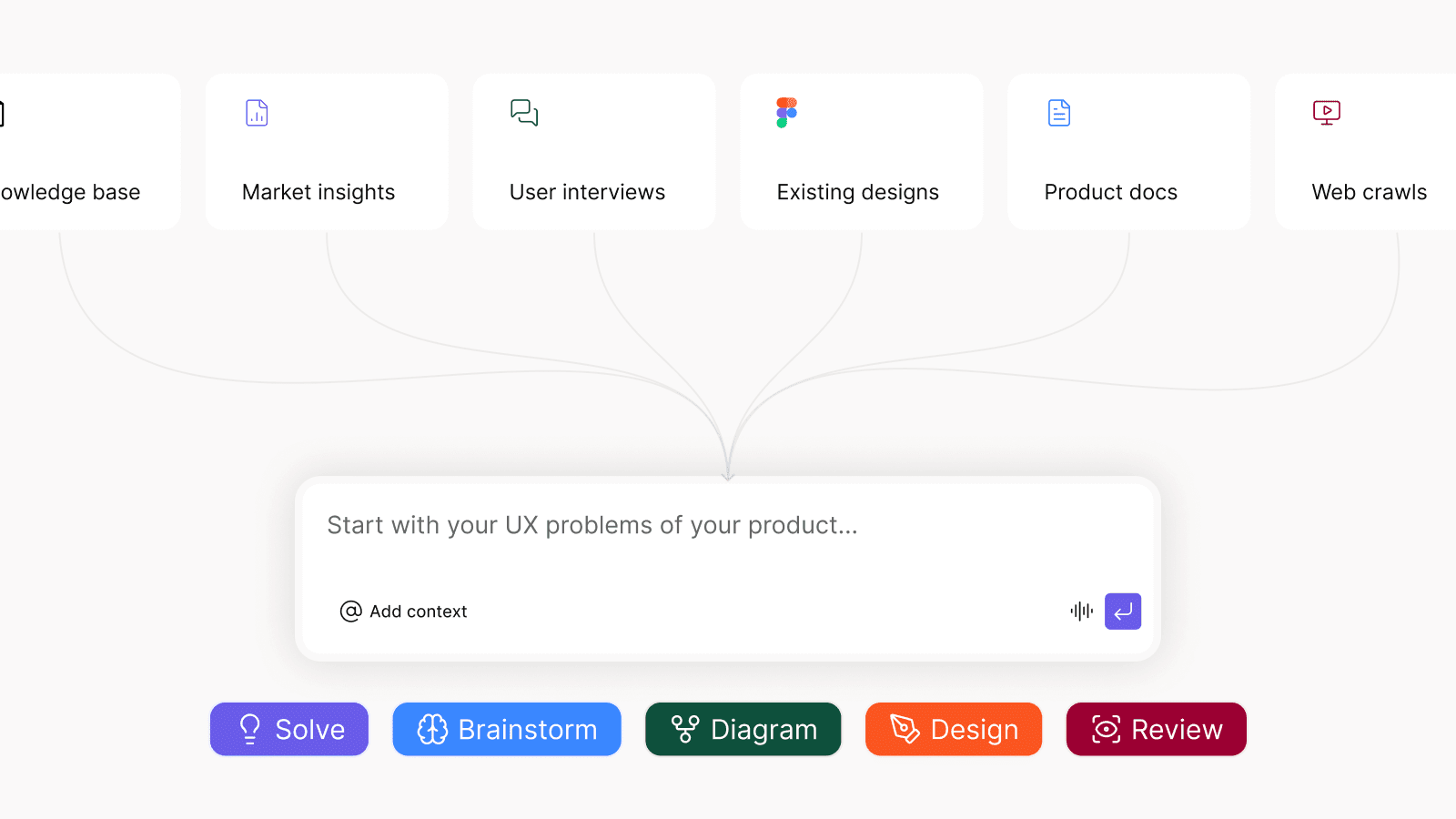
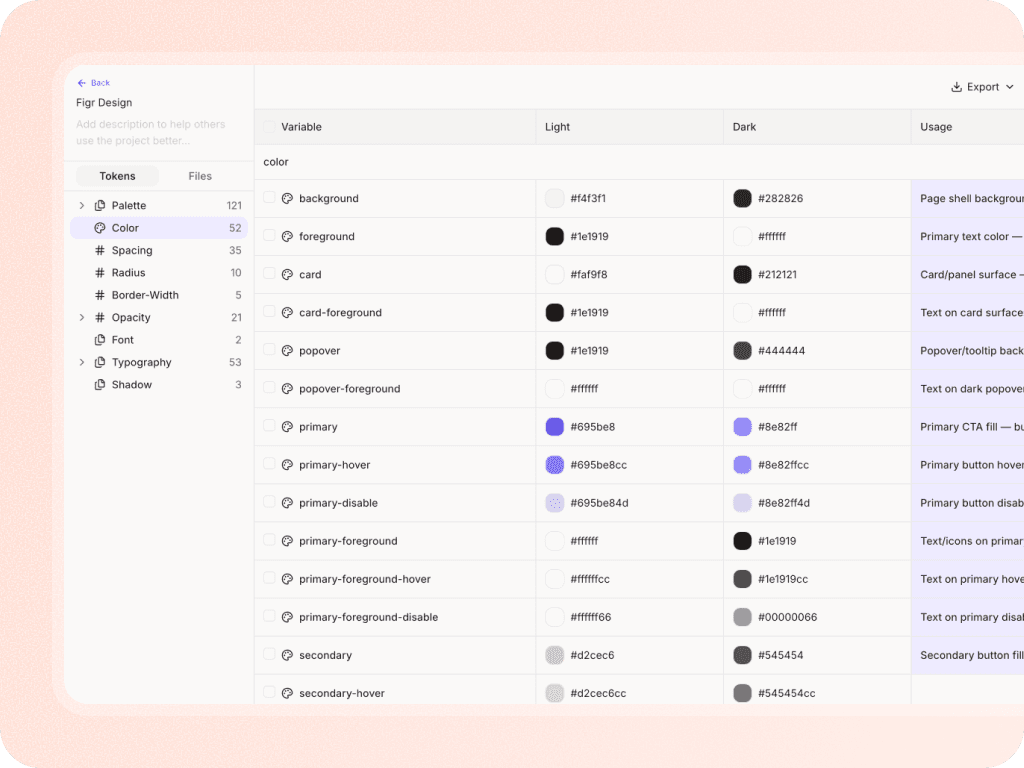
Figr is an AI design agent that builds a visual map of a product from screens, recordings, documents, research, analytics, Storybook, and code context. It uses that context to review UX, reason through flows and edge cases, turn PRDs into user flows, and generate designs that follow existing components and tokens. Designs can be exported to Figma.
›What are the pros and cons of Figr?
Strengths
Trade-offs
›What are Figr’s key features?
›What are the best use cases for Figr?
›What is the pricing for Figr?
| Plan | Price | Details |
|---|---|---|
| Free | $0 always | 10 credits that refresh monthly, up to 3 canvases, 1 Context Pod setup, limited design system, up to 200MB of context per Context Pod, and Figma export. |
| Starter, billed yearly | $32/month | 200 credits per month, unlimited canvases, 1 full-access seat, 3 Context Pods, up to 1GB per Context Pod, view-only guests, 3 full design systems, and custom MCPs. |
| Max, billed yearly | $124/month | 1,000 shared credits per month, up to 3 full-access seats, unlimited shared team Context Pods, up to 3GB per Context Pod, shared design system, real-time collaboration, comments, and unbranded exports. |
| Starter, billed monthly | $39/month | 200 credits per month, unlimited canvases, 1 full-access seat, 3 Context Pods, up to 1GB per Context Pod, view-only guests, 3 full design systems, and custom MCPs. |
| Max, billed monthly | $149/month | 1,000 shared credits per month, up to 3 full-access seats, unlimited shared team Context Pods, up to 3GB per Context Pod, shared design system, real-time collaboration, comments, and unbranded exports. |
| Enterprise | Custom | Unlimited full-access seats, per-seat credit allocation, SSO, audit logs, RBAC, unlimited Context Pod storage, custom integrations, and custom design system setup. |
Annual billing saves 2 months. Credit costs vary by task, with examples including 0.75 to 1 credit for a quick brainstorm, 2 to 3 for a design review, and 4 to 5 for a first-generation mobile screen.
Checked 2026-10-13 · source
›Who is Figr best for?
- Teams looking for production-ready code generation should skip it because the tool is positioned around UX reasoning and prototypes, not verified production code.
- Users who want immediate screen generation without first providing product context may find the capture and setup process too involved.
- Teams needing only simple standalone flowcharts may not need Figr's broader product-context workflow.