Forward Future Tools Library

AI Flowchart logo

AI Flowchart

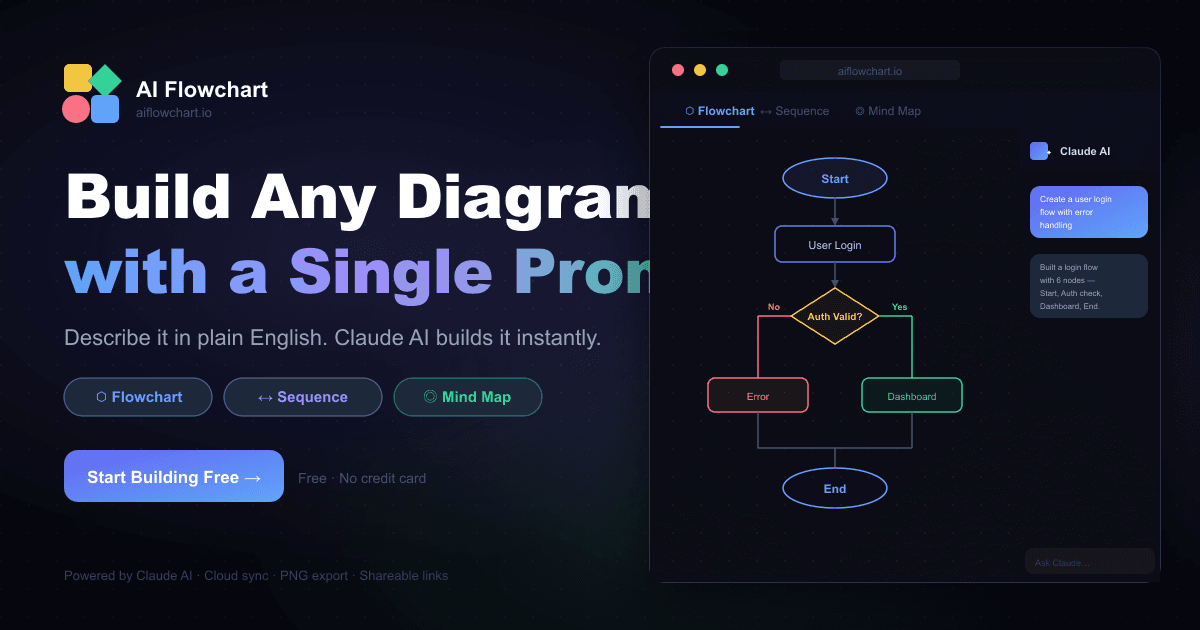
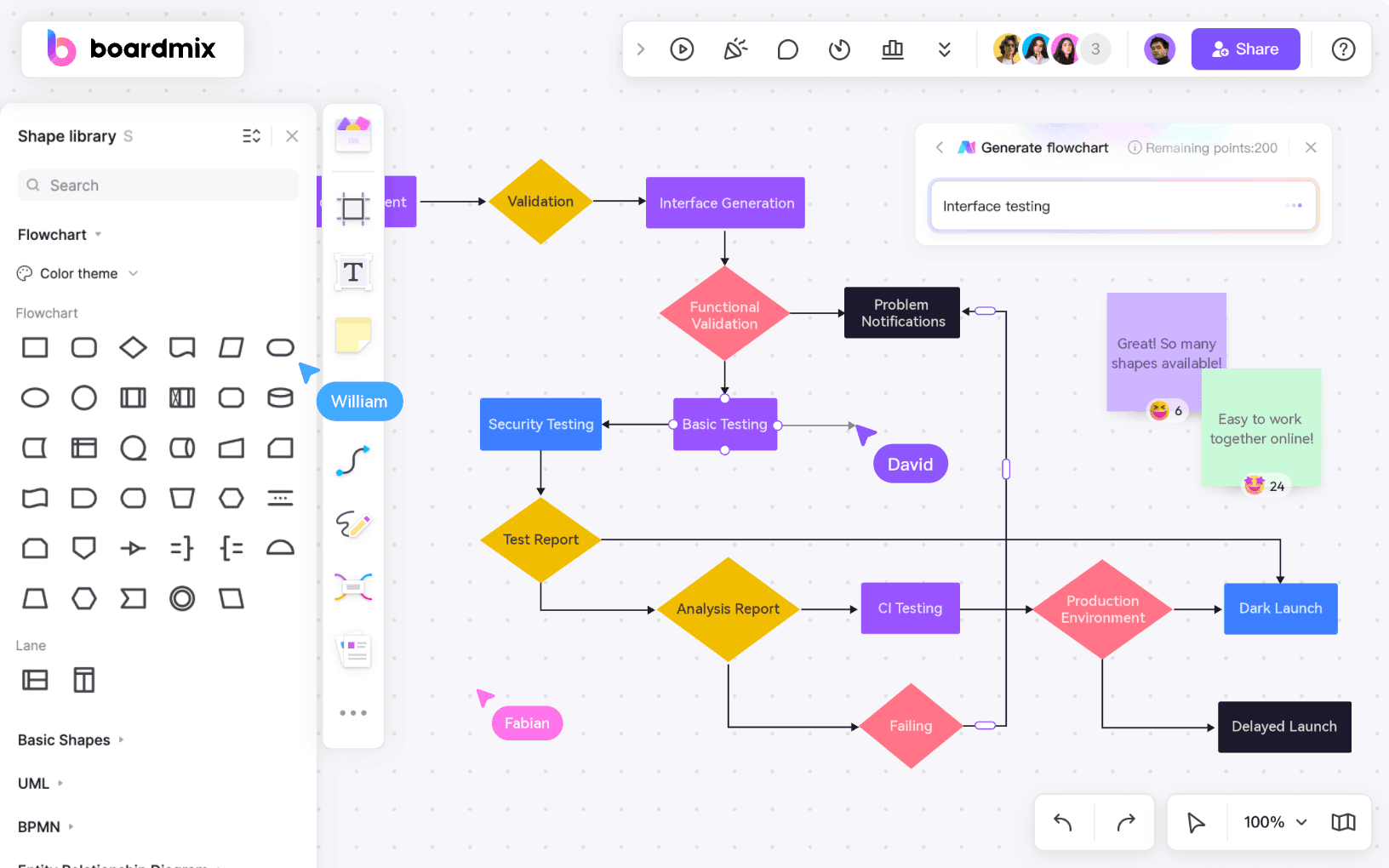
AI Flowchart turns process text, code logic, sketches, and screenshots into editable flowcharts for product, operations, support, finance, and engineering work.

Try AI Flowchart

aiflowchart.org·Free + paid plans·Checked 2026-09-01
AI Flowchart screenshot15 Best Free AI Flowchart Makers for UI/UX DesignAI Flowchart — Build Flowcharts, ER Diagrams, Org Charts & System  Architecture with AIFree AI Flowchart Generator: Access Online for FreeHow To Create AI Flowcharts Using a Cutting-Edge Drawing Tool?
AI Flowchartaiflowchart.org
AI Flowchart screenshot
AI Flowchartaiflowchart.org

What is AI Flowchart?

AI Flowchart converts plain-language process descriptions and uploaded PNG, JPG, or WEBP images into editable flowcharts. It maps decisions, branches, retries, and exceptions, then lets you revise labels and links on the canvas or through chat. Finished diagrams can be exported as PNG, SVG, PDF, or .drawio files.

What are the pros and cons of AI Flowchart?

Strengths

Accepts both written process descriptions and image inputs such as sketches, screenshots, and whiteboard photos
Produces editable diagrams rather than static images
Supports canvas editing and chat-based revisions
Includes exports in PNG, SVG, PDF, and .drawio formats
Can be tested without login through daily free credits

Trade-offs

The free plan displays ads
Free usage is limited to daily credits, with two daily credits when logged in
Paid monthly credits reset each billing cycle and do not roll over
Image-based generation can use more credits than a standard text generation

What are AI Flowchart’s key features?

Generate editable flowcharts from text, notes, SOPs, tickets, pseudocode, sketches, screenshots, and whiteboard photos
Automatically arrange steps and map decisions, branches, retries, and exceptions
Edit labels and links directly on the canvas
Use chat to revise paths or add steps
Start from templates for onboarding, approvals, support escalation, refunds, data pipelines, and canary deployments
Export diagrams as PNG, SVG, PDF, or .drawio files

What are the best use cases for AI Flowchart?

Map product onboarding from signup through verification, workspace setup, invitations, and trial expiry
Document approval processes with budget checks, vendor risk review, rework, and purchase order issuance
Visualize support triage, priority routing, SLA escalation, and handoffs
Turn refund procedures into flows covering eligibility, exception approval, payout retries, and final states
Document data pipelines with schema validation, dead-letter handling, warehouse loading, and retries
Map software delivery pipelines from build and testing through canary deployment, monitoring, rollout, or rollback

What is the pricing for AI Flowchart?

PlanPriceDetails
Free$0/monthOne daily credit without login, two daily credits when logged in, editable canvas, and exports, with ads.
Pro$9/month1,500 credits per month, saved and revisitable flows, PNG, SVG, and PDF exports, and no ads.
Premium$19/month5,000 credits per month, saved and revisitable flows, PNG, SVG, and PDF exports, no ads, and priority support.

Annual billing provides the same monthly credit allowance with a lower effective monthly price. Subscription credits reset each billing cycle and do not roll over.

Checked 2026-09-01 · source

Who is AI Flowchart best for?

product managersUseful for turning onboarding and approval descriptions into editable process diagrams.
developersA practical option for visualizing pseudocode, control flow, deployment pipelines, and data retries.
small teamWorks well for teams that need quick, shareable workflow diagrams without setting up a full diagramming process.
operations professionalsHelps document SOPs, support routing, finance procedures, and exception paths from existing notes or images.
Not for
  • Buyers who need unlimited generation without credit limits should look elsewhere.
  • Teams that require monthly credits to roll over should avoid the paid plans.
  • Users who need an ad-free experience without paying for a subscription will find the free plan restrictive.


What are the best AI Flowchart alternatives?

Where can I try AI Flowchart?

Open aiflowchart.org