Forward Future Tools Library

Flux Kontext logo

Flux Kontext

Flux Kontext generates and edits images from text prompts and reference images, with careful scene-preserving edits for photographers, creators, and e-commerce teams.

Try Flux Kontext

flux-kontext.app·From $16.9·Checked 2026-09-04

Flux Kontext screenshotFLUX Kontext Free: Try Flux Kontext AI Image Editing NowFLUX.1 Kontext Dev in ComfyUI: Download, GGUF Workflows and Prompts7 Awesome Ways to Use FLUX.1 Kontext in AI-FLOWComfyUI Flux Kontext Dev Native Workflow Example
Flux Kontextflux-kontext.app
Flux Kontext screenshot
Flux Kontextflux-kontext.app

What is Flux Kontext?

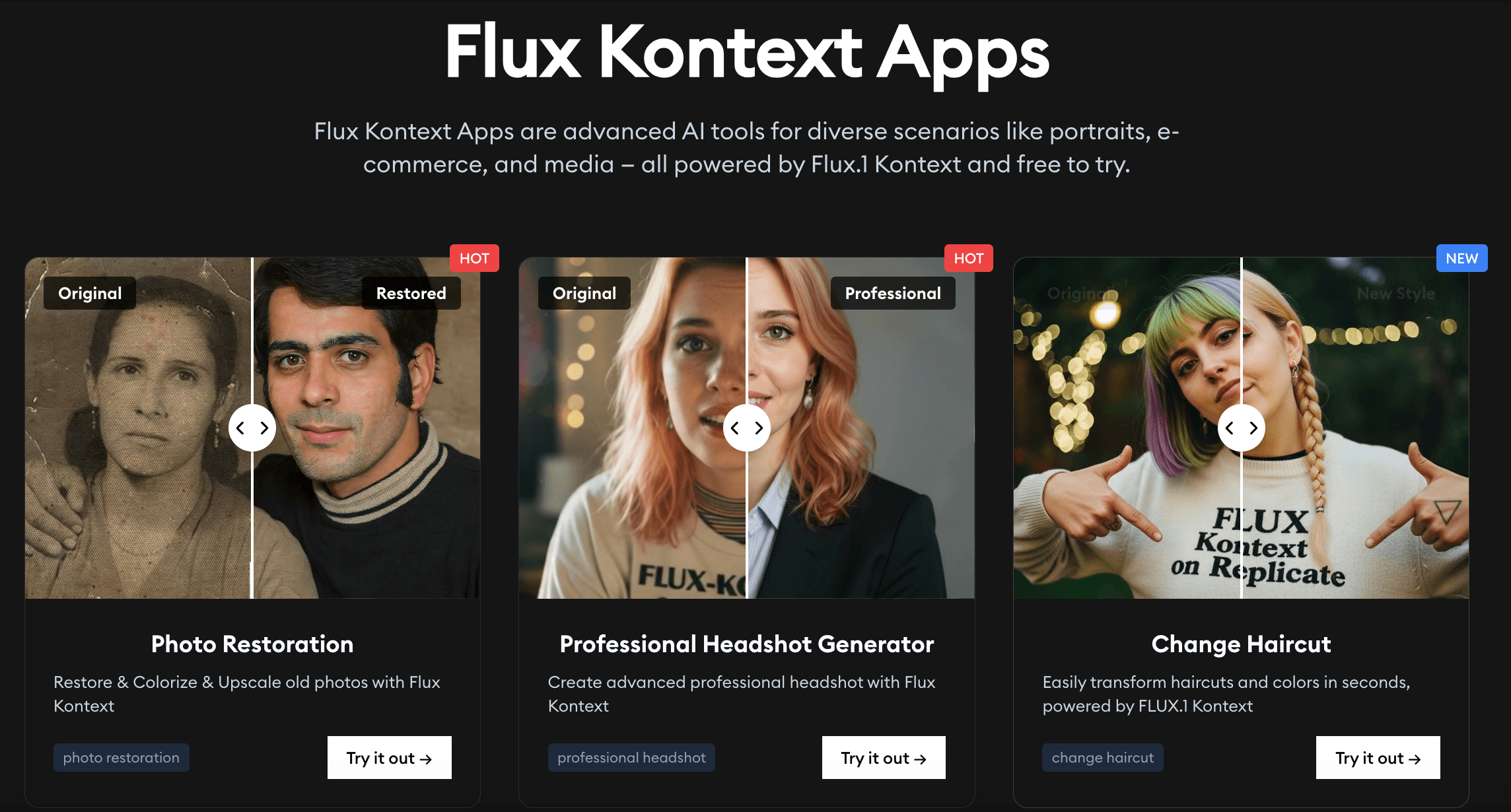
Flux Kontext is an AI image generation and editing service developed by Black Forest Labs. It accepts text prompts and optional JPG, PNG, or WEBP images to create visuals or make targeted changes while preserving the surrounding scene. It also offers preset apps for photo restoration, professional headshots, haircut changes, cartoon effects, watermark removal, and other image tasks.

What are the pros and cons of Flux Kontext?

Strengths

Often preserves the original image structure better than tools that broadly reinvent the scene
Supports instruction-based editing instead of relying only on fixed presets
Maintains character identity and attributes across scenes
Includes specialized preset apps for common portrait and restoration tasks
Paid plans include commercial licenses and watermark-free output

Trade-offs

Edits can miss the requested result and may require a second attempt
It lacks fine-detail editing capabilities noted in independent testing
It does not provide media output such as video creation
The service uses credits, with monthly plans limiting the number of included generations
Uploads are limited to JPG, PNG, or WEBP files up to 5MB

What are Flux Kontext’s key features?

Text-to-image generation from natural-language prompts
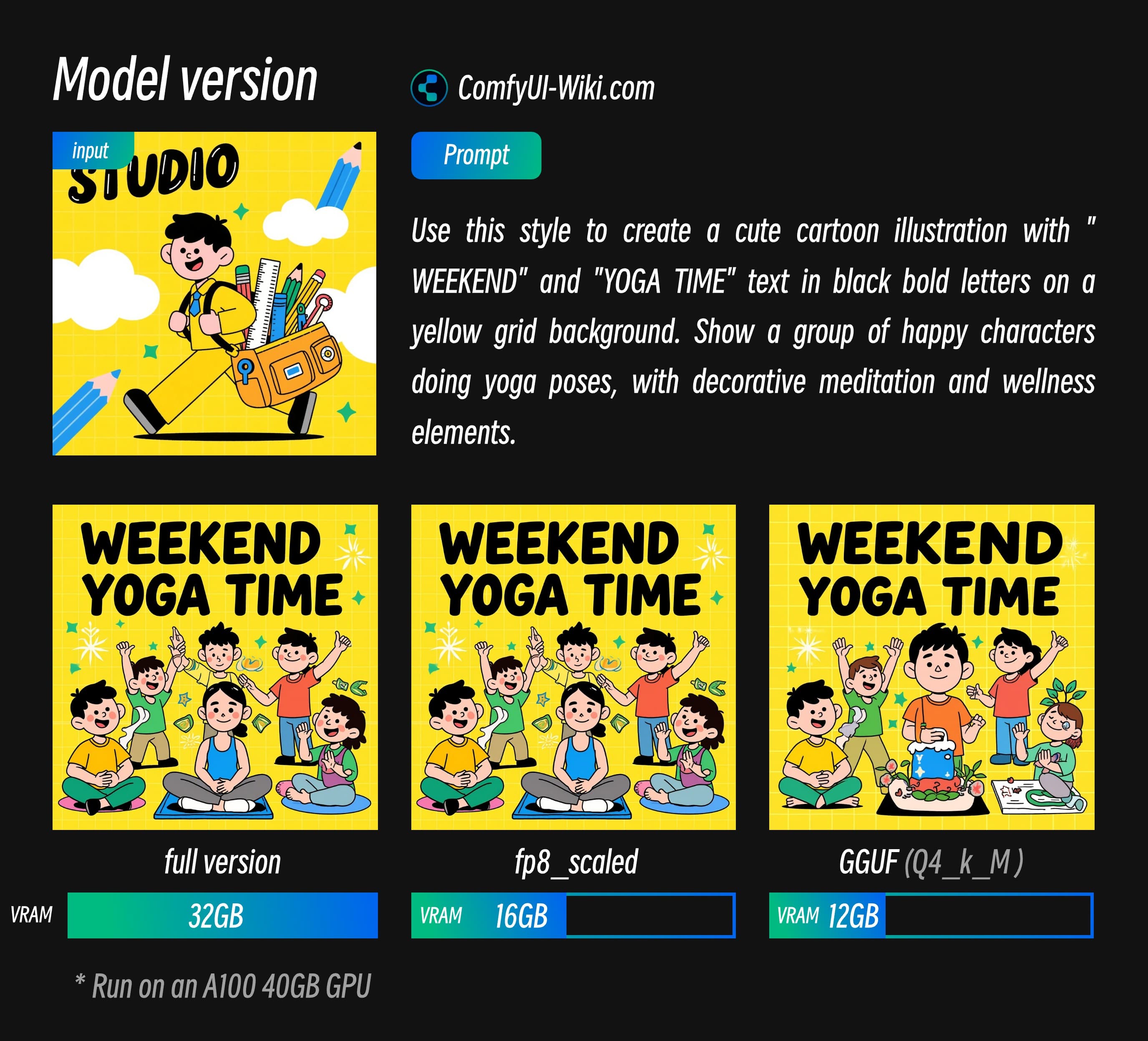
Context-aware edits that preserve scene structure and surrounding elements
Character and identity consistency across multiple scenes
Targeted local editing of specific image elements
Preset apps for photo restoration, headshots, watermark removal, and portrait transformations
Watermark-free image generation on paid plans
Private generation with the ability to manage and delete generated content on paid plans

What are the best use cases for Flux Kontext?

Repairing damaged areas or removing unwanted objects from old photos
Creating product and e-commerce visuals from text prompts or reference images
Producing professional headshots and portrait variations
Maintaining a character or subject's identity across multiple scenes
Applying styles or making targeted background and object edits
Generating creative concept images from written descriptions

What is the pricing for Flux Kontext?

PlanPriceDetails
Basic$16.9400 credits per month, up to 80 high-quality FLUX Kontext images, priority generation, watermark-free output, private generation, and a commercial license.
Pro$29.91500 credits per month, up to 300 high-quality FLUX Kontext images, priority generation, watermark-free output, private generation, and a commercial license.
Max$59.93500 credits per month, up to 700 high-quality FLUX Kontext images, priority generation, watermark-free output, private generation, and a commercial license.

The pricing page also shows monthly rates of $32.9/month for Basic, $59.9/month for Pro, and $119.9/month for Max. It advertises annual billing at 50% off during a summer sale, with per-credit rates of $0.042, $0.02, and $0.017 respectively.

Checked 2026-09-04 · source

Who is Flux Kontext best for?

photographersA strong fit for restoration, object cleanup, and careful edits that need to preserve the original composition.
e-commerce teamsUseful for creating product visuals and making localized changes without rebuilding the whole image.
content creatorsWorks well for generating images from prompts, producing portraits, and keeping subjects consistent across a series.
Not for
  • Video creators who need the image tool itself to produce media output.
  • Editors who require fine-detail, pixel-level control inside the same application.
  • Users who want unlimited image generation without credit-based plan limits.

What are the best Flux Kontext alternatives?

Where can I try Flux Kontext?

Open flux-kontext.app