

Forward Future Tools Library

HappyHorse AI
HappyHorse turns prompts, images, and reference frames into short cinematic video clips for creators, marketers, and teams developing social, product, and campaign visuals.
happyhorseai.im·From $19.9 / month·Checked 2026-09-07


›What is HappyHorse AI?
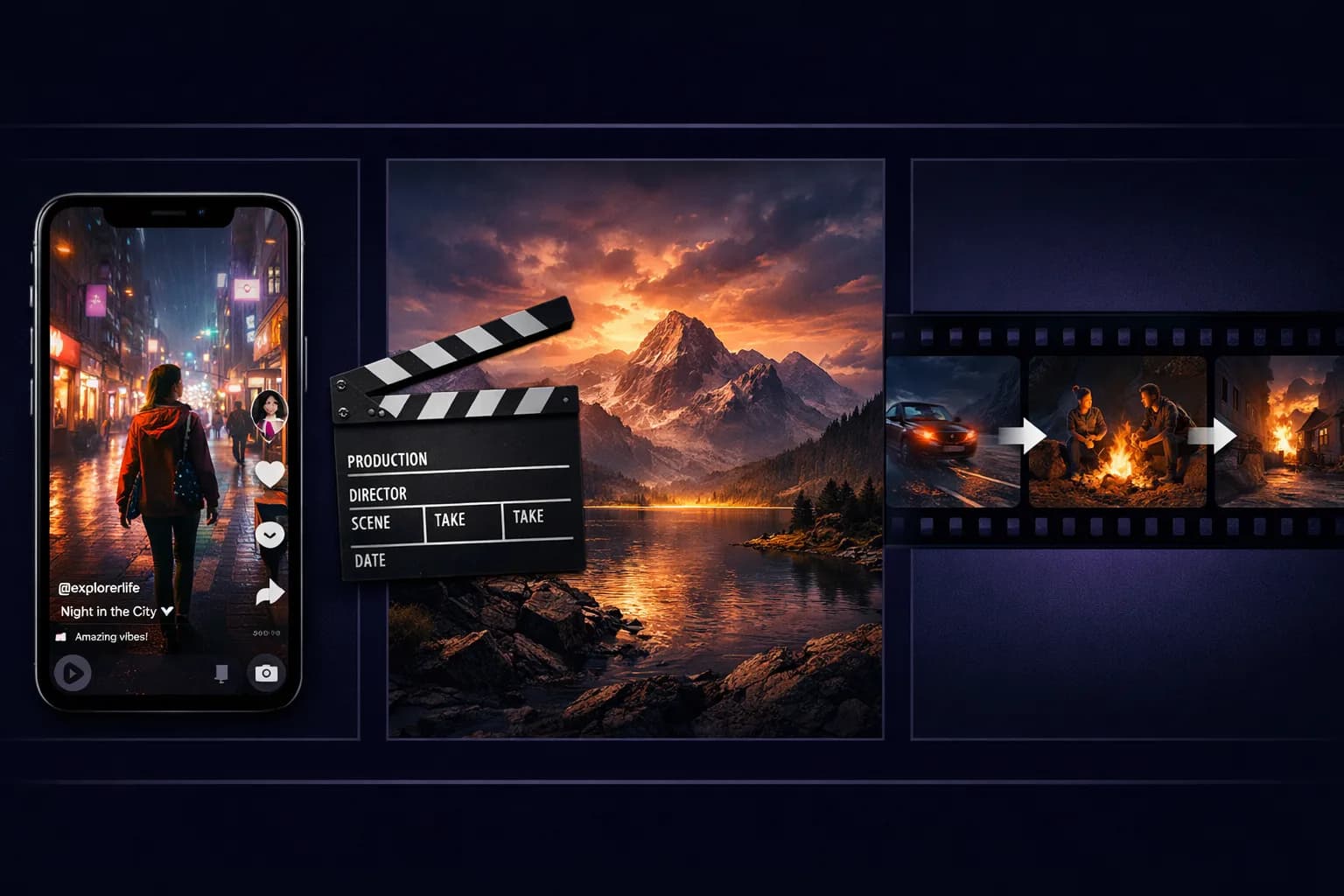
HappyHorse is an online AI video generator built around text-to-video, image-to-video, reference-image, start-and-end-frame, and video-to-video workflows. Users can control prompts, camera movement, mood, duration, aspect ratio, image-ratio handling, and optional audio. Outputs are designed for short-form clips, with generation options including 5-second, 720p video and up to 4K generation on paid plans.
›What are the pros and cons of HappyHorse AI?
Strengths
Trade-offs
›What are HappyHorse AI’s key features?
›What are the best use cases for HappyHorse AI?
›What is the pricing for HappyHorse AI?
| Plan | Price | Details |
|---|---|---|
| Starter | $19.9 / month | For solo creators, with 30000 credits per year, up to 1200 videos per year, up to 15000 images per year, up to 4K generation, core models, priority processing, commercial usage rights, and normal support. |
| Standard | $39.9 / month | For growing teams, with 72000 credits per year, up to 2880 videos per year, up to 36000 images per year, core models, fastest processing, commercial usage rights, and priority support. |
| Premium | $69.9 / month | For larger teams, with 120000 credits per year, up to 4800 videos per year, up to 60000 images per year, core models, fastest processing, commercial usage rights, and priority support. |
The listed prices are for annual billing. The pricing page also shows $39.9 for Starter, $79.9 for Standard, and $159.9 for Premium under its pay-as-you-go view.
Checked 2026-09-07 · source
›Who is HappyHorse AI best for?
- Teams that need a reliable, broadly available API for production workflows should wait for wider API access.
- Creators whose primary requirement is synchronized audio should consider a tool with more established audio support.
›What are the best HappyHorse AI alternatives?
 VO4 AIChoose this instead if you need a video generator explicitly offering both 720p and 1080p options.→
 Seavid AIChoose this instead if your workflow depends on generating from text, images, and reference materials.→
 ngramChoose this instead if your video workflow starts with documents, PDFs, URLs, or screen recordings.→
 Animation AI→