

Forward Future Tools Library

HISAB 360
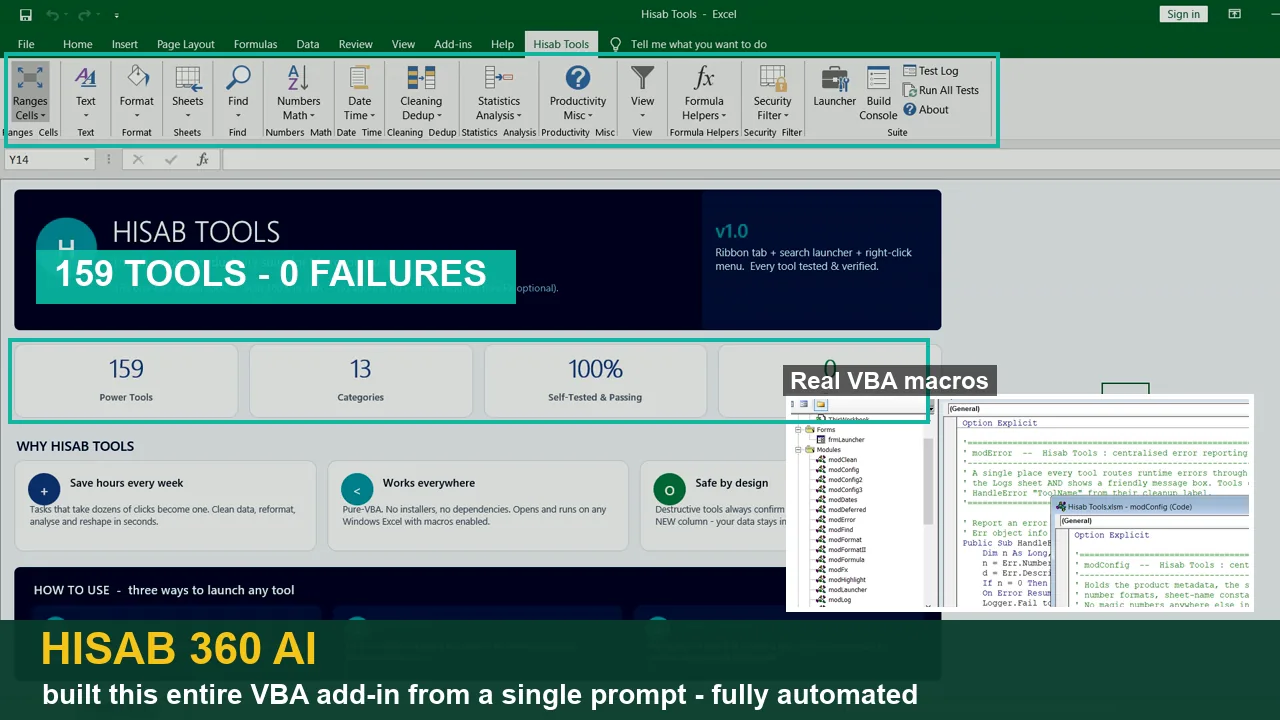
HISAB 360 puts conversational Excel automation, Python reconciliation, report drafting, and approval-controlled ERP posting in one Windows add-in for accountants and finance teams.
hisab360.net·From $4.99 one-time·Checked 2026-10-27
›What is HISAB 360?
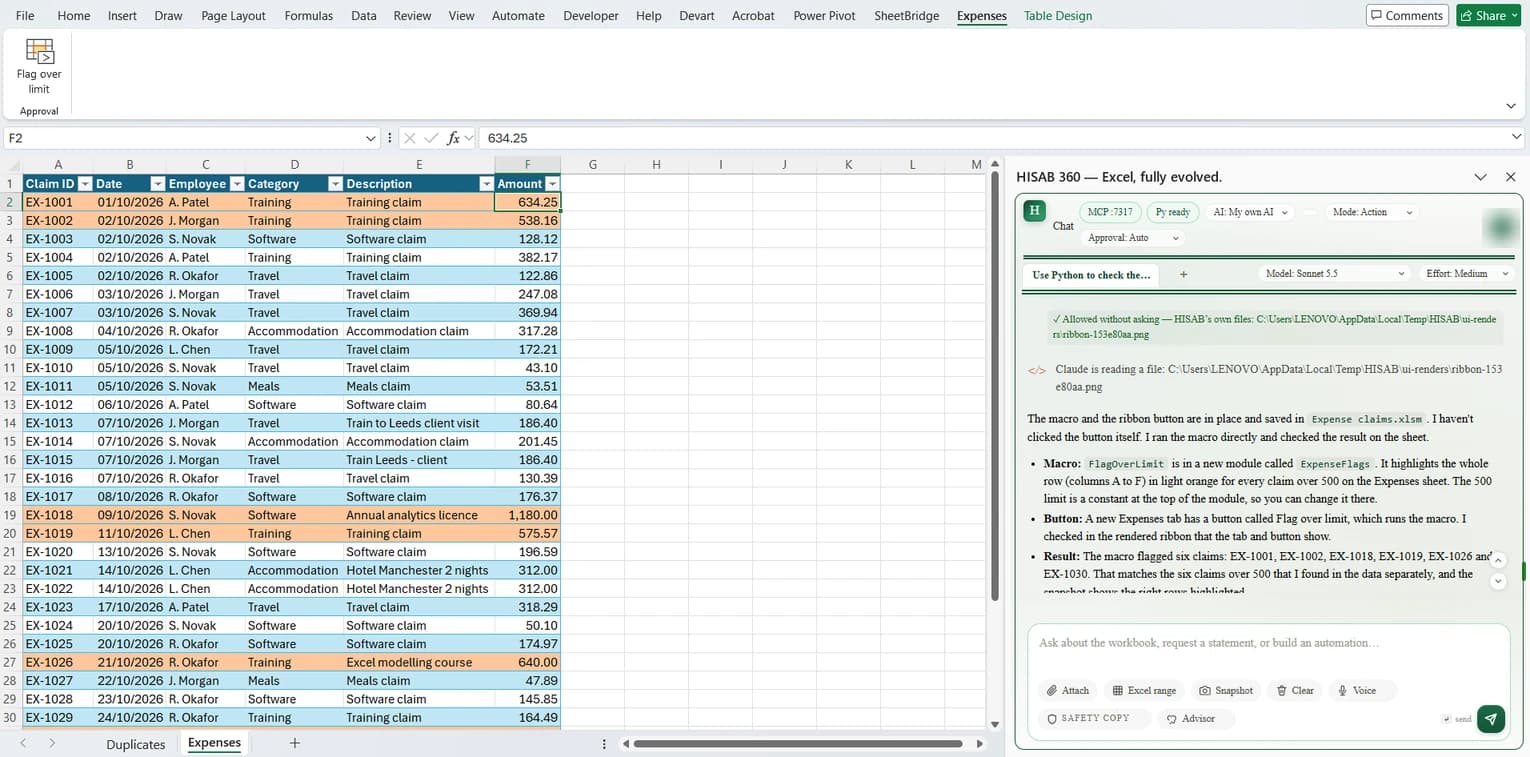
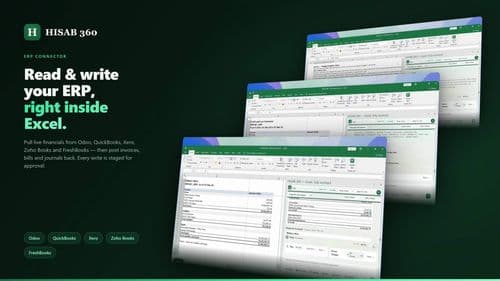
HISAB 360 is a Windows Excel add-in that reads workbook context, writes formulas and VBA, runs local Python workflows, and drafts financial reports. It reconciles bank statements with the general ledger, prepares review queues, and posts approved invoices, bills, journals, and payments to connected ERP systems. Workbook writes and ERP changes can require approval and are recorded in an audit trail.
›What are the pros and cons of HISAB 360?
Strengths
Trade-offs
›What are HISAB 360’s key features?
›What are the best use cases for HISAB 360?
›What is the pricing for HISAB 360?
| Plan | Price | Details |
|---|---|---|
| Own AI | $7 /month billed monthly | Use your own Anthropic or OpenAI account with all HISAB features and updates. |
| Own AI perpetual | $199 one-time | Own the HISAB license permanently while using your own Anthropic or OpenAI account. |
| HISAB AI Basic | $10 /month billed monthly | Includes 500 HISAB AI credits each month, the full model lineup, and all product features. |
| HISAB AI Plus | $20 /month billed monthly | Includes 1,200 HISAB AI credits each month, the full model lineup, and all product features. |
| 200-credit top-up | $4.99 one-time | Adds 200 credits that do not expire while an active HISAB AI plan is in place. |
| 600-credit top-up | $12.99 one-time | Adds 600 credits that do not expire while an active HISAB AI plan is in place. |
A 15-day free trial includes 50 HISAB AI credits and requires no credit card. Annual billing saves 20%. All prices are in USD, and tax is calculated at checkout. HISAB AI credits are metered by model and usage.
Checked 2026-10-27 · source
›Who is HISAB 360 best for?
- Mac or browser-based Excel users, because the product is a Windows Excel add-in.
- Teams seeking completely unattended ERP posting, because writes are staged for approval and logged.
- Buyers who do not want metered AI usage or a separate AI provider account.
›What are the best HISAB 360 alternatives?
 Optimus FintechChoose this instead if your priority is broader financial-operations automation rather than an Excel-centered finance workflow.→
 Bank Statement ExtractChoose this instead if you mainly need to extract and organize bank statement data rather than run a wider Excel and ERP workflow.→
 Fiscus AI→
 AI Stock Prediction→