Forward Future Tools Library

IconAI logo

IconAI

IconAI turns prompts, sketches, and reference images into app icons across dozens of styles, then exports transparent PNGs and platform icon packs for developers, designers, and small teams.

Try IconAI →

iconai.art·Free + paid plans·Checked 2026-11-23
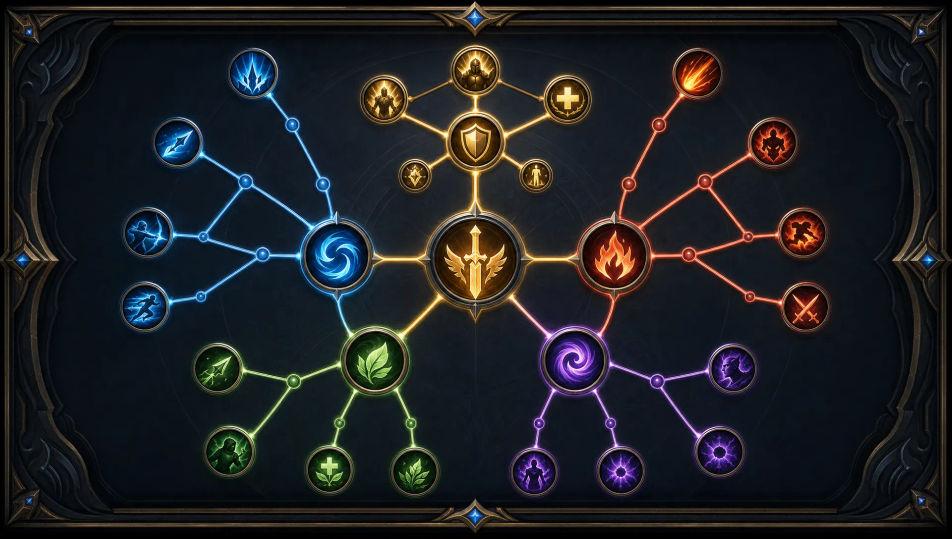
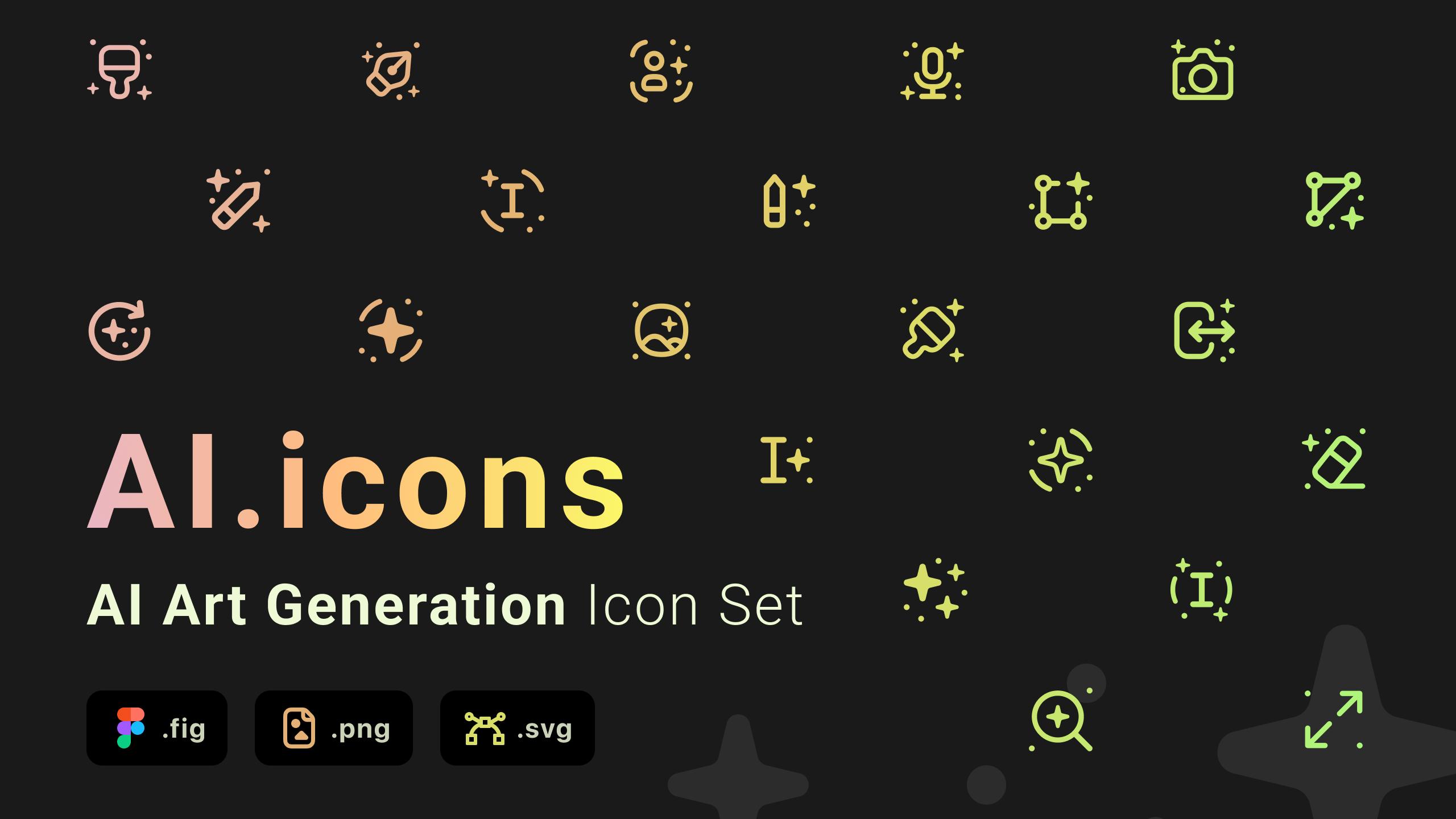
Game UI Icon AI ImagesAI.icons
Game UI Icon AI Imagesmorphic.com
Game UI Icon AI Images
Game UI Icon AI Imagesmorphic.com

›What is IconAI?

IconAI is a web-based AI app icon generator. It creates icons from text or reference images, supports multiple visual styles and variations, and lets users refine results with comments. Finished icons can be downloaded as 1024×1024 PNGs or exported in Apple, Android, macOS, and website icon packs.

›What are the pros and cons of IconAI?

Strengths

Offers dozens of styles, including iOS Classic, Material Design, Liquid Glass, and Pixel Art
Supports reference-image input and comment-based refinement
Produces transparent PNGs and ready-sized Apple, Android, macOS, and website icon packs
Allows multiple styles and up to 4 variations per style in eligible plans
Failed generations automatically return the used credit

Trade-offs

SVG or vector export is not available
There is no public API or third-party integration support
The free plan is limited to 5 sign-up credits, selected styles, and one icon per run
The underlying AI models and company details are not disclosed
Commercial usage rights are not explicitly granted in the Terms

›What are IconAI’s key features?

Generate icons from text prompts or reference images
Compare multiple visual styles in one run
Create up to 4 variations per style
Refine specific details with comments while keeping earlier versions
Generate transparent PNG icons
Export Apple, Android, macOS, favicon, and PWA icon packs
Create separate icons for multiple objects from one prompt

›What are the best use cases for IconAI?

Create a visual identity for a new mobile app
Explore several icon styles before choosing a final direction
Turn a sketch or existing icon into a new visual treatment
Refine colors, shapes, or other icon details through comment-based edits
Generate resized icon assets for iOS, Android, macOS, websites, and PWA projects

›What is the pricing for IconAI?

PlanPriceDetails
Free$05 credits on sign-up, selected styles, and 1 icon per run
Pro$19.90/mo150 icons per month, all styles, multi-style runs, up to 4 variations per style, icon sets, comment editing, transparent PNGs, reference images, and app and web icon packs
Max$39.90/mo400 icons per month and everything in Pro, with a lower per-icon rate
40-credit pack$9.9040 icons, credits never expire
60-credit pack$9.9060 icons, credits remain valid for 30 days

Yearly billing offers 2 months free. One credit equals one generated or edited icon. Subscription credits last through the monthly cycle, while sign-up and Forever credits do not expire and Flex credits last 30 days.

Checked 2026-11-23 · source

›Who is IconAI best for?

developersA strong fit for developers who need app-ready icon packs without manually resizing assets for each platform.
designersUseful for exploring visual directions from prompts, sketches, and reference images before refining a chosen icon.
soloThe free credits and one-time packs let solo makers test ideas without starting a recurring subscription.
small teamSmall product teams can compare styles, generate variations, and keep earlier versions while iterating on an app identity.
Not for
  • Teams that require editable SVG or vector source files should skip it because export is limited to PNG and resized icon assets.
  • Engineering teams looking to automate generation should look elsewhere because there is no public API or third-party integration support.
  • Businesses that need clearly stated commercial usage rights should review the Terms carefully before adopting it.


›What are the best IconAI alternatives?

›Where can I try IconAI?

Open iconai.art →