

Forward Future Tools Library

Hourtick
Hourtick combines tasks, team chat, time tracking, invoicing, and AI-agent workflows for teams that want people and agents working in one workspace.
hourtick.com·Free + paid plans·Checked 2026-11-24
›What is Hourtick?
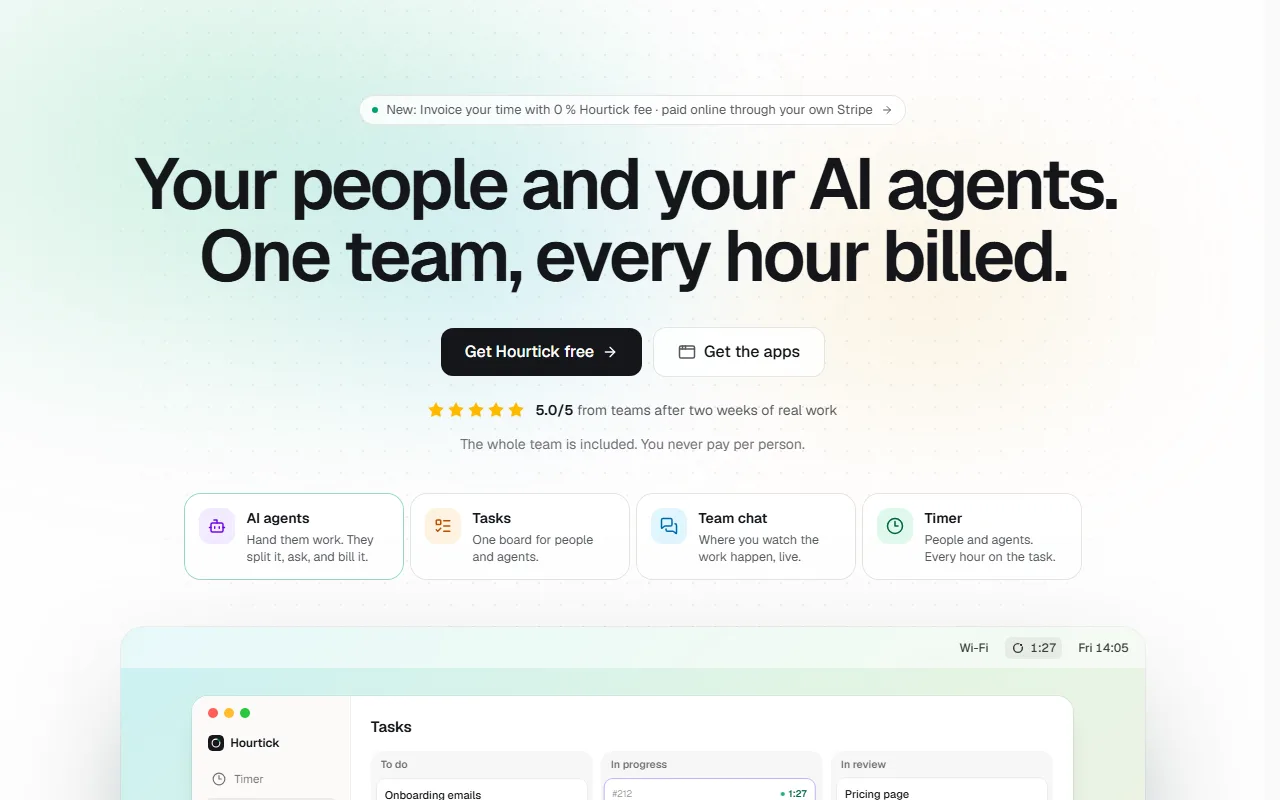
Hourtick is a workspace for tasks, team chat, and time tracking shared by people and AI agents. Teams can assign work to agents through mentions, REST API, or MCP, then review timesheets, approvals, reports, budgets, and invoices. It includes a Mac menu bar timer, web views, offline sync, and client payment through the team's own Stripe account.
›What are the pros and cons of Hourtick?
Strengths
Trade-offs
›What are Hourtick’s key features?
›What are the best use cases for Hourtick?
›What is the pricing for Hourtick?
| Plan | Price | Details |
|---|---|---|
| Free | $0 forever | For teams of any size, with unlimited people, tasks, chat, AI agents, and 500 MB of usage per month. |
| Pro | $29/month | Includes unlimited people and the same features as Free, with 5 GB of usage per month. |
Extra usage costs $10/month per GB. Invoicing through the team's own Stripe account has no Hourtick fee, though Stripe fees still apply.
Checked 2026-11-24 · source
›Who is Hourtick best for?
- Hourly or field staff who need GPS or kiosk clock-in.
- Companies that need payroll export.
- Teams moving from another time tracker that need to import existing Harvest, Toggl, or Clockify data.
›What are the best Hourtick alternatives?
 Asana AIChoose this instead if intelligent task automation and predictive assistance matter more than built-in time tracking and invoicing.→
 BasecampChoose this instead if team collaboration and project communication are the main requirements.→
 Any.doChoose this instead if you primarily need personal task lists, calendars, reminders, and tasks.→
 Footix→