Forward Future Tools Library

Masterpiece Studio
Masterpiece Studio is a VR and desktop 3D creation suite for artists, game developers, and designers who need sculpting, character rigging, and animation tools.
Try Masterpiece Studio →
masterpiece.studio·Contact Sales

›What is Masterpiece Studio?
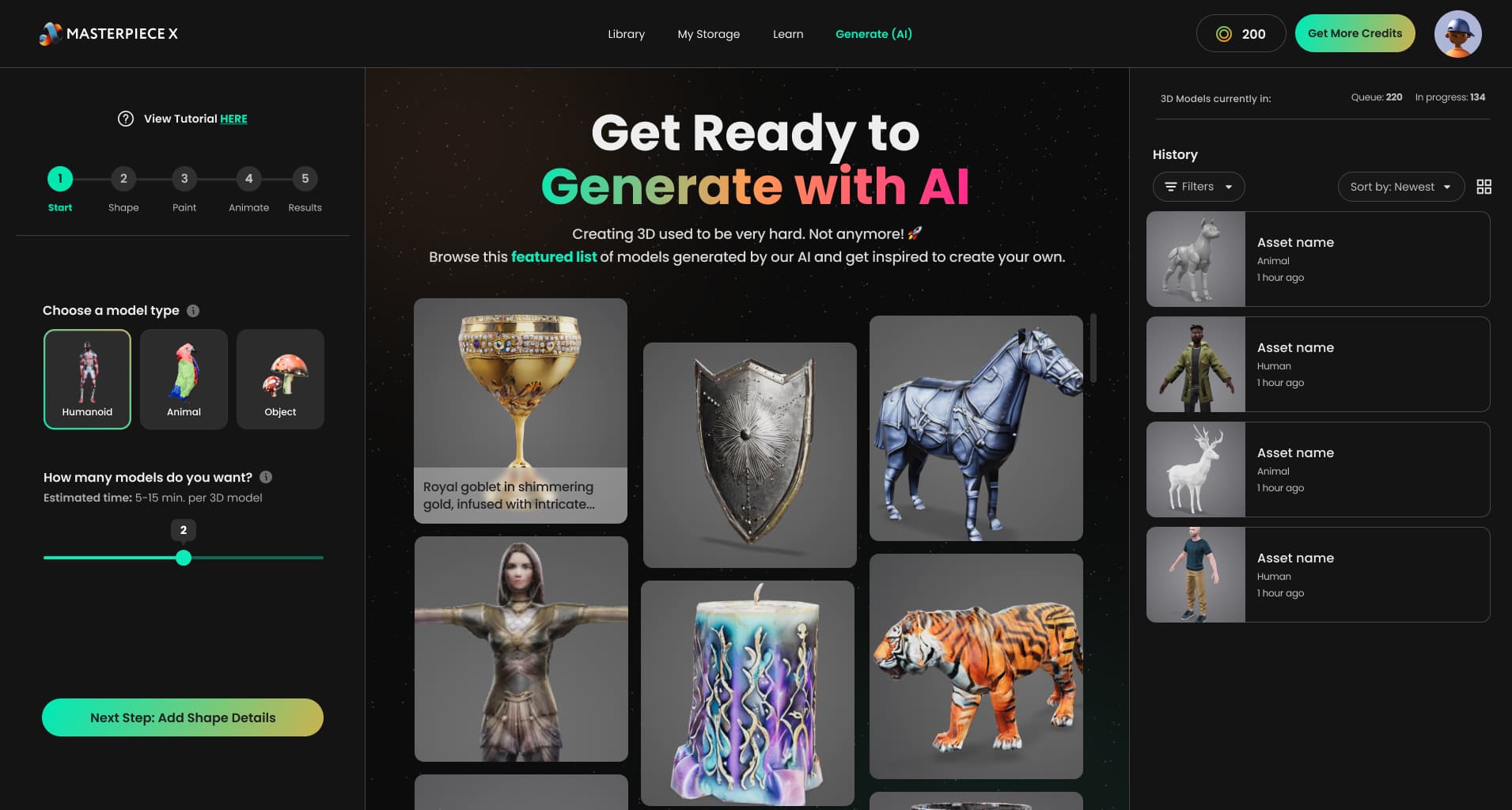
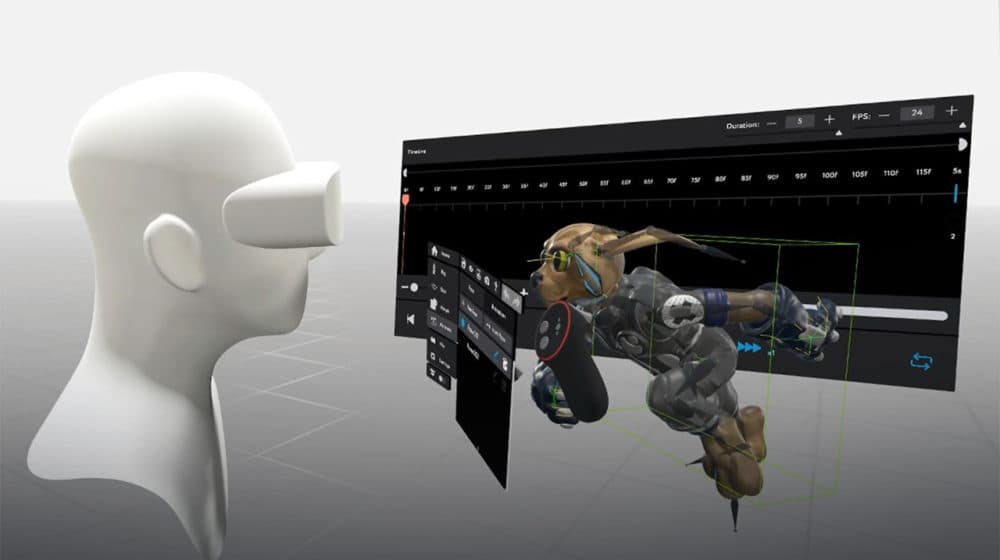
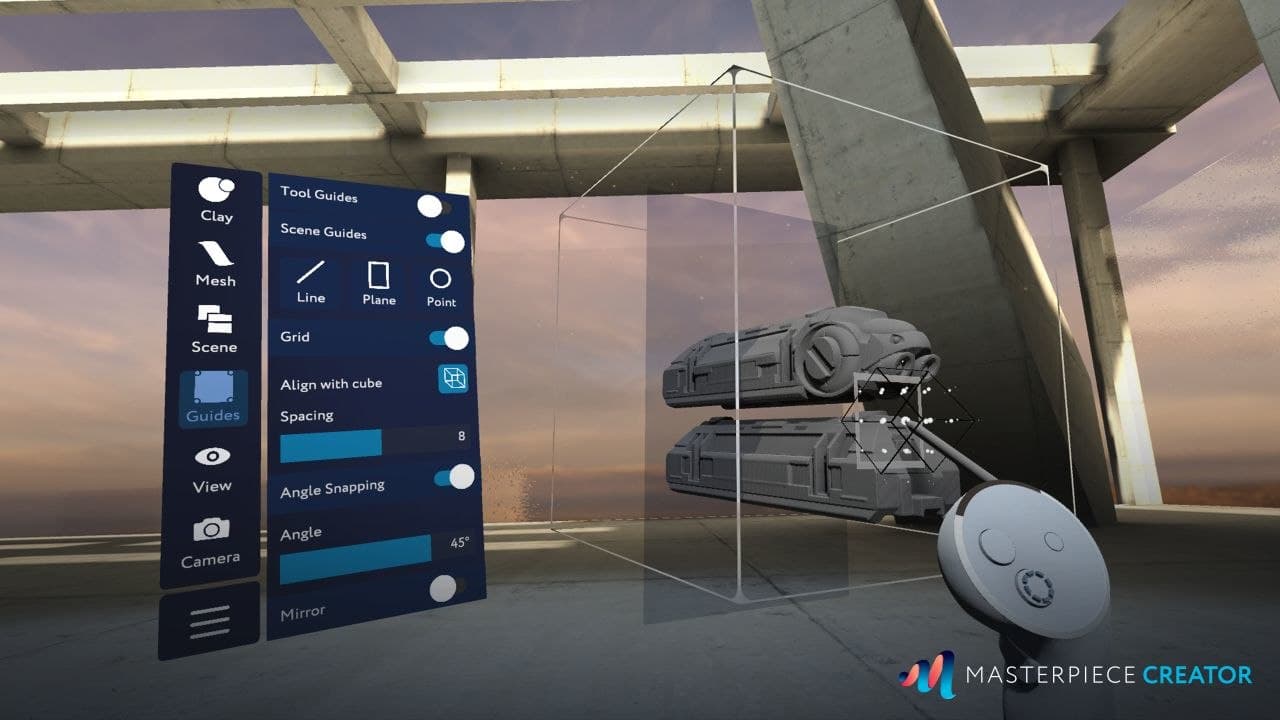
Masterpiece Studio combines VR sculpting and painting with desktop tools for creating, editing, rigging, and animating 3D assets. Its reported AI features assist with 3D generation, retopology, UV unwrapping, texturing, and animation. Masterpiece Creator handles sculpting and painting, while Masterpiece Motion focuses on rigging.
›What are the pros and cons of Masterpiece Studio?
Strengths
Combines VR sculpting and painting with character rigging tools
Supports facial blendshape creation and more precise rigging workflows
Works with Nvidia and AMD GPUs
Supports Oculus, HTC, Valve, and Windows Mixed Reality headsets
Trade-offs
The reported Pro software was rental-only rather than a perpetual purchase
The reported Pro release requires Windows 10
No public API is listed
Beginners may need time to learn the 3D interface and AI toolset
The tool may require additional refinement for highly optimized low-poly models
›What are Masterpiece Studio’s key features?
VR sculpting and painting for 3D characters and assets
Character rigging and skinning through Masterpiece Motion
Facial blendshape creation for animated characters
AI-assisted 3D generation, retopology, UV unwrapping, texturing, and animation
Mesh decimation and remeshing tools
Workflow spanning VR creation and desktop refinement
›What are the best use cases for Masterpiece Studio?
Sculpting and texturing 3D characters in virtual reality
Preparing game characters with rigs, skinning, and facial blendshapes
Generating and refining 3D assets for games and digital art
Using AI-assisted retopology and UV unwrapping in a small studio pipeline
›What is the pricing for Masterpiece Studio?
Contact Sales
›Who is Masterpiece Studio best for?
3D artistsVR sculpting, painting, rigging, and blendshape tools support character-focused production.
game developersUseful for prototyping and preparing 3D characters with AI-assisted cleanup and animation workflows.
small teamA practical option for studios seeking VR creation alongside desktop refinement and automated 3D tasks.
beginnersThe interface and AI toolset may require several days of learning before producing a usable model.
Not for
- Users who need a currently documented, publicly available product, because the live website is under construction.
- Teams that require a public API for integrating 3D generation into custom software.
- Buyers seeking highly optimized low-poly assets with minimal manual refinement.
- Users who want one-click text-to-3D results without editing or cleanup.
›What’s new with Masterpiece Studio?
- Masterpiece Studio Pro launched with facial blendshapes and updated remeshing toolsMay 2021 · source