Forward Future Tools Library

Mureka
Mureka generates customizable songs, instrumentals, lyrics, and soundscapes for musicians, producers, and creators making video, podcast, social, or streaming audio.
Try Mureka →
mureka.ai·Contact Sales

›What is Mureka?
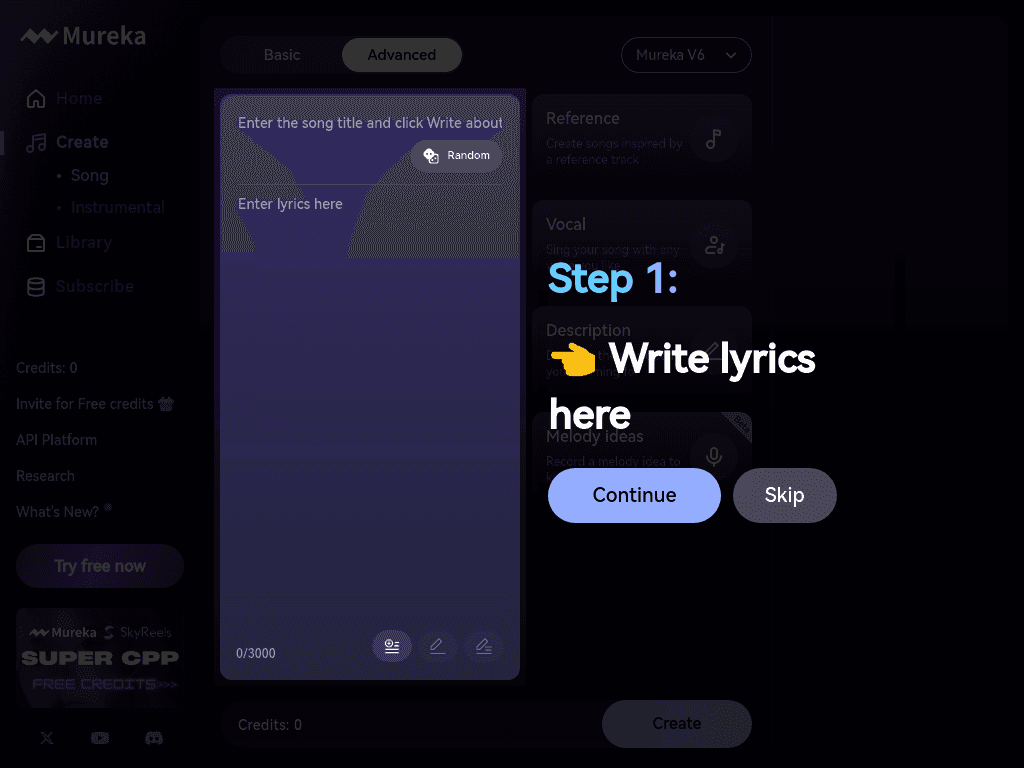
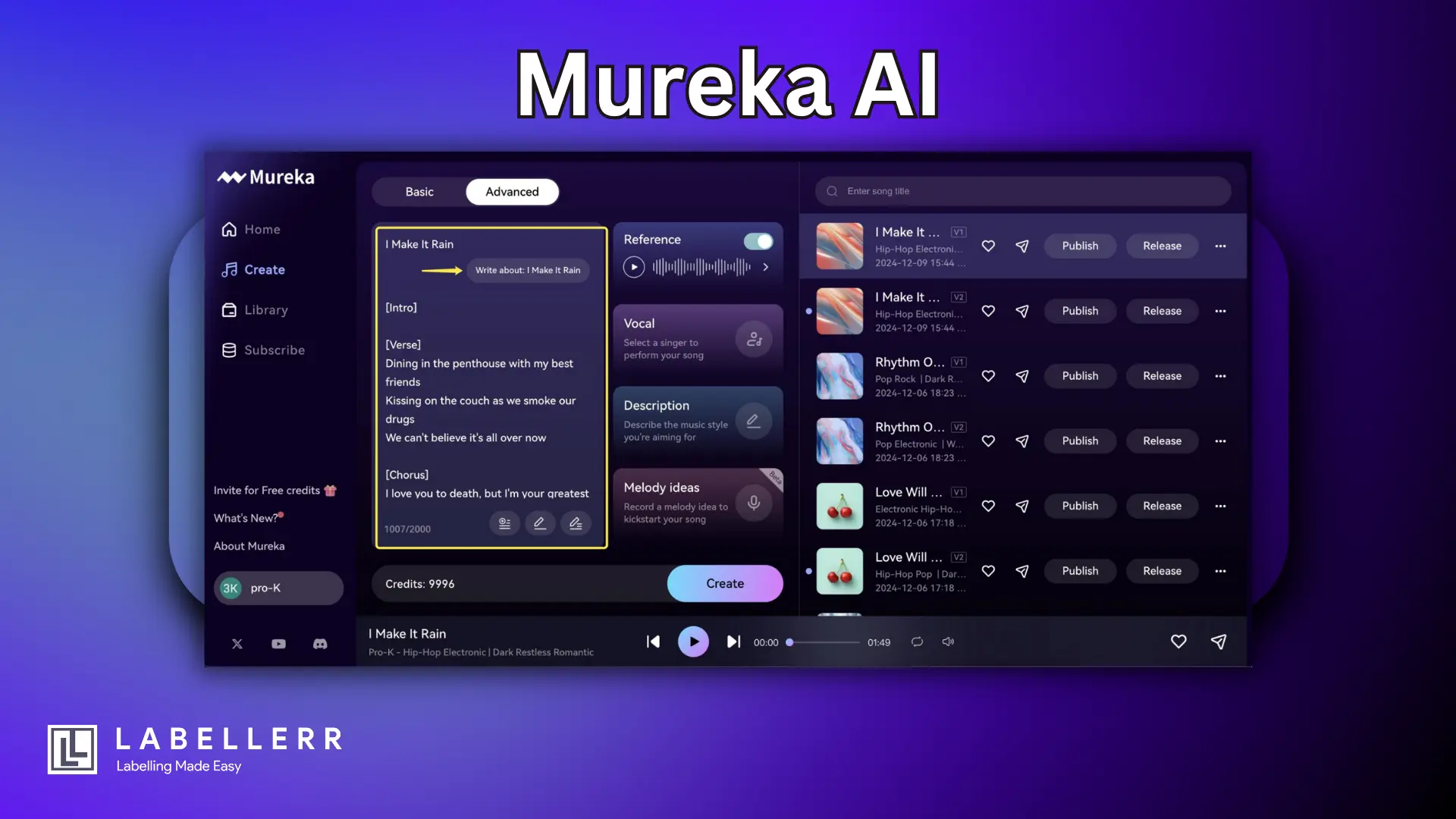
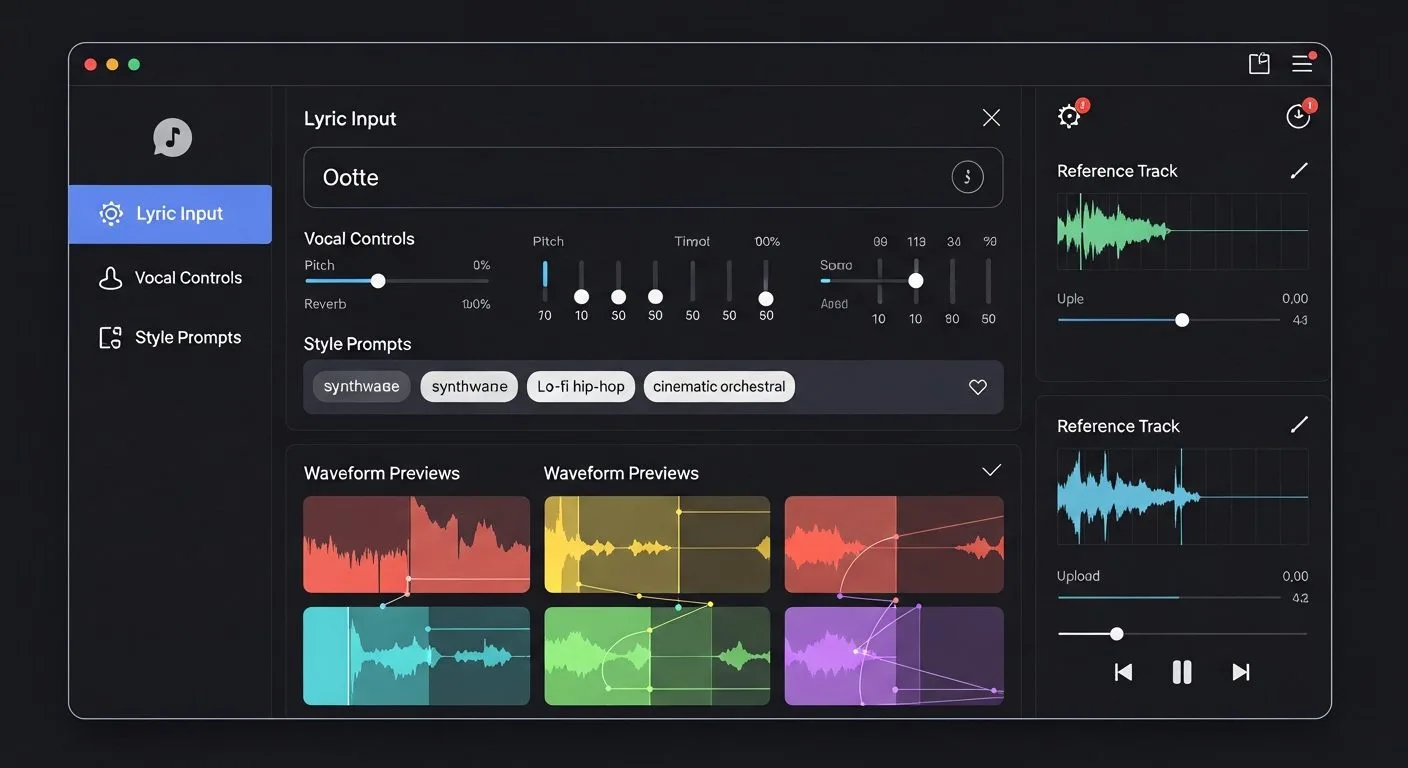
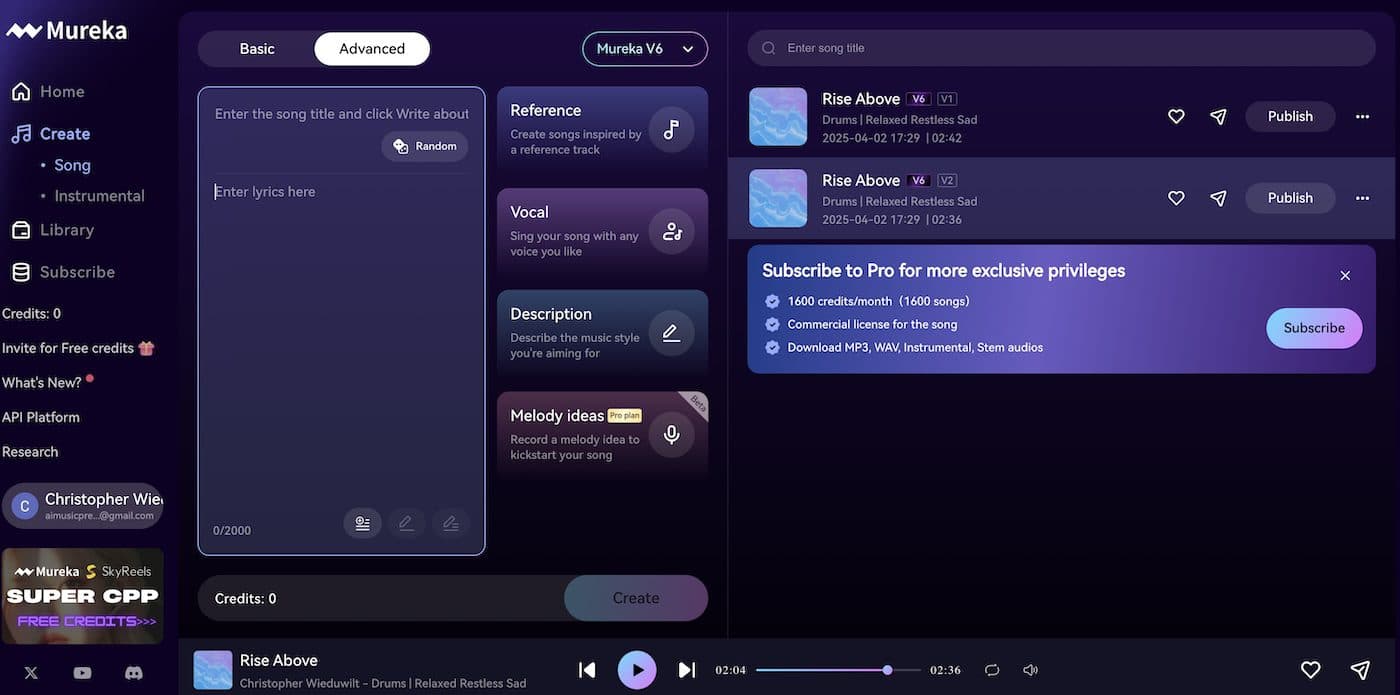
Mureka is an AI music generation platform for creating songs, instrumentals, lyrics, and background tracks from prompts, lyrics, or melodies. Users can select genre, mood, tempo, key, and instrumentation, then download tracks and individual stems. It also supports MIDI export, voice cloning, and integration with DAW software such as Ableton.
›What are the pros and cons of Mureka?
Strengths
Offers controls for genre, mood, tempo, key, instrumentation, and track length
Supports lyrics-first composition, melody-based creation, stem separation, and MIDI export
Generates tracks in seconds according to the vendor site
Works with DAW software including Ableton
Supports tracks of up to five minutes and 10 languages
Trade-offs
A review reports that the system may stop following prompts after the third song
Tracks are limited to up to five minutes according to a user review
The site's commercial and royalty-free rights claims warrant verification because a review reports an active lawsuit challenging that promise
›What are Mureka’s key features?
Generate songs, instrumentals, soundscapes, and background music from text prompts
Write or paste lyrics and compose music around them
Customize genre, mood, tempo, key, instrumentation, track length, and arrangements
Separate generated tracks into individual stems
Export MIDI from generated music for further editing
Create arrangements from a hummed melody
Download tracks for use in videos, podcasts, social content, and streaming projects
›What are the best use cases for Mureka?
Creating background music and soundscapes for videos and podcasts
Producing song and lyric demos from written lyrics
Generating theme songs, intro tracks, and social media audio
Building music ideas around a hummed melody
Exporting stems or MIDI into a DAW for additional production
›What is the pricing for Mureka?
Contact Sales
›Who is Mureka best for?
musiciansUseful for turning lyrics, melodies, or production ideas into song drafts and arrangements.
producersThe stem separation, MIDI export, and Ableton compatibility support continued editing in a production workflow.
content creatorsA practical option for generating background music, soundscapes, theme songs, and intro tracks.
Not for
- Buyers seeking a data analysis or market insights platform should skip Mureka because it is a music creation tool.
- Users who need consistently prompt-faithful generation across many consecutive songs may find its reported prompt-following issue limiting.
- Projects requiring unambiguous commercial licensing should verify the applicable rights before publishing generated tracks.